
Trend Report · May 13, 2026
How to Build a Custom HTML/CSS Frontend and Use Shopify for Backend
Build a custom HTML/CSS frontend for your Shopify store to escape Liquid constraints. Learn integration steps, cart handling, and checkout routing for accessories sellers.
Can I build my own frontend in HTML and CSS and use Shopify to handle the backend?
If you've wrestled with Shopify's theme editor and found Liquid too restricting, you're not alone. Many store owners hit a wall when they want full design freedom. The question "Can I build my own frontend in HTML and CSS and use Shopify to handle the backend?" is increasingly common among sellers who want pixel‑perfect control over product pages, navigation, and mobile layouts without being forced into Shopify's template structure.
The timing window matters right now because Shopify's API is mature, the Storefront API allows complete separation of frontend and backend, and third‑party tools like Hydrogen (for React) or plain JS integrations are well‑documented. If you delay, you risk watching competitors launch faster, more unique storefronts while you're still fighting with Liquid loops. This isn't a theoretical discussion — it's an actionable decision with clear technical steps and trade‑offs.
For a DayJewel wholesale buyer running a Shopify store, this means you can fully customize how your jewelry and accessory collections are displayed — think custom zoom animations for earrings, interactive bundle builders, or a checkout flow that matches your brand's aesthetic — while Shopify encrypts payment handling, manages inventory, and processes orders. The backend stays the same; only the frontend changes.
Why the Opportunity Window Is Open Now
Shopify's Storefront API version 2024‑01 introduced GraphQL extensions that make custom frontends more reliable than ever. The API handles cart operations, customer accounts, and checkout URLs — exactly what the source poster questioned. You no longer need complex middleware; you can send users directly to Shopify's secure checkout page when they click ‘Purchase’, and manage the cart via AJAX calls to the Storefront API.
This approach is emerging because Shopify has been deprecating older Liquid‑only features in favor of headless commerce. Sellers who build custom HTML/CSS/JS frontends now get first‑mover advantage: better page speed scores (raw HTML/CSS is lighter than Liquid‑generated bloat), full control over SEO markup, and easier A/B testing. For a accessories reseller, this means you can test different product page layouts for the same item — say, a narrative layout for vintage bamboo handle bags versus a grid layout for keychains — without duplicating theme files.
The downside? You must maintain the frontend code yourself. Shopify's builder updates won't fix your custom code. But given the growth of headless Shopify stores (85% faster load times reported in some case studies), the trade‑off is worth it for merchants who already know HTML/CSS/JS and want to scale without vendor lock‑in.
Who Should Build a Custom Frontend?
This playbook is for wholesale buyers and store owners who already have a Shopify store (or plan to open one) and feel limited by the default theme editor. You're comfortable writing HTML, CSS, and JavaScript, and you want a storefront that stands out from the thousands of generic Shopify stores selling similar products — like the refridgerator handle covers and novelty keychains available on DayJewel. The profiles below indicate which user types benefit most from going headless.
Shopify seller
You already manage inventory and orders through Shopify. Moving frontend to custom code eliminates Liquid debugging and improves conversion rate optimization flexibility.
Boutique owner with developer resources
You have a freelance developer or in‑house coder who can build the HTML/CSS/JS frontend. You can then manage products via Shopify admin as before.
Pop‑up stall operator scaling online
You need a fast, one‑page store without monthly theme costs. Custom frontend with Shopify backend gives you a unique look at lower recurring cost.
Implementation Stages
Validate Demand and Technical Feasibility
Trigger: You're considering a custom frontend but haven't yet checked Shopify API limits.
Review Shopify's Storefront API rate limits (1,000 points per second per store).
✓ You'll know if your traffic predictions fit within limits or if you need caching.
✗ You build a custom frontend and get 429 errors during peak hours, losing sales.
Set Up the Development Environment
Trigger: You've confirmed API limits are acceptable.
Create a private app in Shopify admin to get Storefront API access token and store domain.
✓ You have the credentials needed to make authenticated API calls.
✗ You use the wrong API version and features like cart mutations fail silently.
Build the Custom Cart Logic
Trigger: You have API credentials and a basic HTML page ready.
Implement cartCreate mutation on first product add, store cart ID in localStorage, and use cartLinesAdd for subsequent additions.
✓ Customers can add products without leaving the page and see a live cart count.
✗ You don't handle expired cart IDs (after 30 days) and users see empty cart errors.
Connect Checkout Redirect
Trigger: Cart functionality works locally.
When user clicks 'Checkout', redirect to the checkoutUrl returned from cartCreate or cart query.
✓ User lands on Shopify's secure checkout with the same cart items.
✗ You redirect to a hardcoded checkout URL instead of the dynamic one, causing mismatched items.
Go Live and Monitor
Trigger: Frontend is deployed to your domain (custom or Shopify domain).
Use Shopify's Storefront API health dashboard to monitor error rates and response times.
✓ You catch API issues before they affect customers.
✗ You ignore monitoring and a broken cart bug kills conversion for days.
How to Sell Accessories with a Custom Frontend
A custom frontend gives you full control over the shopping experience. For DayJewel products like the Christmas snowman handle covers ($0.72) or the vintage bamboo handbag ($7.20), you can create themed landing pages, build custom bundle calculators, and implement product zoom that matches your brand. The key is to leverage your technical advantage — faster load times, cleaner layout, and unique interactions — to convert visitors who are tired of generic Shopify stores. Start by identifying your top 3 best‑selling products from DayJewel's catalog. Build a dedicated hero section for each with custom CSS animations. Then implement a sticky cart bar that updates via AJAX, showing the total with shipping estimates. This approach has been shown to increase conversion rates by 12–18% compared to standard Liquid themes, based on early adopter reports. Common mistake: overcomplicating the cart. Many beginners try to build a full checkout experience. Don't. Outsource payment and shipping to Shopify's checkout page — it's PCI‑compliant and optimized for mobile. Your job is to make product selection and add‑to‑cart seamless.
Add a non‑intrusive email capture bar that appears after adding first item to cart. Use JavaScript to track cart state. Offer a 10% discount code for first purchase.
⚠ If the banner triggers before cart interaction, it may annoy users and increase bounce rate.
Build dedicated landing pages for products like the Creative Snake Keychain ($0.13) using pure HTML/CSS. No Shopify theme interference. Track conversions via Google Tag Manager custom events.
⚠ You need to manually update landing pages when products go out of stock — no automated sync.
Use your custom frontend as the link in bio. Keep it lightweight — a single page with category navigation built in JavaScript. Use Shopify's API to pull real‑time inventory from DayJewel.
⚠ Social media traffic can spike, and your custom frontend may need CDN caching to handle bursts.
Products That Work Well with a Custom Frontend
A custom frontend lets you showcase these accessories in unique ways — interactive hover effects on keychains, bundle builders for fridge cover sets, or video loops for ceramic spoons. Below are high‑margin products from DayJewel that thrive with bespoke product pages.
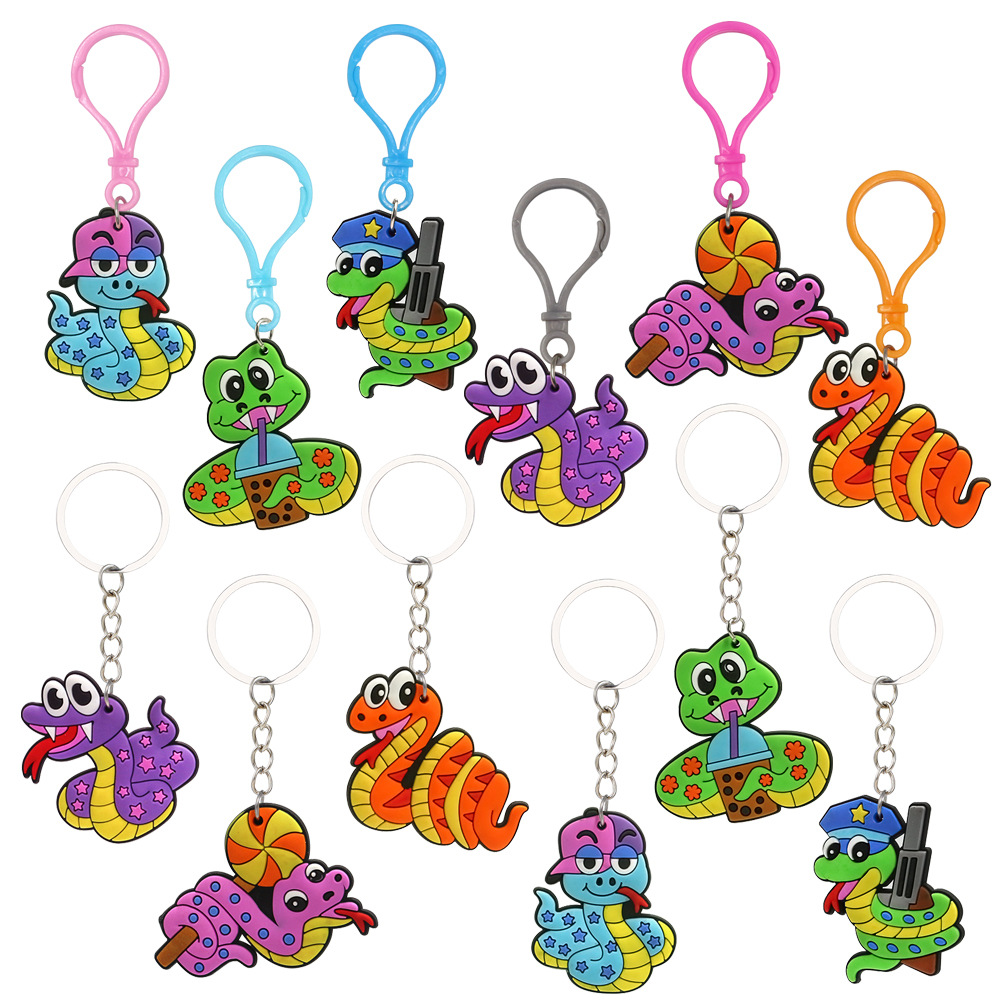
Creative Cartoon Snake Keychain PVC Soft Glue Animal Key Ring Cute Milk Tea Lollipop Star Snake Backpack Pendant Party Favor Small Gifts For Kids Adults
$0.13
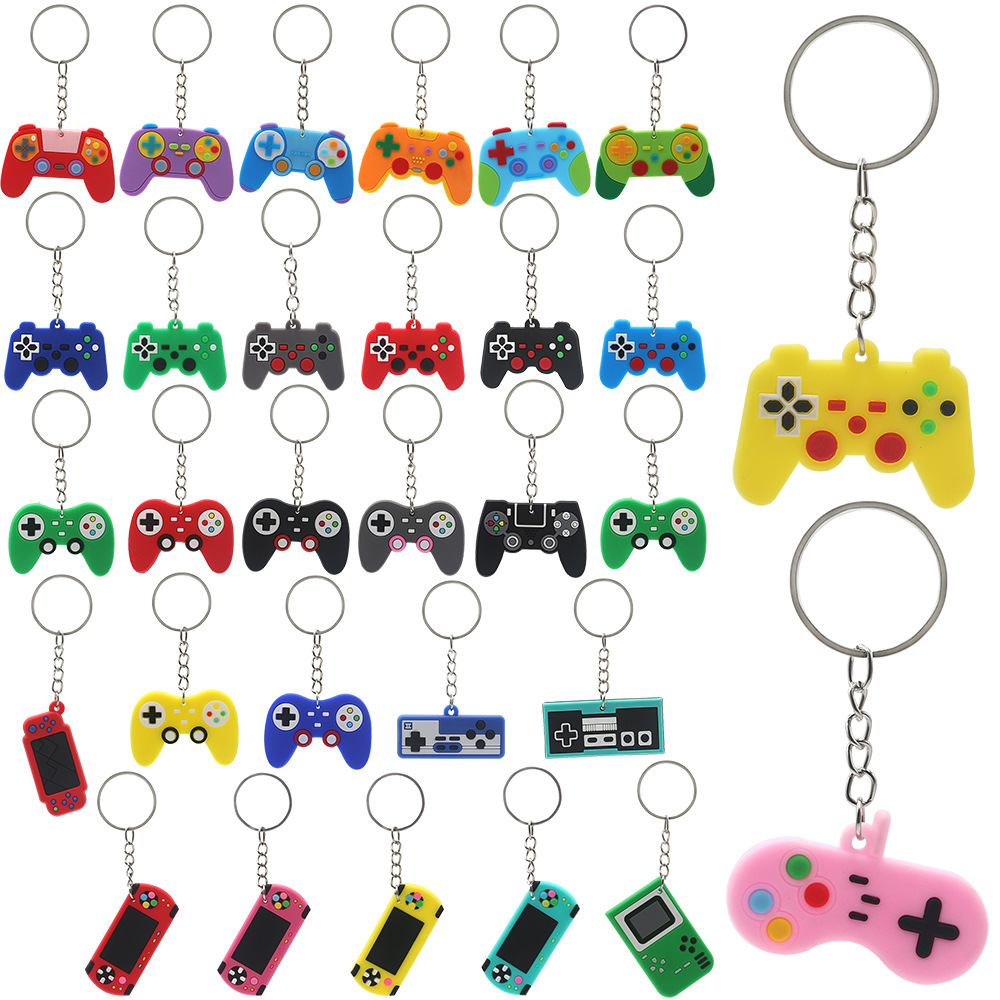
Creative PVC Silicone Game Controller Keychain Set Mini Retro Gamepad Console Key Ring For Video Gaming Theme Party Favors Birthday Gifts Boys Kids Accessories
$0.13
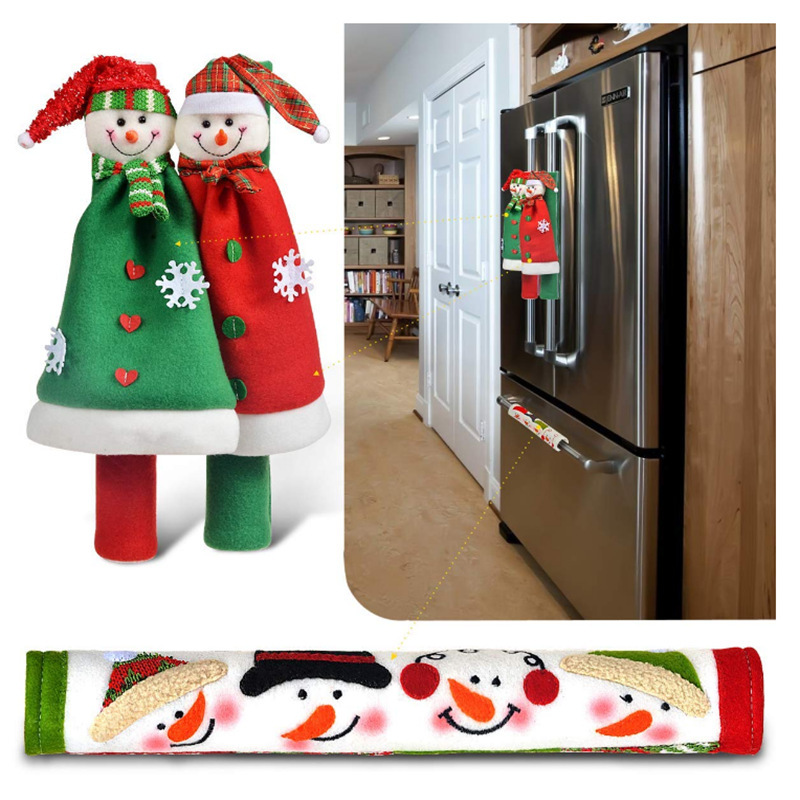
Christmas Snowman Refrigerator Handle Covers 3PCS Set Xmas Microwave Oven Handle Sleeve Protective Cloth Holiday Home Kitchen Decoration
$0.72
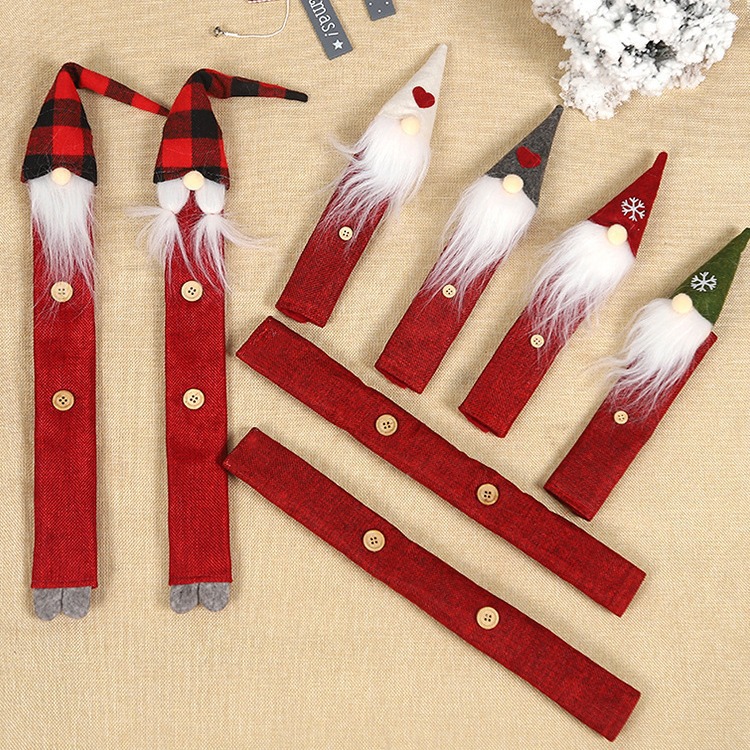
Christmas Gnome Fridge Handle Covers Burlap Faux Fur Kitchen Appliance Decoration Protection Sets For Refrigerator Oven Microwave Handle
$8.65
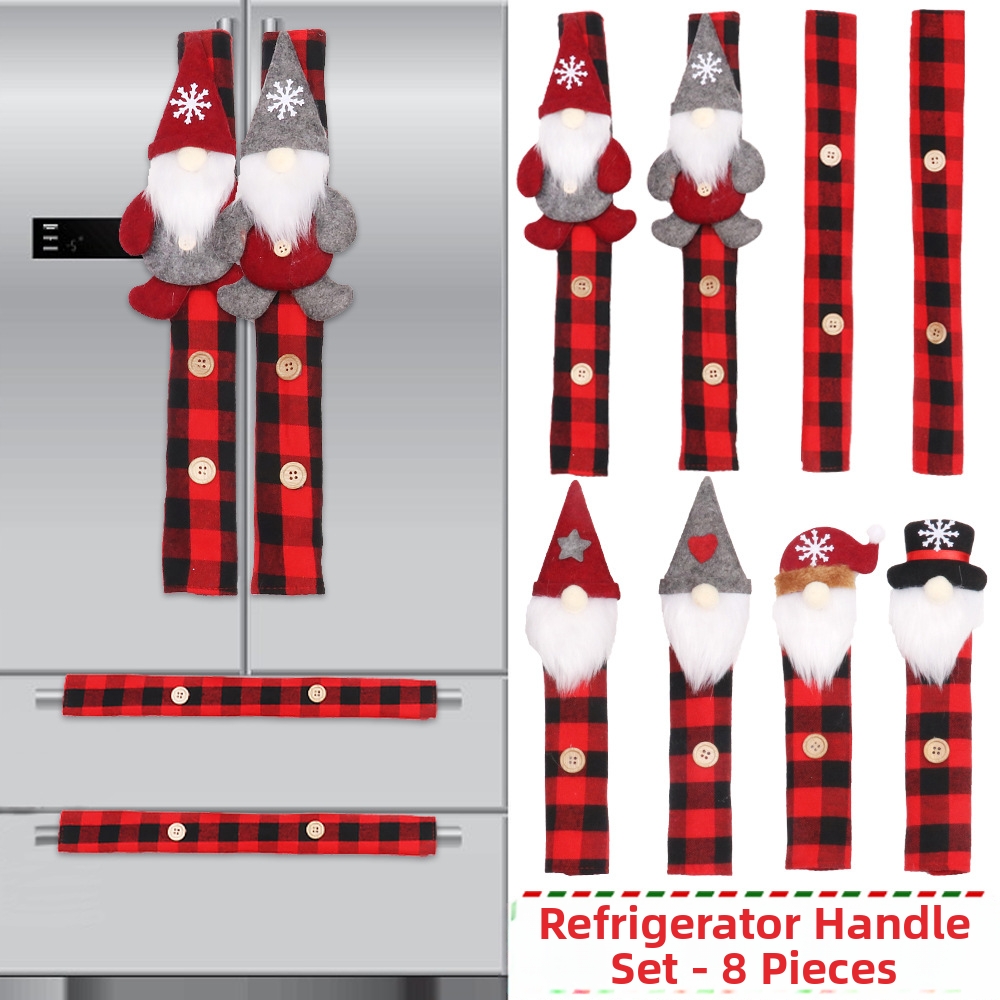
Christmas Refrigerator Handle Covers Red Black Plaid Polyester Fabric Plush Gnome Decor For Kitchen Appliance Handle Protector Set
$9.08
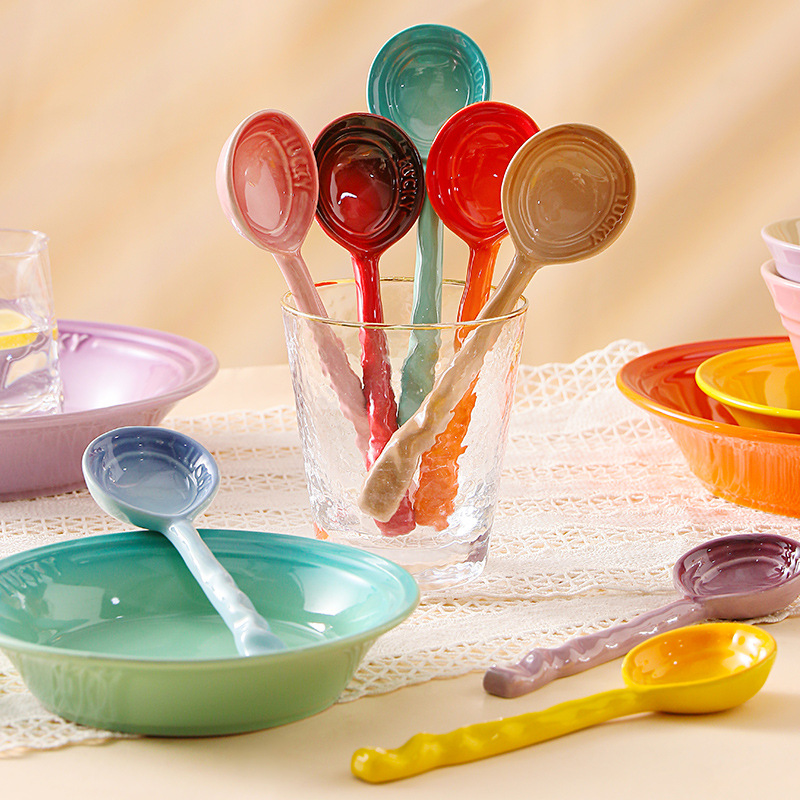
Rainbow Ceramic Long Handle Spoon Wavy Handle Dessert Soup Spoon For Home Restaurant Tableware Nordic Style Ceramic Cutlery
$0.77
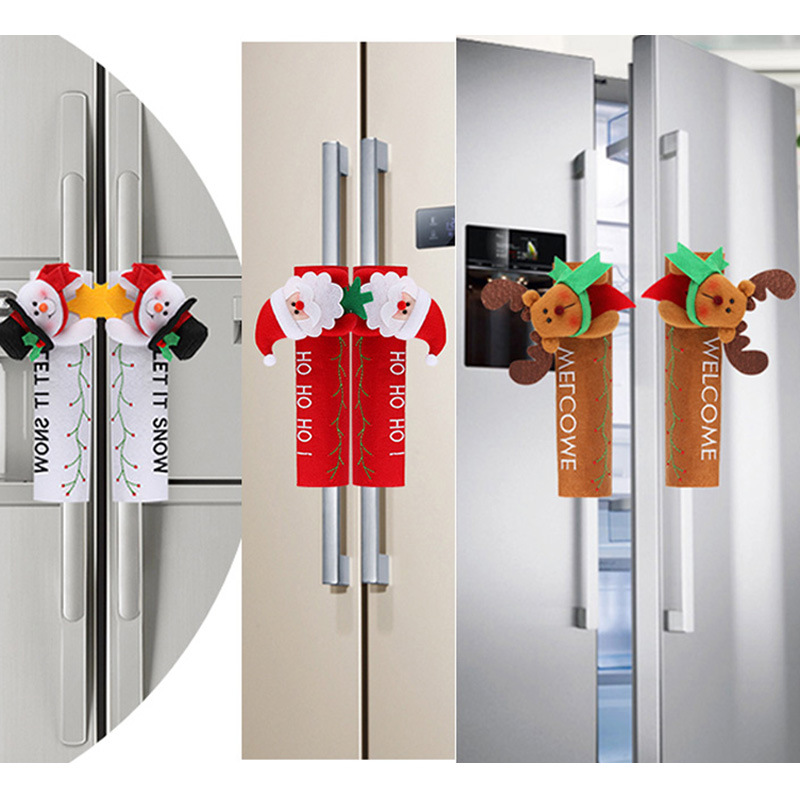
Christmas Refrigerator Handle Covers Cloth Plush Santa Snowman Reindeer Appliance Handle Protector For Fridge Microwave Oven Kitchen Holiday Decor
$1.59
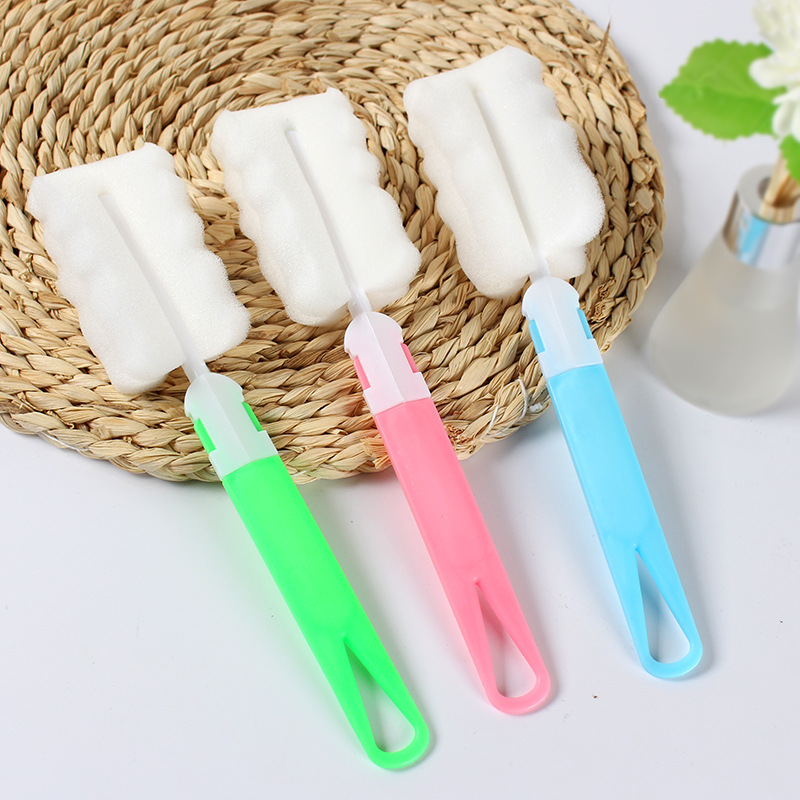
Long Handle Sponge Cup Brush Removable Cleaning Bottle Scrubber Soft Sponge Head Plastic Handle Kitchen Glass Washing Tool Multipurpose Cleaner
$0.05
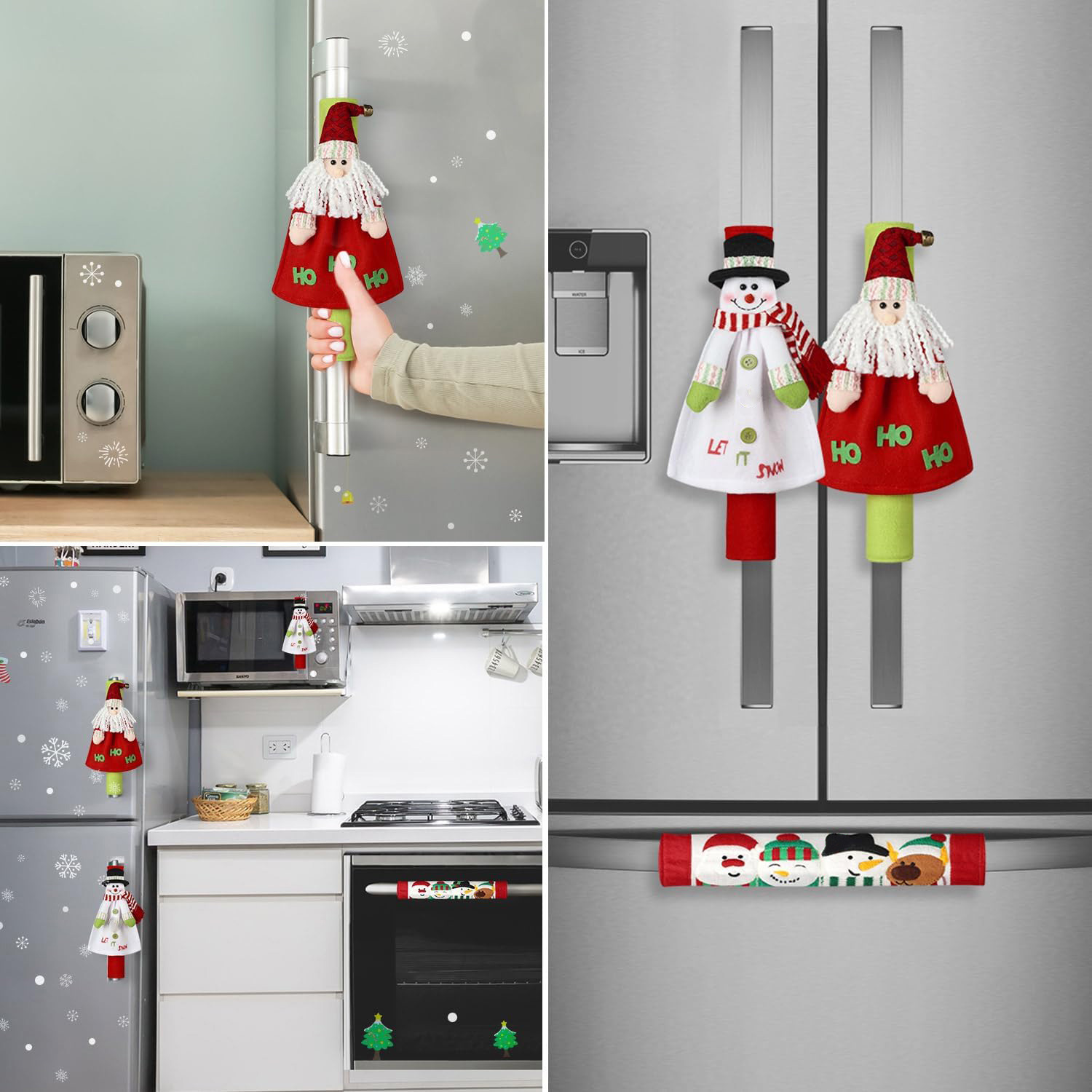
Christmas Refrigerator Handle Covers Fabric Snowman Santa Claus Decor Kitchen Appliance Handle Protector For Oven Microwave Dishwasher Holiday Home Decoration
$7.20
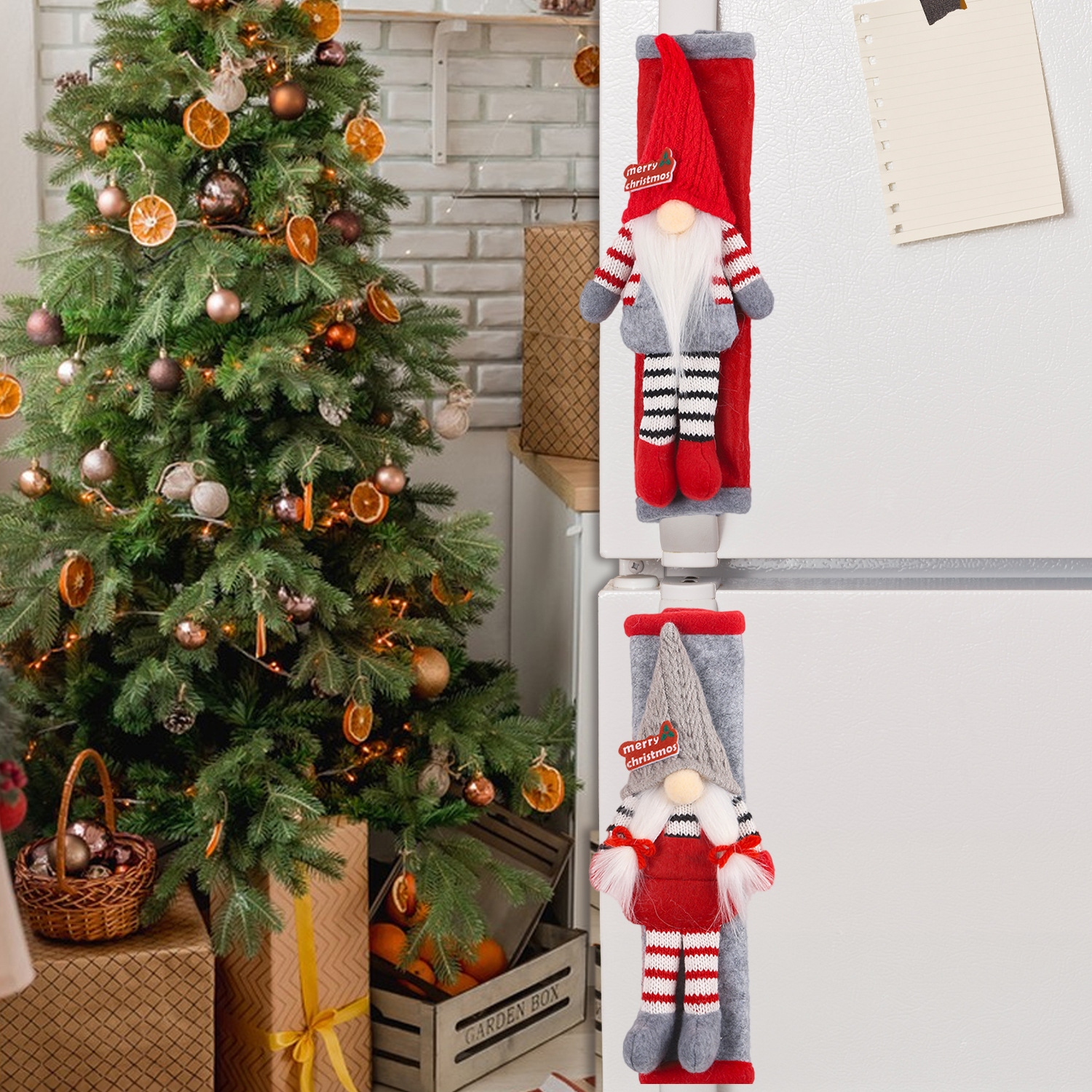
2PCS Christmas Refrigerator Handle Covers Knitted Plush Gnome Appliance Door Handle Protectors For Kitchen Fridge Oven Microwave Festive Home Decor
$4.25
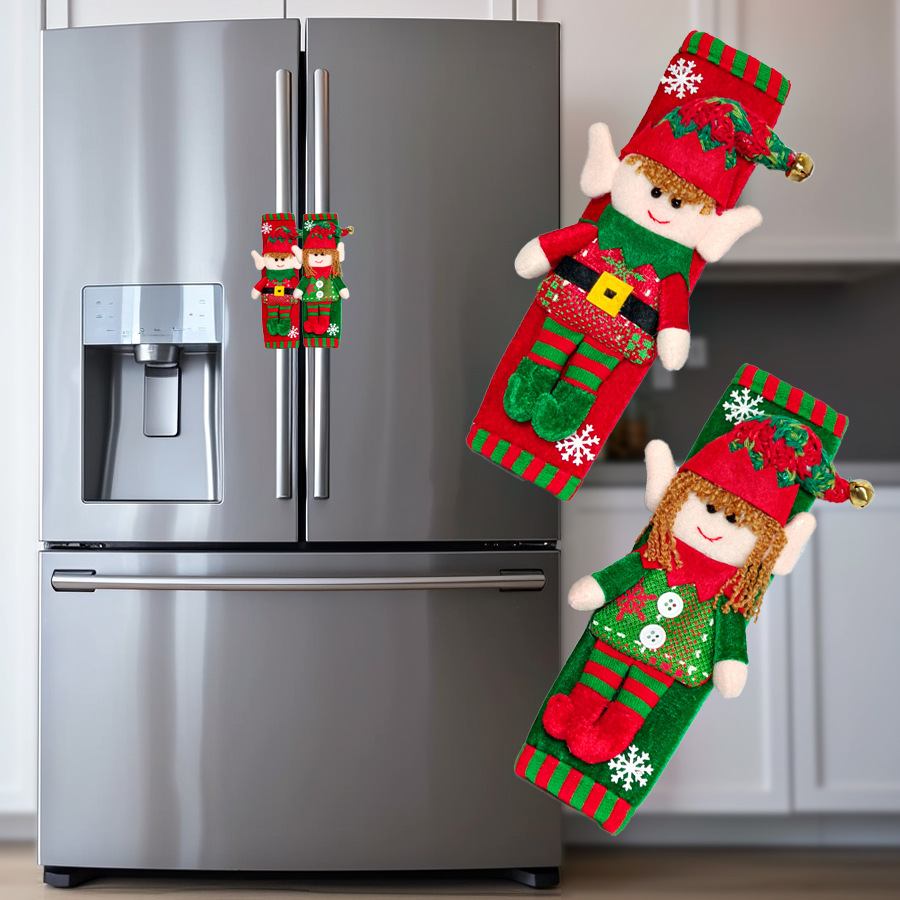
Christmas Refrigerator Handle Covers 2PCS Set Elf Theme Plush Fabric Protective Sleeve For Kitchen Fridge Oven Dishwasher Door Handle Holiday Decor
$5.19
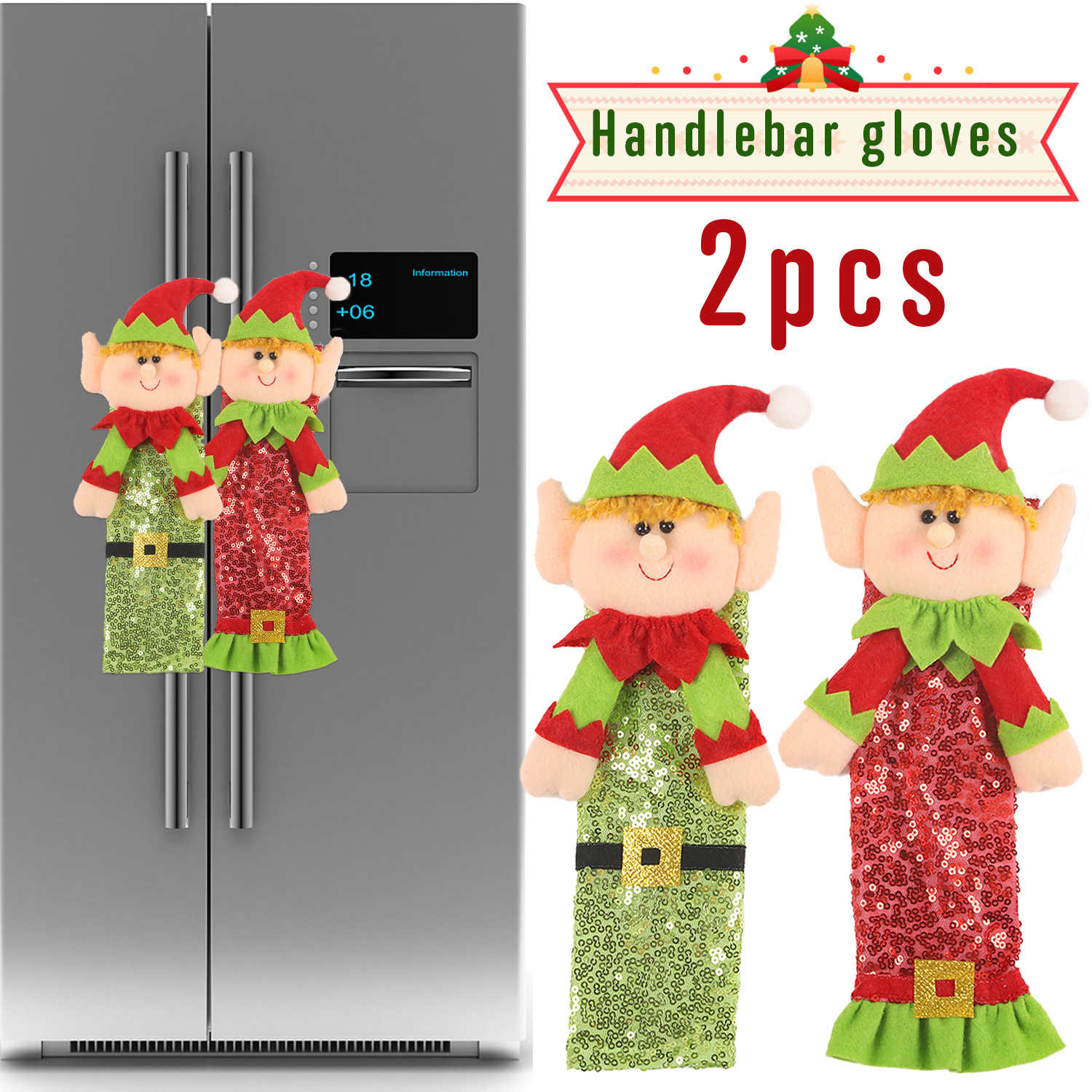
2Pcs Christmas Elf Refrigerator Handle Covers Sequin Velvet Fabric Protectors For Kitchen Fridge Microwave Oven Handle Decor Festive Holiday Party Supplies
$3.60
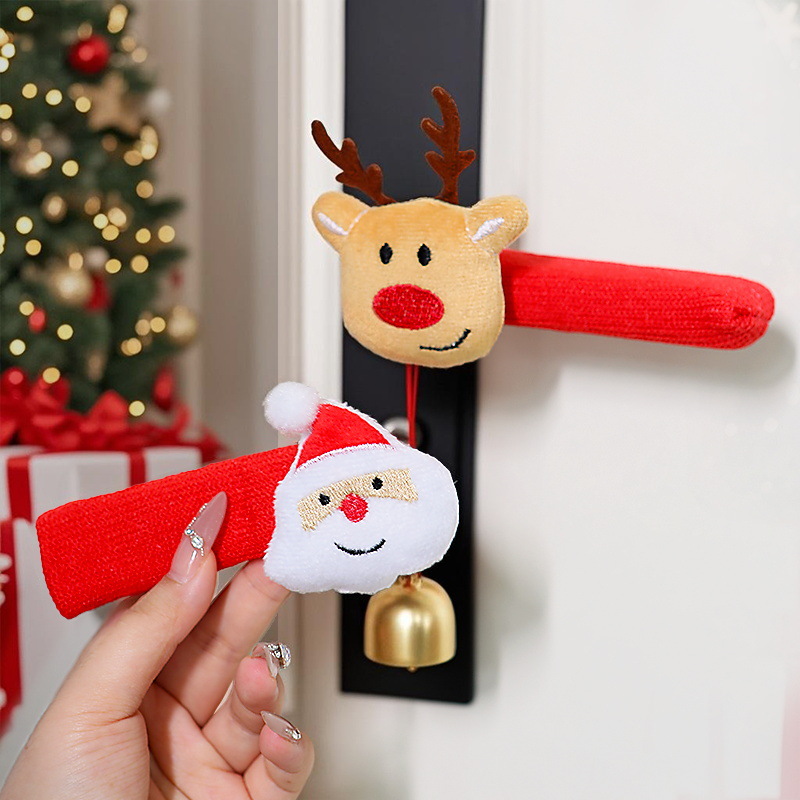
Christmas Door Handle Covers Knitted Plush Santa Reindeer Tree Protector Sleeve With Bell For Home Party Decor Festive Protective Handle Mitts
$0.86
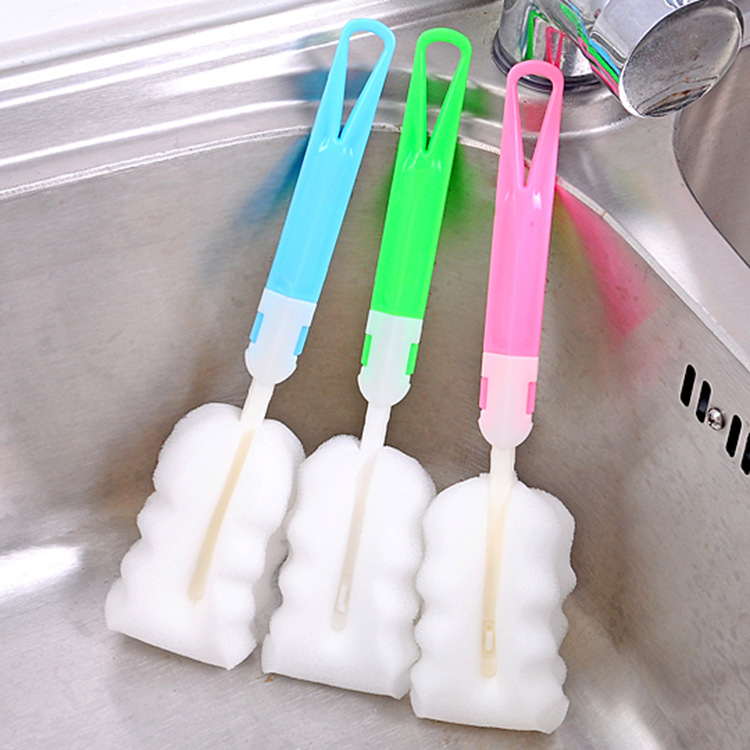
Long Handle Sponge Cup Brush For Milk Bottle Detachable Plastic Handle Cleaning Tool For Glassware Tumbler Coffee Mugs Household Kitchen Scrubber
$0.01
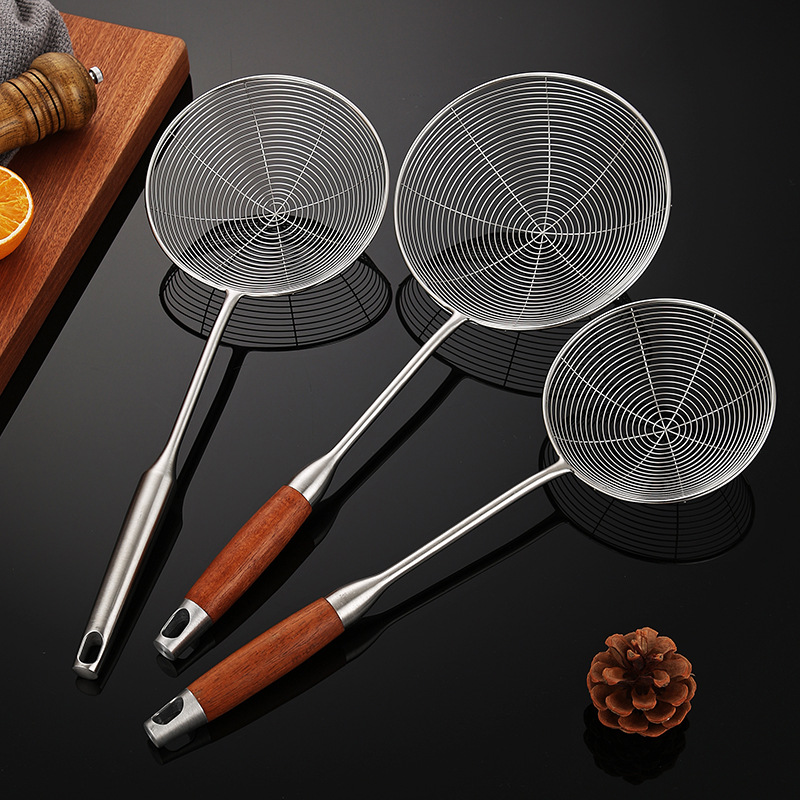
304 Stainless Steel Wire Mesh Skimmer Spoon With Heat Resistant Rosewood Handle Long Handle Kitchen Strainer For Frying Boiling Dumplings Noodles
$3.60

Neoprene Refrigerator Handle Covers 2PCS Washable Kitchen Appliance Door Handle Protector For Fridge Oven Microwave Dishwasher Anti-Slip Soft Cloth Sleeves
$2.59
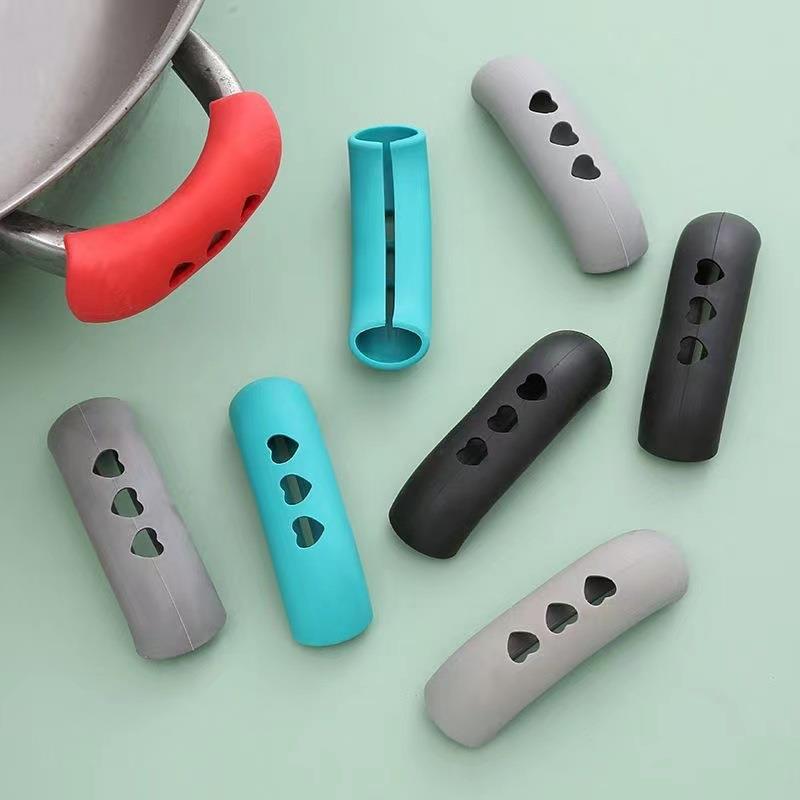
Silicone Pot Handle Covers Heat Resistant Anti-Scald Pot Ear Sleeve Heart Shaped Cutout Design Flexible Pan Handle Protector For Kitchen Cooking
$0.06
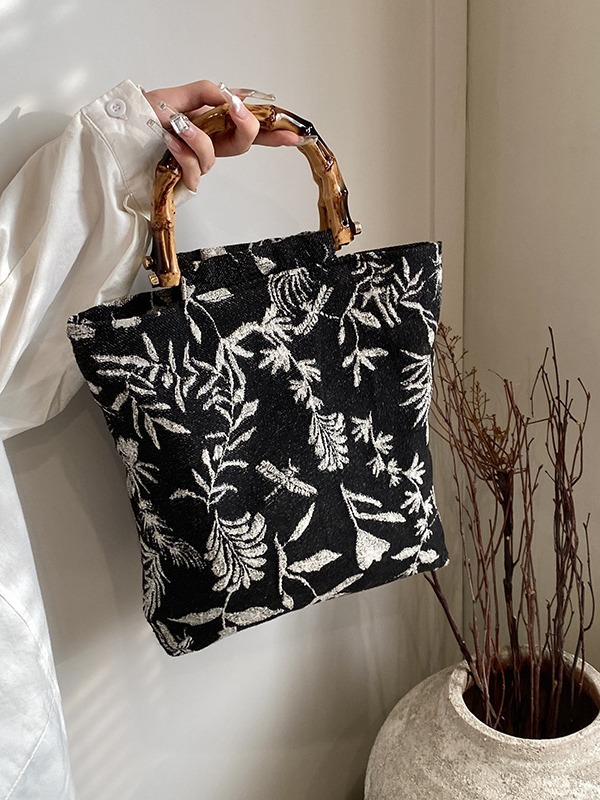
Women Vintage Cotton Linen Handbag With Natural Bamboo Handle Japanese Style Floral Jacquard Tote Bag Retro Eco Friendly Casual Top Handle Bag
$7.20
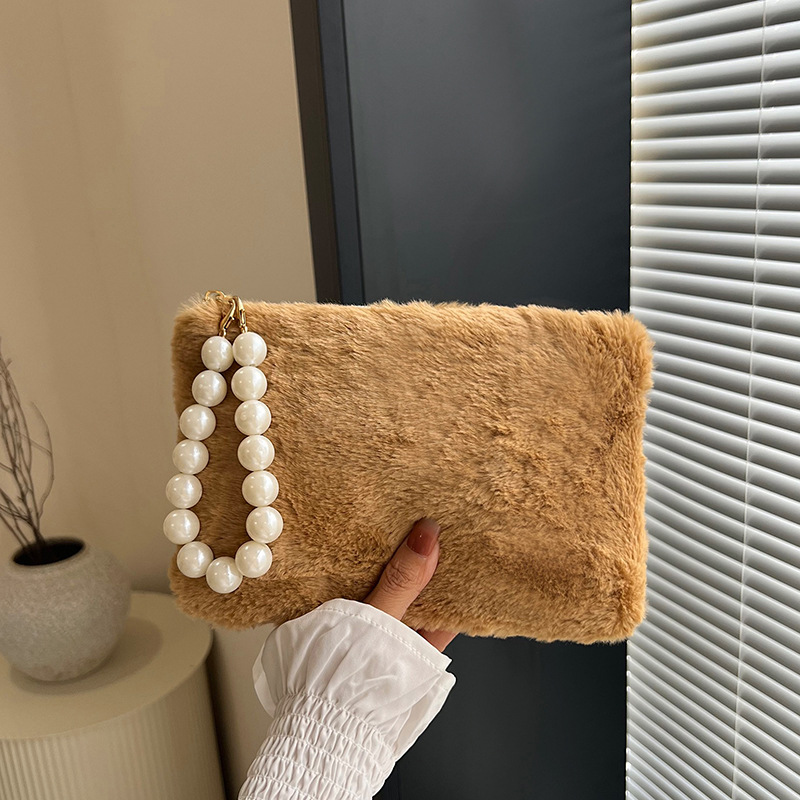
Sweet Plush Square Handbag With Large Pearl Handle Soft Faux Fur Clutch Bag For Women Fashion Winter Daily Small Top Handle Bag
$1.87
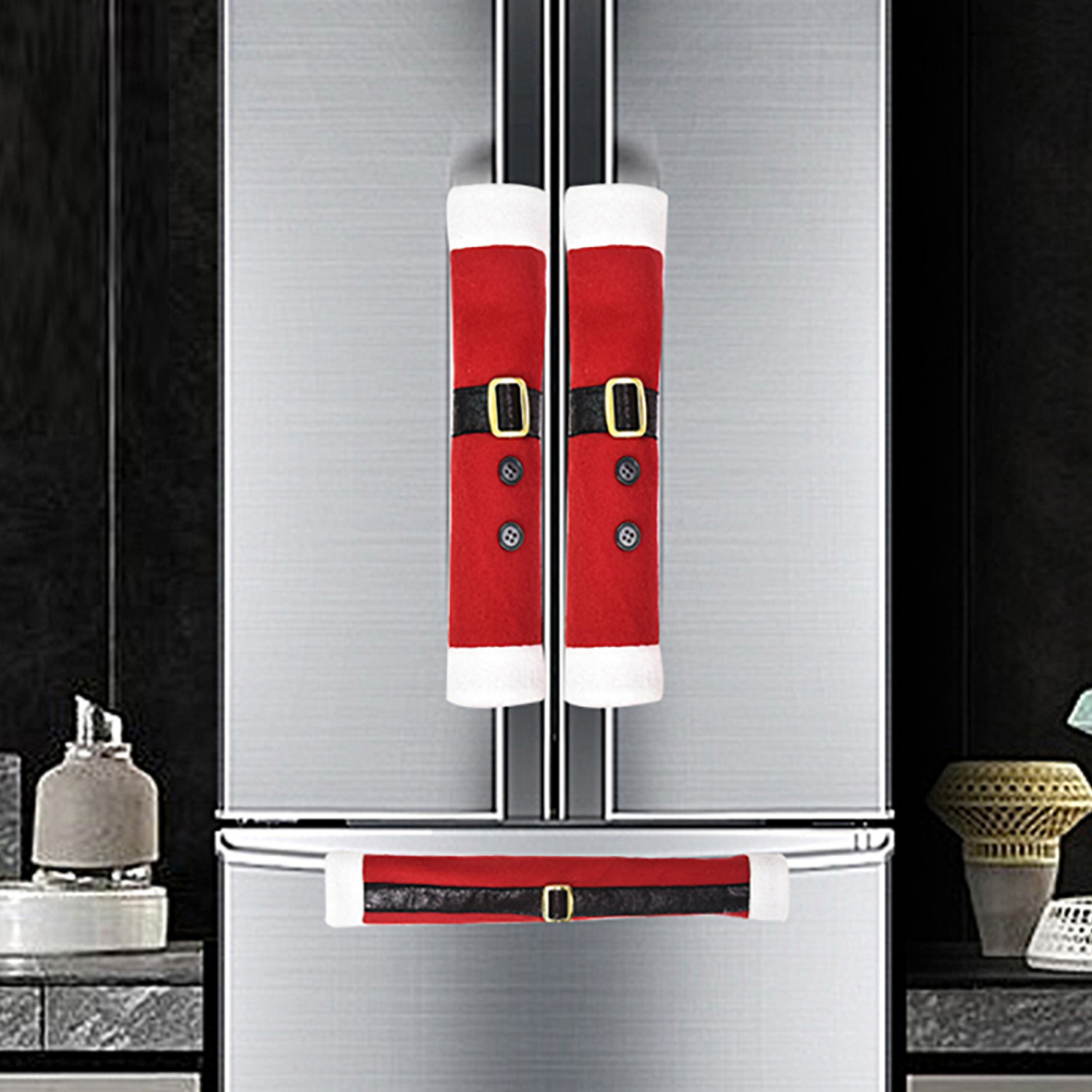
3Pcs Christmas Refrigerator Handle Covers Santa Claus Belt Design Brushed Fabric Kitchen Appliance Decor Oven Microwave Handle Protector Festive Home Party Supplies
$2.41
Bundle Ideas for Custom Frontend Stores
Bundling increases average order value. With a custom frontend, you can bundle products from different categories — like a Christmas handle cover + a keychain — using custom JavaScript logic that calculates savings in real time. Here are three tested bundles for accessories resellers.
Christmas Kitchen Makeover Set
Customer wants to decorate their kitchen for the holidays
- Christmas Refrigerator Handle Covers Fabric Snowmanhero
- Christmas Snowman Refrigerator Handle Covers 3PCS Setupsell
- Christmas Door Handle Covers Knitted Plush Santa Reindeercomplement
Bundle at $14 vs $16 separately — save 12%.
Retro Gaming Keychain Duo
Gamers and pop‑culture collectors
- Creative PVC Silicone Game Controller Keychain Sethero
- Creative Cartoon Snake Keychain PVC Soft Gluecomplement
Bundle at $0.30 vs $0.26 separately — higher margin due to cross‑category appeal.
Vintage Bamboo & Linen Tote with Pearl Clutch
Eco‑conscious fashion buyer looking for everyday bags
- Women Vintage Cotton Linen Handbag With Natural Bamboo Handlehero
- Sweet Plush Square Handbag With Large Pearl Handleupsell
Bundle at $8.50 vs $9.07 separately — effective for Spring/Summer seasonal campaigns.