
Trend Report · May 20, 2026
How to Handle Colorway vs Color in Your Product CSV: An Operational Playbook
Learn how to structure CSV data for products with colorways and patterns so customers can filter by generic color and specific design. Actionable steps for Shopify and Etsy sellers.
Why the CSV file question on Colorway vs Color (and Pattern) Matters Right Now
The question of how to structure a CSV file when you deal with distinct colorways (like 'Deep Sea Blue') versus generic colors ('Blue') and patterns ('Stripes') is not just a technical detail — it’s a sales bottleneck. As wholesale buyers, you’re likely sourcing products that come in multiple variations: a single design with several colorways, each belonging to a broader color family and a specific pattern.
Right now, search behavior is shifting. Shoppers don’t just look for 'blue necklace'; they search for 'Deep Sea Blue necklace' or 'striped blue accessories'. If your CSV doesn’t map the relationship between colorway, color, and pattern correctly, your products will fail to appear under the right filters, costing you conversions. The timing is urgent because e-commerce platforms are tightening their attribute requirements, and early adopters of clean taxonomy gain a discoverability edge.
The Window of Opportunity for Proper Colorway-Pattern Taxonomy
The opportunity is narrow: most sellers still treat 'colorway' and 'color' interchangeably, lumping all data into a single column. That means a product like 'Seaside Stripes - Deep Sea Blue' might be filed under 'Blue' but never appear under 'Stripes', or vice versa. Buyers who filter by both will miss it entirely.
This operational gap is your edge. By correctly separating color (Blue), colorway (Deep Sea Blue), and pattern (Stripes) in your CSV, you ensure that the product appears in all three filter results — without duplication or clutter. As platforms like Shopify and Etsy evolve their filter logic, sellers with clean data will rank higher in category pages and internal search. The window is open now because most competitors haven’t refined their CSV structure yet, and early implementation can lock in organic visibility for months.
Who Needs This Playbook
This playbook is built for anyone who sources accessories with colorway-and-pattern variations and needs to list them accurately on e-commerce platforms. If you’re managing a product feed by hand or dealing with CSV imports from suppliers like DayJewel, these steps will prevent filter failures and lost sales.
Shopify seller
Uses Shopify’s import/export CSV to manage variants; needs to map colorway and pattern as separate metafields or options to enable layered filtering on storefront.
Etsy shop owner
Etsy’s attribute system allows only one 'color' field per listing — you must embed colorway and pattern into titles/tags or use variations, risking partial discoverability. This playbook shows how to structure data to work within those limits.
Pop-up stall operator
Even if you sell offline, proper CSV data is essential for online listing on marketplaces. You’ll learn to standardize product names so customers can quickly find the exact colorway they saw at your stall.
Implementation Stages
Identify All Variations
Trigger: You have a product design (e.g., 'Seaside Stripes') that comes in multiple colorways and a fixed pattern.
List every distinct combination of colorway (e.g., Deep Sea Blue, Marshy Green) and pattern (e.g., Stripes). For accessories from DayJewel, start with one product category like press-on nails (products #255314, #255669).
✓ A complete variation matrix: every pair of colorway and pattern that exists in your inventory.
✗ Missing a common combination (e.g., ignoring that 'Deep Sea Blue' also exists in a 'Floral' pattern for a different product). This leads to incomplete data and missed filter results.
Define CSV Attributes
Trigger: After identifying all combinations, you need to decide on the column structure.
Create three separate CSV columns: 'Color' (generic color name), 'Colorway' (specific shade like 'Deep Sea Blue'), and 'Pattern' (e.g., 'Stripes'). For products without a pattern, use 'Solid' or leave blank.
✓ A clean taxonomy that allows layered filtering. Example: product #563544 (striped shirt) would have Color=Blue, Colorway=Light Blue, Pattern=Stripes.
✗ Merging 'Color' and 'Colorway' into one column; then a search for 'Blue' won't return 'Light Blue' products.
Map Values to Each Variation
Trigger: CSV structure is ready; now fill in the values.
For each variation row in your CSV, assign the correct 'Color', 'Colorway', and 'Pattern'. Use a reference table: e.g., 'Deep Sea Blue' -> Color='Blue', Colorway='Deep Sea Blue', Pattern='Stripes'.
✓ Every product row has consistent, non-conflicting values. Product #409160 (Snake Set) would have Color=Blue, Colorway=Blue/Orange Turquoise, Pattern=Stripes.
✗ Assigning the same colorway to the wrong color family (e.g., mapping 'Marshy Green' to 'Blue'). This breaks search logic.
Import and Verify Filter Logic
Trigger: CSV is populated; time to test on your e-commerce platform.
Import the CSV into Shopify (or Etsy) using their standard product import. Then use the storefront filter to search by 'Blue', then by 'Stripes'. Confirm that products like 'Seaside Stripes - Deep Sea Blue' appear in both.
✓ Products appear under all relevant filters. DayJewel's USA Flag Hair Ties (#215502) should show under 'Blue' (color) and 'Stripes' (pattern).
✗ The product only appears under one filter because the platform's import didn't map the 'Pattern' field correctly. You may need to adjust metafield definitions.
Monitor and Expand Taxonomy
Trigger: After launch, customers begin searching and filtering.
Review search analytics for queries like 'deep sea blue' or 'striped blue'. If customers can't find the product, it's a taxonomy issue. Add new colorways or patterns to your CSV as you source more products from DayJewel.
✓ Improved discoverability over time. New colorways (e.g., 'Marshy Green') automatically get mapped to 'Green' and 'Stripes'.
✗ Stagnant taxonomy; new colorways or patterns are added to products but not reflected in the CSV, breaking filter logic.
How to Sell Products with Proper Colorway Data
A well-structured CSV that separates color, colorway, and pattern is your strongest sales tool. Shoppers increasingly use multi-faceted search: they want 'Blue' products that are also 'Striped'. If your data only captures one dimension, you’re invisible to a large segment of buyers. Pair this taxonomy with visual merchandising: use the 'Color' field to drive swatch filters, and the 'Pattern' field to create cross-sell collections. For example, on your Shopify store, you can display a 'Stripes Collection' that automatically pulls all products with pattern='Stripes', regardless of color. And within that collection, shoppers can further filter by colorway. The common mistake sellers make is treating the CSV as a one-time upload. In reality, you need to update it whenever you add new products or when suppliers like DayJewel release new colorways. Batch updates every month keep your taxonomy fresh.
Use Shopify's metafields to store 'Colorway' and 'Pattern' as separate fields. Then use a filter app (e.g., Product Filter & Search) to allow customers to filter by both generic color (from product options) and pattern (from metafields). Estimated margin on accessories from DayJewel (e.g., press-on nails at $0.92 wholesale) can be 300-400% retail.
⚠ Shopify's native filter app only supports 'product options', not metafields. You'll need a third-party filter app, which adds monthly cost ($10-$30).
Etsy only allows one 'Color' attribute in the listing. Embed the pattern in the title (e.g., 'Seaside Stripes - Deep Sea Blue – Striped Blue Fabric') and use tags like 'stripes', 'blue'. For variations, you can use 'Color' dropdown with both colorway and pattern (e.g., 'Deep Sea Blue Stripes').
⚠ Etsy's search algorithm may penalize keyword-stuffed titles. Keep titles readable while including pattern terms.
Amazon requires a 'Color' field and a 'Pattern' field in the flat file. Use the 'Color' field for the generic color (Blue) and the 'Pattern' field for the design (Stripes). If your product has a specific colorway, include it in the 'Item Name' (e.g., 'Deep Sea Blue Striped Fabric').
⚠ Amazon may suppress listings if the color field doesn't match the image. Ensure your product images accurately depict the colorway and pattern as listed.
Top Accessories with Colorway & Pattern Variations from DayJewel
These wholesale products from DayJewel come in multiple colorways or patterns — exactly the kind of inventory that benefits from a well-structured CSV. Each item can serve as a test case for your taxonomy.
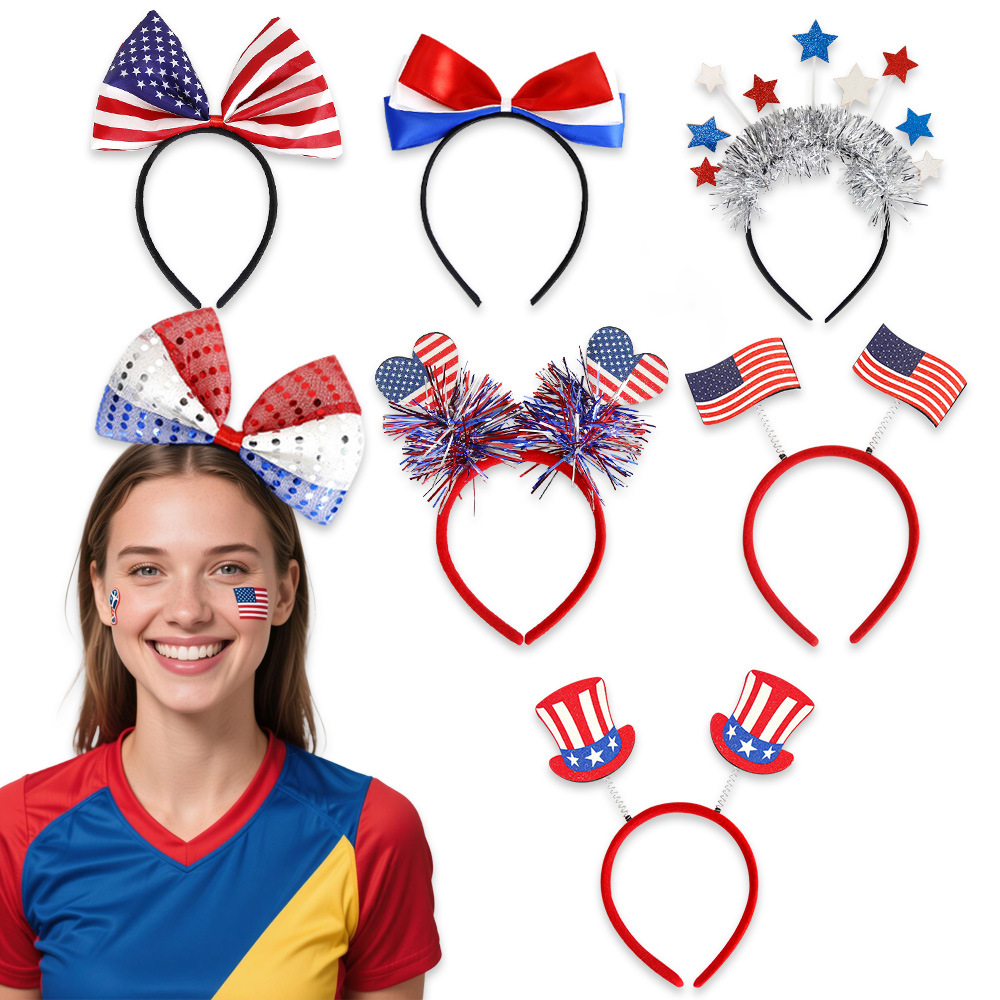
Patriotic USA Headband Fourth Of July Independence Day Party Decoration Stars And Stripes Sequins Headwear For Sporting Events Fan Costume Accessories
$0.42
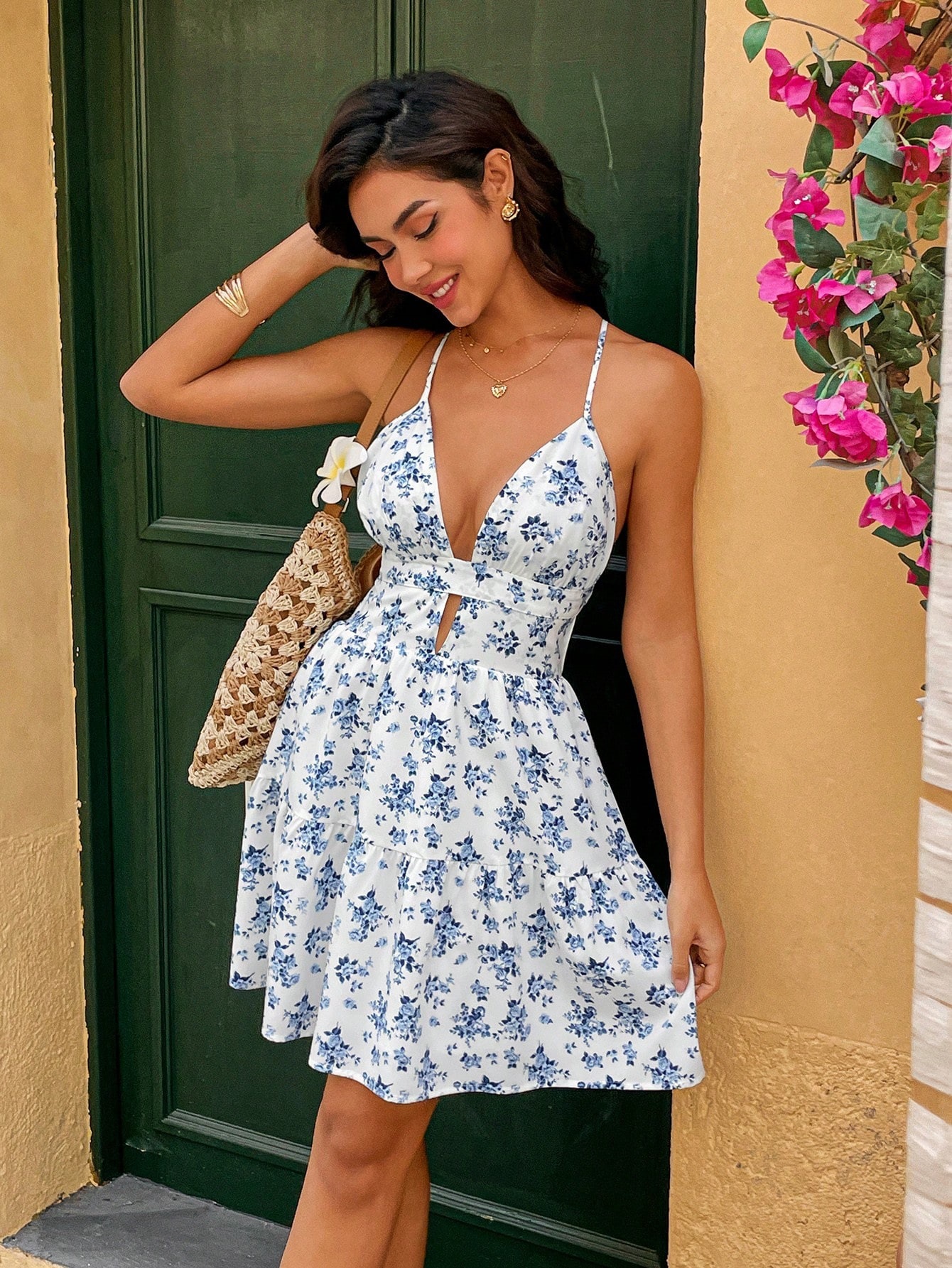
Women's French Style Floral Mini Dress Sexy Halter Deep V Neck Backless Summer Sundress For Beach Vacation Party White Blue Polyester Spandex Blend Print Dress
$11.18
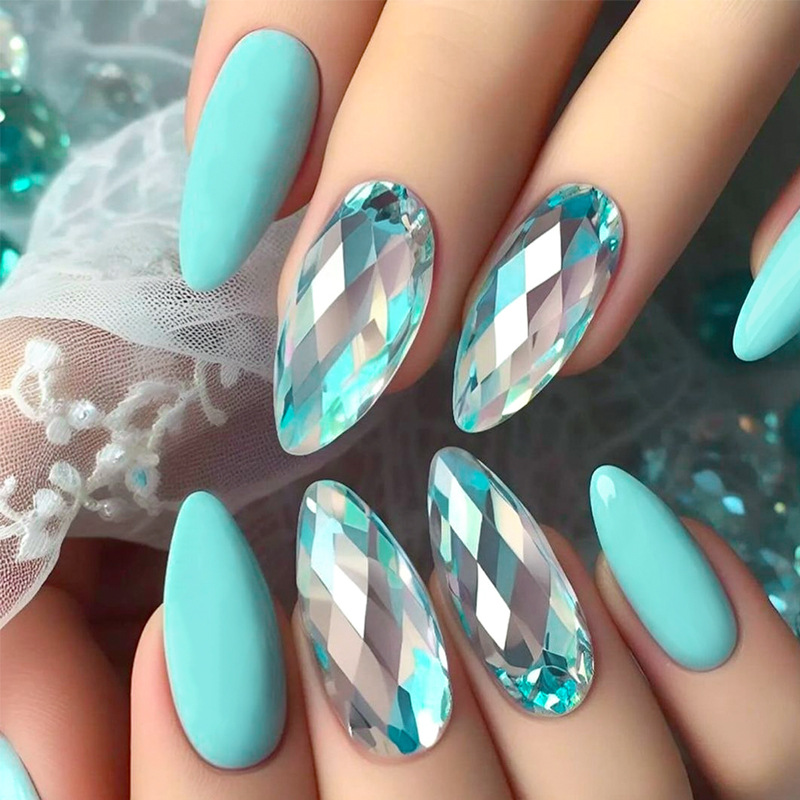
24Pcs Long Almond Press On Nails Holographic Rhombic Lake Blue False Nails With Jelly Glue Adhesive Tabs Nail File Kit For Women Daily Party DIY Manicure
$1.01
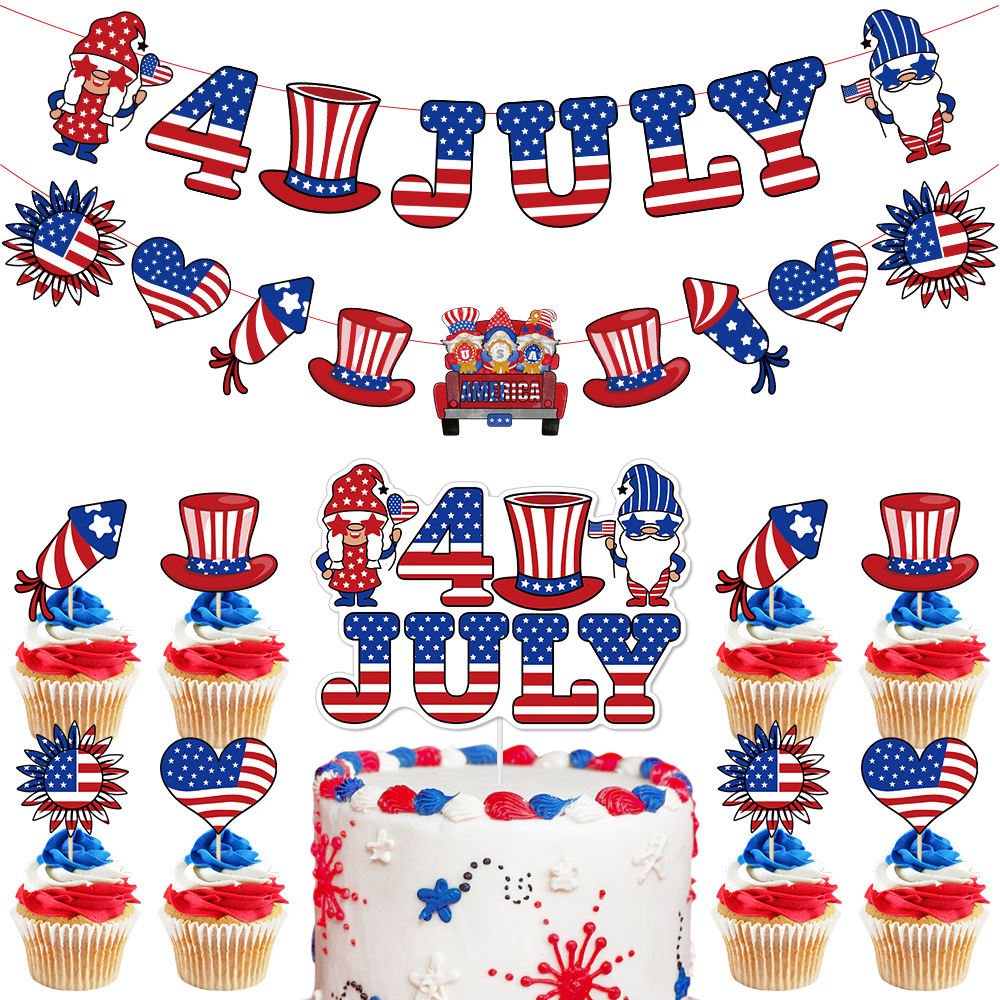
4th Of July Party Decoration Gnomes Banner Cake Topper Set Cardstock Wood Red White Blue Stars Stripes Independence Day
$0.38
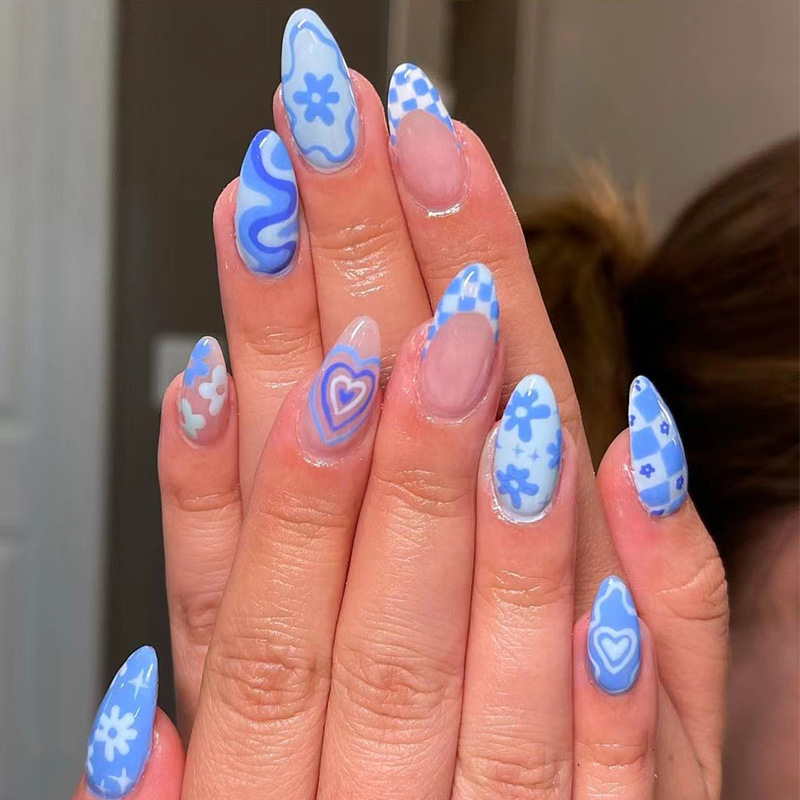
24Pcs Sky Blue Heart Almond Press On Nails Flower Checkerboard Design Artificial Fake Nails Set For Women DIY Manicure ABS Plastic Nails With Jelly Glue And Nail File
$0.92
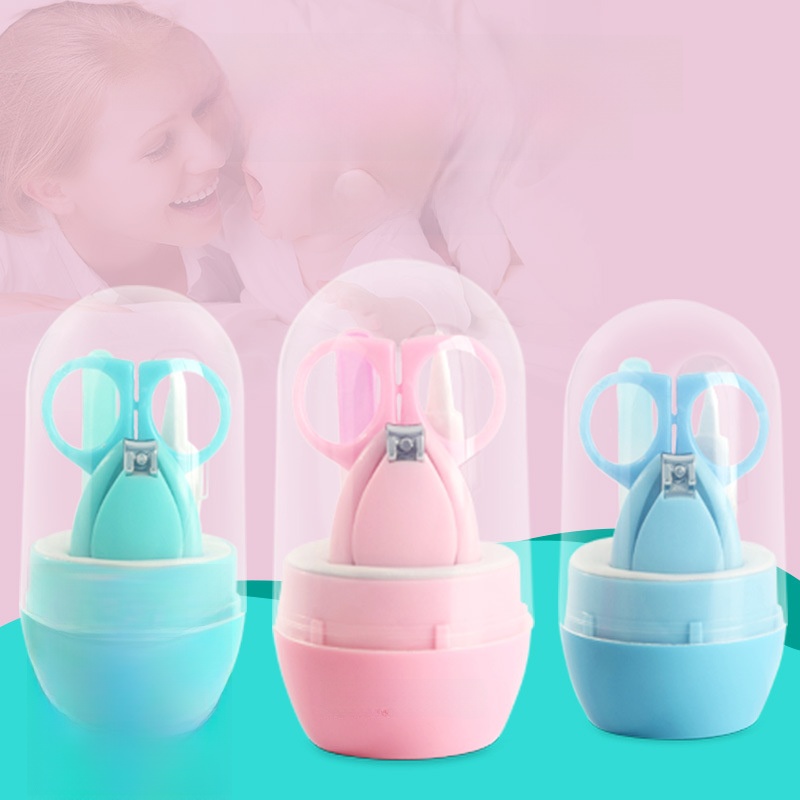
Baby Nail Care Kit 4Pcs Set Stainless Steel Round Tip Safety Scissors Clipper Tweezer Nail File Set With Portable Capsule Case For Newborn Infant Toddler Blue Green Pink
$1.01
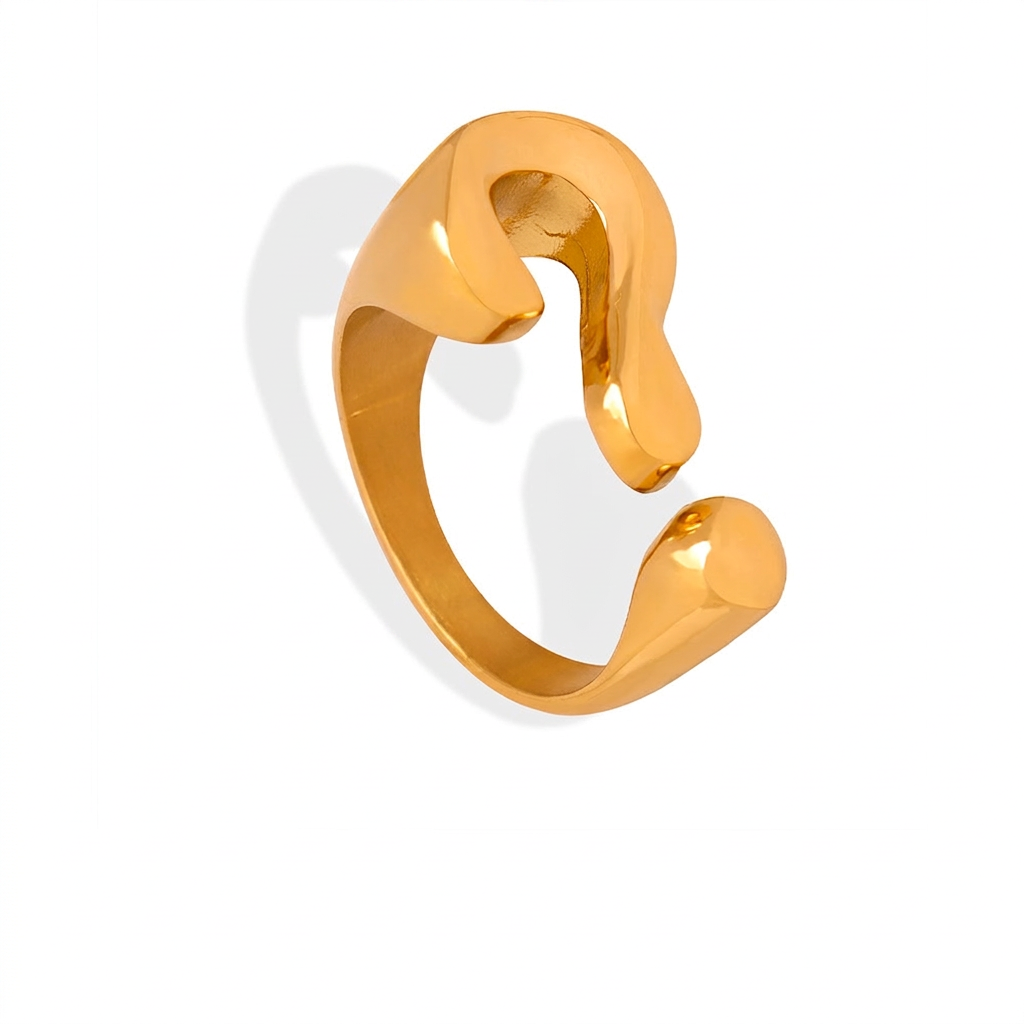
Minimalist Question Mark Open Ring Titanium Steel Gold Plated Irregular Smooth Adjustable Jewelry For Women Niche Design
$3.54
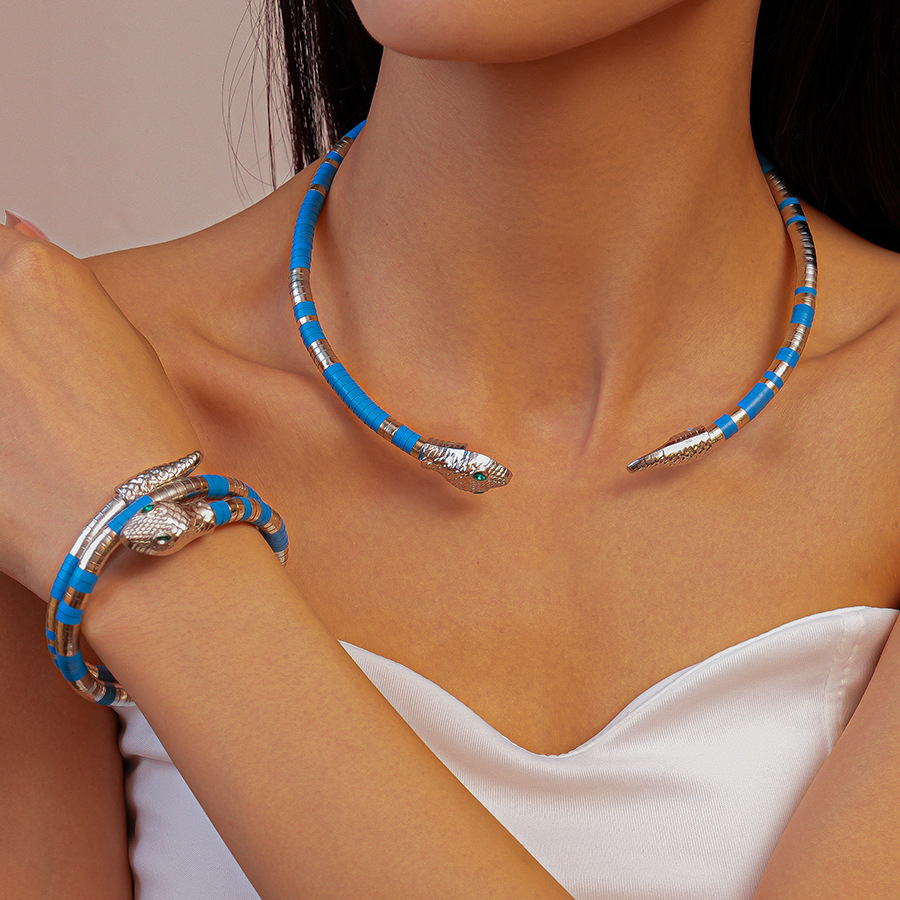
Snake Shaped Jewelry Set Alloy Rhinestone Blue Orange Turquoise Stripes Animal Wrap Coiled Necklace Bracelet Set For Women Party Jewelry Accessories
$1.44
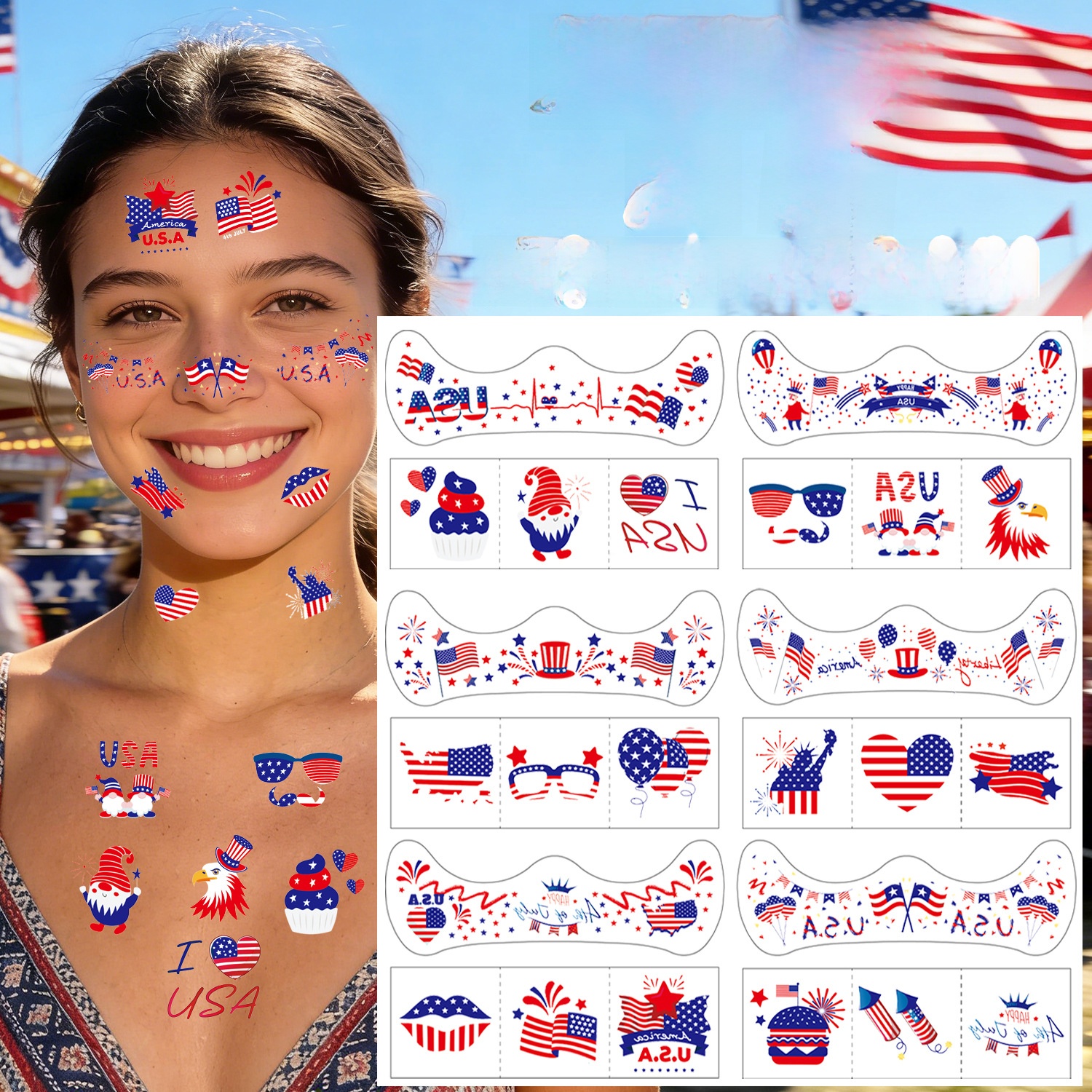
Independence Day US Flag Temporary Face Tattoos Stars Stripes Red White Blue Waterproof Stickers For July Fourth Party Celebration Patriotic Decorations
$0.19
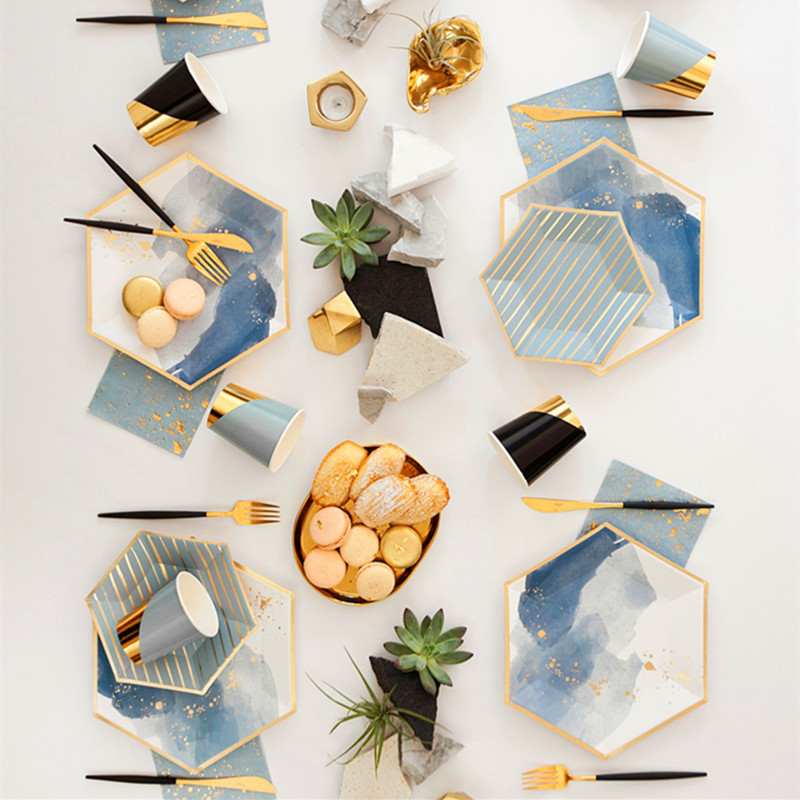
Hexagonal Blue Gold Stamping Disposable Paper Plates Cups Napkins Party Tableware Set Marble Geometric Stripes Tableware For Birthday Wedding Anniversary Celebrations
$1.10
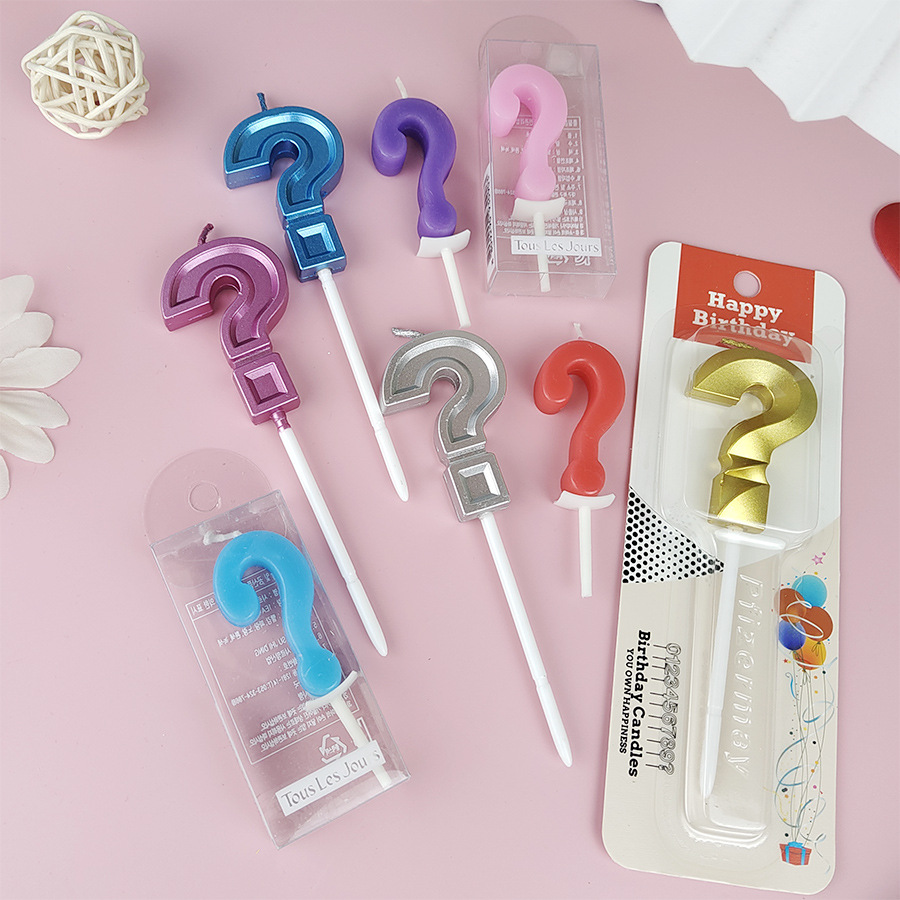
Creative Question Mark Shape Birthday Candles Paraffin Wax Metalic Finish Cake Decorations For Birthday Party Celebration Supplies Party Favors
$0.33
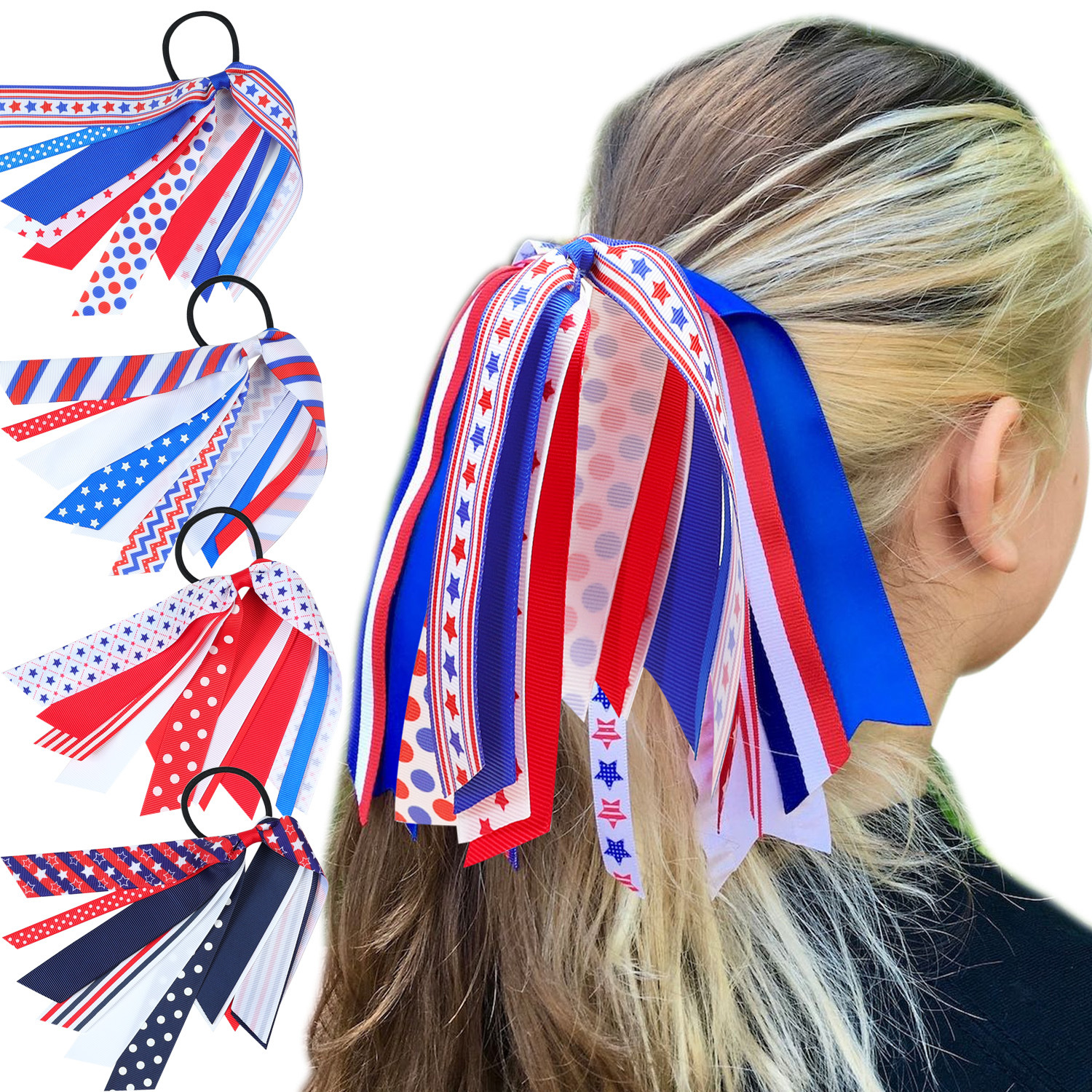
Kids Girls USA Flag Streamer Hair Ties Red White Blue Stars Stripes Polka Dots Patriotic Grosgrain Ribbon Bow Ponytail Holders Hair Accessories
$0.55
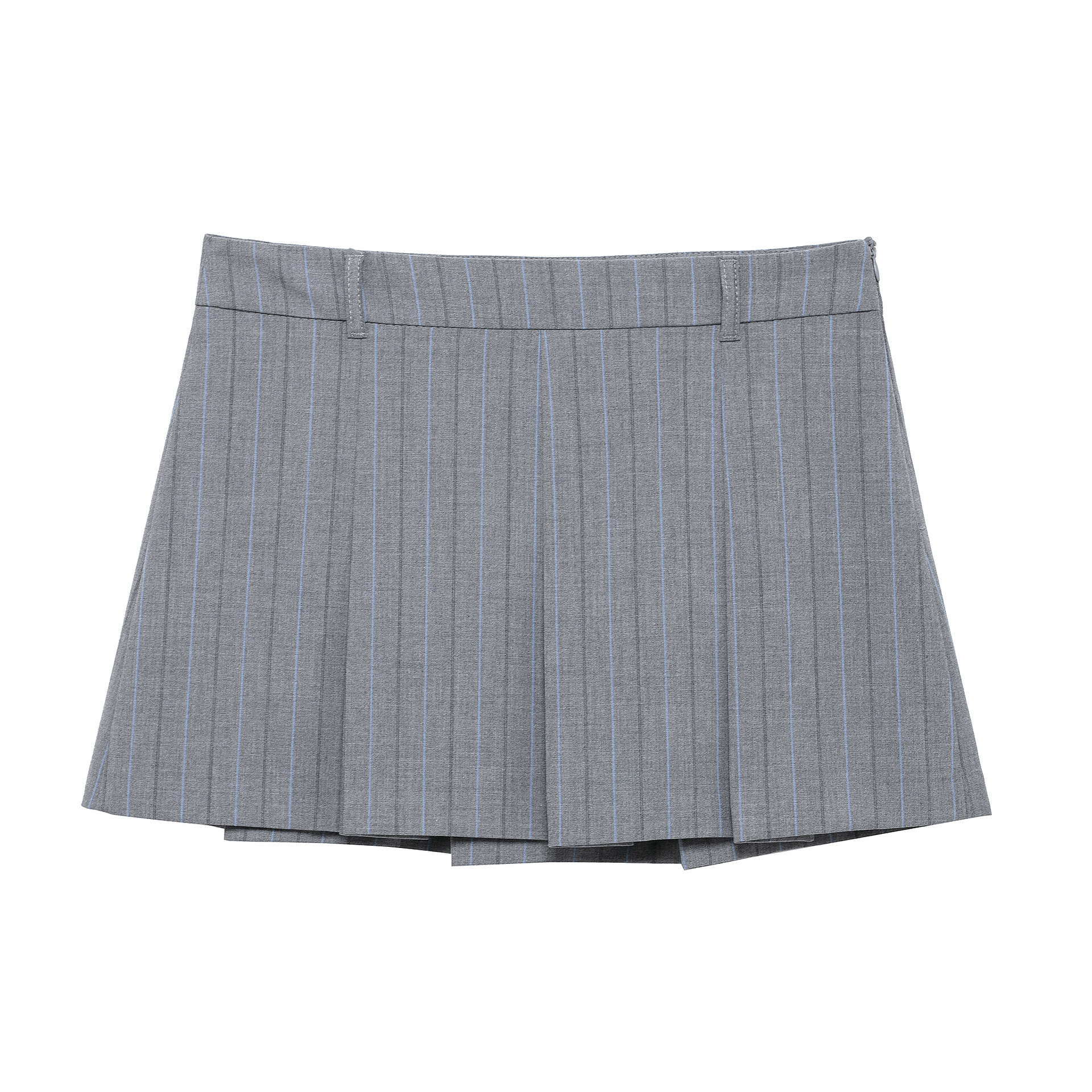
Women Academy School Style Pleated Mini Skirt 100% Polyester Pinstripe High Waist Short Skirt For Women Girls Daily Casual Grey Blue Stripes
$14.99
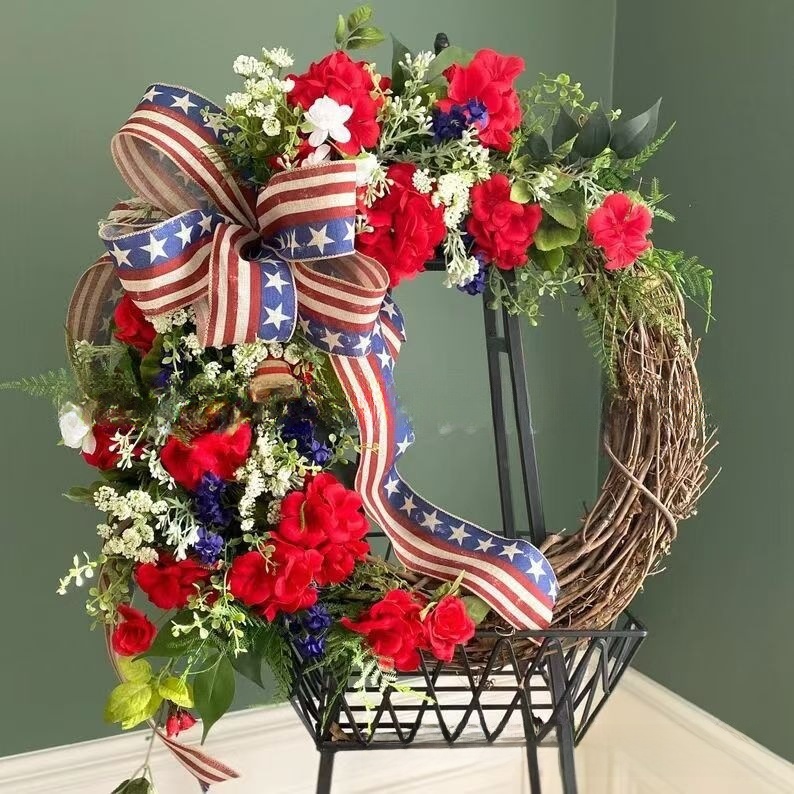
Independence Day Wreath American Flag Patriotic Floral Wreath Rattan Base Red White Blue Stars Stripes For July 4th Front Door Wall Decoration
$10.95
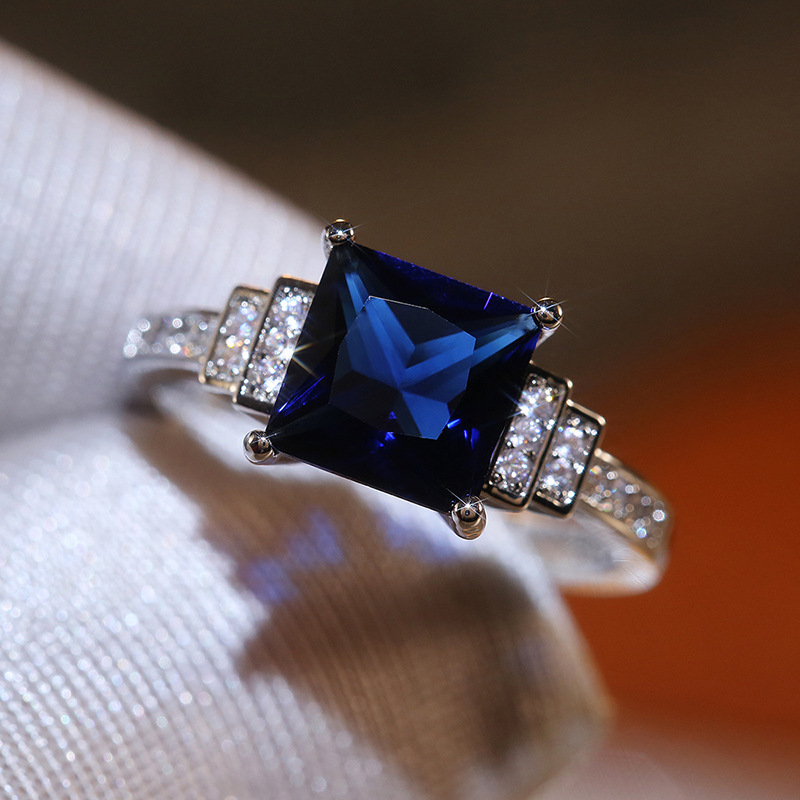
Luxury Deep Blue Square Zirconia Copper Ring For Women Art Deco White Gold Plated Vintage Princess Cut Blue Stone Wedding Party Band Jewelry
$1.31
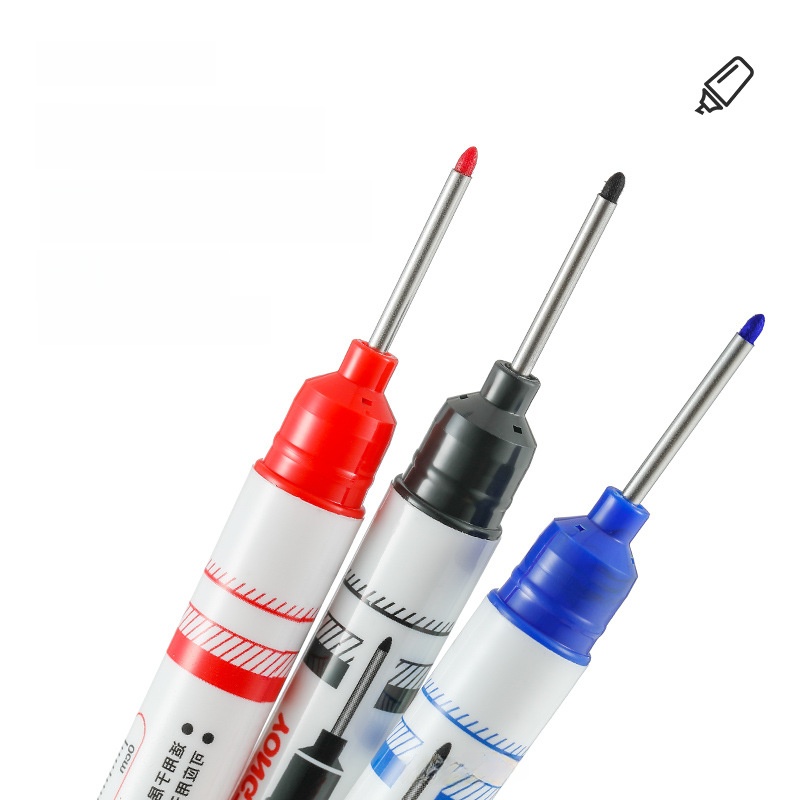
20mm Long Nib Deep Hole Marker Pen Waterproof Quick Dry Oil Based Marking Pen For Woodworking Construction Tile Marking Black Red Blue Professional Deep Hole Positioning Marker Stationery
$0.10
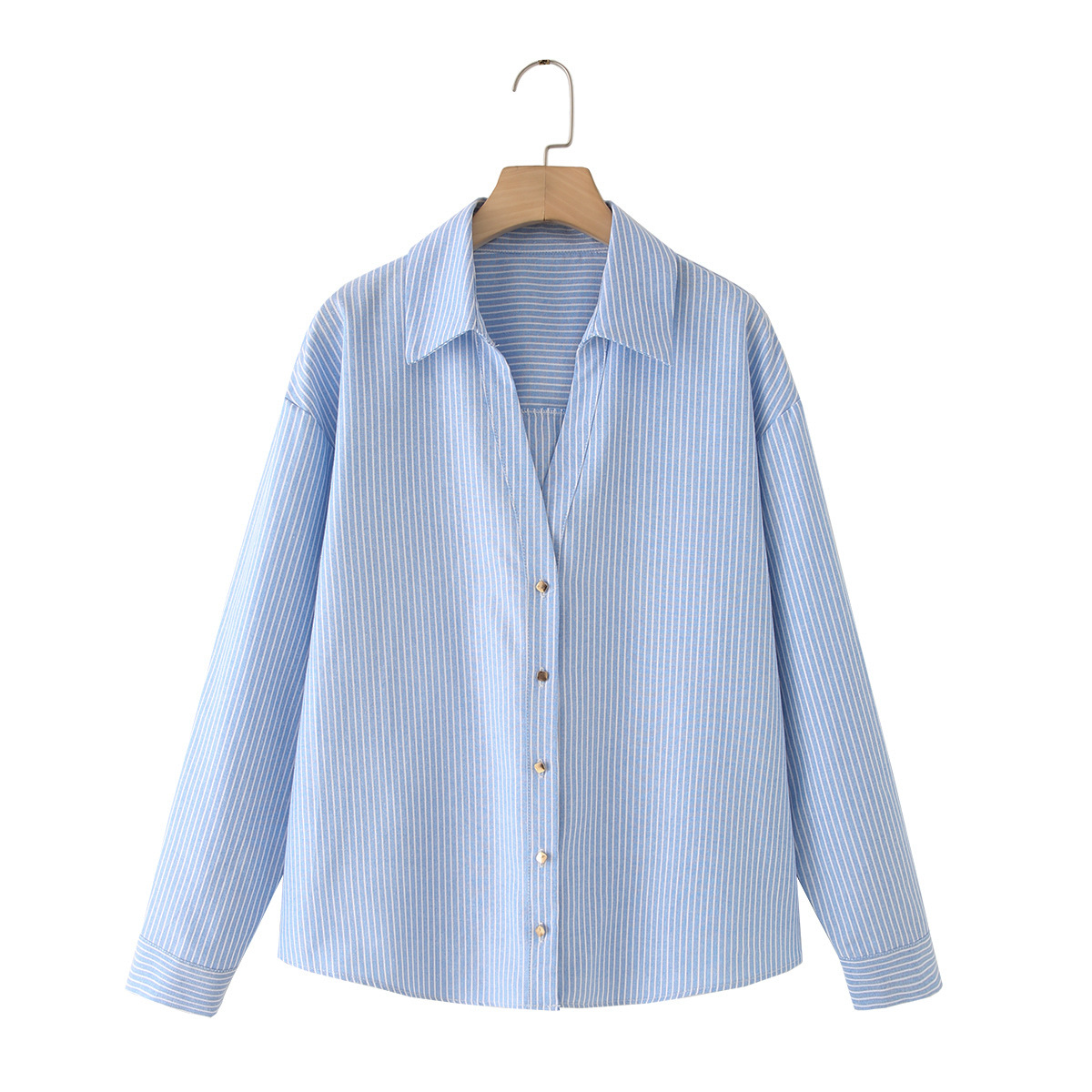
Women's Striped Lapel Single-Breasted Long Sleeve Shirt Loose Casual Polyester Linen Blend Blouse Streetwear Fashion Light Blue White Stripes Button Up Top
$13.83
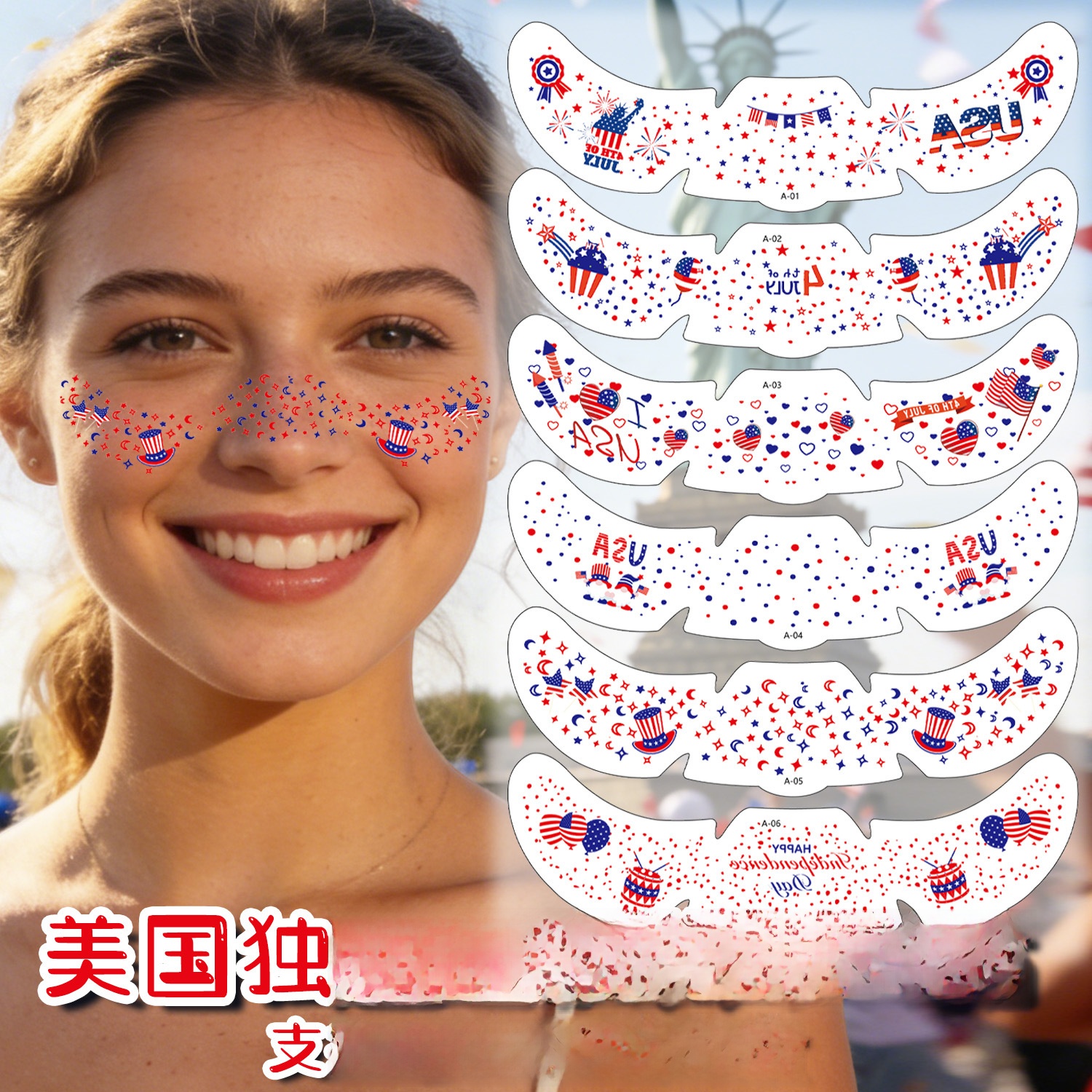
US Independence Day Face Tattoos 4th Of July Freckle Stickers Water Transfer Patriotic Red White Blue Stars Stripes Decoration For Men Women Adults
$0.17
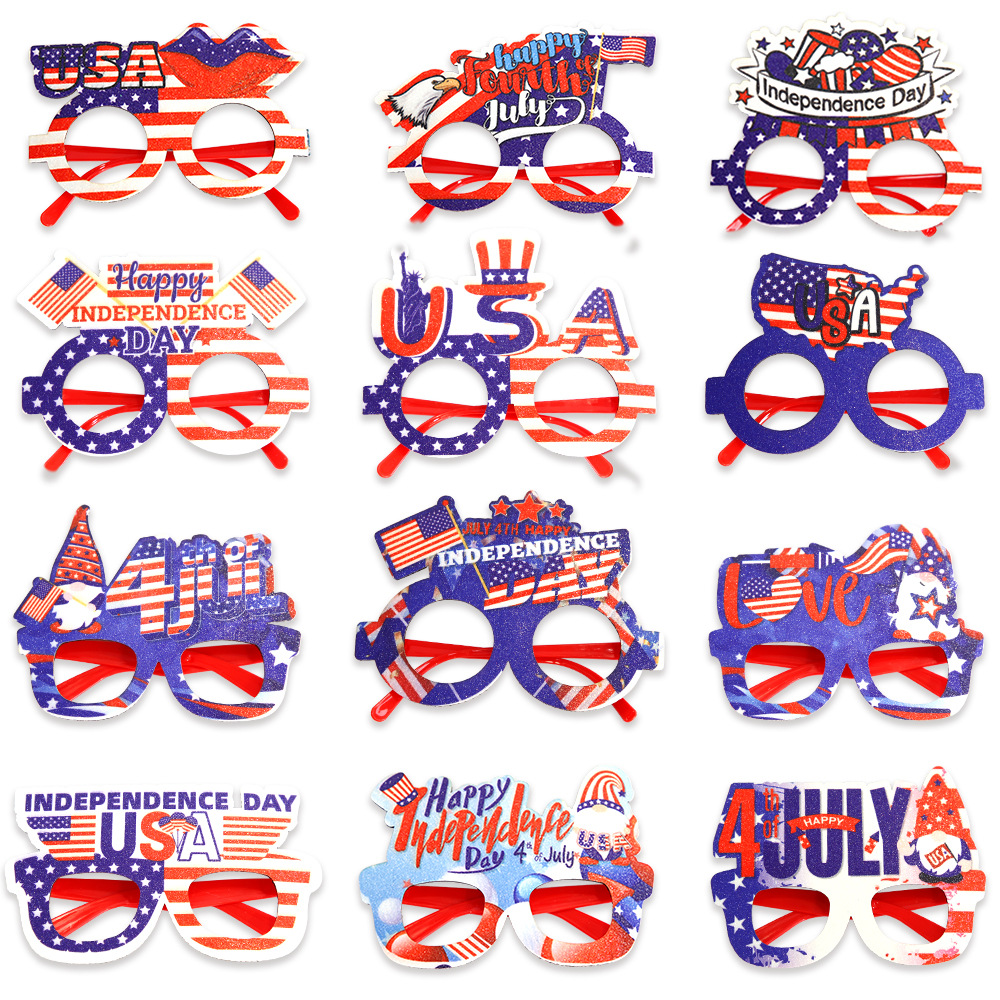
USA Independence Day Party Glasses Red White Blue Star Stripes Glitter Eyewear For July 4th Celebration Patriotic Party Supplies Photo Props Adults Kids
$0.69
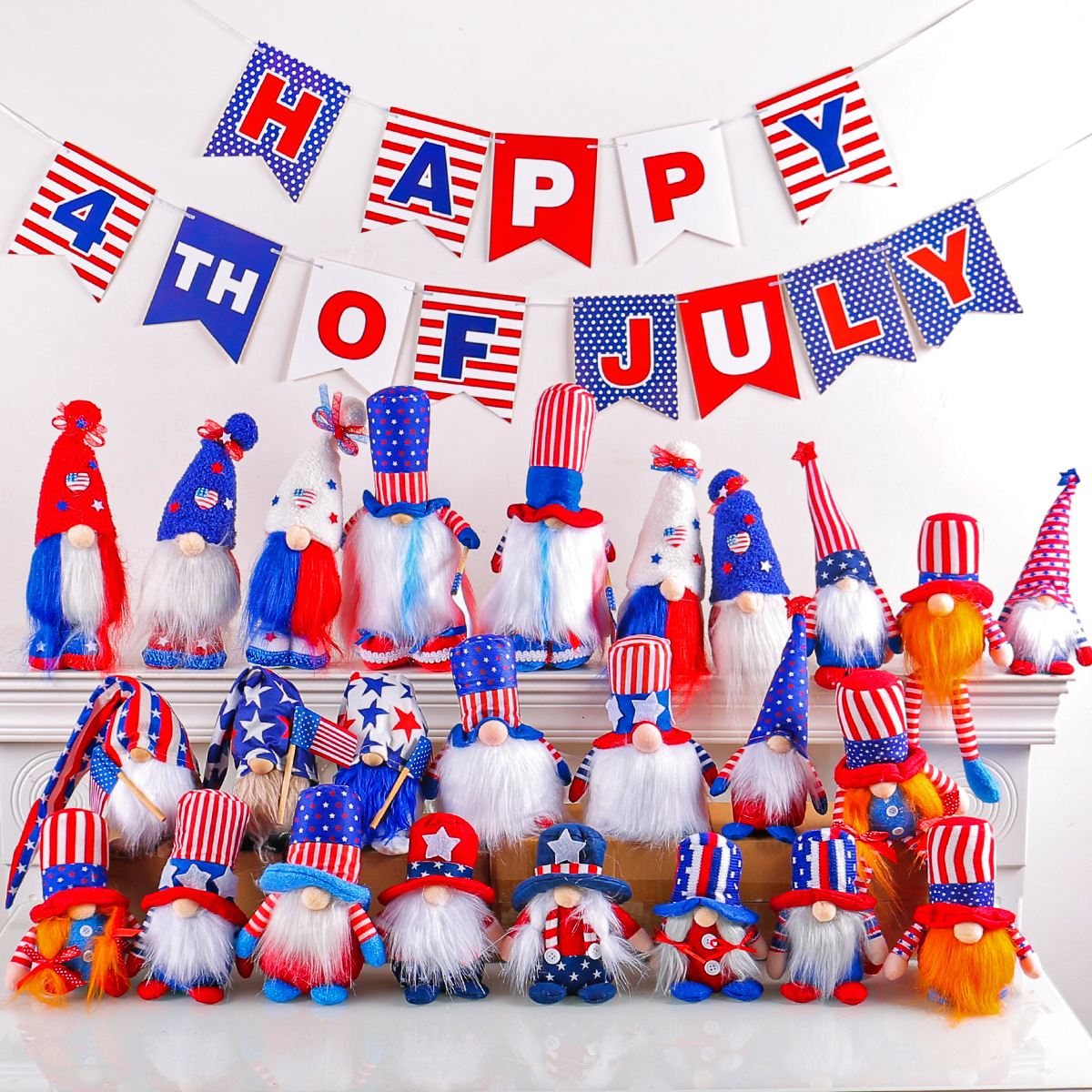
Independence Day Gnomes Decorations Patriotic Plush Dwarf Ornaments USA 4th Of July Red White Blue Stars Stripes For Home Shelf Party Table Decor
$0.59
Bundle Ideas for Your First CSV-Tested Listings
Bundling complementary products not only increases average order value but also lets you practice grouping items with different colorways and patterns in one order. Use these bundles as a starting point for your CSV structure.
Patriotic Parade Bundle
A first-time entrepreneur sourcing 4th of July accessories wants to offer a coordinated set. All items share the same pattern (stripes) but in different colorways (red/white/blue).
- Patriotic USA Headbandhero
- Kids Girls USA Flag Streamer Hair Tiesupsell
- USA Independence Day Party Glassescomplement
Bundle at $1.10 vs $1.66 separately (saves 34%)
Blue Summer Essentials
A Shopify seller wants to create a 'Blue' collection that includes items in different colorways (Deep Sea Blue, Sky Blue) and patterns (floral, stripes, solid).
- Women's French Style Floral Mini Dresshero
- Women Academy Style Pleated Mini Skirtupsell
- 24Pcs Sky Blue Heart Almond Press On Nailscomplement
Bundle at $25.90 vs $26.98 separately (saves $1.08)
Pattern Play Bundle
A boutique owner wants to highlight products that share a 'stripes' pattern but in different colorways, to test their new pattern-based filter.
- Snake Shaped Jewelry Sethero
- Women's Striped Lapel Shirtupsell
- 4th Of July Party Decoration Gnomes Bannercomplement
Bundle at $15.65 vs $16.25 separately (saves $0.60)