
Trend Report · May 16, 2026
Custom Font Display on Mobile: A Case Teardown for Shopify Sellers
Learn from a real Shopify Dawn 15.1.0 custom font mobile display issue. Discover the pattern, fix, and how to apply it to selling personalized jewelry.
The Mobile Font Display Problem
A Shopify merchant using Dawn 15.1.0 uploaded custom webfont files and added @font-face code to base.css, only to find their custom font wasn't rendering correctly on mobile devices. The font display swap attribute was set, but mobile browsers still showed fallback fonts, breaking the brand's visual identity on the primary shopping device.
This specific inflection point – a perfectly standard implementation failing on the majority of traffic – is happening to countless store owners who invest in custom branding. The merchant's post signals a recurring pain point: the assumption that desktop-tested CSS works identically on mobile. It doesn't. Mobile browsers have stricter handling of font formats, cache behavior, and resource loading, especially with custom fonts served from Shopify's CDN.
The trend here is not about a single font code error but a broader learning gap between design vision and technical execution. As more sellers move to unique brand typography, the number of mobile display failures will climb. Understanding this case saves hours of debugging and lost conversions.
Why This Pattern Matters for Sellers
The replicable pattern from this case is that custom branding elements – especially fonts – require device-specific testing that most new store owners skip. The merchant used the correct @font-face syntax with font-display:swap and referenced multiple formats (woff2, woff, ttf), yet mobile still failed. Why? Because the code placement at the end of base.css may be overridden, or font formats may not be fully supported on all mobile browsers.
This pattern emerges every time a seller tries to differentiate with a custom typeface. For jewelry sellers offering personalized name products, the problem is amplified: product previews that render the customer's name in a custom font are critical. If the font doesn't load on mobile, the preview might show a generic serif, killing the purchase impulse.
The lesson is clear: treat mobile font testing as a distinct step in store setup, not an afterthought. Sellers who master this gain a conversion edge over those who ignore it.
Who Can Act on This Pattern
This case directly serves Shopify store owners who prioritize brand identity and sell personalized or custom-name products. The profiles below are best positioned to replicate the fix and turn it into a competitive advantage.
Shopify seller with Dawn theme
Uses Dawn 15.1.0 or later and relies on custom fonts for branding – directly experienced the mobile issue or can prevent it.
Custom jewelry boutique
Sells personalized name necklaces, bracelets, and rings where product previews display custom fonts. Fixing mobile display ensures accurate previews.
New store owner building a brand
Invested in custom typeface but lacks technical CSS testing. This case teardown provides a ready-to-use testing and implementation checklist.
What Happened
A Shopify store owner using Dawn 15.1.0 uploaded their brand's custom webfont files (woff2, woff, ttf) to the Files section. They then added an @font-face block at the end of their assets/base.css file, specifying font-family: 'NAME', font-display: swap, and three src URLs using the asset_url filter. On desktop, the custom font appeared correctly. But on mobile devices, the store still displayed the fallback sans-serif font. Despite the technically correct code, something was breaking the mobile rendering. The merchant took to a Shopify forum asking for help, unable to pinpoint why mobile browsers ignored his custom typeface.
The Replicable Pattern
CSS code placement matters more than syntax correctness.
Evidence: The merchant placed the @font-face at the end of base.css. In Dawn 15.1.0, later rules may override earlier ones. Mobile browsers may process the file differently and miss the font declaration if it's too far down.
Mobile browsers cache font files aggressively and may fall back to a system font if the declared font is not fully loaded before paint.
Evidence: font-display: swap should handle this, but if the woff2 file is large and slow to load on mobile connections, the swap may not happen in time. The merchant did not mention preloading.
Many store owners assume desktop testing is sufficient for mobile brand consistency.
Evidence: The merchant only discovered the issue after a customer complained or after they checked on their phone. This gap is widespread among new Shopify sellers.
How to Sell Custom Name Jewelry with Font Awareness
If you sell personalized products that display customer names in a custom font, you need to guarantee that font loads correctly on mobile – where over 70% of jewelry purchases happen. Start by implementing the fix from this case: move your @font-face code to the very top of base.css, before any other styles. Add preload links in theme.liquid for the primary woff2 file. Then test on multiple devices. For sourcing, DayJewel's personalized jewelry line (like the 3D bubble alphabet necklace or custom name hoops) lets you offer a wide range of styles at wholesale prices. Your product images and customer previews should use the same custom font you implement on your site, creating visual consistency from listing to checkout. The margin potential is significant. With wholesale costs as low as $0.26 for basic bar bracelets and $4.72 for engraved bracelets, retail prices of $9.99-$24.99 are standard. A 50-75% margin is achievable if you minimize font-related returns by ensuring preview accuracy.
Test font rendering on mobile devices using real hardware or emulator. Add a 'Customize your text' preview that uses the @font-face font. If the font fails, show a clear note or fallback so customer still sees their name.
⚠ If font fails silently, customer may not realize the final product will look different than preview, leading to dissatisfaction and returns.
Create short videos showing the unboxing of a personalized necklace with your custom font. Highlight how the font looks on the product. Use the font display issue as a hook: 'Why most stores get this wrong'.
⚠ TikTok's mobile-first audience will notice font glitches immediately; ensure your video render is flawless.
Personalized Jewelry That Depends on Custom Fonts
The products below all feature custom name engravings or letter pendants – exactly the items where font rendering on mobile can make or break a sale. Sourcing these from DayJewel gives you high-margin inventory that pairs perfectly with a properly displayed custom font on your store.
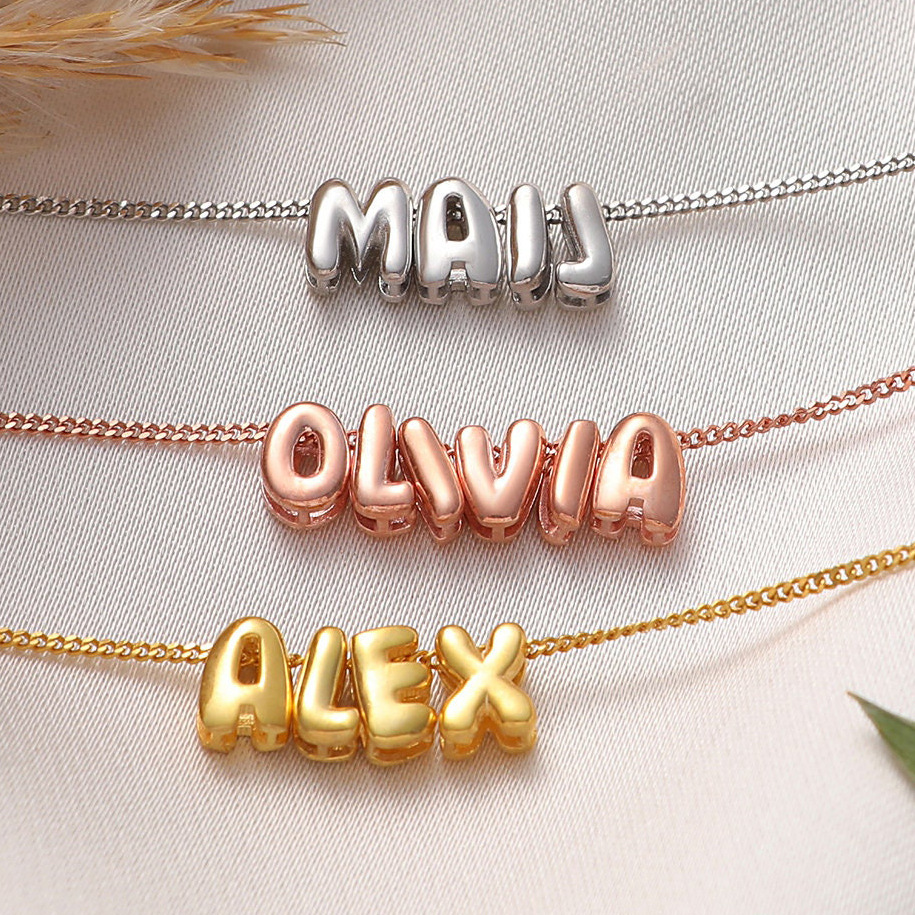
Personalized 3D Bubble Alphabet Letter Pendant Necklace Gold Plated Copper DIY Custom Name Jewelry For Women Girls Gift
$0.65
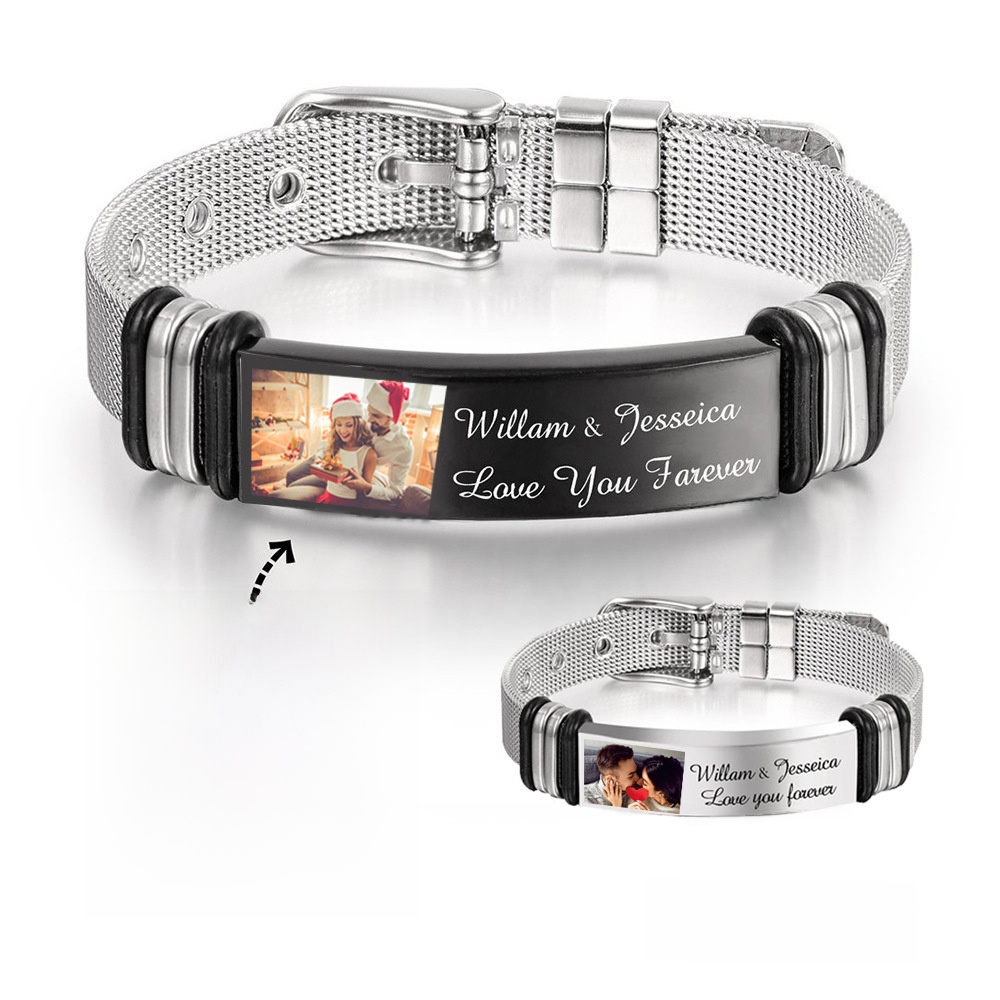
Personalized Custom Photo Name Engraving Bracelet For Men 304 Stainless Steel Mesh Strap Adjustable Jewelry Valentine's Day Gift
$4.72
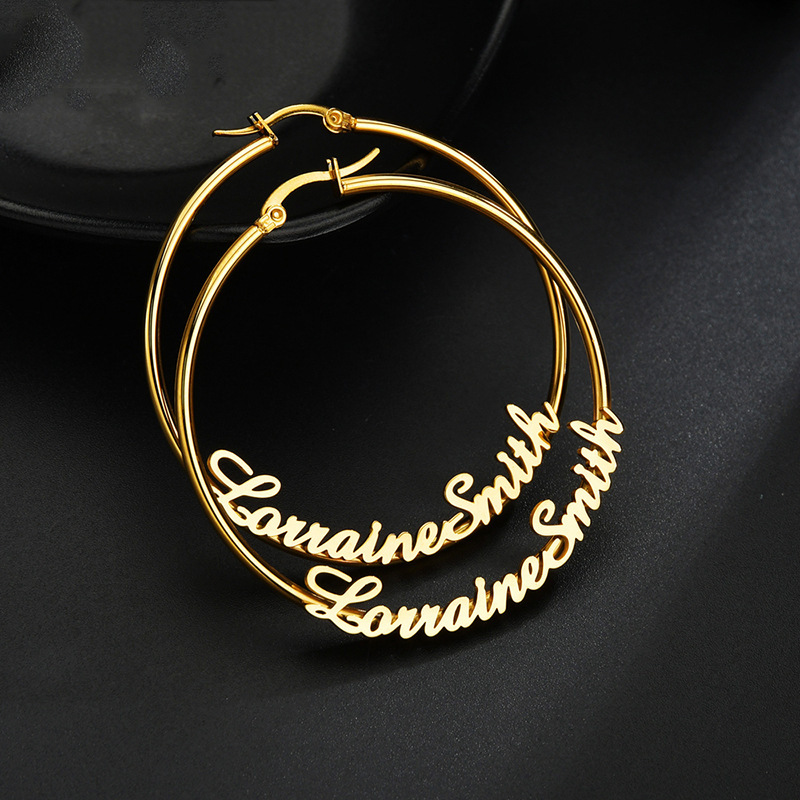
Custom Name Hoop Earrings Personalized Stainless Steel Gold Silver Cursive Nameplate Earrings For Women Girls Personalized Jewelry Birthday Gift
$9.17
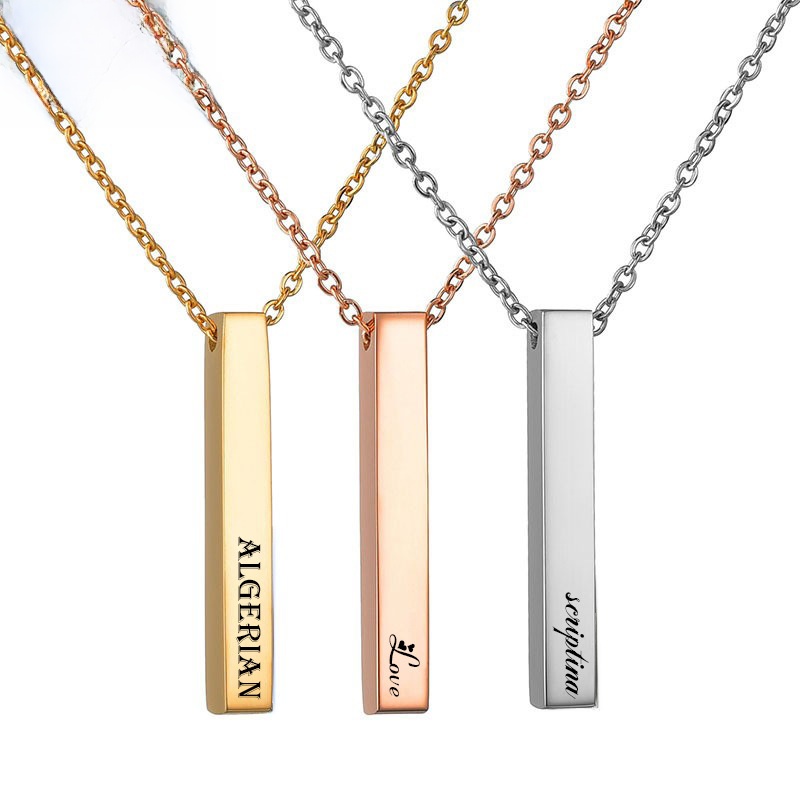
Minimalist Stainless Steel Vertical Bar Pendant Necklace For Men Women Personalized Custom Name Engraved Long Column Pendant Necklaces Jewelry
$1.12
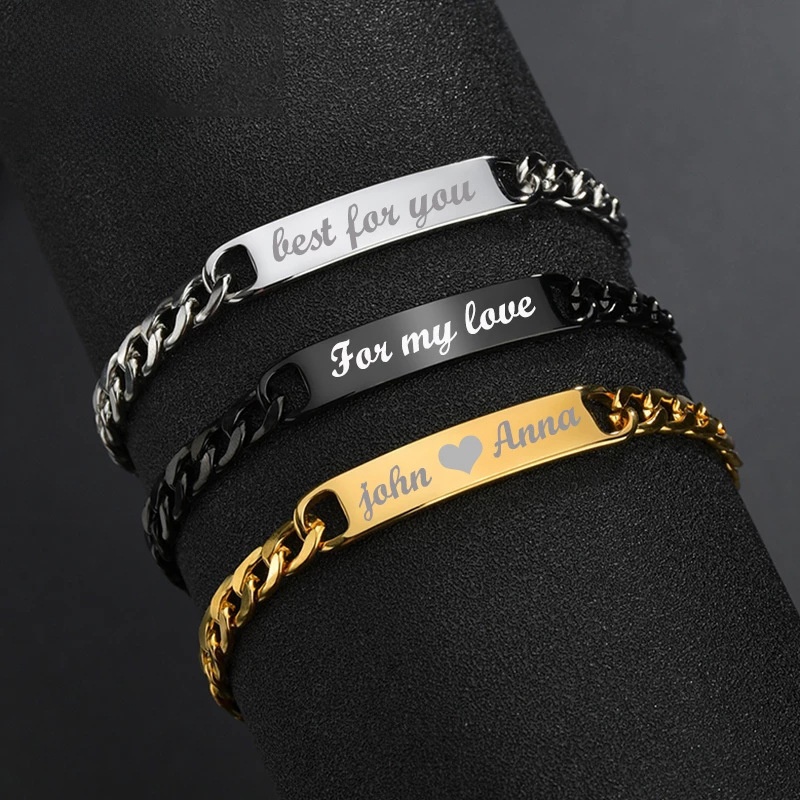
Personalized Stainless Steel Engravable Curved Bar Bracelet Minimalist Cuban Chain Custom Name ID Bracelets for Men Women Jewelry Gift
$1.12
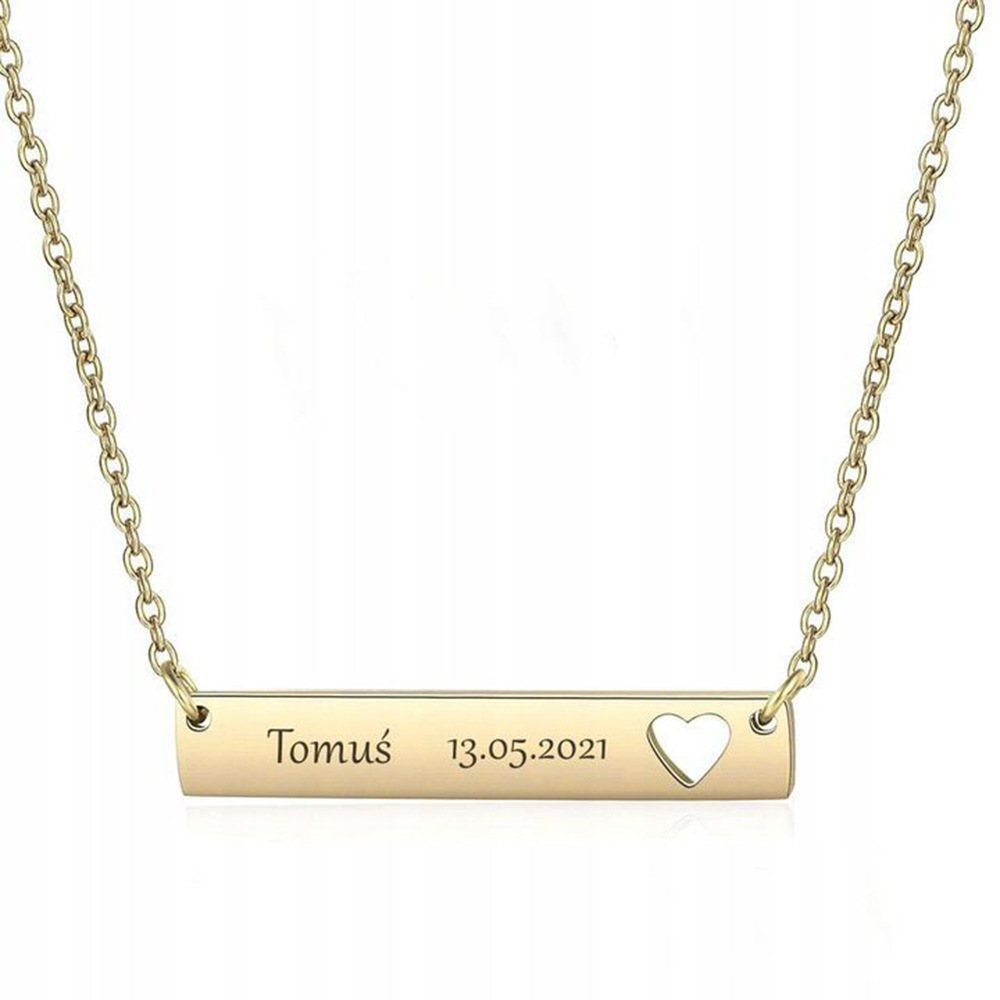
Engravable Bar Heart Pendant Necklace Stainless Steel Hollow Heart Tag Personalized Name Date Custom Jewelry For Women Valentine's Day Gift
$1.05
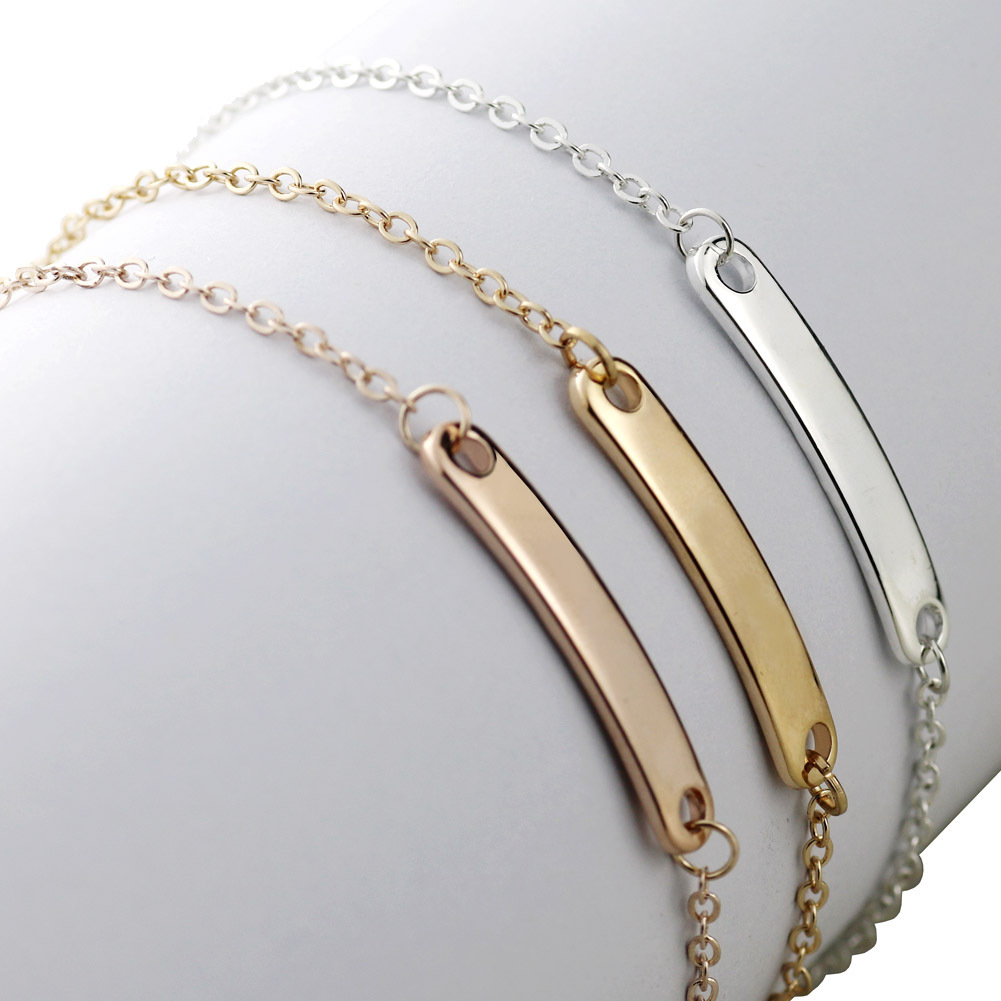
Personalized Bar Bracelet Stainless Steel Custom Name ID Bracelet Minimalist Adjustable Box Chain Jewelry Gift For Women Men Daily Accessories
$0.26
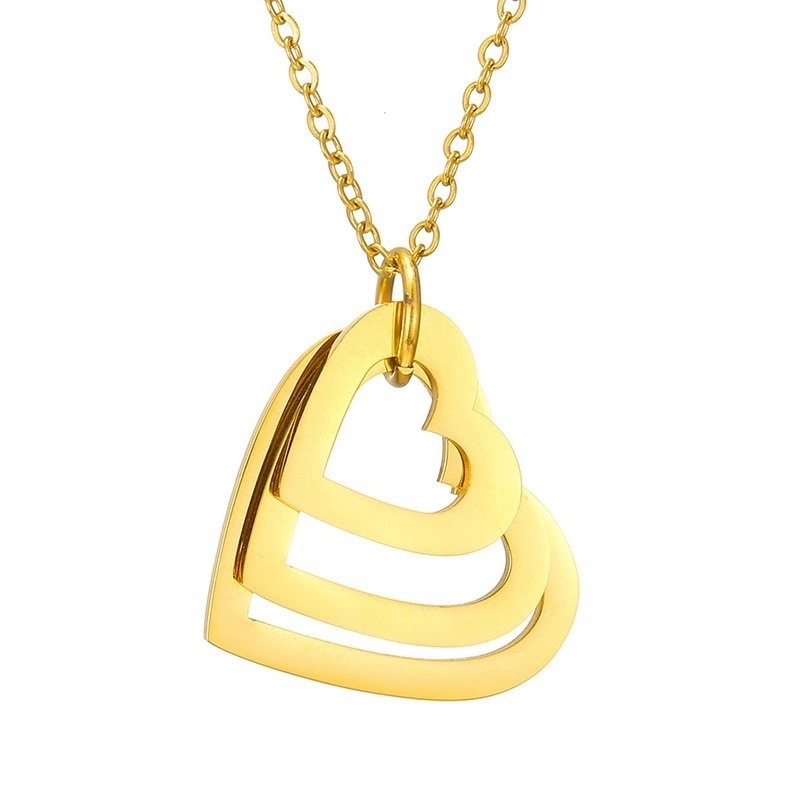
Personalized Stainless Steel Interlocking Heart Pendant Necklace For Women Custom Family Name Hollow Heart Jewelry Gift Cute Sweet Daily Jewelry
$0.37
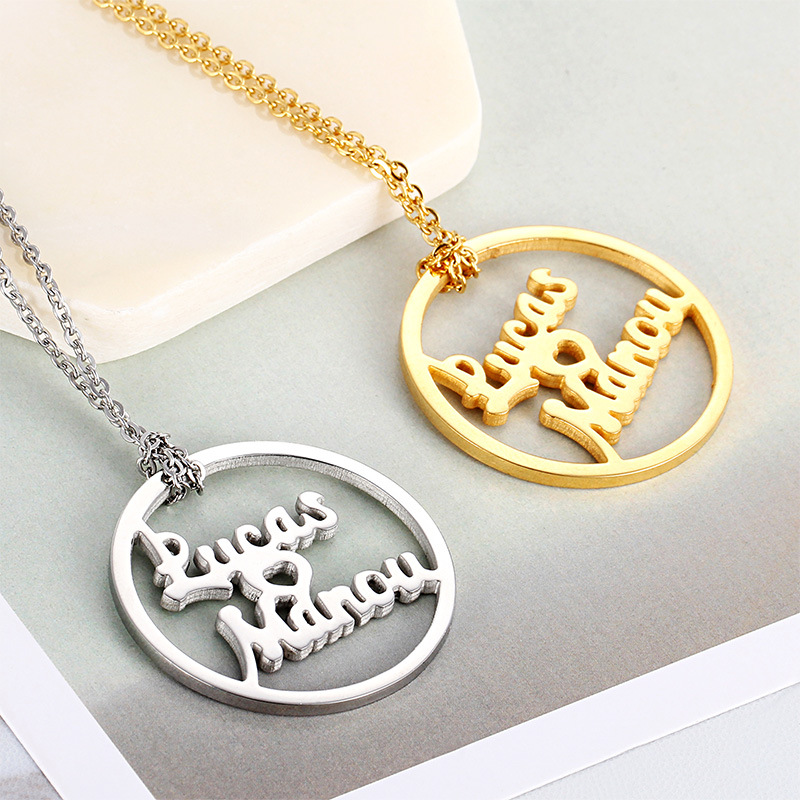
Personalized Double Name Necklace Stainless Steel Round Hollow Heart Pendant Custom Letter Nameplate Necklace For Women Daily Minimalist Jewelry Gift
$0.72
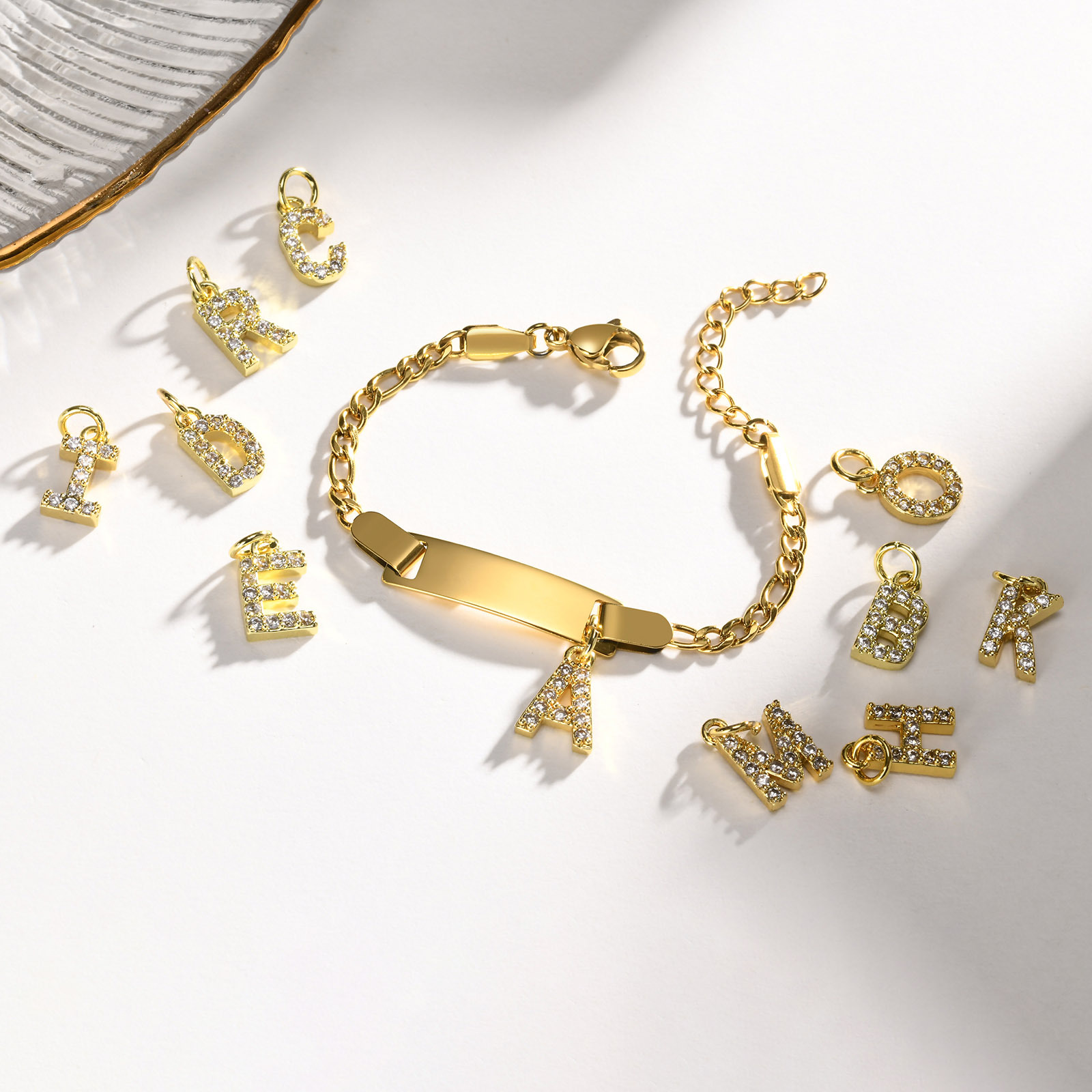
Personalized Gold Plated Stainless Steel Initial Letter ID Bracelet With Sparkling Zirconia Pendant Custom Name Engravable Jewelry For Women Girls
$2.15
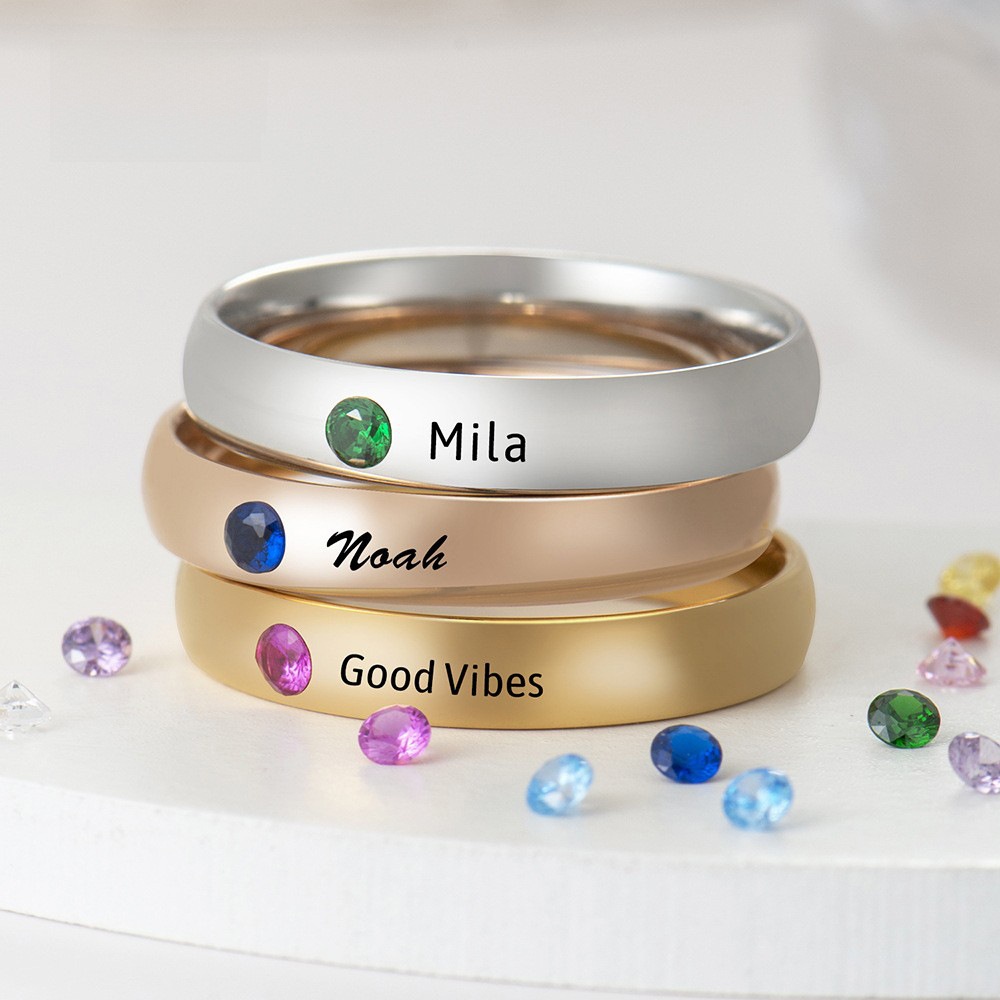
Personalized 304 Stainless Steel Birthstone Ring For Women Custom Engraved Name Minimalist Gold Rose Gold Silver Stacking Bands Jewelry Gift
$1.99
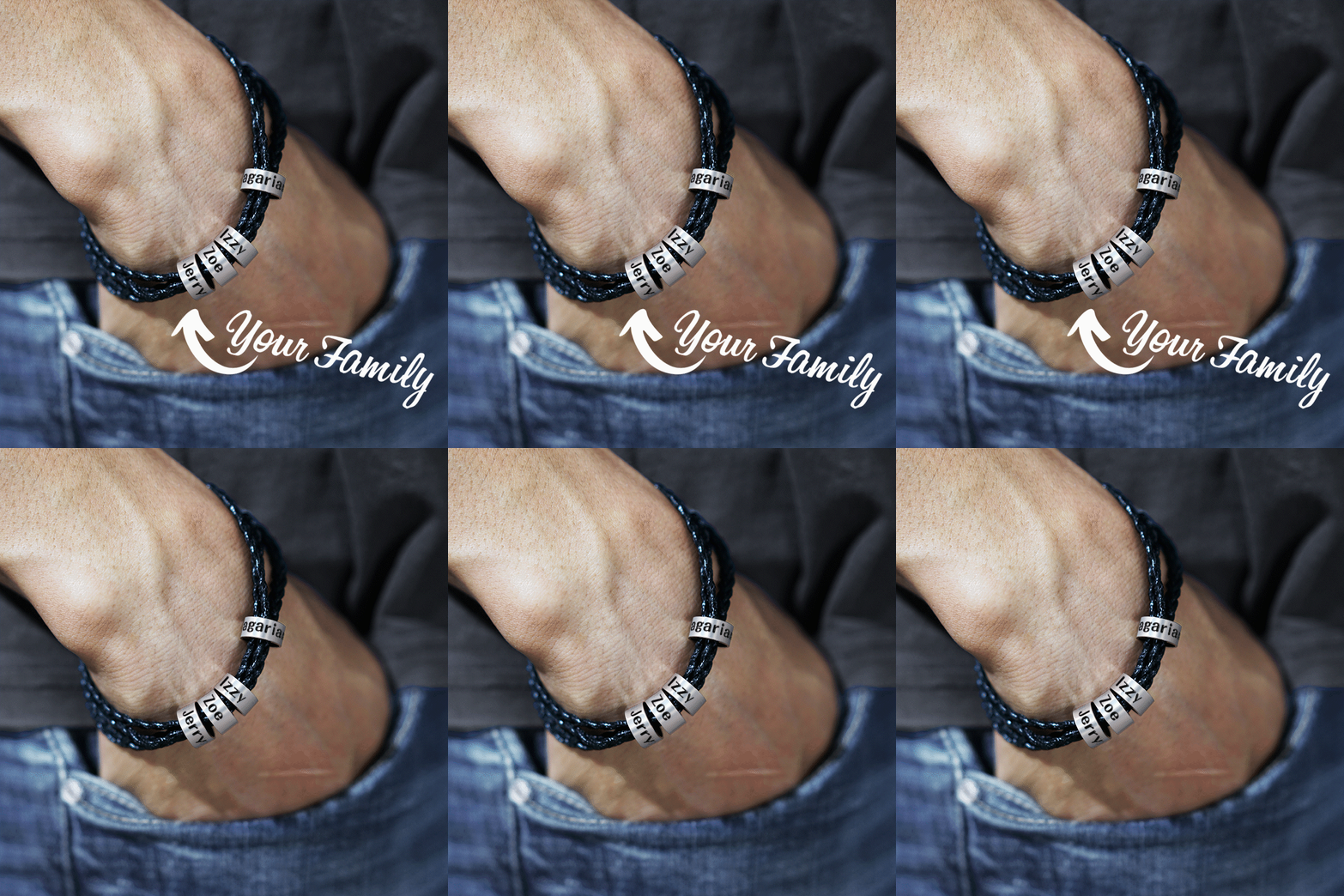
Personalized Men's Braided Leather Bracelet With Stainless Steel Custom Name Beads Engraved Family Jewelry For Father Boyfriend Gift Black Brown
$1.31
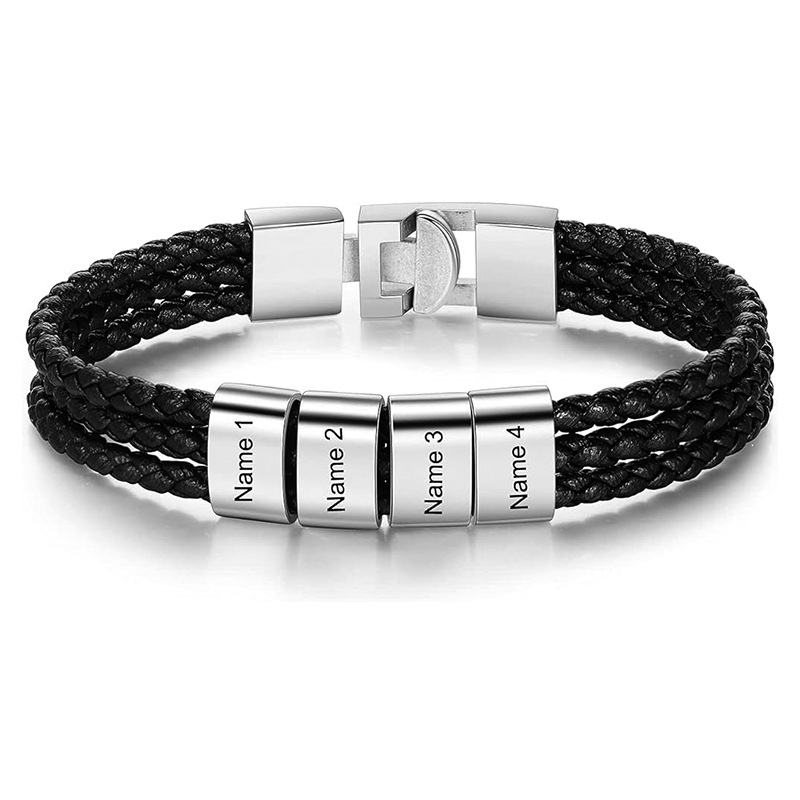
Custom Name Braided Leather Bracelet for Men Stainless Steel Personalized Engraved Beads Multi-layer Wrap Jewelry Gift for Father Husband
$4.27
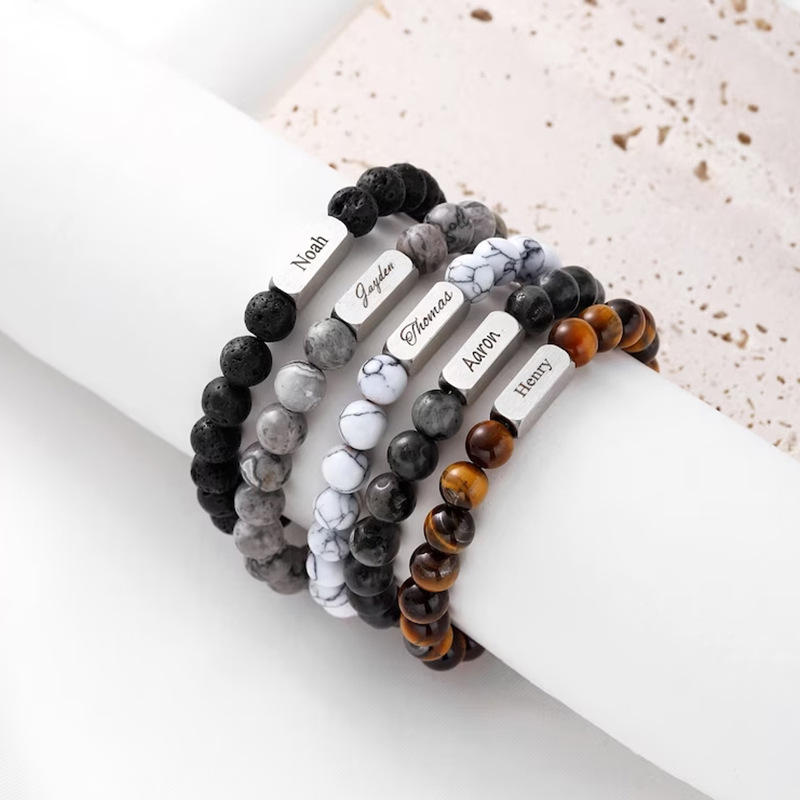
Custom Name Engraving Stainless Steel Natural Stone Beaded Bracelet Personalized Tiger Eye Lava Stone Photo Projection Bracelet For Men Gift
$1.96
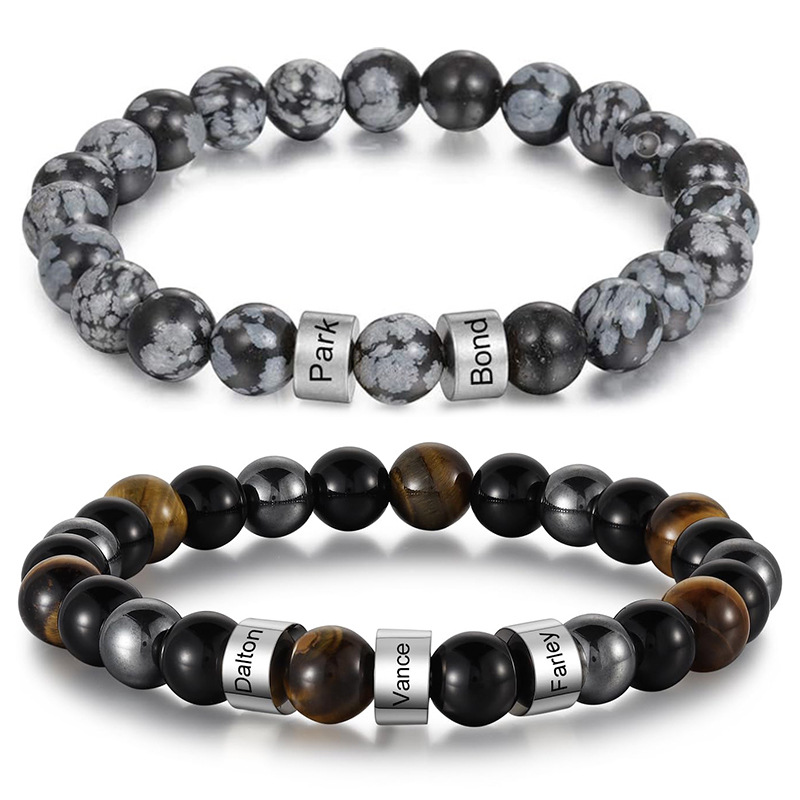
Personalized Custom Name Engraved Natural Tiger Eye Obsidian Stone Beaded Bracelet Stainless Steel Spacers Men Women Jewelry Birthday Anniversary Gift
$1.96
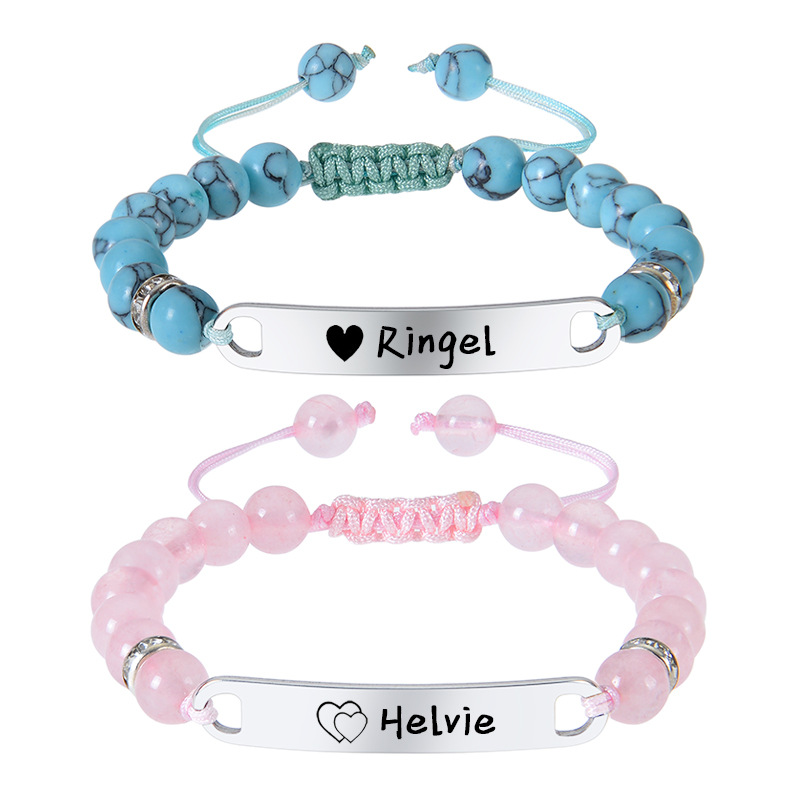
Personalized Custom Name Beaded Bracelet For Women Men Kids Stainless Steel Engraved Plate Natural Stone Projection Bracelet Couple Friendship Jewelry Gift
$2.23
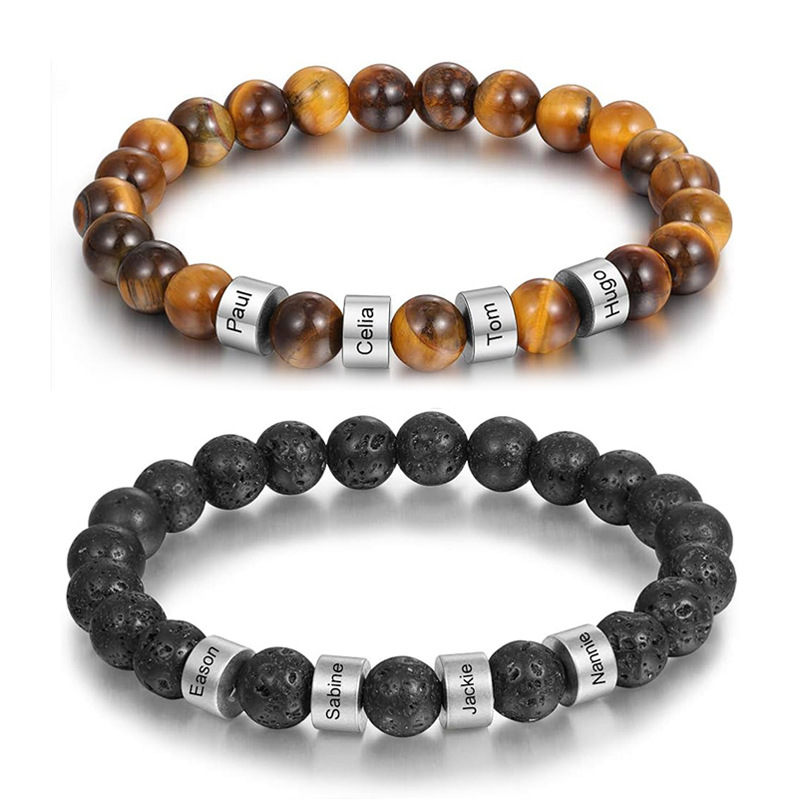
Personalized Custom Name Natural Tiger Eye Lava Stone Bracelet Stainless Steel Engraved ID Beaded Bracelets for Men Women Couples Jewelry Gift
$1.65
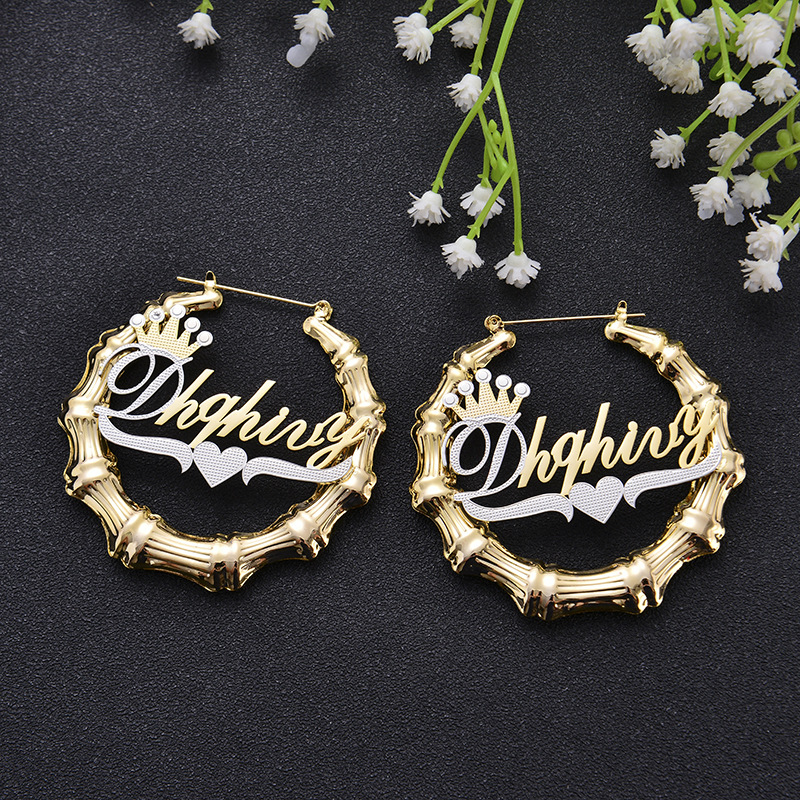
Custom Name Bamboo Hoop Earrings For Women Personalized Two-Tone Gold Silver Alloy Crown Heart Large Earrings Hip Hop Party Jewelry
$20.70
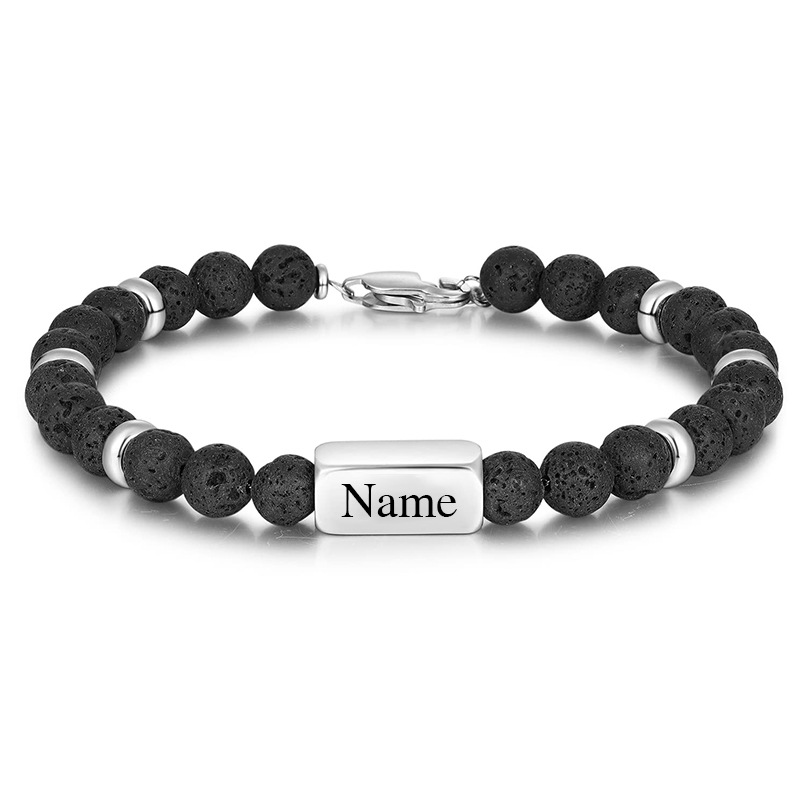
Personalized Custom Name Black Lava Stone Tiger Eye Beaded Bracelet For Men Stainless Steel Metal Charm Leather Woven Bracelet Jewelry Gift
$2.41
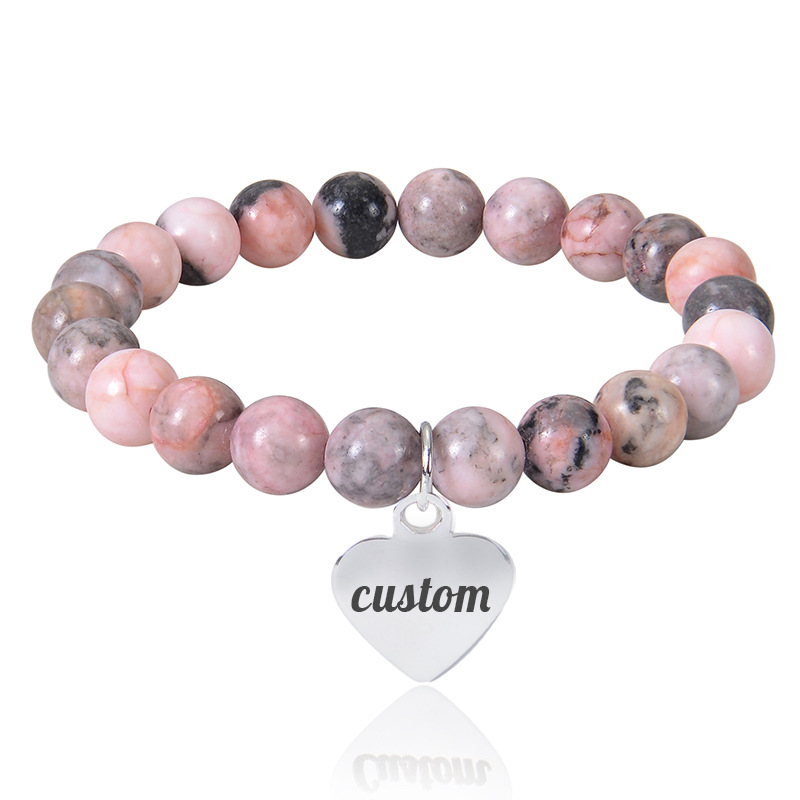
Personalized Custom Name Engraved Natural Stone Beaded Bracelet Stainless Steel Heart Charm Lava Rock Tiger Eye Jewelry Gift For Men Women
$1.26
Product Bundles to Capitalize on the Custom Font Trend
Bundling personalized items increases average order value and reduces per-unit shipping cost. Each bundle below targets a specific buyer persona attracted to custom-name products, which rely on correct font display for conversion.
Starter Personalized Necklace Bundle
New store owner wants to test the custom-name jewelry category without large upfront cost. Includes three best-selling low-price items.
- Personalized 3D Bubble Alphabet Letter Pendant Necklacehero
- Minimalist Stainless Steel Vertical Bar Pendant Necklacecomplement
- Engravable Bar Heart Pendant Necklaceupsell
Bundle at $2.82 vs $2.82 individually (no savings, but simplifies ordering and shipping). Add 30% markup = $3.67
Men's Custom Bracelet Pack
Target male shoppers looking for gifts. Three leather/stone bracelets with name engraving, all under $5 wholesale.
- Personalized Men's Braided Leather Bracelet With Stainless Steel Custom Name Beadshero
- Custom Name Braided Leather Bracelet for Men Stainless Steelupsell
- Custom Name Engraving Stainless Steel Natural Stone Beaded Braceletcomplement
Bundle at $7.54 vs $7.54 separately. Suggested retail $19.99, margin ~$12.45.
Women's Gold & Silver Earring Duo
Fashion-forward female shopper who loves personalized hoops. Include one cursive nameplate and one bamboo hoop.
- Custom Name Hoop Earrings Personalized Stainless Steel Gold Silver Cursive Nameplatehero
- Custom Name Bamboo Hoop Earrings For Women Personalized Two-Tone Gold Silver Alloy Crown Heartupsell
Bundle at $29.87 vs $29.87 individually. Retail at $59.99 gives $30 margin per bundle.