
Trend Report · May 19, 2026
Does Anyone Else Keep Changing Listing Photos and Regret It Later? Here's the Fix
An operational guide for Etsy sellers who keep changing listing photos and regret it later. Learn how to audit, test, and revert without losing sales.
Does anyone else keep changing listing photos and then regret it later ?
A recurring pain point on Etsy seller forums: you update a listing because the photos need to look cleaner or more polished. A few days later, you feel the older version was more natural. Sometimes the updated version gets more views but fewer favorites, which only deepens the confusion. The timing window for this behavior is now more critical than ever because Etsy buyers are reacting faster than most new sellers expect. If you're in a rush to optimize, you may be sabotaging your own conversion rate. This playbook turns that regret into repeatable operational steps so you can test photo updates without emotional whiplash.
Why the Urgency Around Photo Changes Is Real
Etsy's algorithm rewards listings that maintain consistent engagement within the first 48 hours of updates. The source seller observed that after changing photos, views spiked but favorites dropped — a clear signal that the new visuals attracted curiosity but failed to convert. This phenomenon is emerging because Etsy shoppers now spend less than 3 seconds on a listing before deciding to favorite or bounce. If you're swapping photos reactively, you're effectively running A/B tests without a logging system. The window to capitalize on this insight is narrow: every time you revert or change again, you reset the listing's momentum. The operational fix is to approach photo changes as a staged process, not a whim.
Who This Playbook Serves
This guide is built for Etsy sellers who have at least one underperforming listing and a hunch that better photos could help — but who also fear the regret of losing a natural, personal aesthetic. The profile below captures the typical user.
Etsy seller
You've updated listing photos at least twice and felt the nostalgic pull toward the original version. You need a structured method to test new photos without second-guessing yourself.
Shopify store owner
You sell accessories on Shopify and struggle with photo consistency across products. This playbook applies to any platform where buyers react fast to visual changes.
Implementation Stages
Audit Current Photos
Trigger: When you feel the urge to update a listing because photos look 'not clean enough'.
Screenshot the existing listing page including title, price, and all photos. Record current views, favorites, and last 30-day sales.
✓ Baseline metrics captured so you can compare after any change.
✗ Skipping this step leads to regret — you'll have no reference point to judge the new photos against.
Set Photo Standards
Trigger: After audit, before any change.
Define one specific improvement (e.g., 'add a close-up of the clasp' or 'use a lighter background'). Do not try to fix everything at once.
✓ A single variable change makes it easier to attribute results. You avoid the 'cleaner but less natural' conflict.
✗ Changing too many elements at once — you won't know what caused the shift in favorites.
Test New Photos Systematically
Trigger: When you have new photos ready.
Upload the new photo(s) while keeping the old photo as your primary for the first 24 hours to avoid a sudden algorithm shock.
✓ Smooth transition; you can compare click-through on the same primary image.
✗ Immediately replacing the primary photo — early view spike from algorithm, but no organic signal.
Monitor Metrics for 7 Days
Trigger: After new photos are live.
Check daily: views, favorites, add-to-carts. Compare to baseline. If favorites drop by more than 15% while views increase, prepare to revert.
✓ By day 7, you'll know if the change helped or hurt conversion.
✗ Checking only after 2 days like the source seller — leads to premature regret.
Revert or Refine
Trigger: At day 7, if favorites-to-views ratio is lower than baseline.
Revert to the old primary photo. If you have a second variant photo that tested well, keep only that in secondary position.
✓ Quick recovery of previous conversion rate. You now know your buyers prefer natural, not over-polished.
✗ Delaying revert by another week — you lose 7 days of sales potential.
How to Sell with Confidence After Photo Updates
Once you've stabilized your listing photos, use the following tactics to drive sales without second-guessing your imagery. The common mistake is assuming more views always equal more sales. Actually, if your photos attract but don't convert, you burn through impressions without revenue. Focus on tactics that build trust and let the product do the talking.
Use your best-performing photo (based on the 7-day test) as the primary. Keep the URL short and include 'gift' or 'unique' in tags to match buyer intent. Target a 3% conversion rate.
⚠ If you rely solely on search, you may miss buyers who discover via Etsy ads — those shoppers react even faster to photo changes.
Run a small A/B test: one ad with old photo, one with new. Spend $2/day for 7 days. The source seller's confusion around views vs favorites is exactly why this test is needed.
⚠ Ads can inflate views artificially — don't use ad metrics alone to judge photo quality. Always cross-reference organic favorites.
Pin the photo version that got the highest favorites (not views) from your test. Pair with a short caption that solves the 'natural vs polished' tension: 'Which look feels more authentic to you?'
⚠ Social feedback can be misleading — followers may prefer the older version, but your actual buyers don't. Trust the listing metrics.
Photo-Ready Accessories for Your Next Listing Update
When you do decide to refresh your listing photos, having the right accessories in hand can stabilize conversion. These products from DayJewel are photogenic, trend-aligned, and help tell a natural story that buyers trust. Select a few to feature in your next batch of listing images.
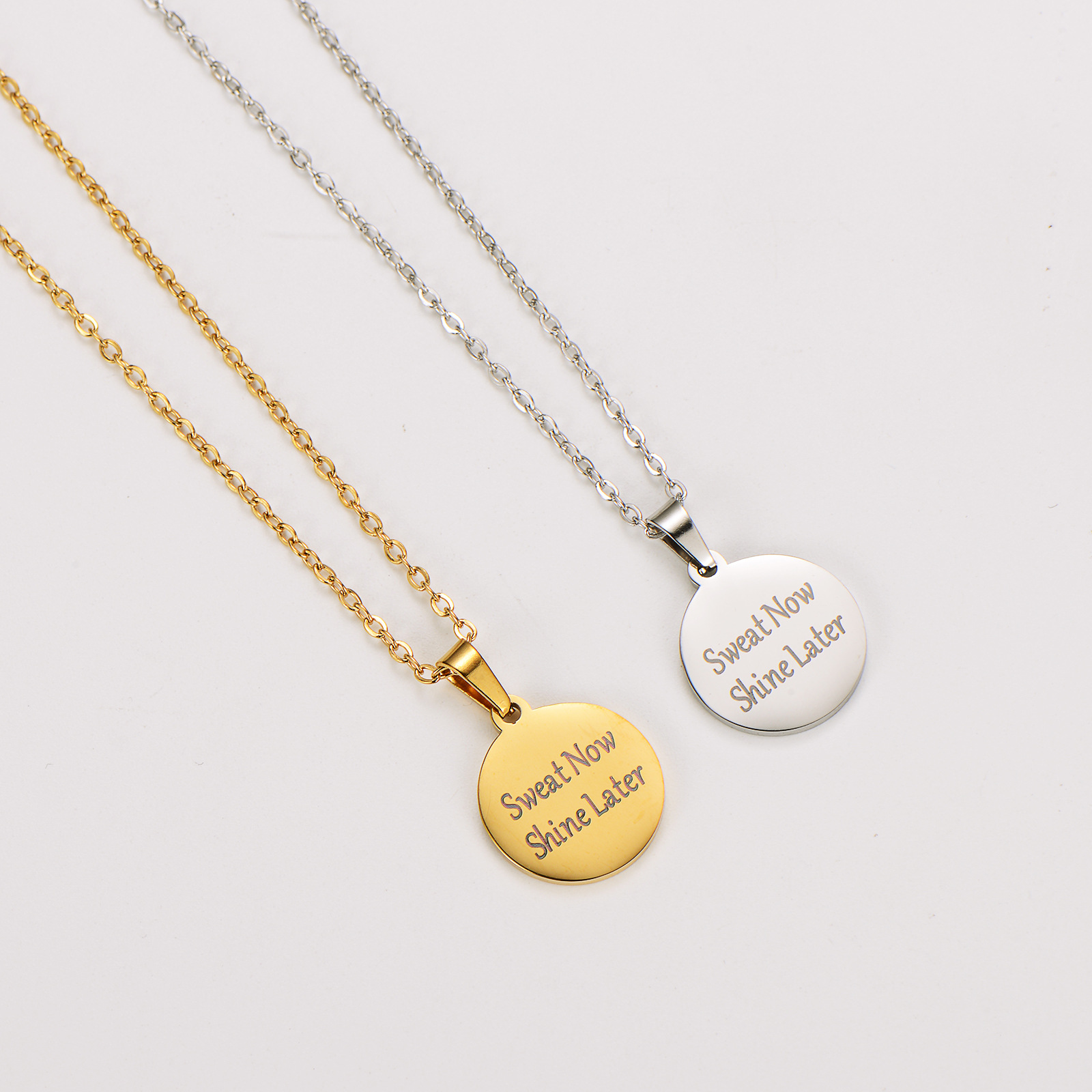
Sweat Now Shine Later 304 Stainless Steel Round Pendant Necklace 18K Gold Plated Motivational Inspirational Fitness Jewelry For Women Men Accessory
$0.62
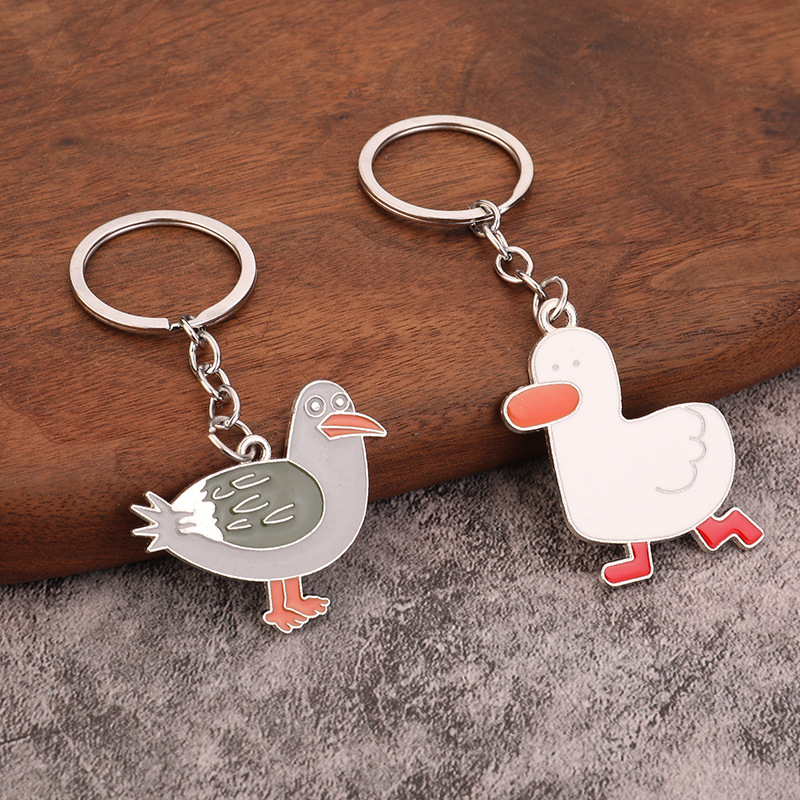
Cute Cheering Duck Alloy Keychain Handmade Small Pendant Diy Korean Version Cartoon Animal Bag Decoration
$0.26
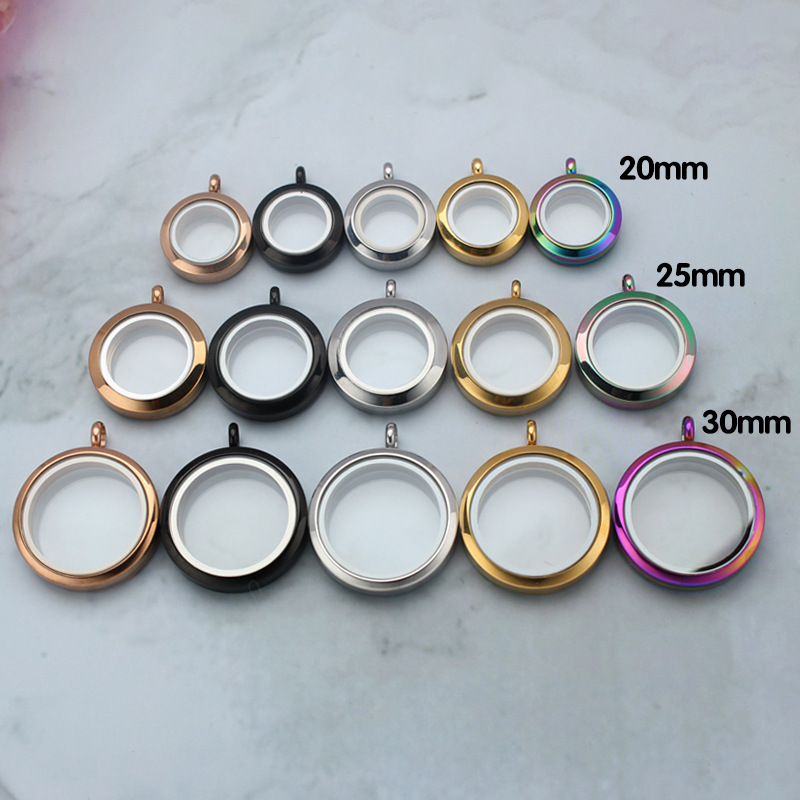
Round Stainless Steel Floating Locket Pendant Glass Memory Locket Necklace Openable Gau Box For Charms Photos Personalized Jewelry Unisex
$1.44
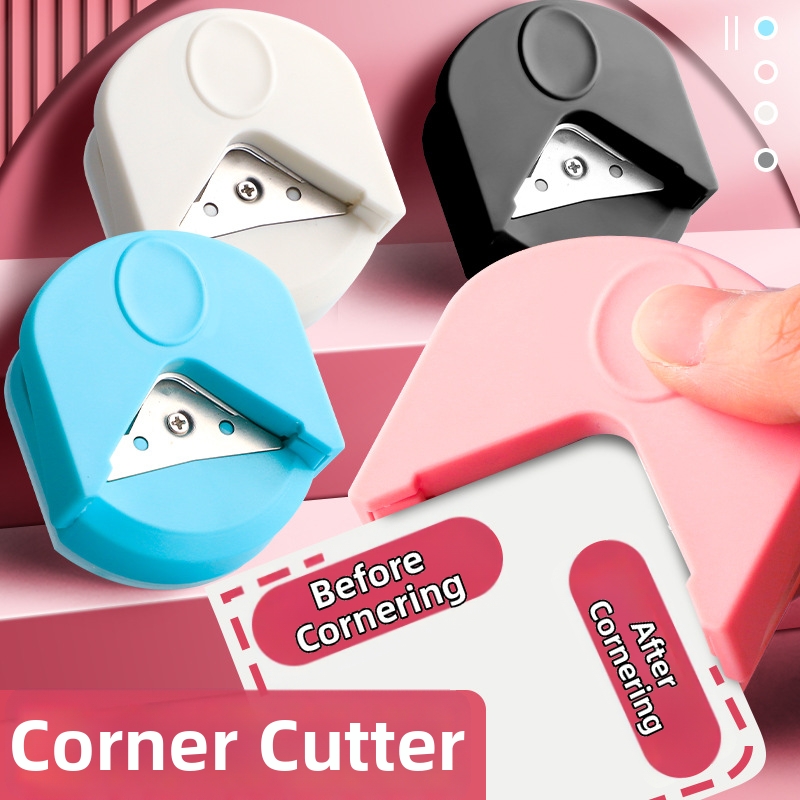
R4 Corner Rounder Cutter Professional Mini Portable Paper Trimmer For Cards Photos Scrapbooking DIY Crafts Office School Stationery Tool
$0.61
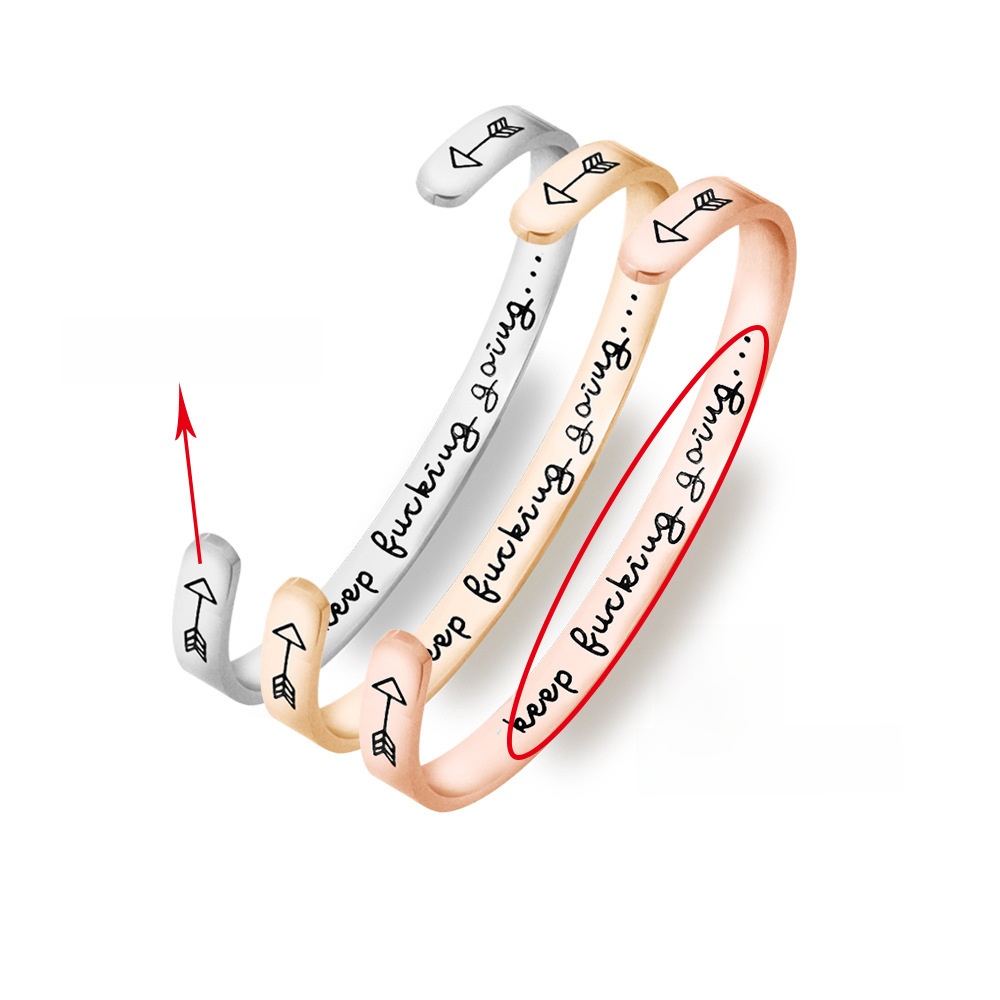
6mm Stainless Steel Inspirational Open Cuff Bracelets For Women Men Personalized Engraved Keep Fucking Going Motivational Quote Bangle Jewelry Gift
$1.13
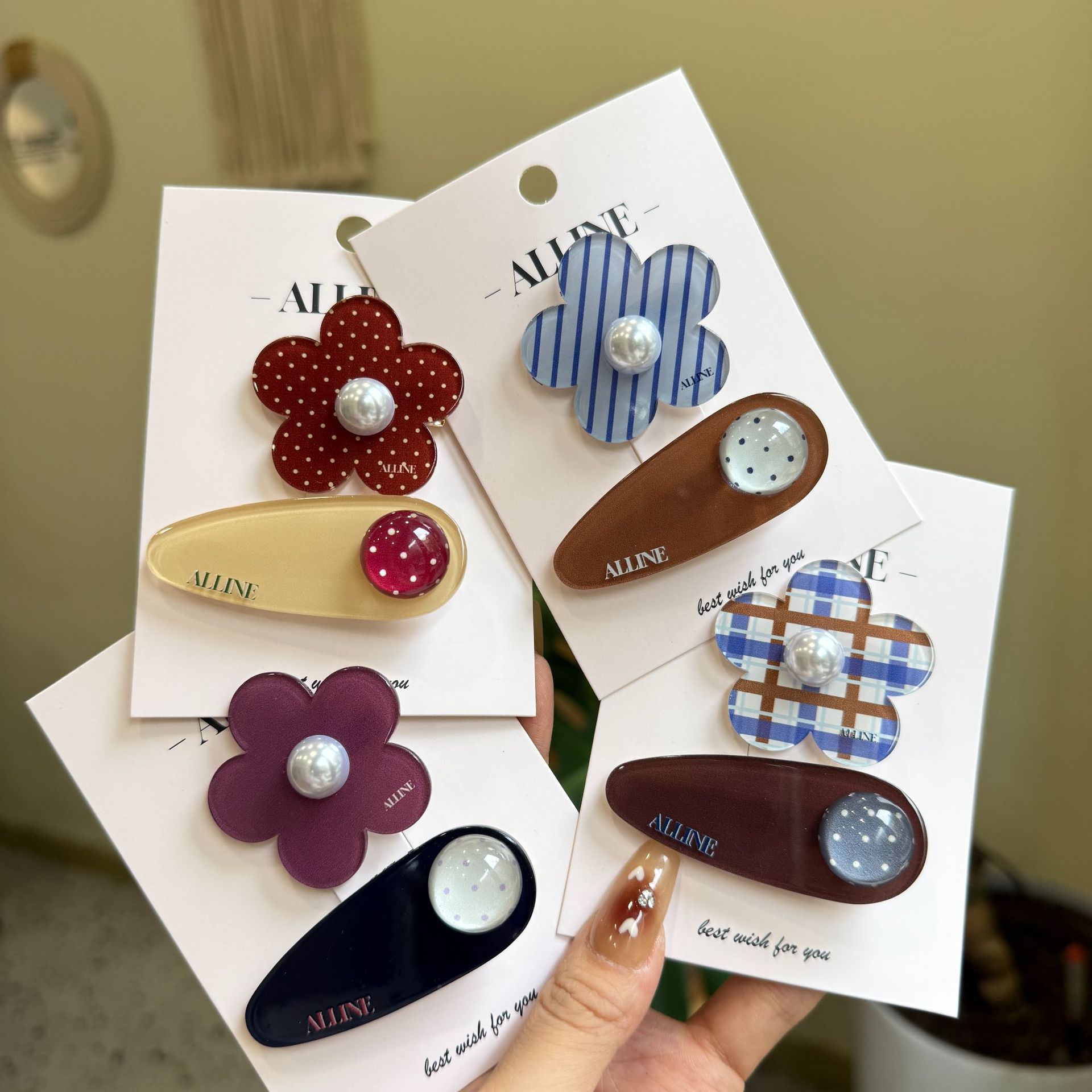
Alline Korean Version Oval Polka Dot Mini Fabric Bb Clip Versatile Floral Hair Clip Simple Bangs Clip Hairpin
$1.50
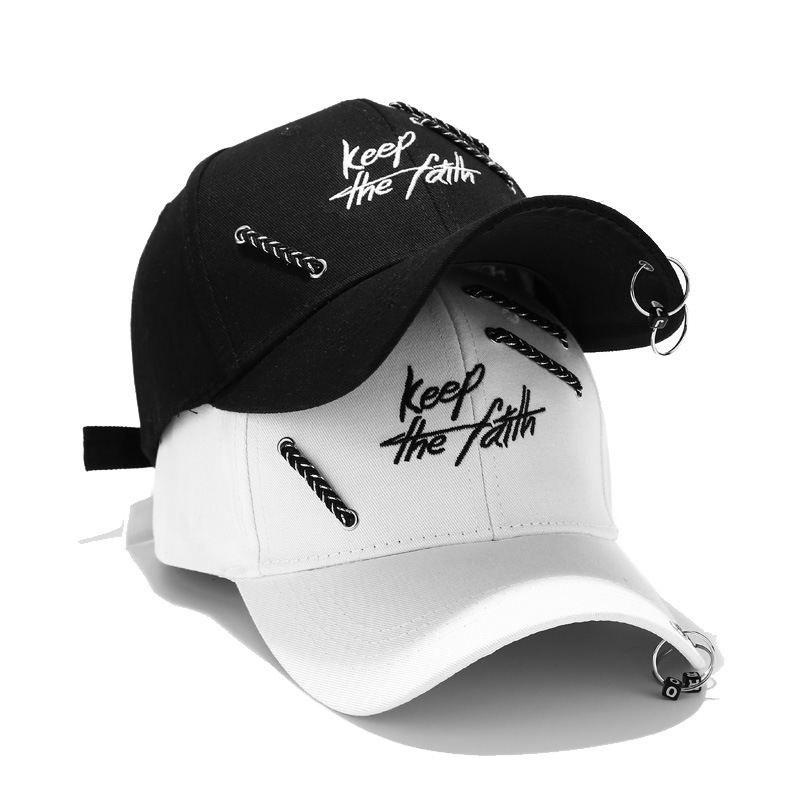
Punk Streetwear Cotton Baseball Cap With Metal Rings And Keep The Faith Embroidery Adjustable Sun Protection Snapback Hat For Men Women
$2.88
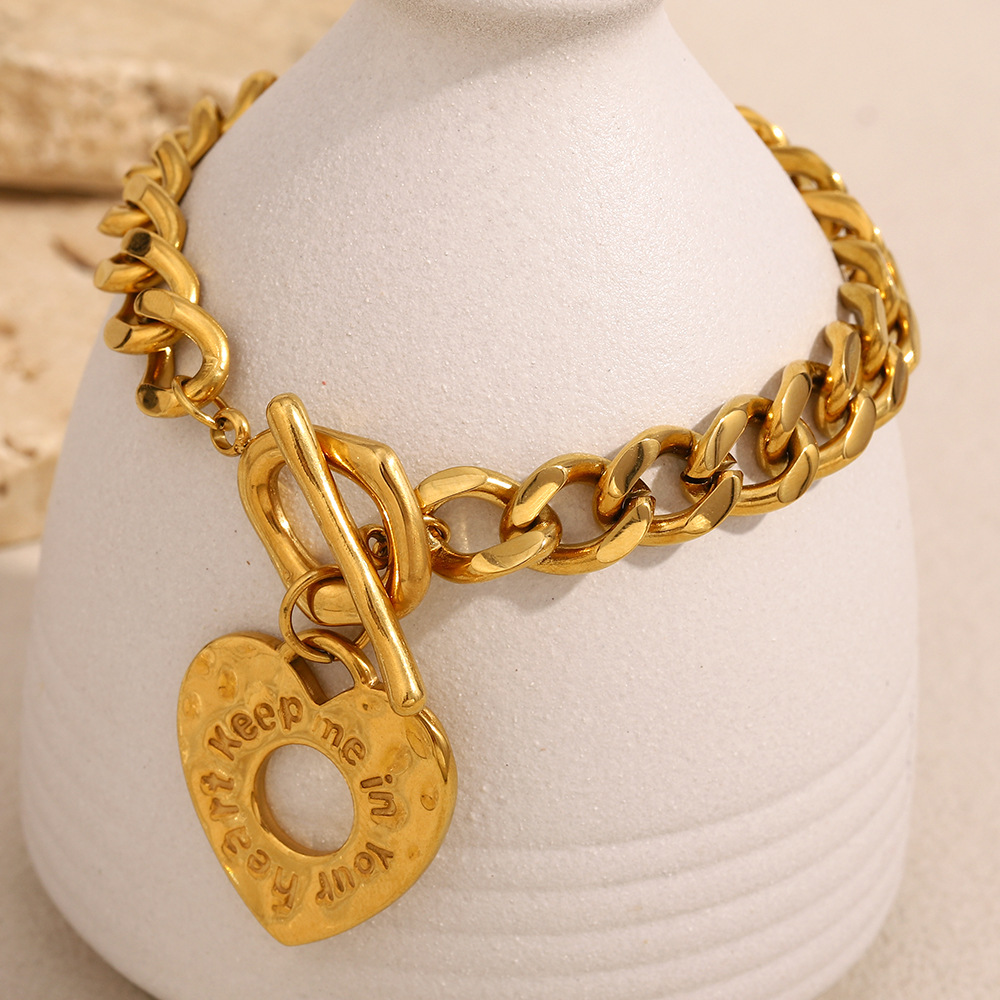
Stainless Steel Heart Pendant Bracelet Gold Toggle Clasp Thick Chain Engraved Keep Me In Your Heart Romantic Jewelry For Women Gift
$4.87
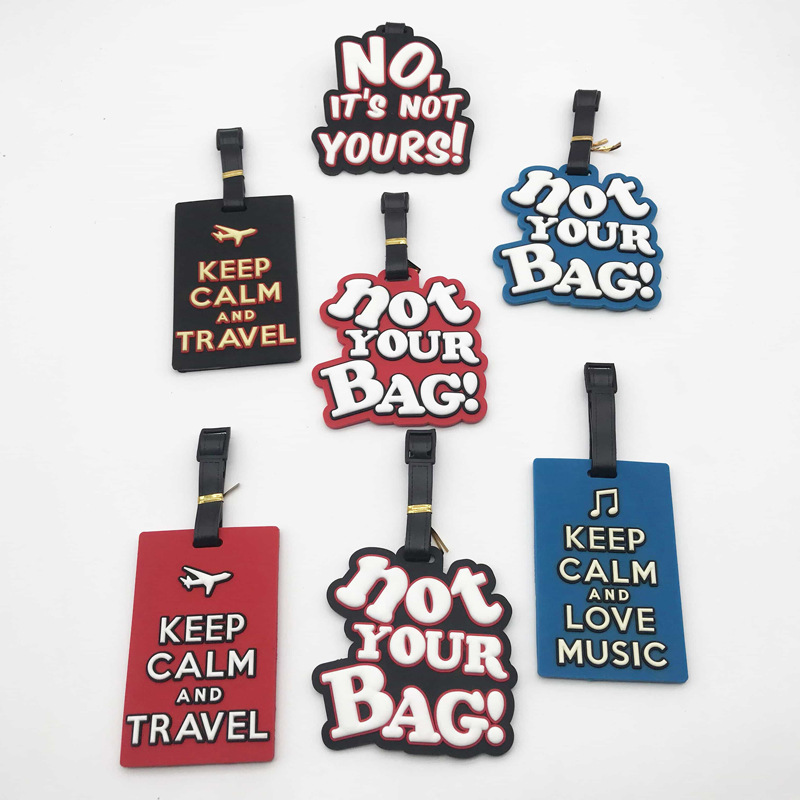
Creative PVC Soft Rubber Luggage Tags Keep Calm Travel Slogan Suitcase ID Tags Adjustable Strap Bag Identification Labels For Travel Essentials
$1.15
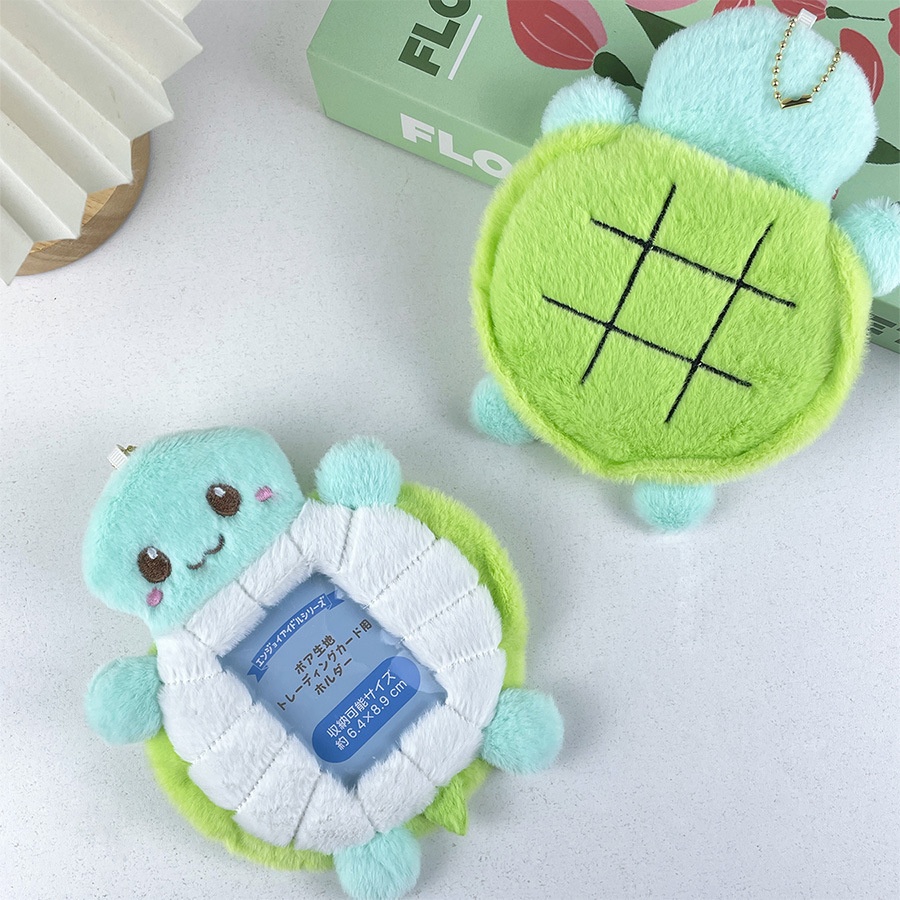
Plush Turtle Card Holder Cute Animal Photo Card Protector Keychain Kawaii Soft Photocards Storage Bag for Idol Photos School Cards Women Girls
$1.73
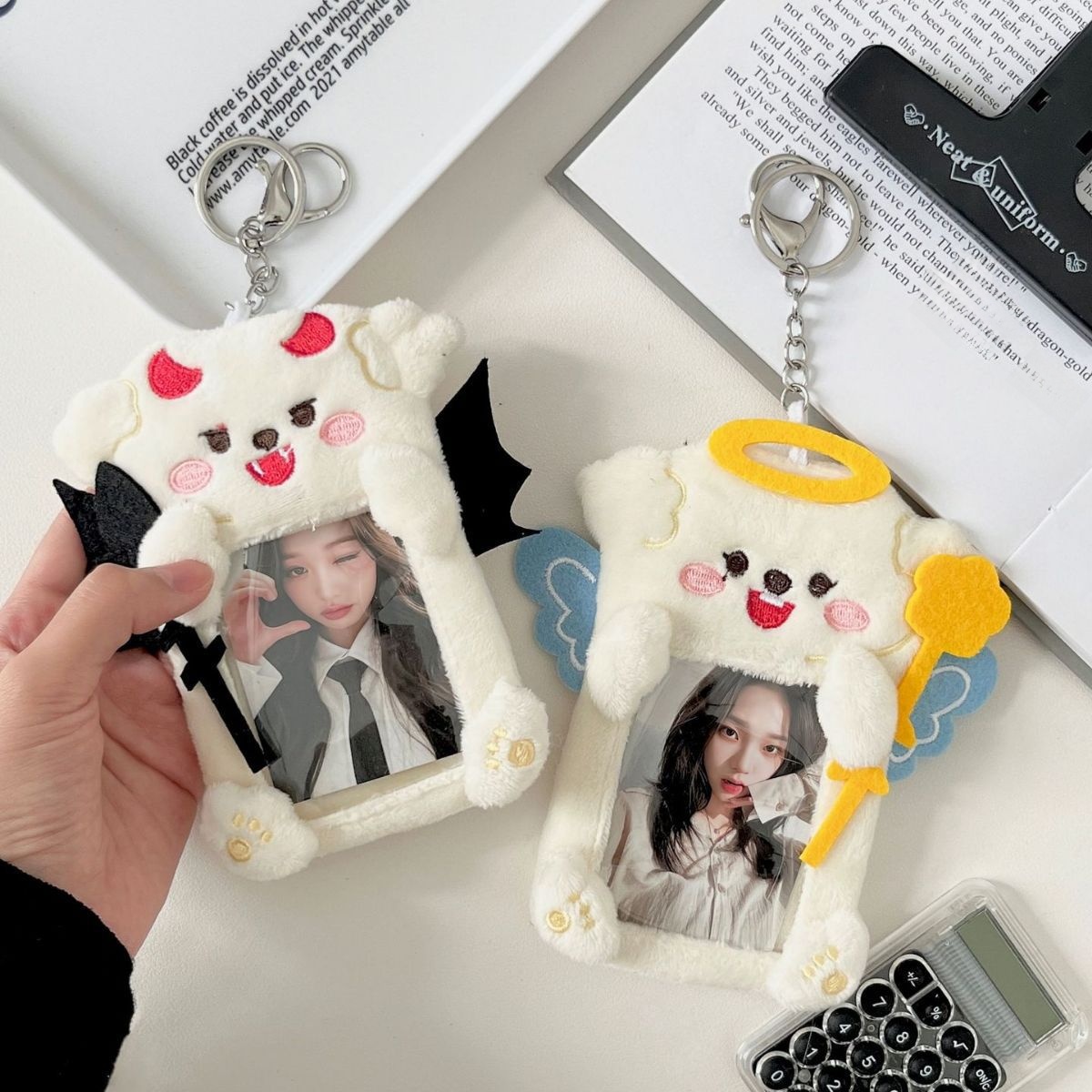
Cute Plush Photocard Holder Angel Devil Series Korean Ins Style Idol Card Protector Case With Keychain For Instax Mini Photos Kpop Fans
$1.38
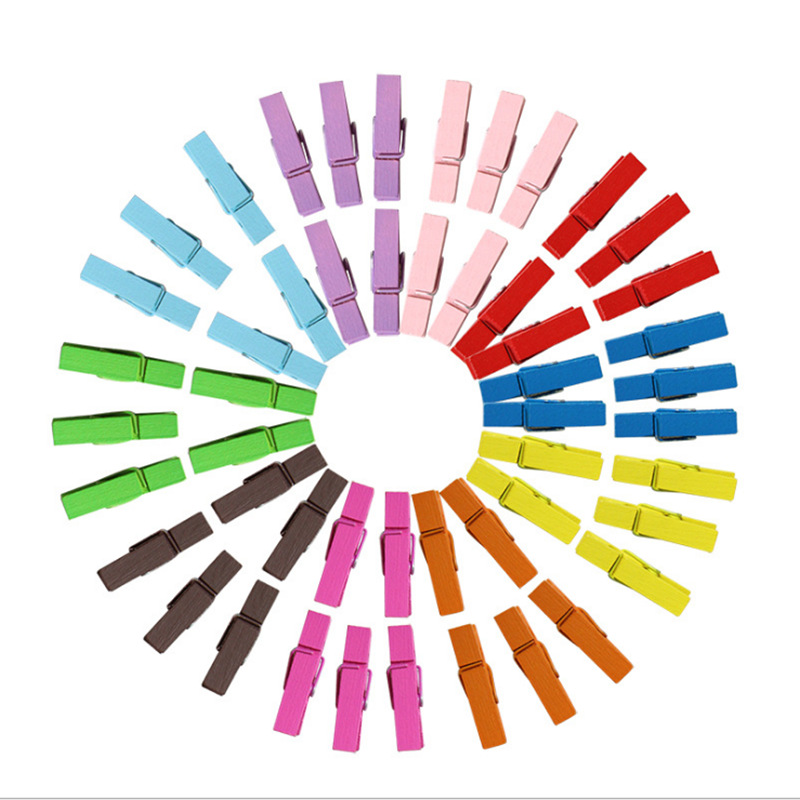
100Pcs Colorful Mini Wooden Clips 3.5cm Decorative Birch Wood Photo Clips With Hemp Rope For DIY Crafts Hanging Photos Home Party Decor
$0.01
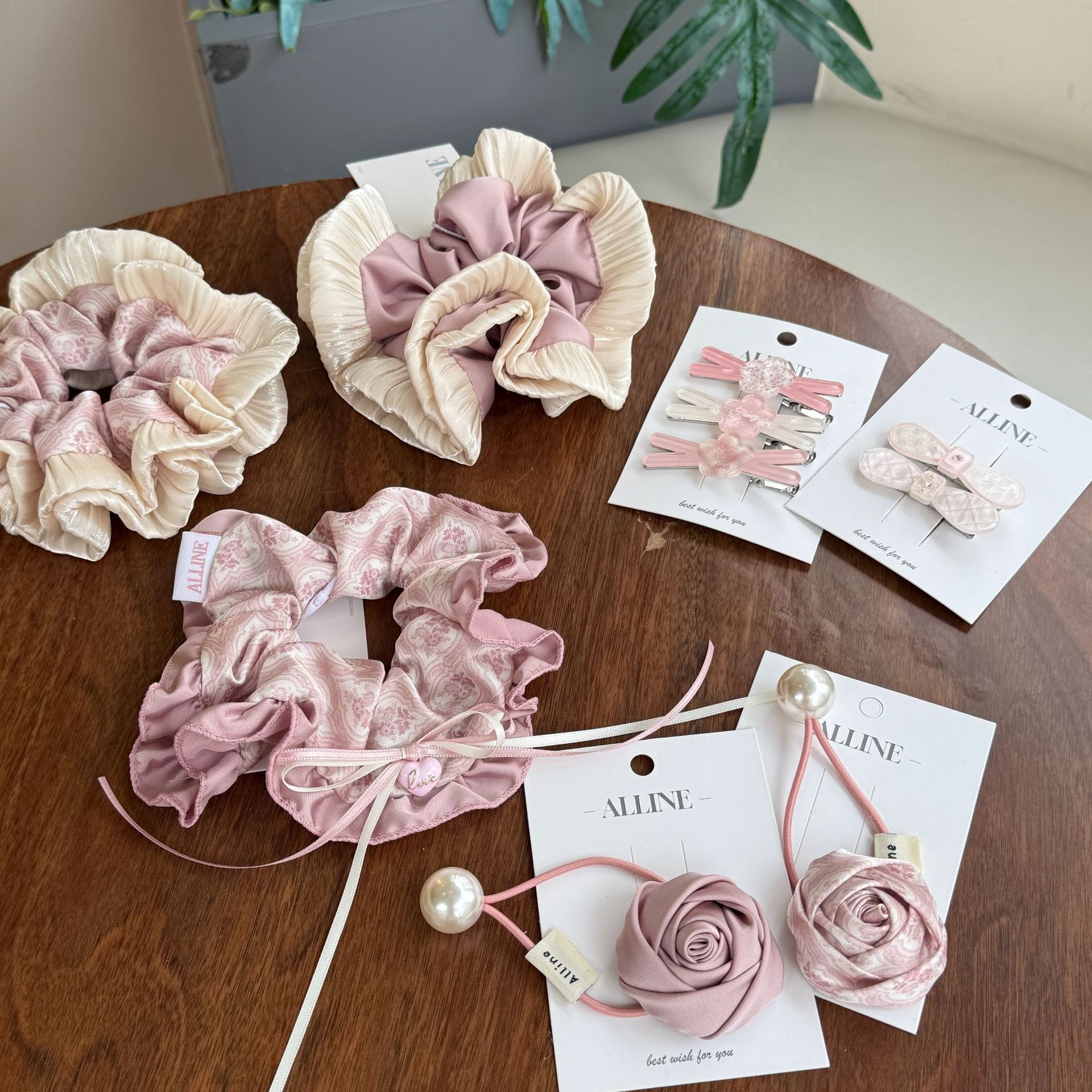
Aline Korean Version Retro Crushed Flower Heavy Craft Large Intestine Hair Tie Palace Rose Hair Rope Sweet Hair Accessories
$2.31
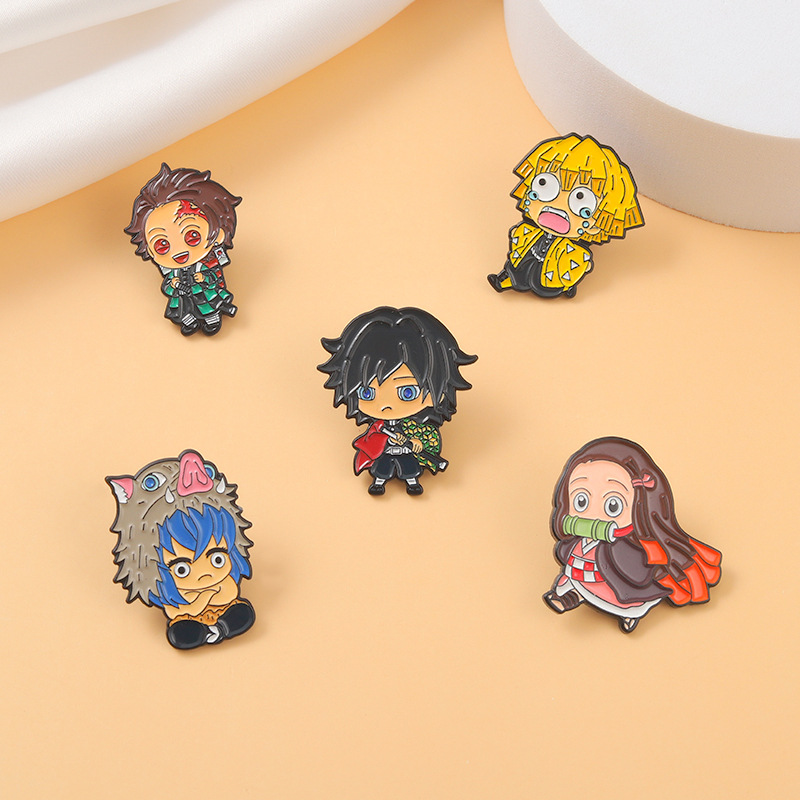
Cartoon Enamel Pin Alloy Anime Figure Brooch For Backpack Clothes Decoration Cute Q Version Jewelry Accessory For Unisex Fans
$0.63
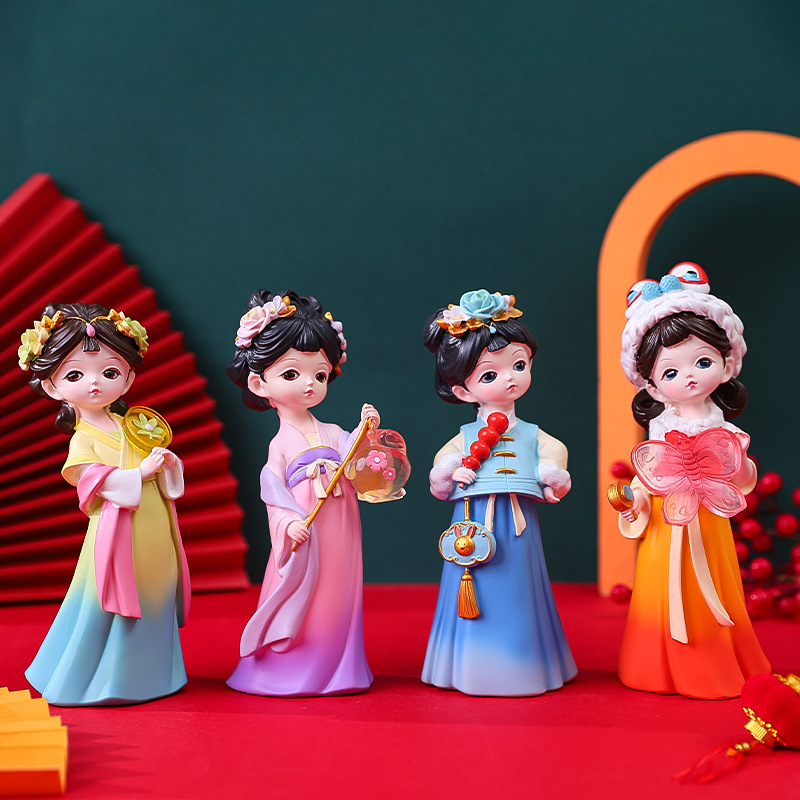
Traditional Chinese Hanfu Girl Figurine Cute Q-Version Resin Ornament Desktop Decoration Home Decor Accents Gift for Girls Women
$2.09
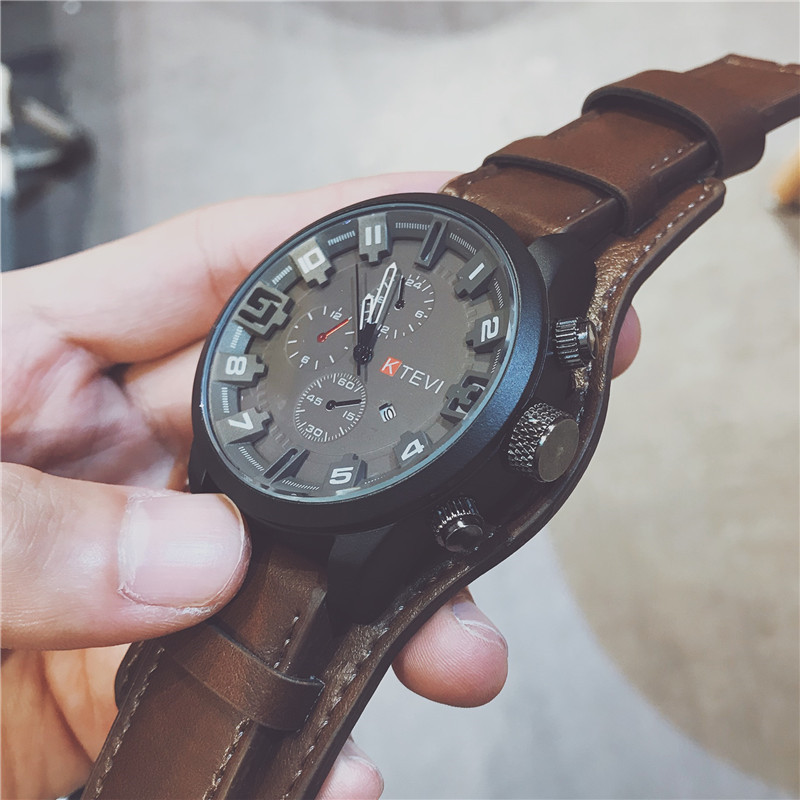
Men's Sport Quartz Watch Large Dial Faux Leather Strap Military Chronograph Style Casual Wristwatch for Men Waterproof Version Available
$4.32
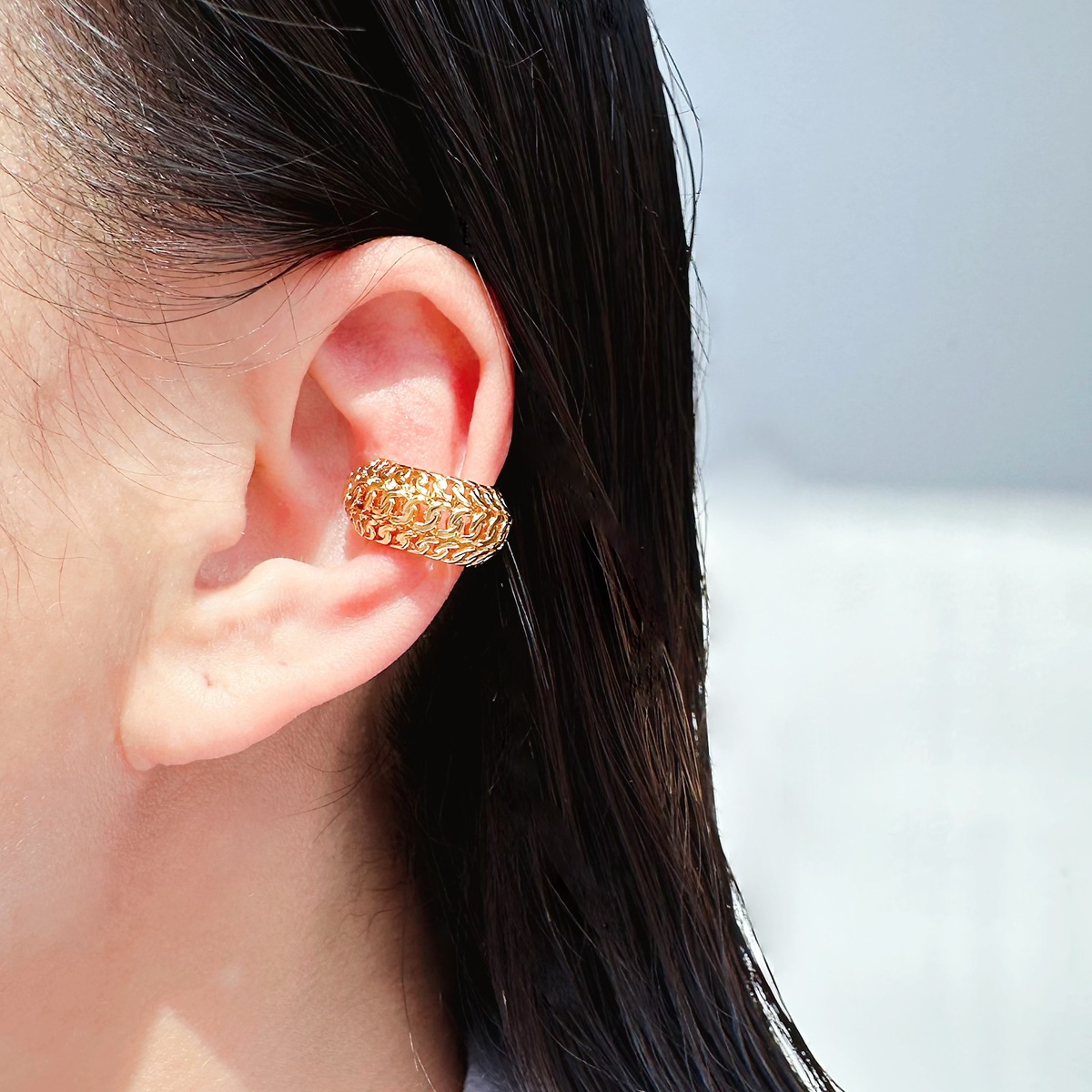
Unisex Ear Cuff Brass Real Gold Plated Hollow Chain Wide Version Non Pierced Clip On Earrings Punk Metal Style
$1.44
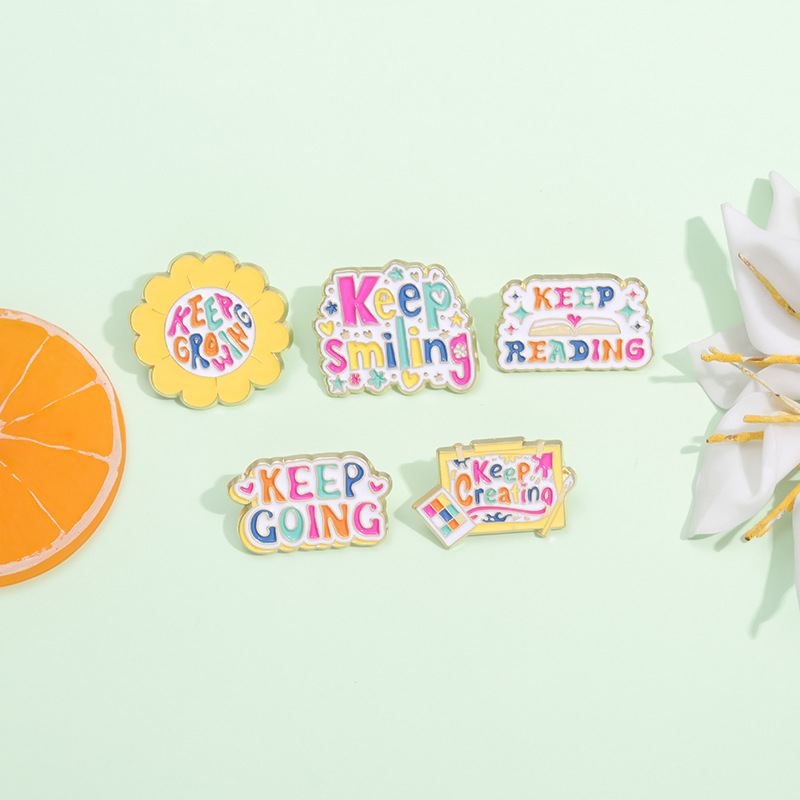
5Pcs Inspirational Enamel Pins Set Keep Smiling Growing Going Reading Creating Alloy Brooch Cartoon Lapel Badges For Women Students Backpack Clothing Accessories
$0.50
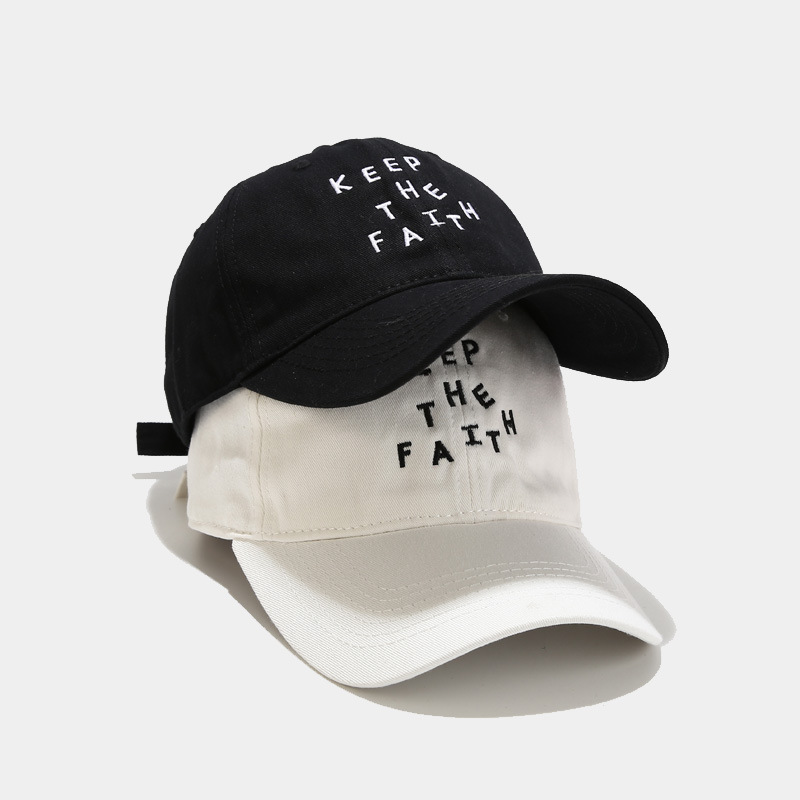
Unisex Cotton Embroidered Baseball Cap KEEP THE FAITH Letter Soft Top Peaked Cap Adjustable Casual Sport Sun Hat For Men Women Couples
$3.56
Bundle Smart, Not Random
Bundling products for a photo refresh reduces the risk of a single item flopping and gives you a coherent visual story. These bundles are designed around the lesson from the source seller: natural cohesion beats polished randomness.
Photo Refresh Starter Kit
You've just decided to update a listing and need photo-friendly props and a photogenic product to test your new style.
- Round Stainless Steel Floating Locket Pendanthero
- R4 Corner Rounder Cuttercomplement
- 100Pcs Colorful Mini Wooden Clipsupsell
Bundle at $2.05 vs $3.05 separately — cheap enough to test a new photo set without risk.
Keep the Faith Motivational Bundle
You want to test whether your buyers respond better to inspirational messaging in your photos (a common shift from clean product shots).
- 6mm Stainless Steel Inspirational Open Cuff Bracelethero
- 5Pcs Inspirational Enamel Pins Setupsell
- Unisex Cotton Embroidered Baseball Cap KEEP THE FAITHcomplement
Bundle at $5.79 vs $7.67 separately — a 24% savings that also tests if 'Keep the Faith' aesthetics convert.
Memory & Display Bundle
You sell locket-style jewelry and want to show buyers how to personalize with photos. This bundle supports a lifestyle photo angle.
- Round Stainless Steel Floating Locket Pendanthero
- Plush Turtle Card Holdercomplement
- Cute Plush Photocard Holder Angel Devil Seriesupsell
Bundle at $4.55 vs $5.55 separately — ideal for a Valentine's or memorial photo story.