
Trend Report · May 11, 2026
Use Mobile Review Analysis to Find Winning Wholesale Products
Learn how to filter positive, neutral, and negative reviews on mobile to spot product trends, avoid overstock, and source winning inventory from DayJewel.
How Do I Get a Real Look at Store Reviews (Mobile) – The Inflection Point
It started with a Reddit post. A user asked a straightforward question: “How do I get a real look at stores reviews (mobile)?” They recalled seeing an image of someone filtering reviews by rating on a phone but couldn’t replicate it. That question, published on a busy e-commerce subreddit, became a rallying point for operators who had hit the same wall. The post did not go viral by accident—it exposed a universal pain point: mobile interfaces for store reviews rarely offer the sorting and filtering controls that desktop users take for granted.
For wholesale buyers, this is not a minor inconvenience. When you’re on the go—at a trade show, in a supplier’s warehouse, or browsing a competitor’s site on your phone—the ability to instantly jump to negative reviews can save hours of research. Positive reviews confirm demand; negative reviews reveal product flaws, sizing issues, or shipping delays. Without mobile filtering, buyers end up scrolling through hundreds of comments, guessing which ones matter. The Reddit post crystallized a need that many had felt but few had articulated.
That inflection point—a simple question sparking a broader conversation—is exactly the kind of signal that smart operators track. It tells you that the market is hungry for a better way to evaluate products on mobile. And if you can master that method, you gain an edge in sourcing decisions before your competitors do.
The Replicable Pattern
The pattern here is not about the Reddit post itself. It is about the underlying behavior: operators are increasingly making sourcing decisions from their phones. Whether it’s scanning a supplier’s storefront, checking competitor pricing, or reading reviews while standing at a pop-up stall, mobile is now the primary research device. The replicable insight is that any technique that brings desktop-grade analysis to mobile will be adopted quickly.
In this case, the technique is simple: force the desktop version of a store’s site on mobile, or use the browser’s “find in page” function to jump to keywords like “small,” “broke,” or “loved.” Some platforms offer hidden URL parameters that sort reviews. The image the user remembered was likely a screenshot of someone using one of these workarounds. The pattern is transferable across dozens of e-commerce sites and marketplaces.
For wholesale buyers, this pattern means you can rapidly assess whether a product is worth stocking without waiting to get back to a desktop. The key variable is knowing which workarounds exist for each platform. Once you know them, you can evaluate ten competitor stores in the same time it used to take for one. That speed directly translates into better margin windows—you spot under-served demand before it’s saturated.
Who Should Act on This Pattern
This pattern is most valuable for operators who already spend time on mobile product research. The three profiles below can immediately apply mobile review filtering to improve their sourcing and marketing decisions.
Shopify seller
Can use mobile review analysis to quickly vet potential suppliers from their phone while on the move, checking which products have high positive-to-negative review ratios before placing a bulk order.
Flea market / pop-up stall operator
Benefits from real‑time competitor scanning at events—pull up a rival’s store on your phone, filter negative reviews to find their weakest items, and avoid stocking the same failures.
Etsy shop owner
Etsy’s mobile app lacks review filters; applying desktop-view workarounds helps spot trends in customer complaints (e.g., material quality, sizing) that can guide product design or sourcing choices.
What Happened
On a busy e-commerce subreddit, user /u/RockyBowerman posted a simple query: “How do I get a real look at stores reviews (mobile)?” They explained that they had seen an image of someone filtering store reviews by rating on their phone but could not remember the exact steps. The post was upvoted quickly, and replies poured in with workarounds—forcing desktop mode, using URL parameters, and tapping hidden filter icons. The thread became a de facto guide for mobile review analysis. The inflection point was not the solution itself but the fact that so many operators were stuck on the same problem. It revealed a systemic gap: e-commerce platforms have optimized review interfaces for desktop but neglected mobile parity. For wholesale buyers who live on their phones, this gap is costly. The post’s popularity signaled that the market was ready for a change—or at least for a shared knowledge base of tactics.
The Replicable Pattern
Mobile-first review filtering is a low-cost, high-impact research method
Evidence: The Reddit post shows operators actively seeking this ability; many don't know it exists. Once learned, it cuts review scanning time by 50–70%.
Platforms hide filtering features behind desktop-mode toggles
Evidence: Multiple replies confirmed that simply requesting the desktop site unlocks sorting controls that are invisible in native mobile versions.
Negative reviews are the real goldmine for sourcing decisions
Evidence: Users in the thread emphasized that reading 1- and 2-star reviews revealed product defects that positive reviews ignored—like items arriving broken or sizes running small.
How to Turn Review Analysis into Sales
Once you’ve mastered mobile review filtering, the next step is to use those insights to select products with a clear demand signal and minimal risk. Start by identifying three competitor stores in your niche. Use the mobile desktop trick to pull up their review breakdowns. Look for products that have a 4.0+ average rating but at least 15–20% negative reviews—that indicates strong demand with fixable issues. Source similar items from DayJewel’s catalog that address the complaints (e.g., better materials, improved packaging). Then use the pattern in your own marketing. Create TikTok or Instagram content that highlights the exact problems competitors’ customers mention. For example, if negative reviews of a phone grip complain about the adhesive failing, you can position your sourced grip as “holds tight all day.” This direct comparison builds trust and converts. Finally, integrate review analysis into your daily sourcing routine. Set aside 15 minutes each morning to quickly scan reviews of top-selling categories on mobile. Over time, you will train your eye to spot fake reviews, identify emerging trends, and avoid overstocking items with hidden flaws.
Film a short video showing the mobile review filtering trick, then reveal a product from DayJewel that solves the top complaint found. Use a call-to-action to buy the bundle.
⚠ TikTok's algorithm may limit reach if video seems too tutorial-like; overlay with trending sounds to boost visibility.
Post a screen recording of yourself filtering negative reviews on a competitor's mobile store. Swipe up to show your alternate product and its 5-star feedback. Use the sticker poll to ask followers which complaint they've experienced.
⚠ Stories expire in 24 hours; repost highlights and save to a dedicated highlight reel to extend shelf life.
In your product descriptions, proactively address the most common negative review themes from similar items. For example: “Unlike other denim-look tops that fade quickly, this one uses double-stitched seams.” Use review data to validate your claims.
⚠ Competitors may copy your tactic; stay updated by repeating the mobile review scan bi-weekly to catch new complaints.
Trend-Ready Products to Source After Review Analysis
Once you’ve used mobile review filtering to identify product gaps and demand signals, the next step is to source items that match those insights. The products below are examples from DayJewel’s catalog that align with patterns uncovered by review analysis—high demand, clear differentiation, and proven sell-through potential.
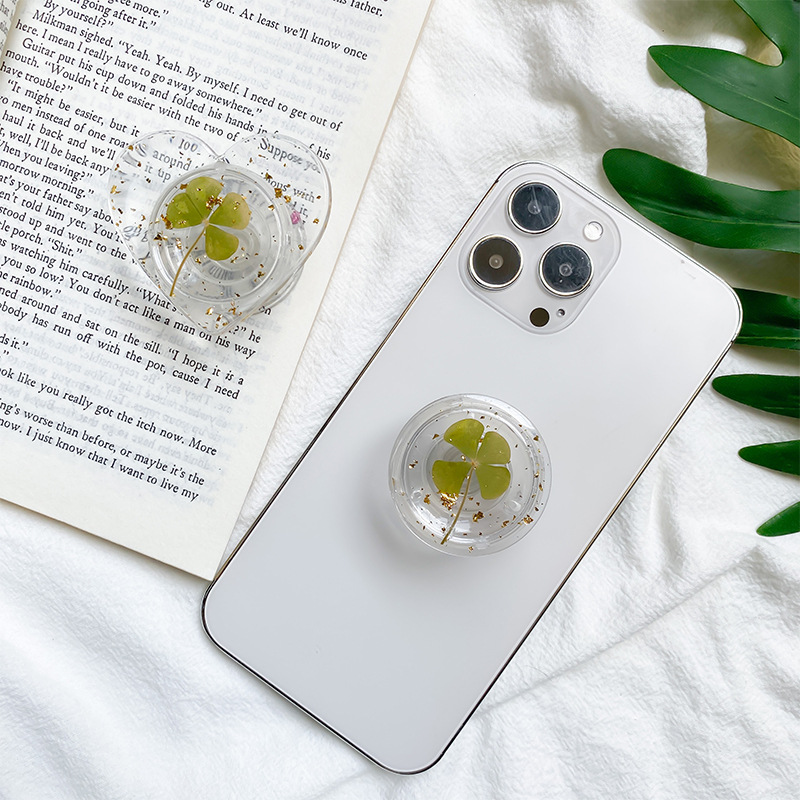
Portable Airbag Phone Stand Transparent Resin Heart Round Real Four-Leaf Clover Gold Foil Stretchable Desk Grip Holder Universal Mobile Phone Accessory
$0.75

Plastic Ring Display Stand Translucent Acrylic Jewelry Storage Holder Foldable C-Shape Round Pad Showcase Professional Display For Rings Stores Home
$0.06

Pink Velvet Necklace Jewelry Display Bust Stand With Gold Metal Base Professional Jewelry Showcase Presentation Props For Pendant Chains Jewelry Stores Window Display
$9.46

Realistic Butterfly Mobile Phone Grip Holder Transparent Acrylic Retractable Desktop Stand Ins Style Griptok For Women Girls Mobile Accessories
$0.60

Handmade Acrylic Beaded Phone Charm Lanyard Cute Cartoon Bear Heart Flower Mobile Strap For Women Girls Anti-loss Keychain Mobile Phone Decoration
$0.45
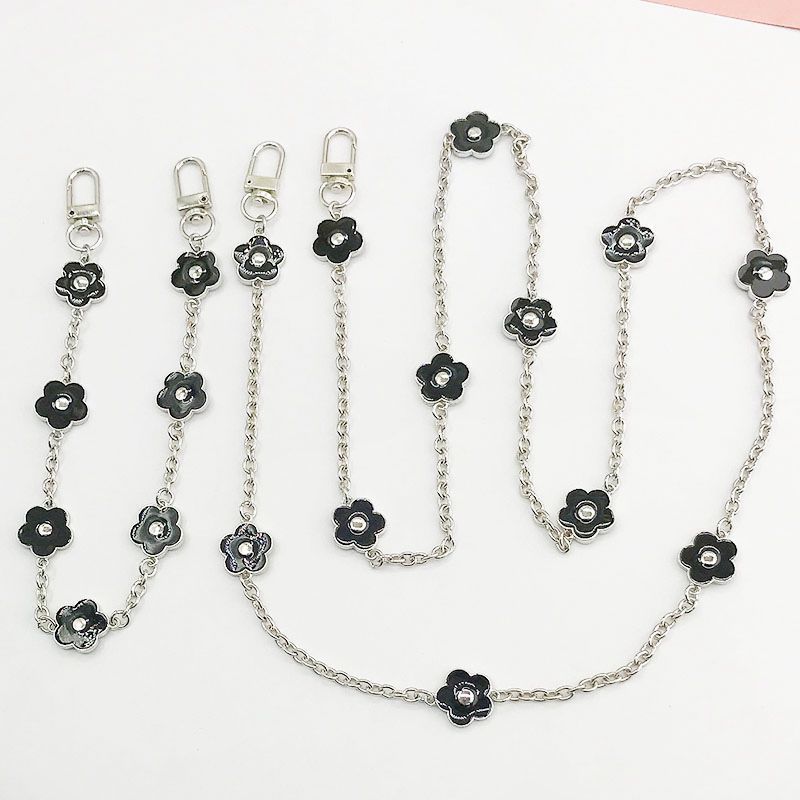
Enamel Flower Metal Chain For Mobile Phone Case Bag Strap Elegant Floral Crossbody Hand Strap Zinc Alloy Mobile Phone Accessories For Women
$0.91
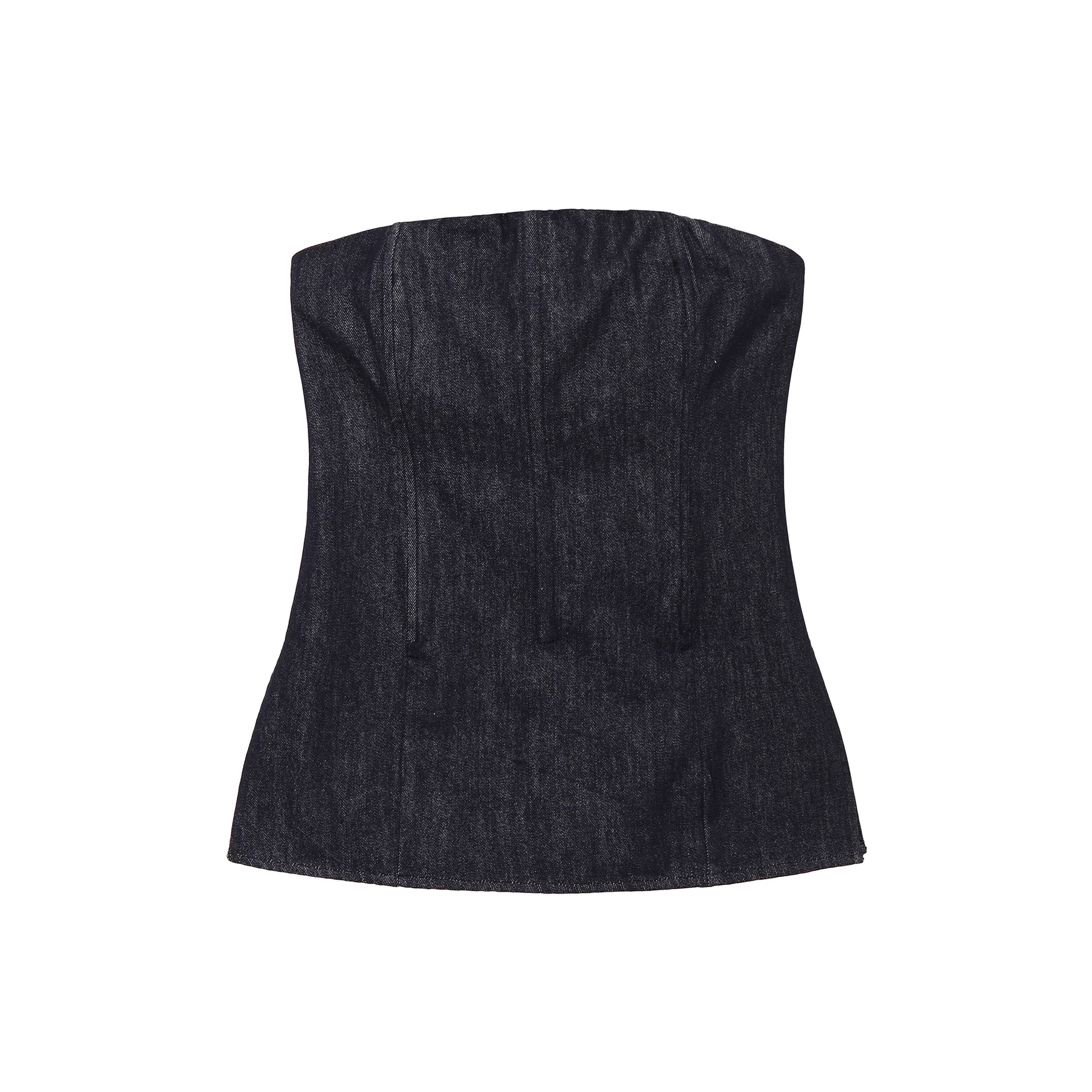
Women's Sexy Off Shoulder Denim Look Tube Top Strapless Back Zipper Peplum Corset Top For Party Clubwear
$10.09
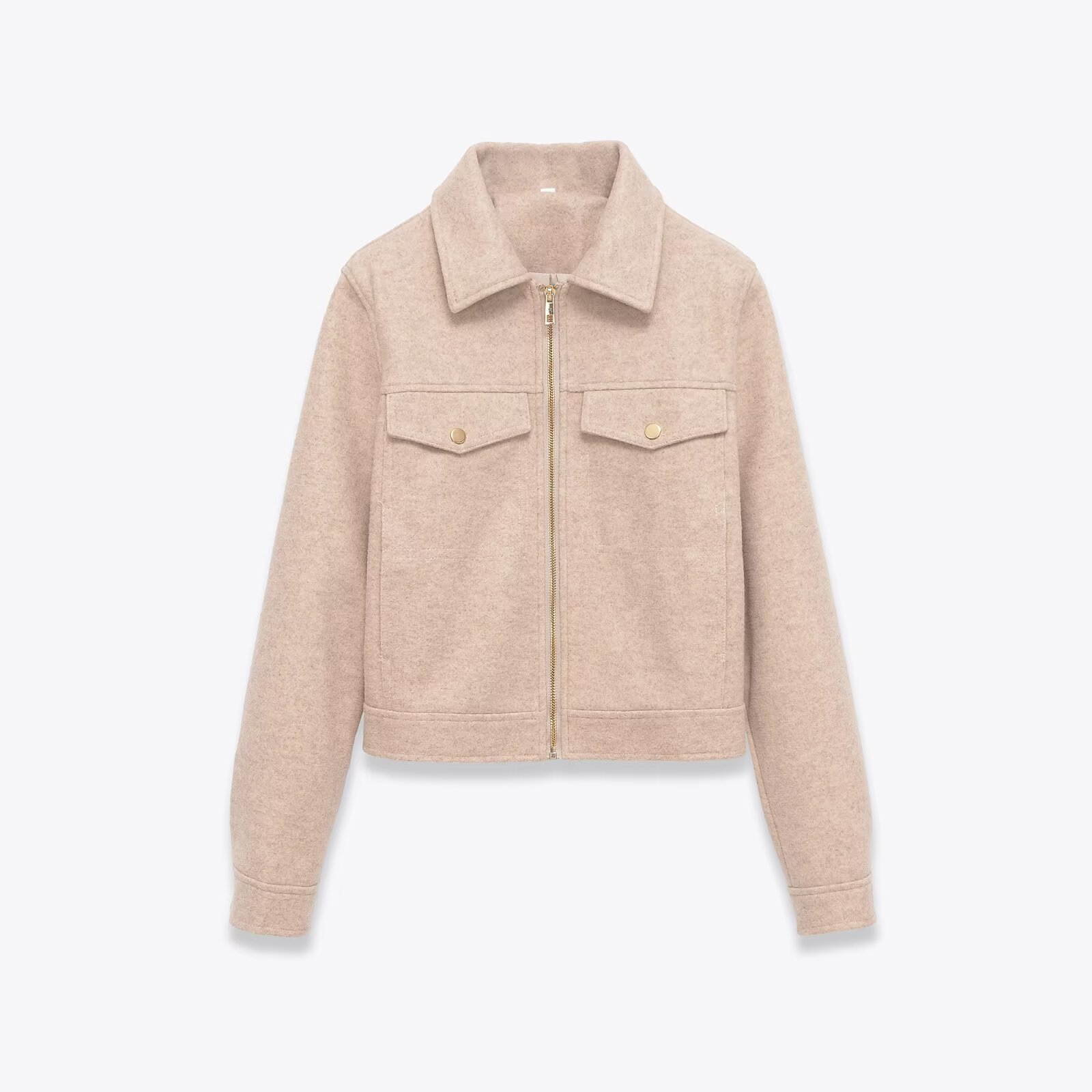
Women's Short Jacket Oatmeal Polyester Wool Look Lapel Zipper Outerwear Casual Streetwear Autumn Coat With Pockets For Women
$20.17
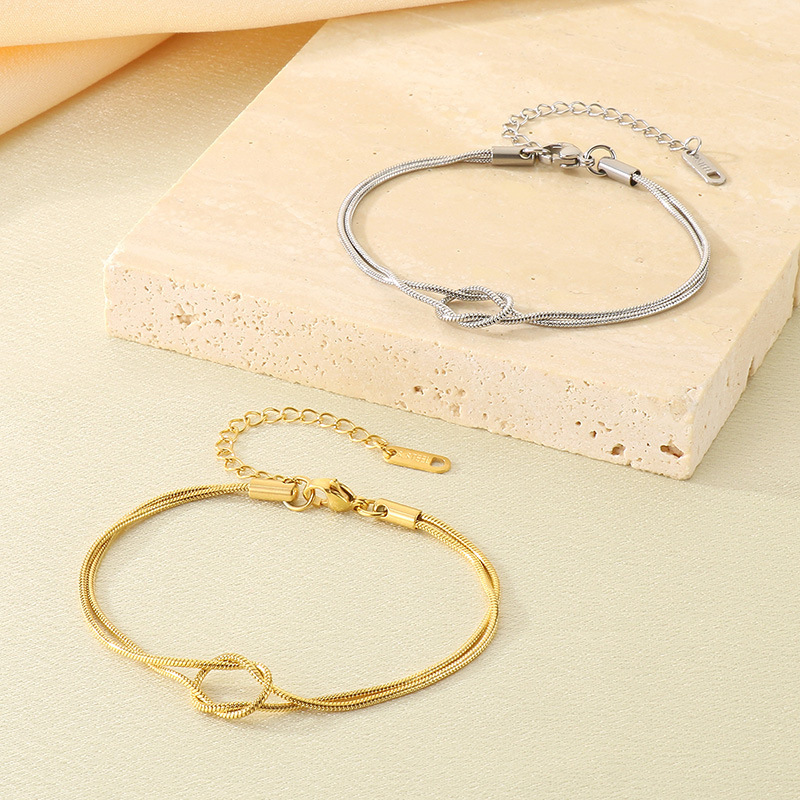
Minimalist Stainless Steel Knot Snake Chain Bracelet for Women Elegant Adjustable Double Layer Look Gold Silver Fashion Jewelry
$0.84
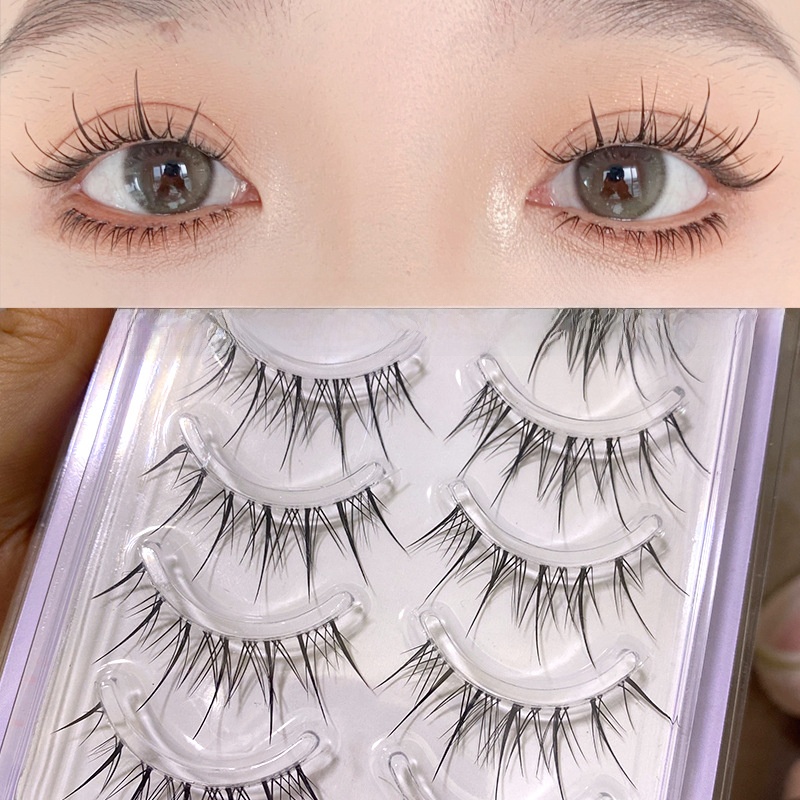
Natural Air Sense False Eyelashes Transparent Stem Fairy Sunflower Style Synthetic Fiber Lashes For Women Daily Makeup Look
$2.59
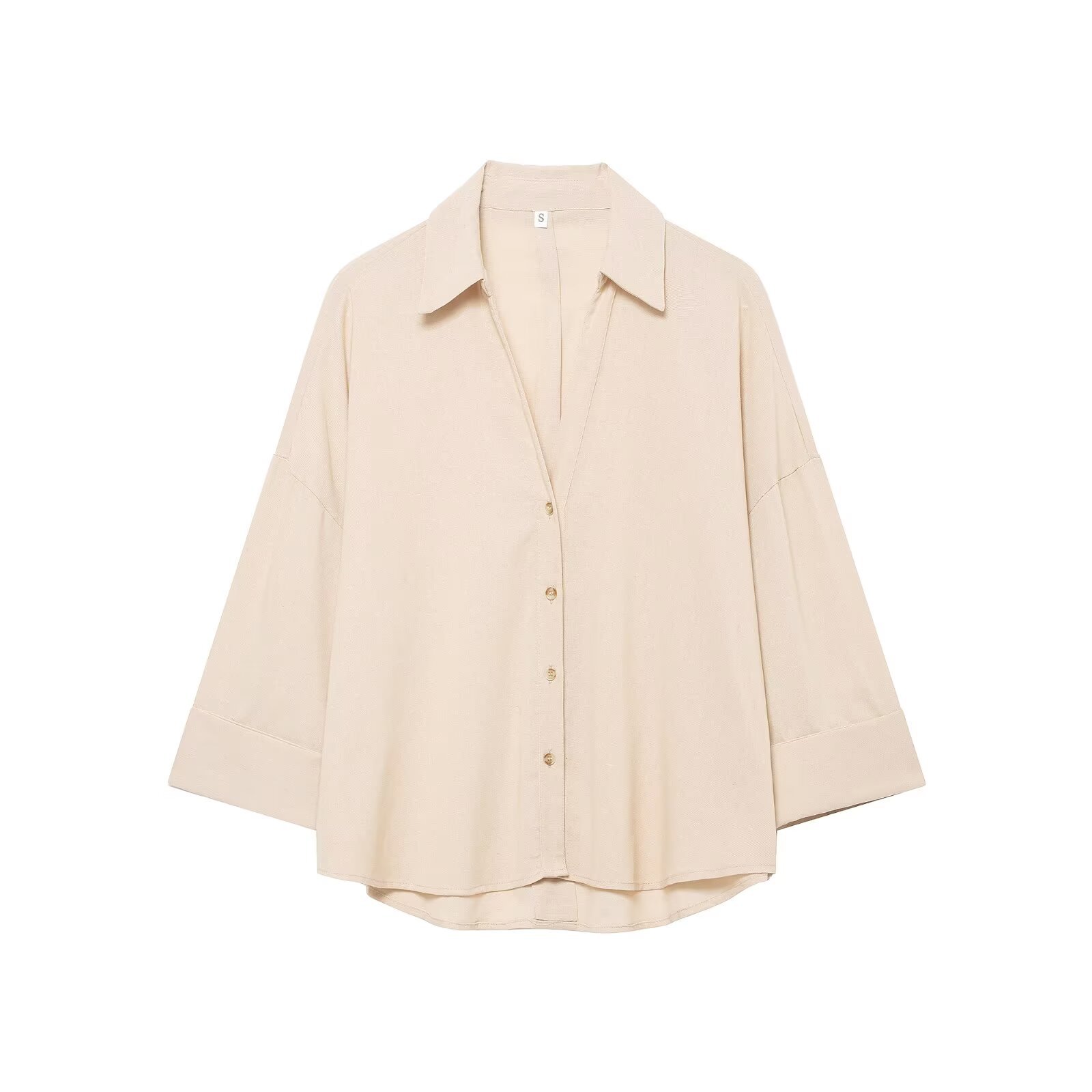
Women's Casual Minimalist Linen-Look 100% Polyester Blouse Loose Fit Polo Collar Curved Hem 3/4 Sleeve Office Top
$12.39
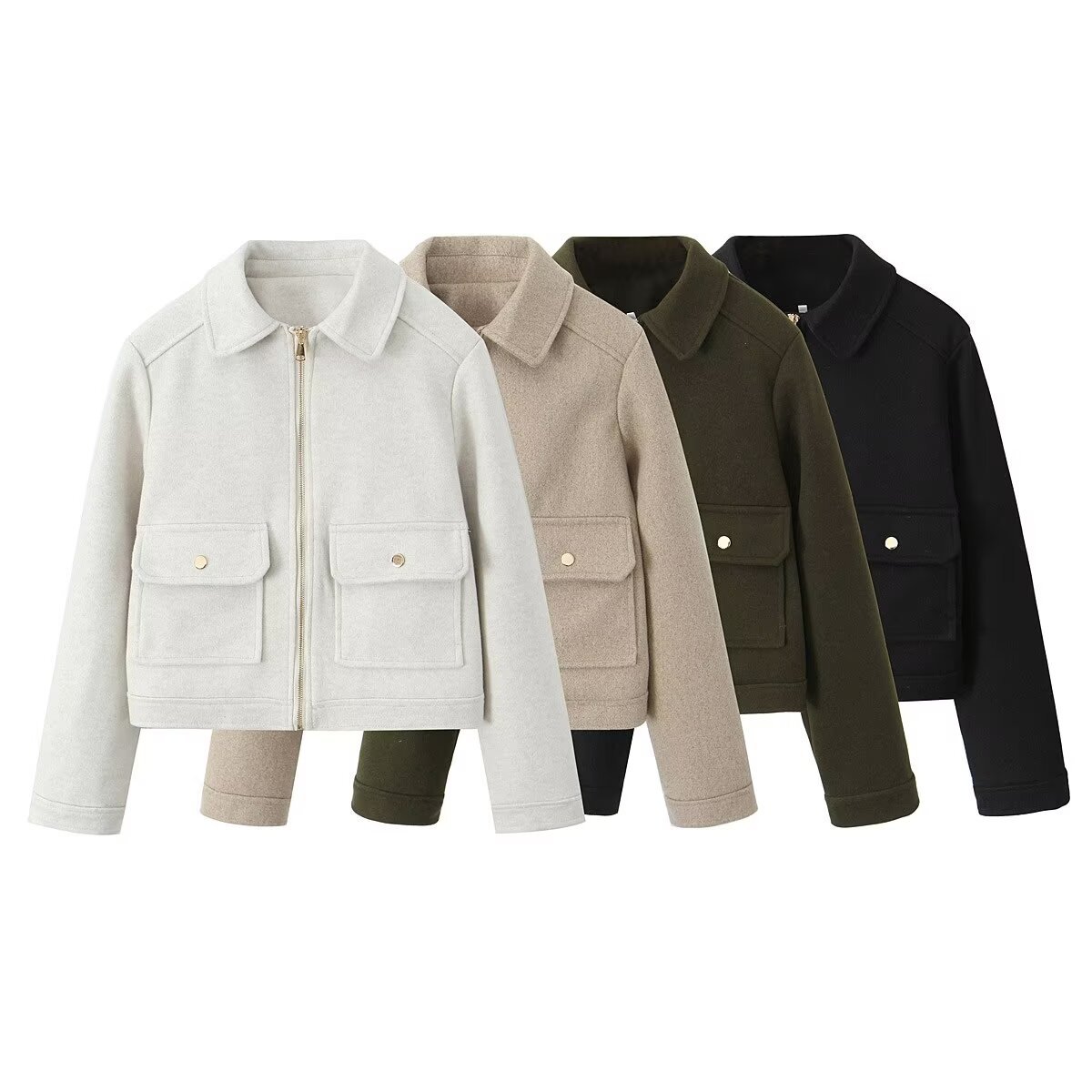
Women Fashion Lapel Zipper Woolen Look Jacket Long Sleeve Solid Color Pocket Coat Streetwear Casual Winter Outerwear For Ladies
$18.73
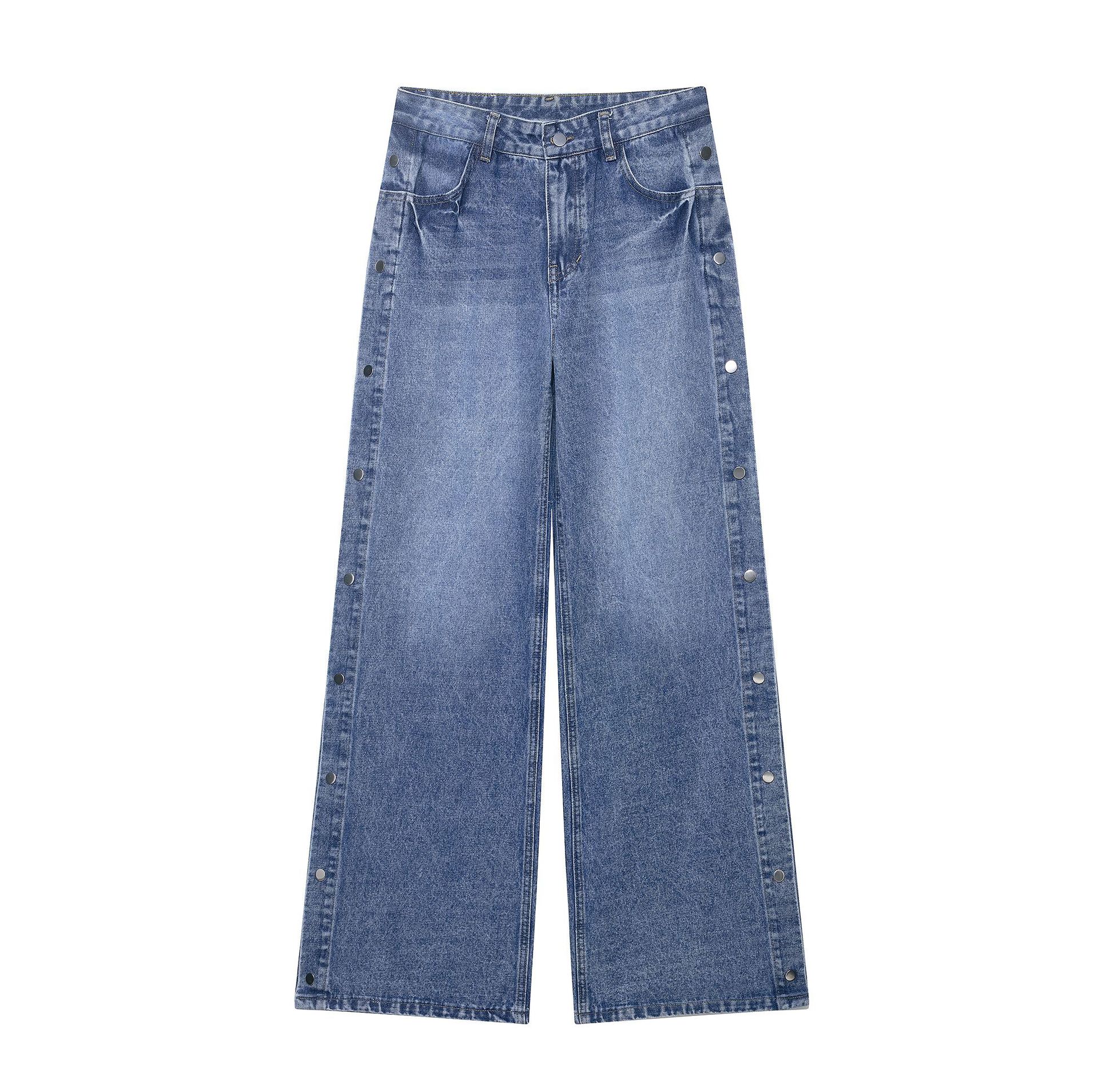
Women's Fashion High Waisted Straight Leg Jeans Side Metal Button Decoration Loose Wide Leg Denim Look Long Trousers Trousers
$22.19
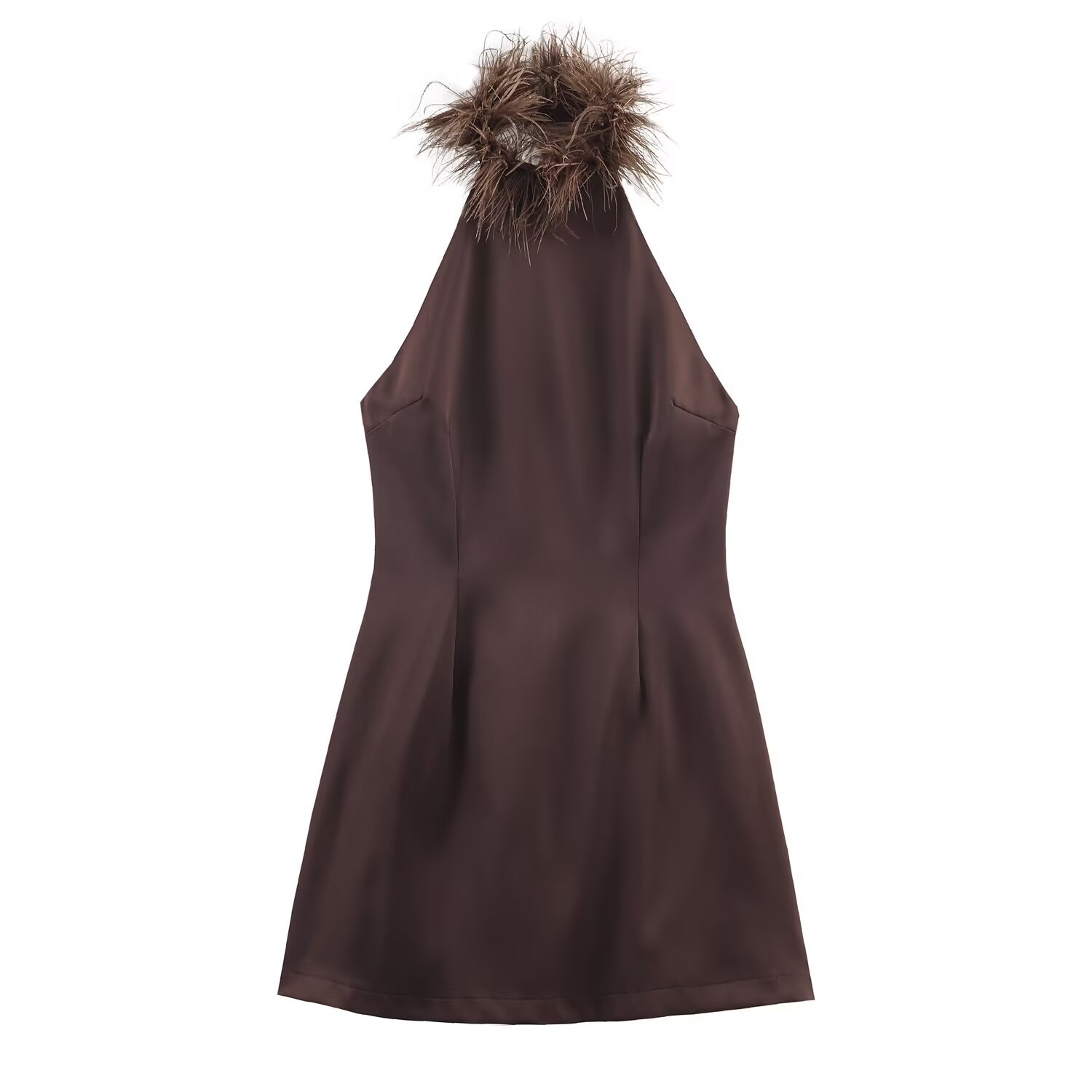
Women's Elegant Halter Neck Mini Dress Feather Trim Satin Look Stretch Bodycon Backless Coffee Brown Sleeveless Party Banquet Dress
$14.41

Women Elegant Pink Shawl Long Dress Embroidered Pleated Evening Gown For Wedding Party Socialite Style Chiffon Look Maxi Dress
$28.24
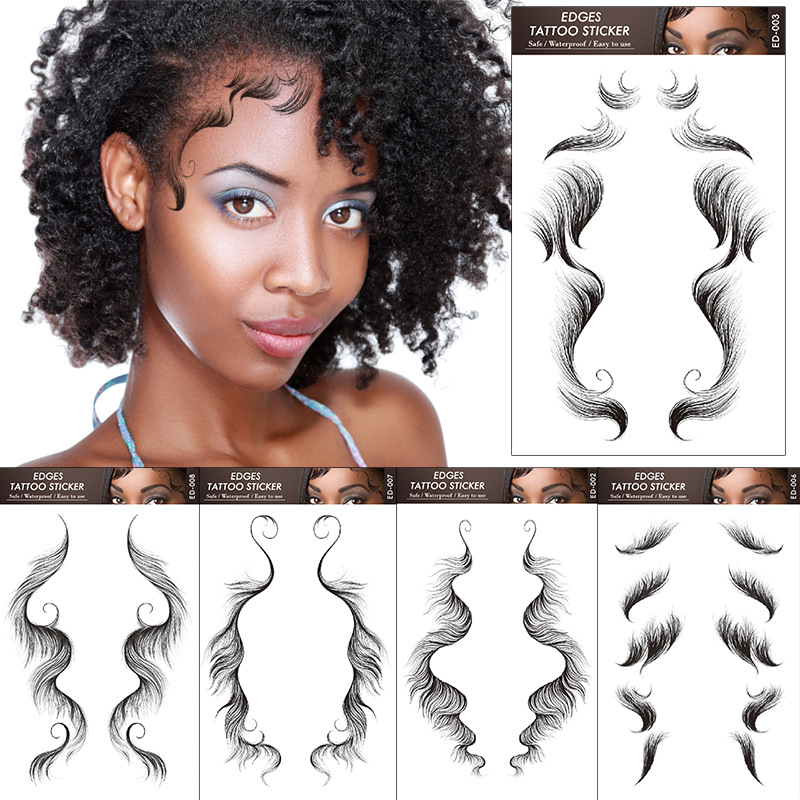
Waterproof Hairline Tattoo Stickers Baby Hair Edges Temporary Bangs Stickers For Women Natural Look DIY Hair Grooming Styling Accessories
$0.72

Christmas Table Runner Reindeer Sleigh Print Polyester Linen Look Festive Tablecloth For Dining Room Holiday Party Home Table Decorations
$1.23
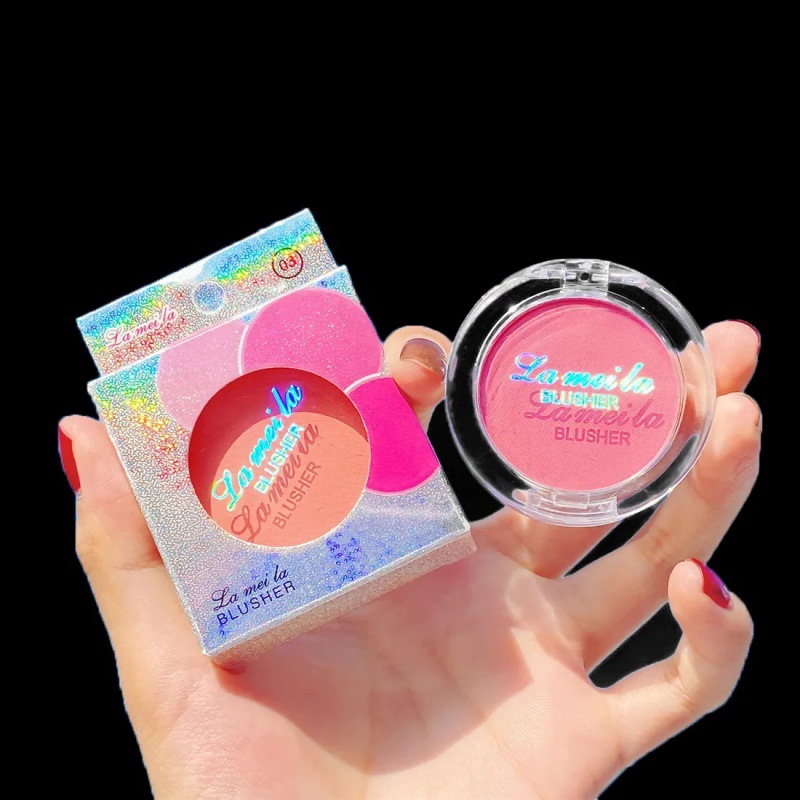
Lameila Single Color Blush Powder Palette Matte Shimmer Highlighter Face Contour Long Lasting Natural Nude Look Makeup For Women Girls
$0.33
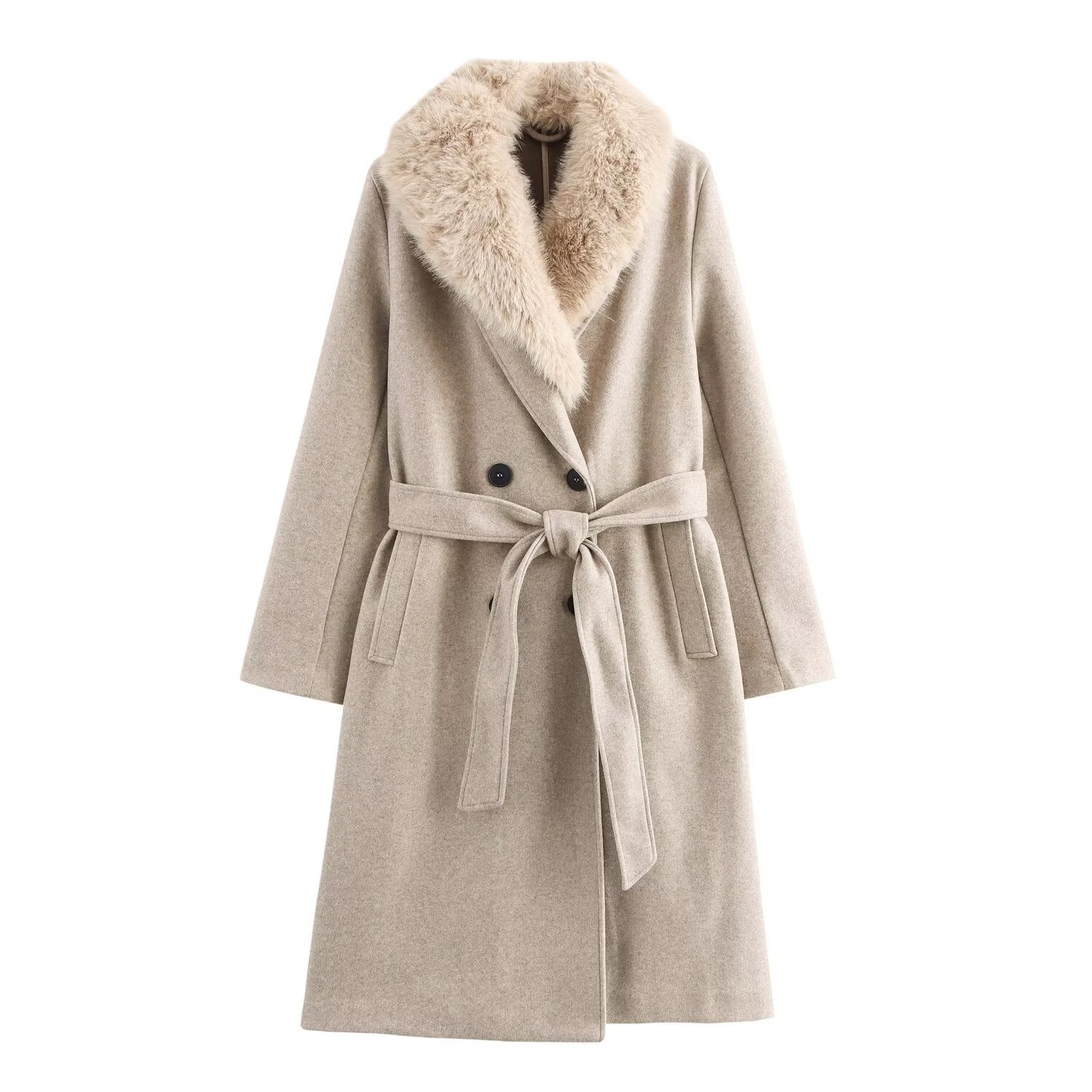
Women's Long Faux Fur Collar Overcoat Fashion Polyester Woolen Look Coat With Belt Autumn Winter Streetwear Elegant Outerwear For Women
$34.01
Bundle Strategies for Mobile-Driven Sales
Bundling products increases average order value and reduces stock risk. These bundles are built from items that showed strong positive-to-negative review ratios and complementary use cases.
Mobile Accessory Starter Pack
Pop-up stall operator wants a low-risk, high-turnover product set for street fairs.
- Portable Airbag Phone Standhero
- Realistic Butterfly Mobile Phone Gripcomplement
- Handmade Acrylic Beaded Phone Charmupsell
Bundle at $1.50 vs $1.80 separately—$0.30 saving per set, margin $0.90–$1.10 per bundle after wholesale cost.
Jewelry Display & Product Shot Kit
New Shopify seller setting up product photography to improve conversion rates.
- Pink Velvet Necklace Display Busthero
- Plastic Ring Display Standcomplement
- Minimalist Stainless Steel Knot Braceletproduct display example
Bundle at $10.00 vs $10.36 separately—saving $0.36, investor cost $0.30 per unit margin after displays.
Streetwear ‘Look’ Bundle
Boutique owner creating a cohesive outfit to showcase on Instagram and TikTok.
- Women's Sexy Off Shoulder Denim Look Tophero
- Women's Short Jacket Oatmeal Woolen Lookcomplement
- Women's High Waisted Straight Leg Denim Look Jeanscomplement
Bundle at $45.00 vs $52.45 separately—$7.45 saving, margin $12–$15 per set after wholesale cost.