
Trend Report · May 17, 2026
Print ASIN Bar Code Like a Pro: A Playbook for New FBA Sellers
Solve the blurry barcode problem. Learn how to print ASIN bar code labels correctly for your first Amazon shipment, with product bundles from DayJewel.
How to Print ASIN Bar Code – Why It Matters Right Now
You've sourced your first round of fashion jewelry from DayJewel – perhaps a bundle of morse code bracelets or camellia rings. You're ready to ship to Amazon FBA. Then you hit a wall: the ASIN barcode you downloaded looks tiny on a full PDF page. Enlarge it, and the bars blur. The scanner won't read it. This is the exact problem one seller posted about in a recent thread: 'How to print ASIN bar code'.
The timing window is tight. Amazon requires scannable barcodes on every unit. If your labels are blurry or mis-sized, your shipment gets rejected, costing you days and storage fees. With Q4 inbound deadlines approaching, you can't afford a delay. The solution isn't complicated – but you need the right file format and label setup. This playbook walks you through exactly what to do, so your first FBA shipment goes smoothly and your jewelry hits the Amazon catalog fast.
Why Fixing Your ASIN Print Process Is a Competitive Window
Every day you spend troubleshooting barcode printing is a day your competitors are listing new styles. The original Reddit user – a first-time FBA seller – asked about vector files because they understood that raster images (like screenshots) can't scale without quality loss. That's the core issue. Amazon provides the ASIN barcode as a PDF, which is vector-based, but the default layout places one tiny label per page. To get a scannable size, you need to extract the barcode asset properly or use a dedicated label sheet.
The opportunity: once you set up a repeatable label print process, you can scale from one SKU to dozens without re-learning the mechanics. Most new sellers waste 3–5 hours on their first labeling batch. That's time you could spend optimizing your product listings or running ads. For a wholesale jewelry business, where margins are tight and speed to market matters, eliminating that friction is a direct profit lever.
Who Needs This Playbook
This playbook is built for wholesale buyers who are moving from sourcing to selling on Amazon for the first time. You already have inventory from DayJewel – now you need to get it into Amazon's fulfillment network without a hitch. The profiles below describe the most common operators who face the ASIN printing problem.
Shopify seller
You already run a Shopify store and are expanding to FBA. You need a quick, scalable barcode process that doesn't eat into your product sourcing budget.
Boutique owner (first-time FBA)
You buy wholesale fashion jewelry lots (50–200 units per SKU) and want to test Amazon as a channel. Your margin window is tight – wasted labels cost real money.
Pop-up seller scaling online
You've had success at flea markets and now want to list your best-selling moris code bracelets on Amazon. You need a repeatable labeling workflow before your first shipment.
Implementation Stages
Validate Demand
Trigger: You have sourced at least one SKU from DayJewel and want to list it on Amazon FBA.
Check Amazon's catalog for existing listings of similar products to gauge competition and average price.
✓ You find at least 5 comparable listings with 50+ reviews each – indicates demand exists.
✗ If you skip validation, you might invest in labeling and shipping for a product with no organic demand.
Set Up Your Labeling Workstation
Trigger: Your FBA shipment plan is created and ASIN barcode PDF is downloaded from Seller Central.
Download the PDF and open it in Adobe Acrobat Reader. Go to File > Print and select 'Multiple' pages per sheet. Choose 2x2 layout (4 labels per page).
✓ The barcode scales to roughly 1.5 inches – fit for Avery 5160 sheets. Preview ensures no blurriness.
✗ If you print 'Actual Size' instead of 'Multiple', you get one tiny label per page, wasting paper and time.
Load Avery 5160 label sheets into your printer. Set printer properties to 'Label' or 'High Quality', minimum 300 DPI.
✓ First test label scans correctly with a barcode checker app.
✗ Using cheap label paper or low DPI causes blurry barcodes that Amazon scanners reject.
Print a test sheet of 4 labels. Apply one to a product poly bag and scan with a smartphone app (like 'Barcode Scanner').
✓ The app reads the barcode instantly, confirming the print quality.
✗ If the test fails, adjust scaling or printer settings. Never ship without testing at least one label.
Once test passes, print full label run for all units of your SKU. Cut and apply labels ensuring barcode is not covered by fold or seam.
✓ All units are labeled consistently and ready for FBA inbound.
✗ Applying labels on curved surfaces can cause crease – use smooth poly bags or avoid label overlapping edges.
Prepare and Ship to Amazon
Trigger: All units are labeled and packed according to Amazon's box requirements.
Print FBA box labels (from Seller Central) and attach to outside of box. Indicate if box contains multiple SKUs.
✓ Box arrives at Amazon and is received within 24 hours after delivery.
✗ Missing box ID or incorrect SKU count leads to delays and additional fees.
Selling Your Labeled Jewelry on Amazon: Channel Tactics
Once your products are scanned into Amazon's fulfillment centers, you need a selling strategy that moves inventory quickly. The key is optimizing your listing with keywords your buyers search for – like 'morse code bracelet gift' or 'camellia ring for women'. Use high-quality images that show the product in use, and leverage Amazon's 'Frequently Bought Together' feature by bundling items you saw above. A common mistake new sellers make is underpricing to get first sales. Instead, price competitively but test with a small ad budget (e.g., $10/day) for the first week. Monitor your sell-through rate: if you sell fewer than 5 units per week, consider lowering the price or improving your main image. Another mistake is ignoring negative feedback on barcode scanning – if a customer reports the barcode doesn't work (rare), replace the unit immediately. Below are three channel approaches to sell your FBA inventory, each with realistic margin estimates and risks.
List 5–10 SKUs from your DayJewel inventory. Use the 'Standard-Small' FBA fee tier for items under $7. Optimize title with 'ASIN bar code' phrase.
⚠ Slow-moving SKUs incur long-term storage fees after 365 days. Keep initial order modest.
For oversized items like the plaid scarf, ship yourself. Use free Amazon buy shipping to lower costs. Price slightly below FBA listings.
⚠ Slower Prime delivery can reduce conversion. Only works if you have fast fulfillment.
If your morse code bracelets are marketed as handmade, apply for Amazon Handmade. Lower referral fee (12%) and different audience.
⚠ Application process takes 2 weeks. Not all products qualify.
Best Products for Your First FBA Shipment
The products you source should be light, compact, and high-demand. Below are 20 DayJewel items ideal for FBA – they fit well in small poly mailers, have strong impulse appeal, and can be bundled for higher AOV. Each comes with wholesale pricing that leaves room for FBA fees and profit.
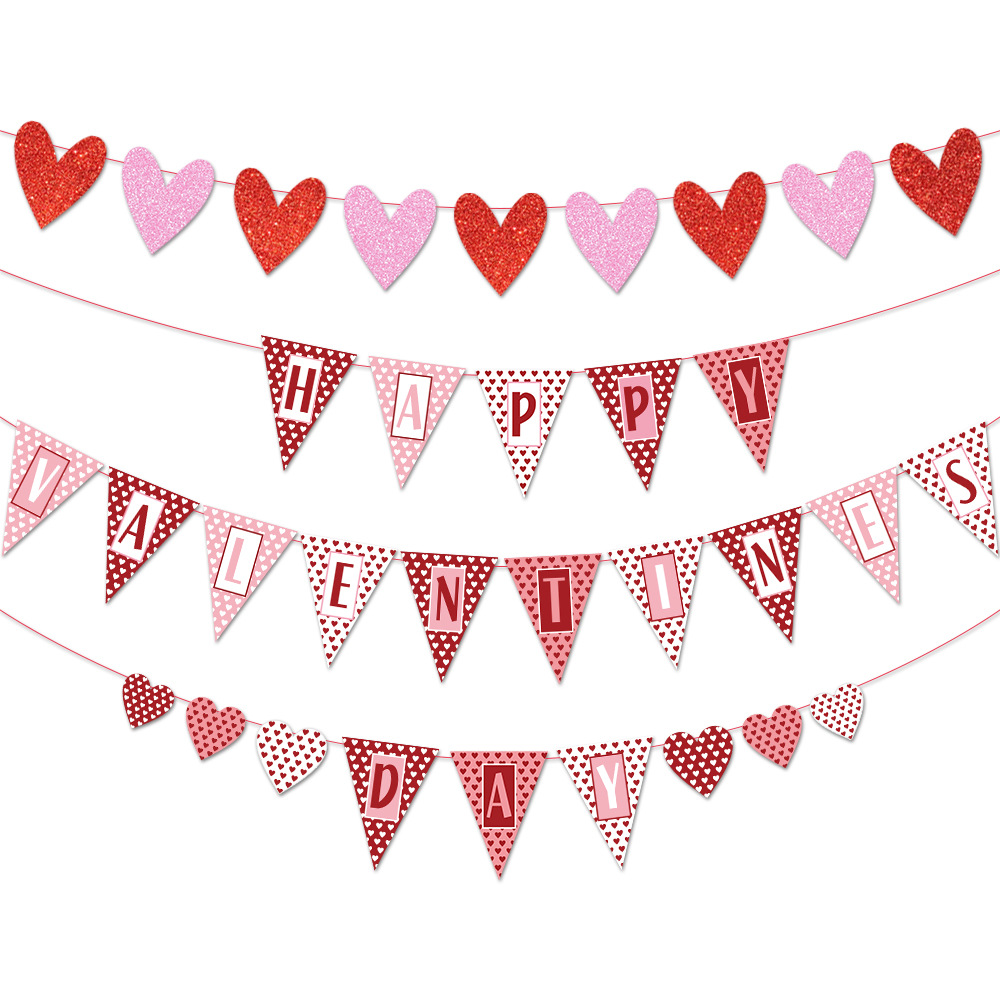
Valentine's Day Banner Paper Heart Garland Happy Valentine's Day Letter Decor For Party Wedding Room Romantic Pink Red
$0.77
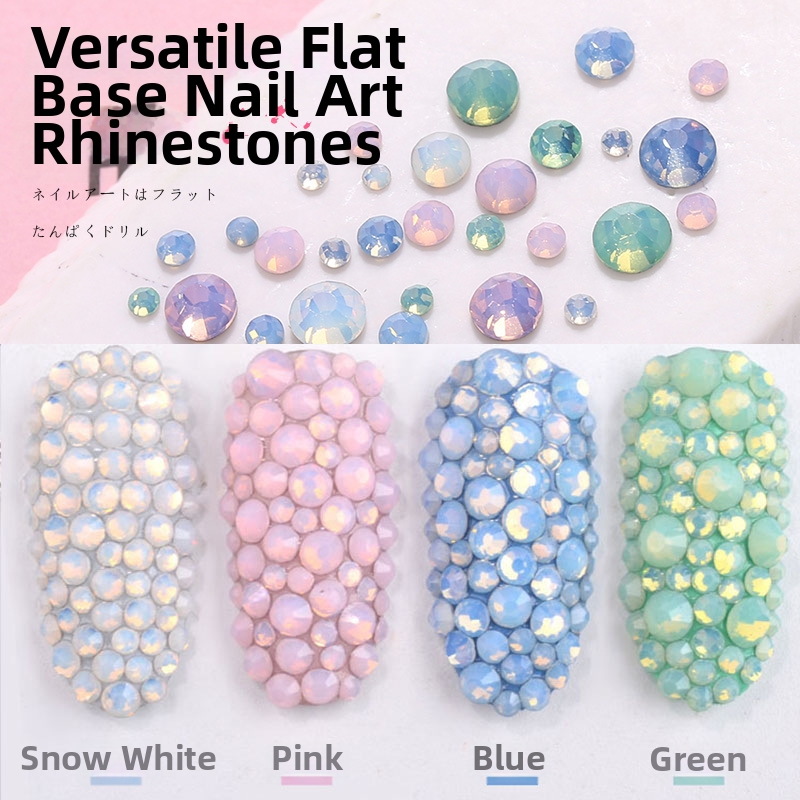
Flatback Nail Art Rhinestones Crystal Glass Opal Colors Round Shape Multi-sized For DIY Manicure Decoration Manicure Jewels
$0.25
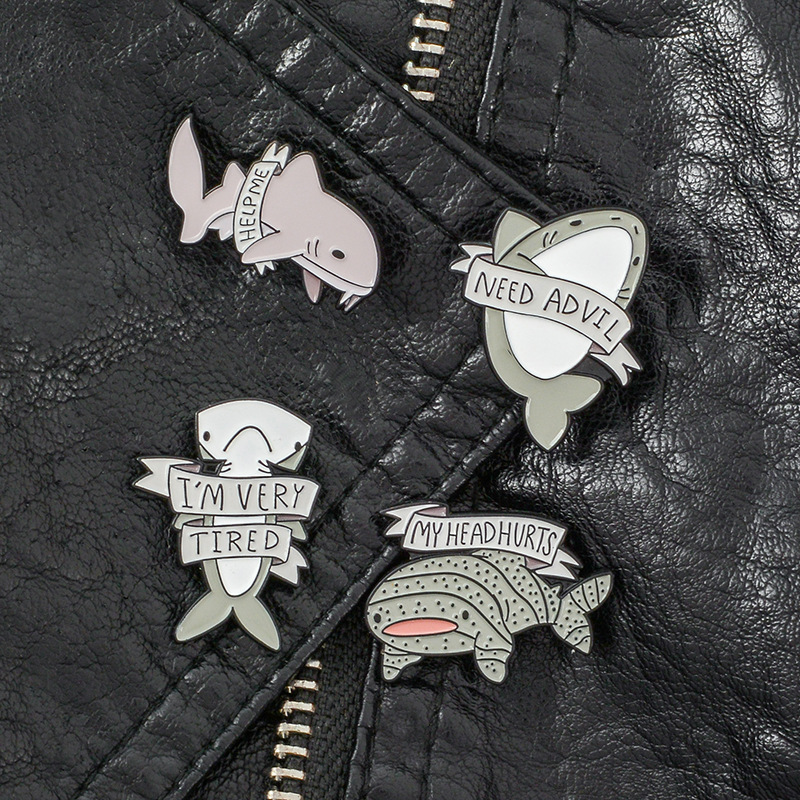
4Pcs Funny Shark Enamel Pin Set Cartoon Animal Alloy Brooch With Humorous Slogan Help Me Need Advil Pins For Backpack Clothing Jacket Accessories Men Women
$0.50
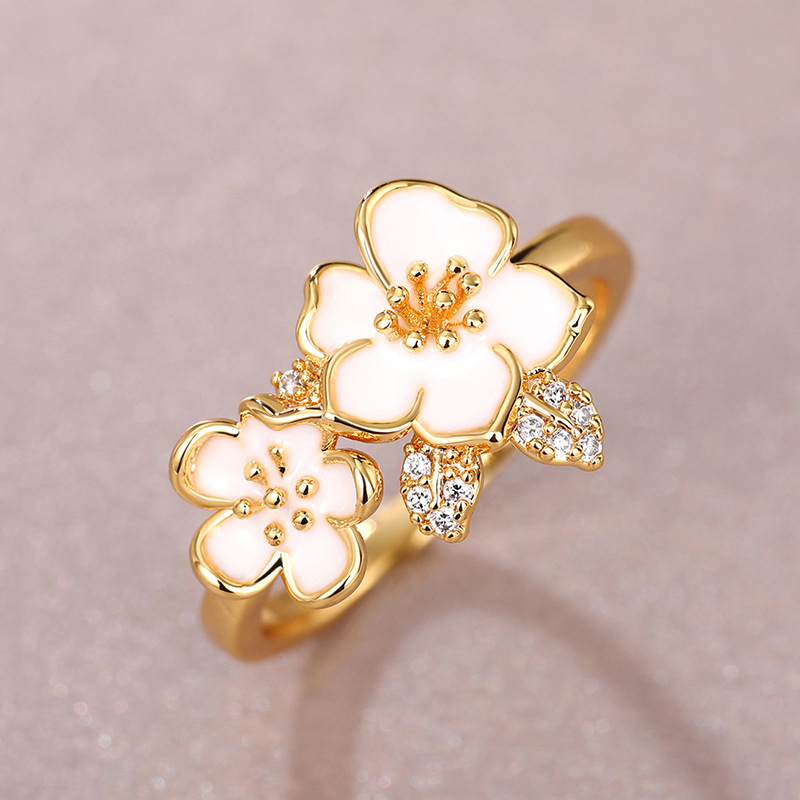
Sweet White Enamel Camellia Flower Ring Gold Plated Copper With Zirconia Leaf Korean Ins Style Floral Ring For Women Sized Jewelry
$1.39
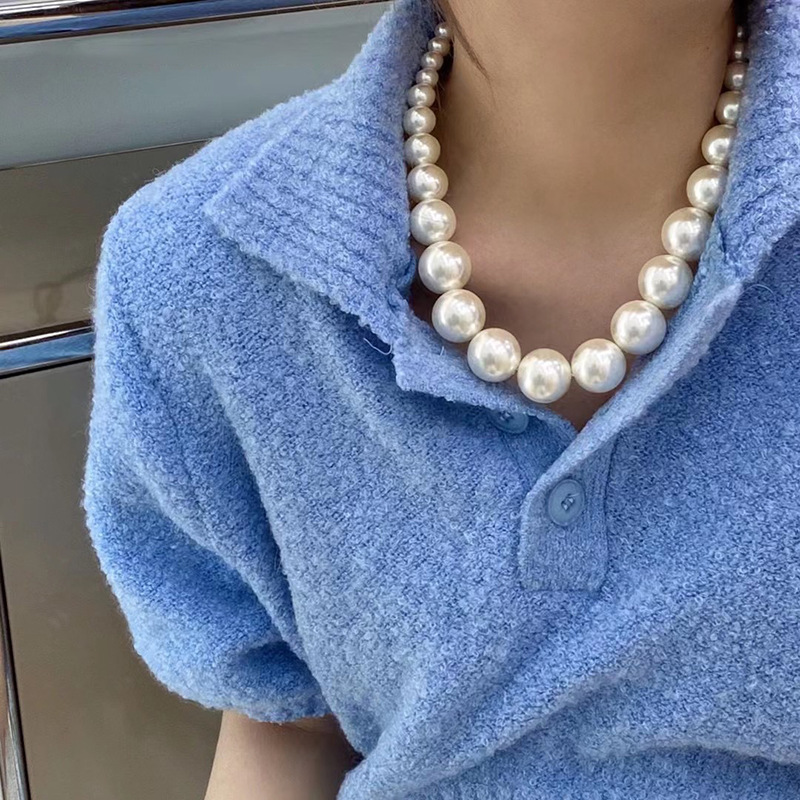
Elegant White Pearl Necklace With Gold Plated Alloy Clasp Gradient Sized Beaded Choker For Women Wedding Party Jewelry Classic Fashion Accessories Gift
$2.07
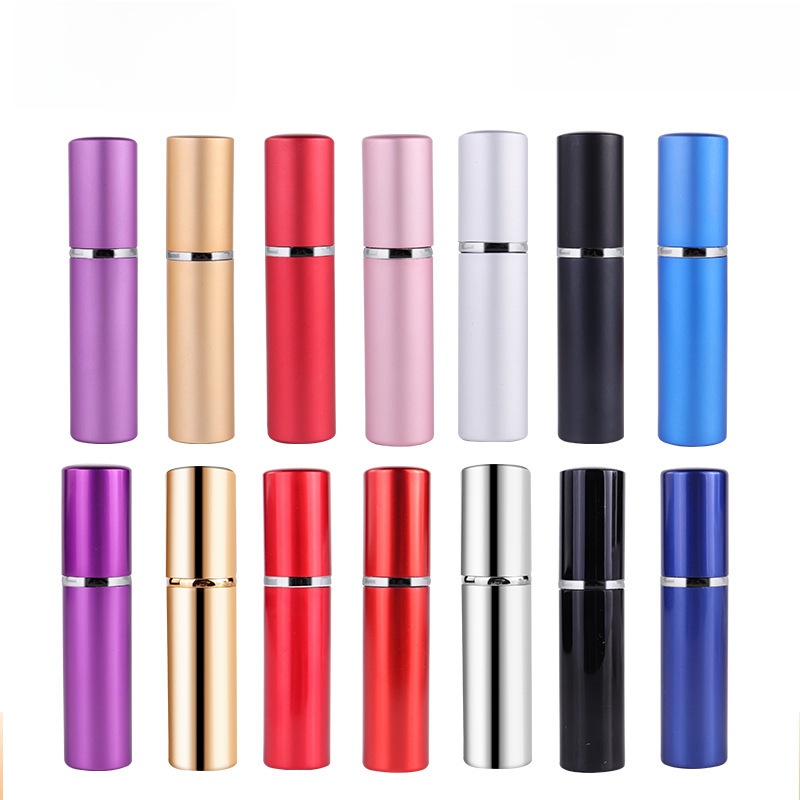
5ml Mini Refillable Perfume Atomizer Bottle Portable Anodized Aluminum Spray Bottle With Glass Liner Travel Sized Fragrance Decant Bottle For Women Men
$0.55
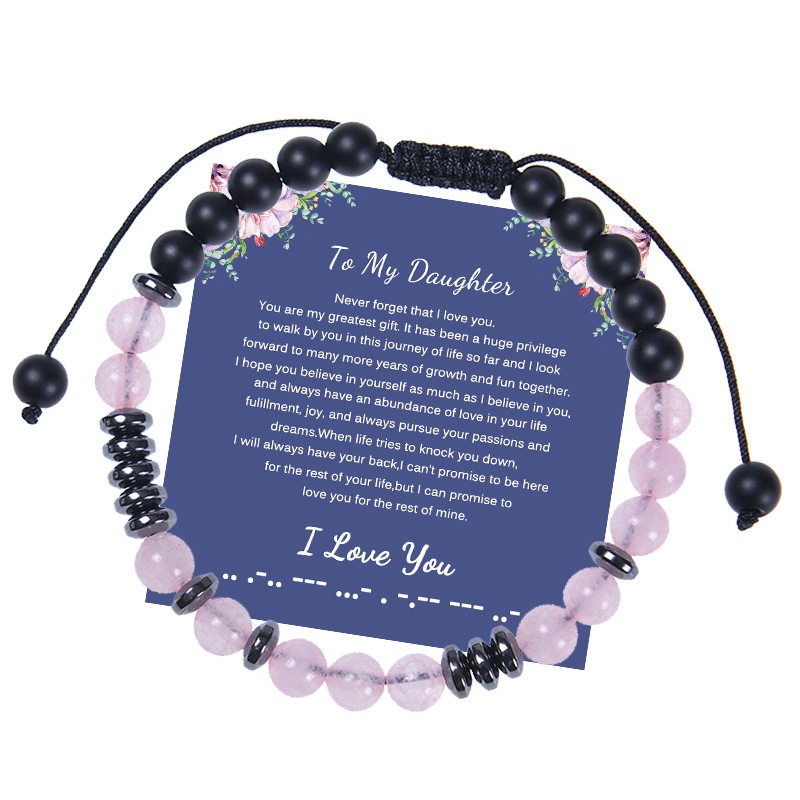
2023to My Daughter Morse Code Bracelet 6mm Pink Crystal Frosted Stone Bracelet
$1.13
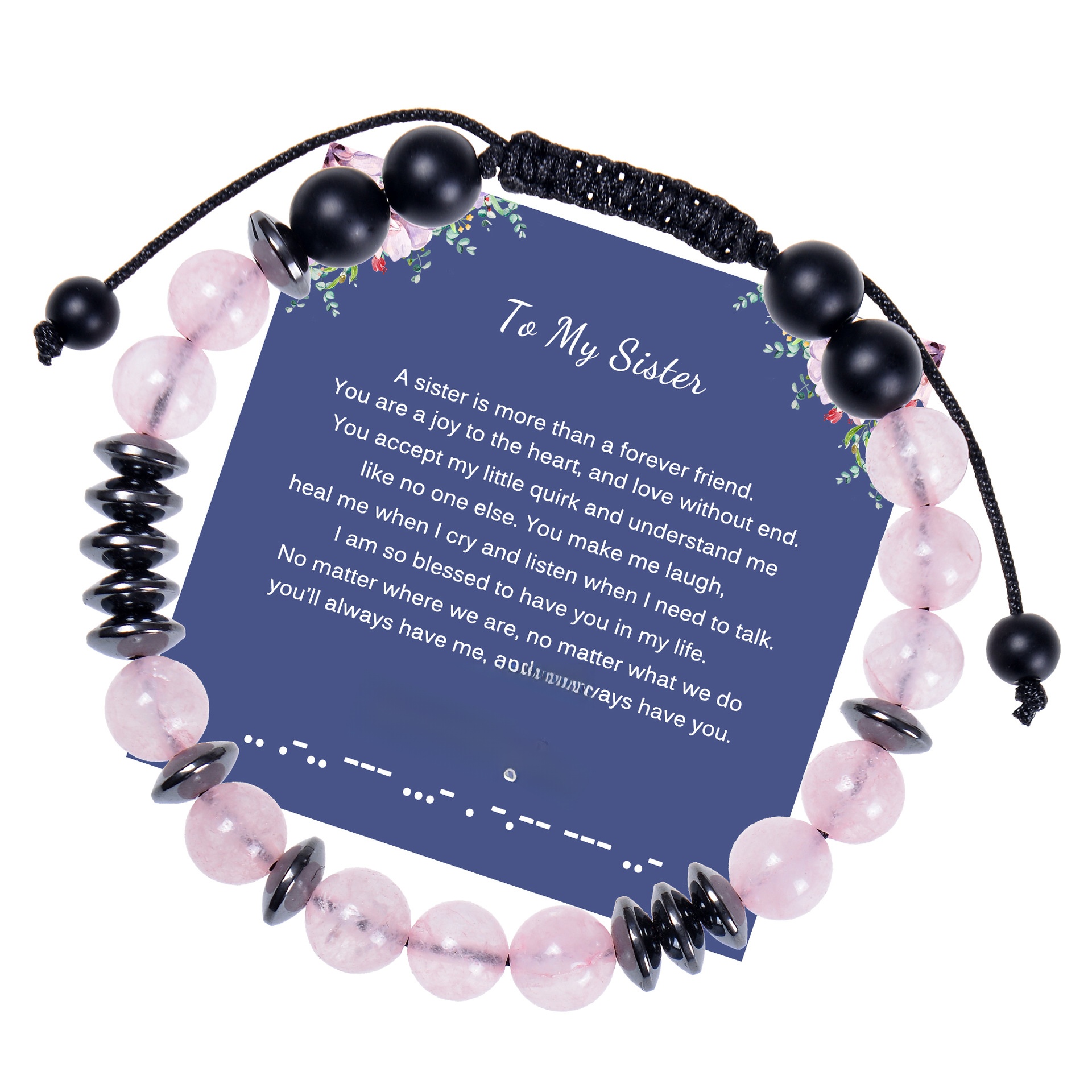
2023to My Sister Morse Code Bracelet 8mm Pink Crystal Black Magnet Card Bracelet
$1.23

Women Winter Thick Warm Plaid Scarf Mohair Like Acrylic Boucle Yarn Long Over-sized Tassel Shawl Korean Style Soft Checked Wrap For Ladies Students Daily Wear
$3.17
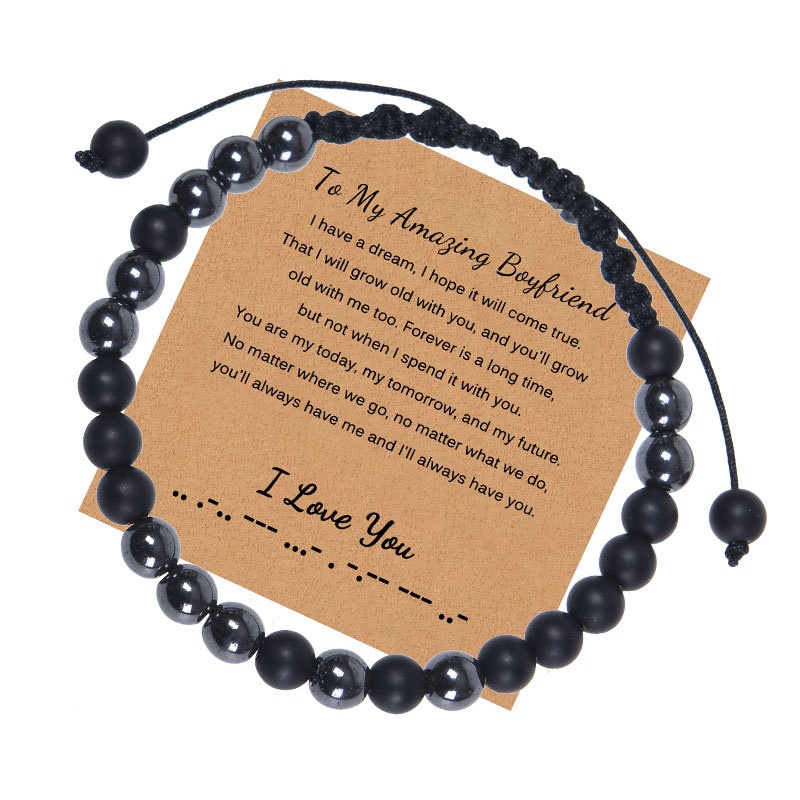
Morse Code Bracelet Natural Matte Stone Hematite Beaded Adjustable Woven Rope Bracelet With Inspirational Card Gift
$0.94
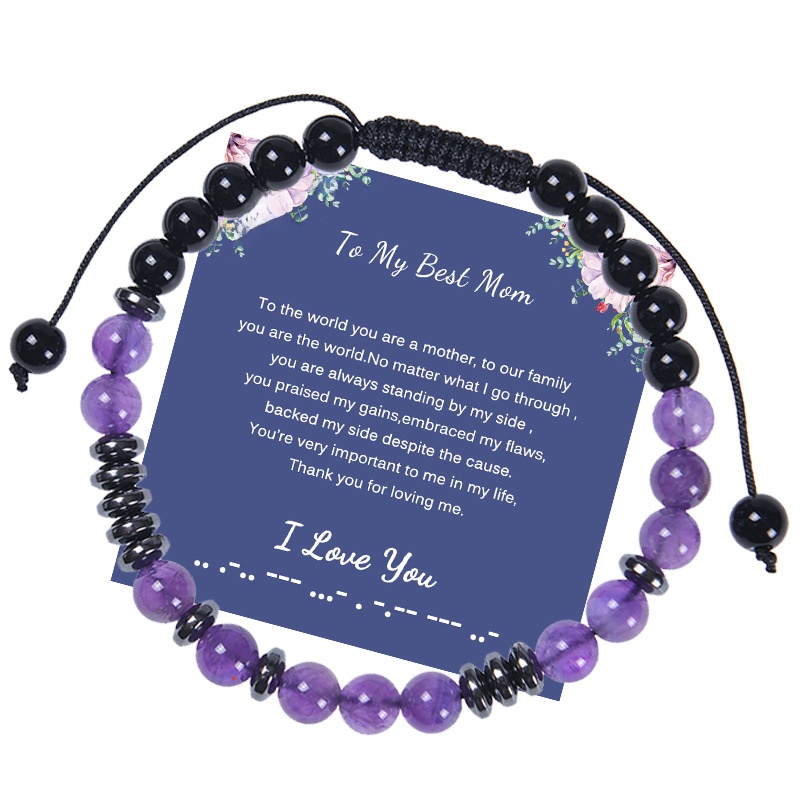
Hot Sale To My Mom Morse Code Bracelet Mom 6mm Amethyst Frosted Stone Bracelet Holiday Gift
$1.67
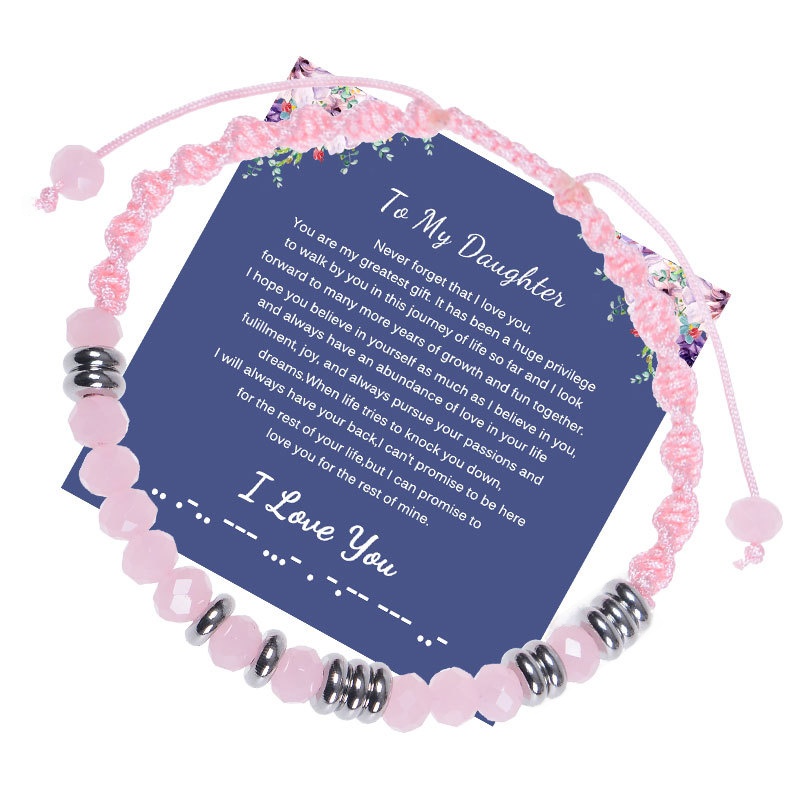
Handmade Morse Code Faceted Pink Crystal Woven Rope Adjustable Bracelet Heart Charm Jewelry Gift For Daughter Mom Grandma Sister
$1.28
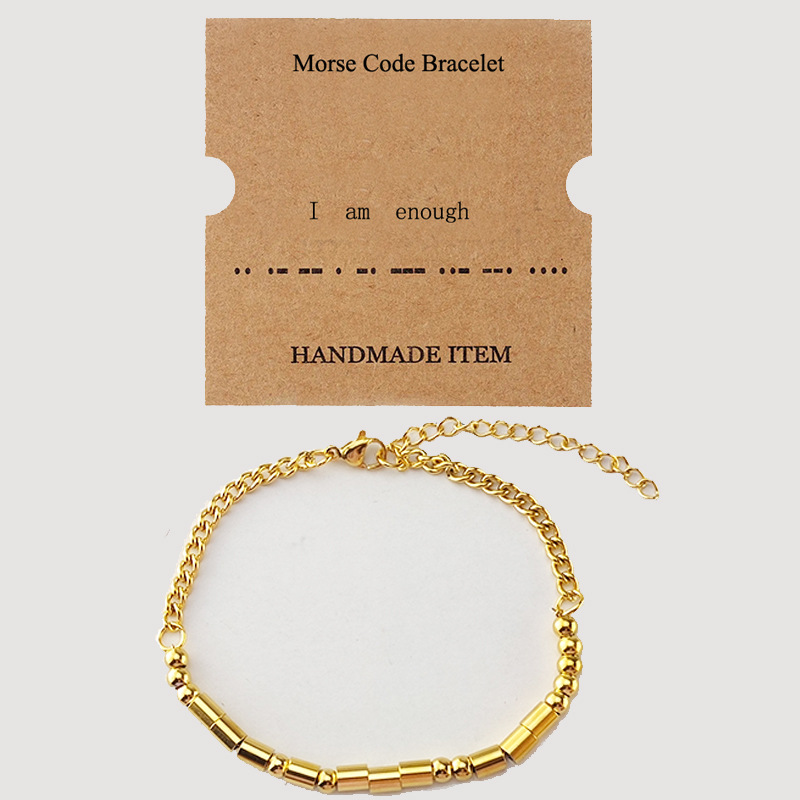
Stainless Steel Morse Code Bracelet For Women Men Handmade Gold Silver Beaded Chain Adjustable Secret Message Bracelet Jewelry Gift
$1.05
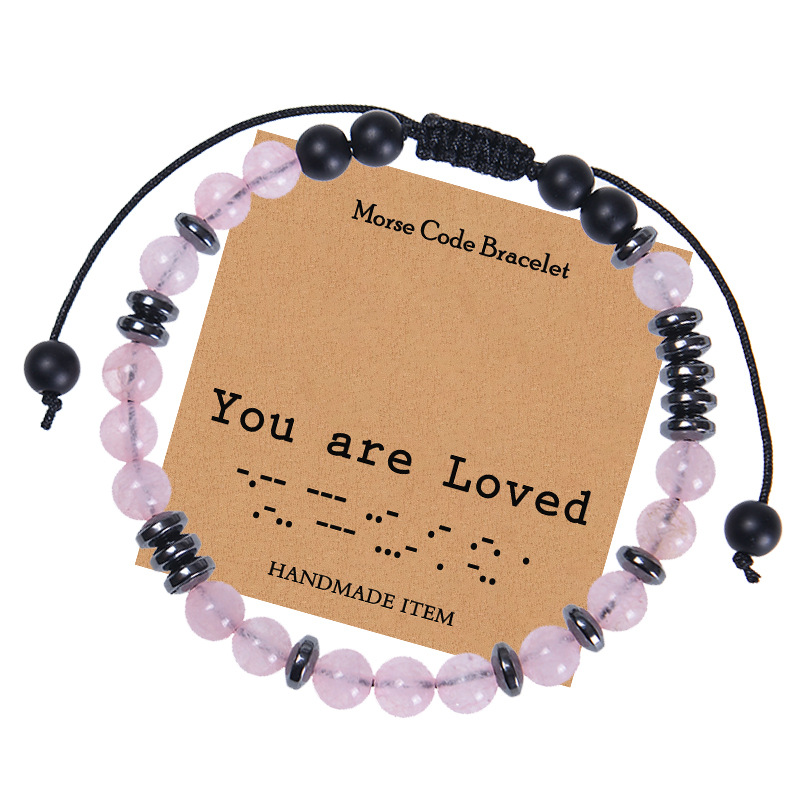
Morse Code Bracelet Rose Quartz Matte Stone Hematite Beads Handmade Adjustable Rope For Women Men Gift Jewelry With Card
$1.26
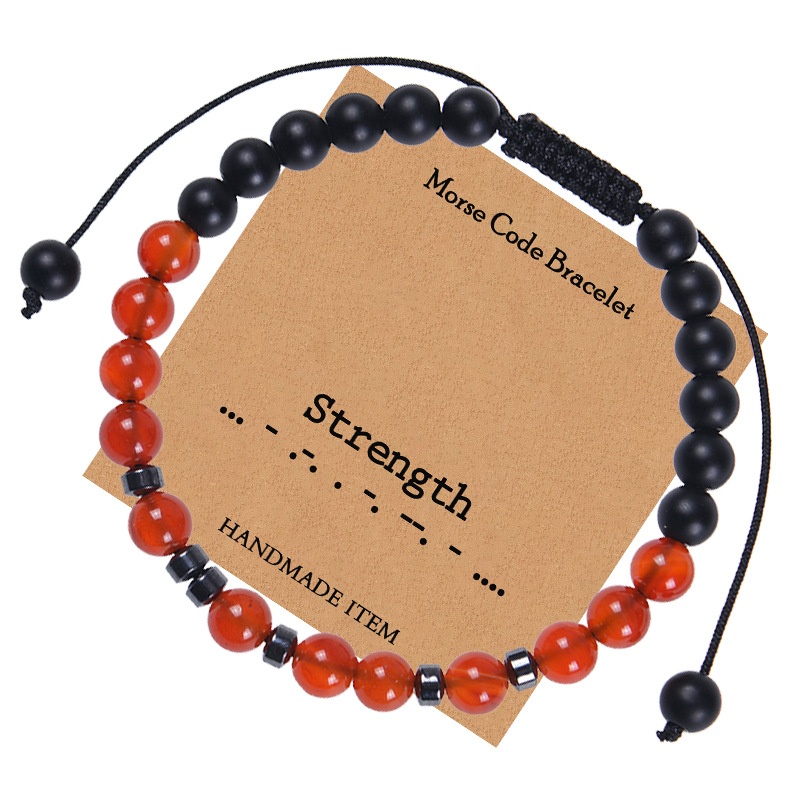
Morse Code Bracelet Red Carnelian Matte Black Stone Beads Adjustable Braided Cord For Men Women Strength Inspirational Gift Jewelry
$1.26
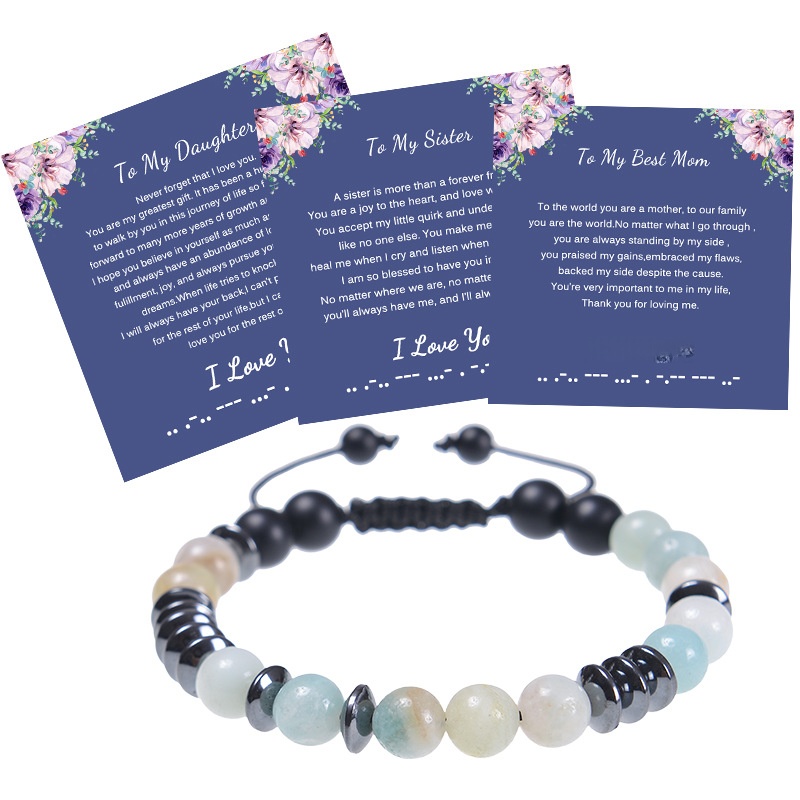
Morse Code Bracelet Handmade Natural Amazonite Tiger Eye Stone Adjustable Braided Rope Jewelry With Gift Card For Mom Daughter
$1.36
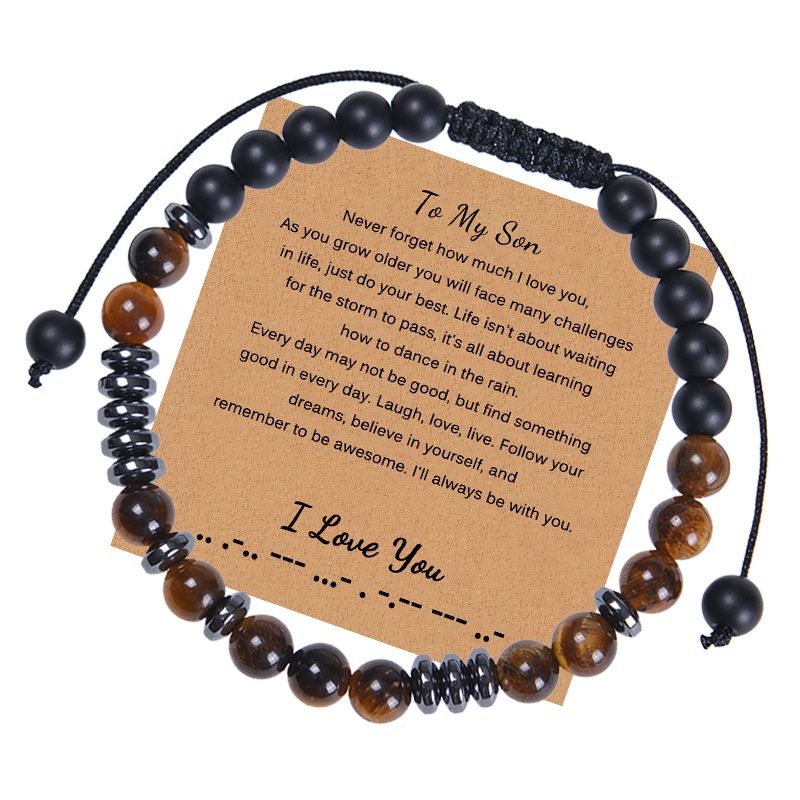
Morse Code Bracelet Natural Tiger Eye Matte Onyx Beaded Adjustable Woven Rope Sentimental Gift For Son Boyfriend Men Jewelry
$1.30
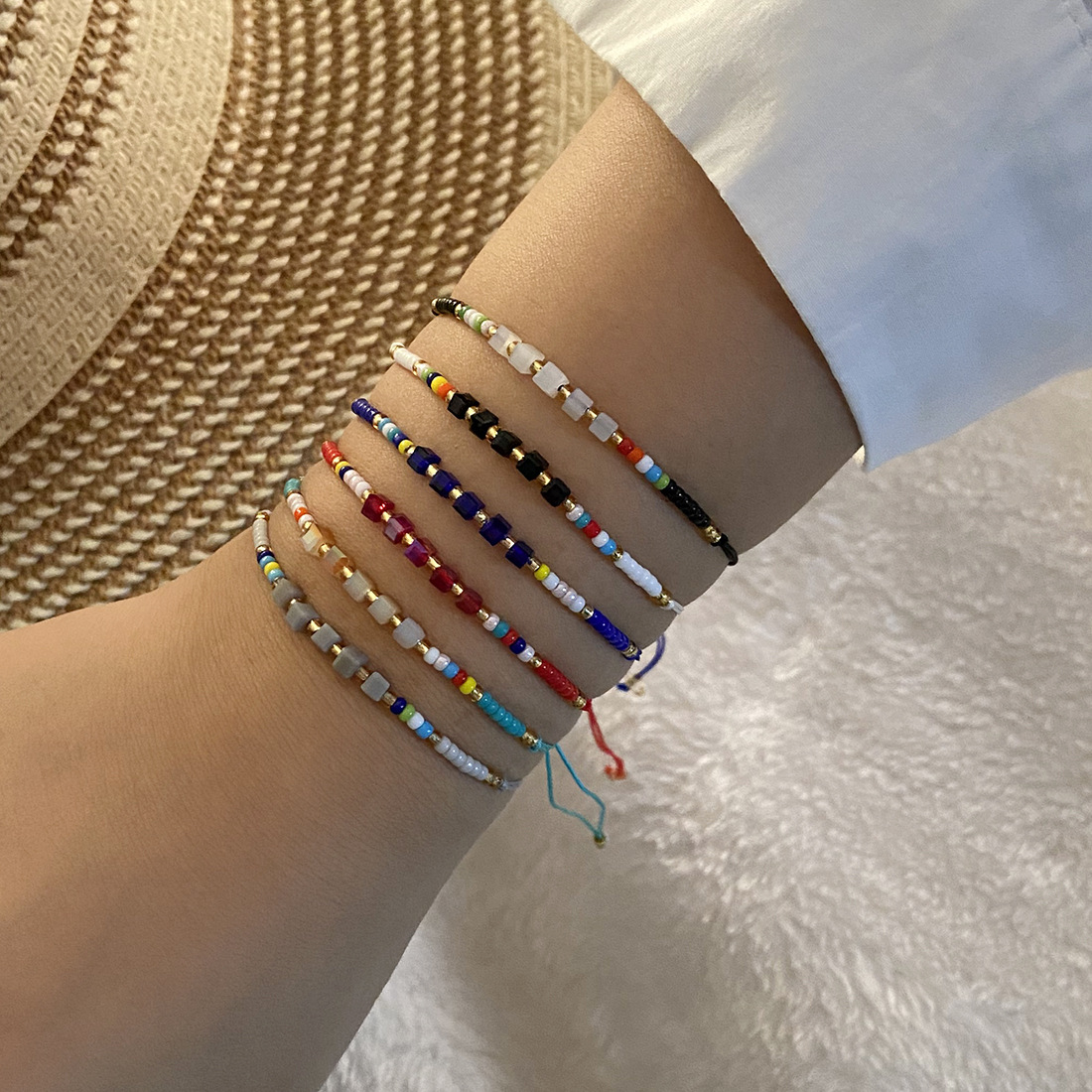
6Pcs Handmade Colorful Seed Bead Crystal Bracelet Set Adjustable Woven Rope Morse Code String Bracelets for Women Boho Vacation Jewelry
$0.75
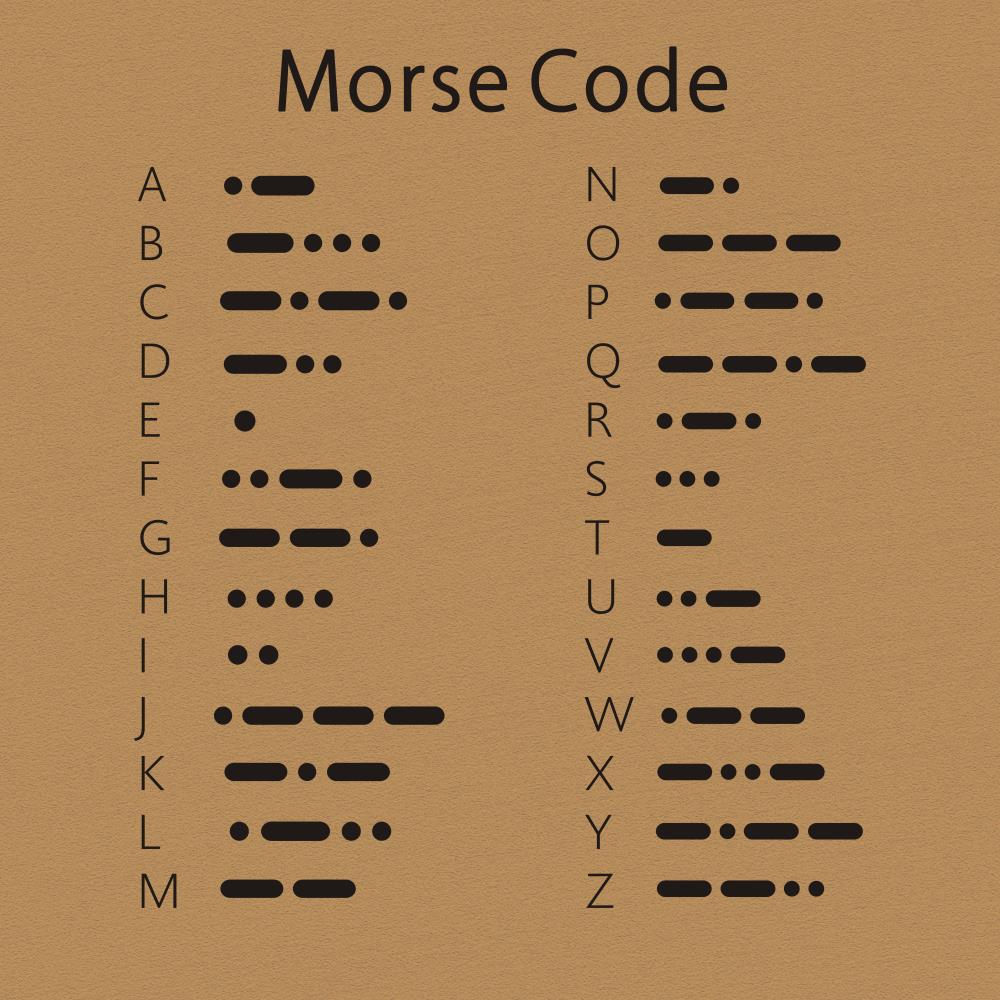
Handmade Morse Code Bracelet Copper Beads Wax Cord Adjustable Braided Bracelet For Couples Friends Sentiment Jewelry Gift With Greeting Card
$0.87
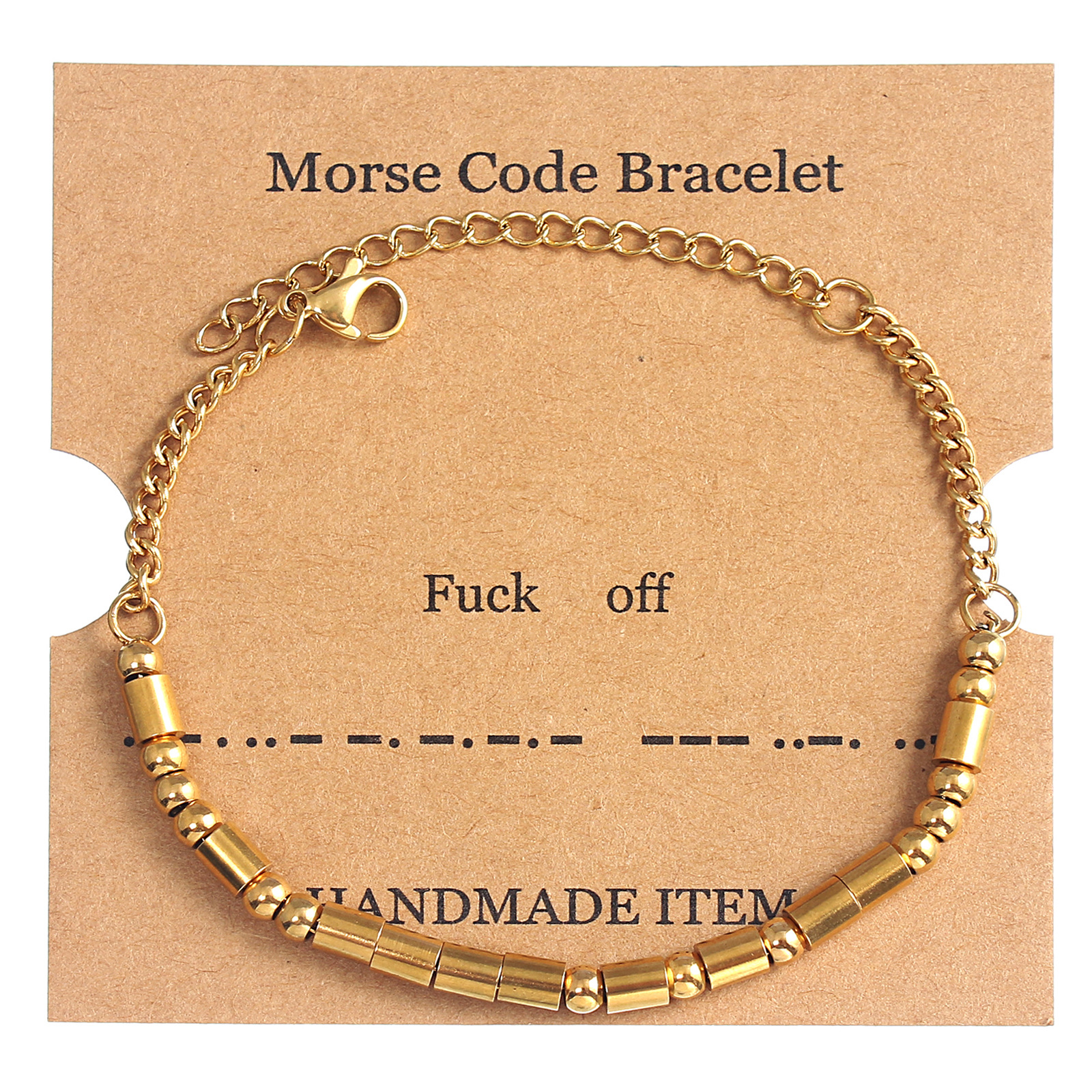
Morse Code Bracelet Handmade Stainless Steel Gold Silver Beaded Adjustable Chain Bracelet Secret Message Jewelry Gift For Women BFF Friend
$1.12
Bundle Strategies to Move More Units
Bundling combines complementary items at a slight discount, increasing your average order value and reducing per-unit shipping cost. For FBA, bundles also make your listing stand out. Three bundle ideas below use products from the list above.
Morse Code Gift Set
A seller wants to target the 'gift for mom/daughter' audience. Bundles three morse code bracelets with cards.
- To My Mom Morse Code Bracelethero
- To My Daughter Morse Code Braceletupsell
- Handmade Morse Code Bracelet Coppercomplement
Individually $1.67+$1.13+$0.87=$3.67. Bundle at $2.99 – still good margin after FBA fees.
Glam Night Out Kit
Target women attending parties or weddings. One statement ring, one pearl necklace, plus a mini perfume atomizer.
- Sweet White Enamel Camellia Flower Ringhero
- Elegant White Pearl Necklaceupsell
- 5ml Mini Refillable Perfume Atomizercomplement
Separate total $1.39+$2.07+$0.55=$4.01. Bundle at $3.49 – increases perceived value.
Winter Accessories Bundle
Seasonal bundle for Q4 – scarf plus two bracelets. Works as a gift for students or women.
- Women Winter Thick Warm Plaid Scarfhero
- Handmade Morse Code Faceted Pink Crystal Braceletupsell
- Morse Code Bracelet Natural Matte Stonecomplement
Scarf $3.17 + two bracelets $1.28+$0.94=$5.39. Bundle at $4.49 – strong winter gift appeal.