
Trend Report · May 13, 2026
Solve the New Inventory Problem: An Image Processing Playbook for Shopify Stores
Cut 4-5 hours per 30-SKU drop by fixing the new inventory image workflow. A playbook for Shopify store owners using Photoroom, file naming, and batch uploads.
The Real New Inventory Problem You Didn't Anticipate
Running a fashion/clothing store, the 'new inventory problem' isn't just about buying stock—it's the hidden time tax of processing images. Every drop of new inventory triggers a repetitive workflow: remove background or ghost mannequin in Photoroom, download, re-upload to swap backgrounds, manually rename files by SKU, upload to Shopify, match to the right product variant, and set alt text. For a 30-SKU drop, this consumes 4-5 hours of mostly moving files between tools and matching images to variants.
With faster product cycles and more frequent small drops, this inefficiency becomes a bottleneck. Stores that fail to streamline waste labor that could go to marketing or product development. The timing window is now because competition demands quicker turnaround. Sellers who solve this first will gain a speed advantage in listing new arrivals and reacting to trends.
Why This Problem Is Costing You More Than You Think
The new inventory problem emerges from a gap between the number of SKUs and the integration of tools. The source summary highlights that most time is spent just moving files between tools and matching images to variants—not on creative or strategic work. This hidden friction scales poorly. A 30-SKU drop costing 4-5 hours becomes 8-10 hours for 60 SKUs, and the cost per SKU stays flat or increases.
The opportunity window is narrow because as more sellers adopt automated workflows, those still manually processing will fall behind on speed to market. The problem isn't just time—it's the inability to test multiple products quickly. A store that can list 50 new items in a day can fail fast and iterate, while a store stuck at 30 items per week misses trends.
Who Feels This Pain Most
This new inventory problem hits small to medium fashion store owners hardest—those who handle photography and listing themselves or with a small team. The following profiles are most likely to feel the 4-5 hour drag per drop.
Shopify fashion store owner
Handles 10-50 new SKUs per drop, uses basic image editing tools like Photoroom, struggles with variant matching and file renaming.
Fashion reseller with multiple suppliers
Receives images in different formats from each supplier, needs consistent naming and alt text across brands to avoid confusion.
Boutique owner expanding product lines
New to scaling, hasn't automated image processing yet; manual workflow becomes unsustainable after the first few hundred SKUs.
Implementation Stages
Audit Your Current Bottleneck
Trigger: Your last new inventory drop took more than 3 hours from start to finish.
Time each step of the workflow for one 10-SKU batch: background removal, renaming, upload, alt text.
✓ You identify that file renaming or moving between tools consumes 40-50% of total time, confirming the source summary's pain.
✗ Guessing instead of measuring leads to optimizing the wrong step, e.g., upgrading internet speed when the real bottleneck is naming.
Standardize File Naming and Folder Structure
Trigger: Stage 1 shows manual renaming takes more than 30 minutes per 30-SKU drop.
Create a naming convention: SKU-Color-View.jpg. Use a spreadsheet to generate filenames for each variant before processing images.
✓ Eliminate manual typing errors; reduce renaming time by 70% (from 40 minutes to 12 minutes per drop).
✗ Inconsistent naming across team members creates new matching problems when importing CSV into Shopify.
Automate or Batch Background Removal
Trigger: You process more than 30 new SKUs per month, making manual background removal unsustainable.
Use Photoroom's batch edit mode (upload multiple images at once) or integrate a remove.bg API to process images in bulk.
✓ Remove backgrounds for an entire drop in 5-10 minutes instead of 45-60 minutes.
✗ Relying on free-tier tools with daily limits (e.g., 50 images/day) can stall your drop if you exceed the cap.
Batch Upload with Variant Mapping via CSV
Trigger: Images are ready, and you're ready to list on Shopify.
Export your product CSV from Shopify, add an 'Image Src' column with the full URL or file path for each variant, then import.
✓ Match 30 images to the right variants in 15 minutes instead of 1-2 hours of manual matching.
✗ Missing or misspelled SKU column in the CSV results in unlinked images, forcing you to go back and match one by one.
Create a Reusable Alt Text Template
Trigger: All new inventory listings are ing, but alt text is blank or inconsistent.
Build a spreadsheet formula that concatenates: [Product Type] + [Color] + [Key Feature] + [View]. Apply it to the entire CSV before import.
✓ Consistent, SEO-friendly alt text for all variants generated in less than 5 minutes.
✗ Leaving alt text blank hurts search visibility; generic alt text (e.g., 'product image') reduces relevance for image search.
How to Turn the New Inventory Problem into a Competitive Advantage
Solving this workflow doesn't just save time—it lets you list products faster than competitors. Faster listings mean you can test more SKUs per month, drop new arrivals weekly, and react to trends before they peak. The following tactics help you monetize this efficiency directly. Common mistake: Trying to fix every step at once. Start with file naming first—it's the highest ROI for minimal effort, often cutting the total processing time by 30-40%. Then layer on batch background removal and CSV uploads.
Use bulk image upload via CSV import and a file renaming macro. Spend $0 on new tools, just optimize existing Shopify features.
⚠ Initial setup takes 2-3 hours to create naming templates and test CSV imports—but that's a one-time investment.
Hire a VA trained on your naming convention and alt text templates. Provide a 10-minute Loom walkthrough.
⚠ Quality control issues: VA may misname files or skip alt text. Require a 10-SKU test batch before full delegation.
Sell products as pre-curated bundles (e.g., the Essential Fashion Drop Starter) so you photograph and list them together as one SKU group.
⚠ Bundles may not appeal if customers prefer to choose single items. Test with one bundle first and measure conversion.
Products to Support Your New Inventory Workflow
While the bulk of your new inventory problem is workflow, having the right physical tools can help organize your product data and make processing smoother. The following items from our catalog can assist with labeling, storage, and simplifying batch photography.
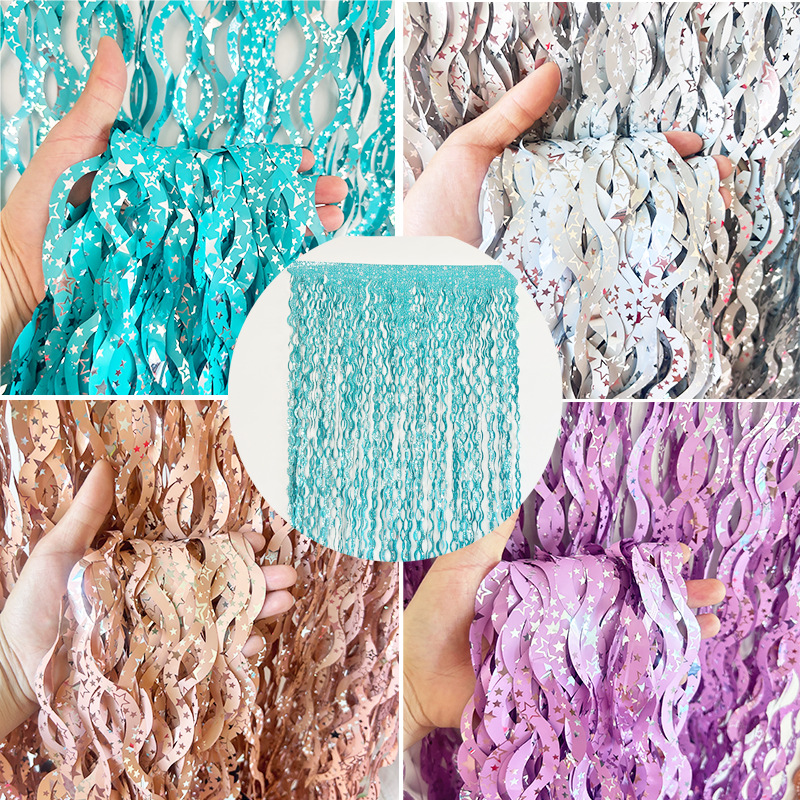
S-Shape Foil Fringe Curtain With Star Pattern Laser Aluminum Film Tassel Backdrop For Party Wedding Birthday Decoration Photo Booth Prop Background
$0.76
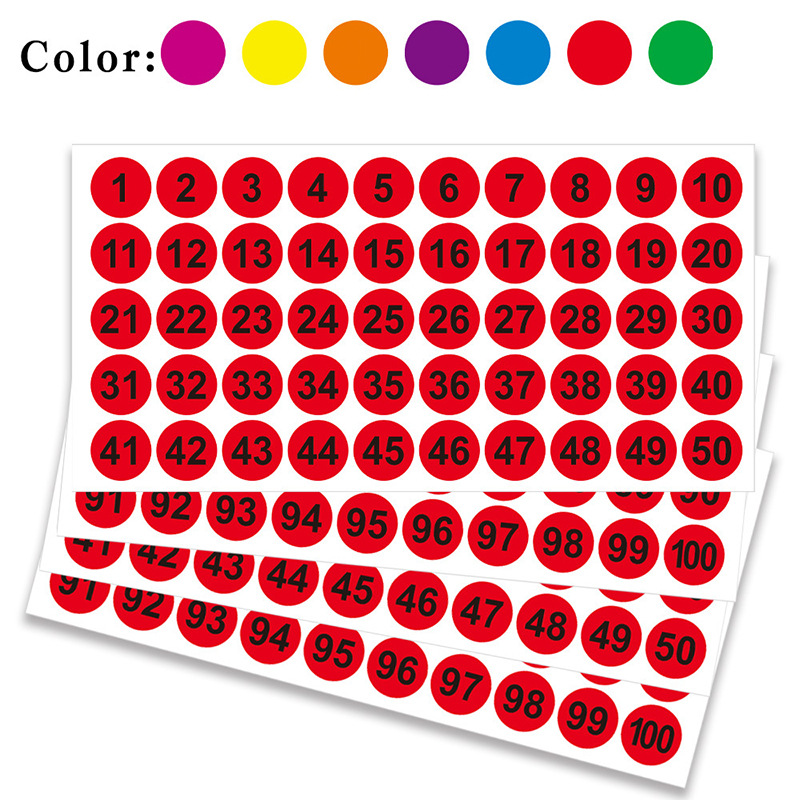
100PCS Round Number Stickers 1-100 Consecutive Numbered Labels Self Adhesive Paper Decals for Warehouse Inventory Office School Organization
$0.16
Funny Trollface Meme Problem Print Black T-Shirt 100% Cotton Short Sleeve Round Neck Streetwear Casual Top For Men And Women
$3.75
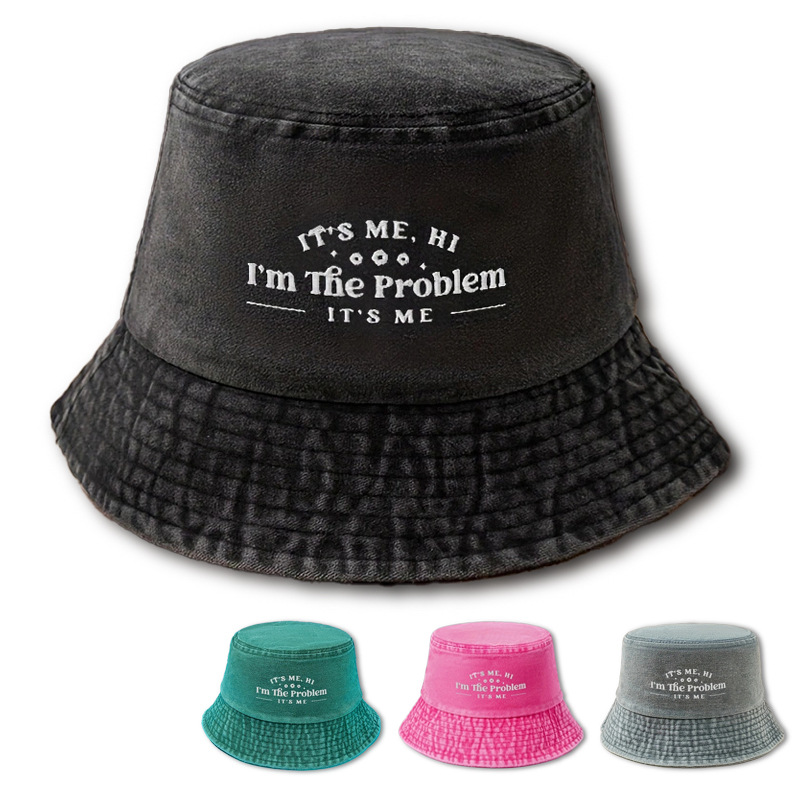
Washed Cotton Bucket Hat With I'm The Problem Letter Embroidery Retro Casual Sun Protection Canvas Fisherman Hat For Men Women Outdoor Travel
$3.46
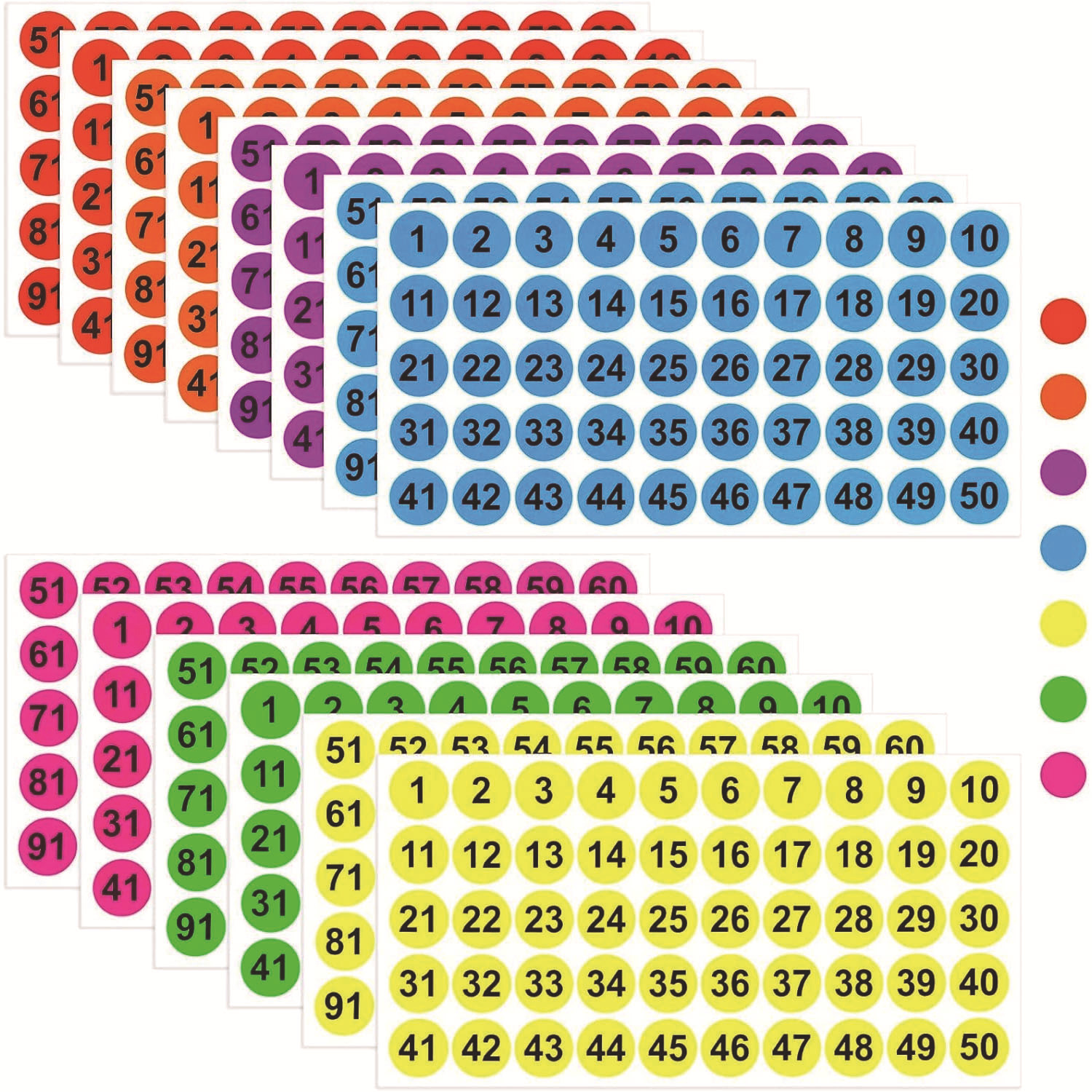
1-100 Round Number Stickers Coated Paper Self Adhesive Colorful Circular Labels For Organizing Sorting Inventory Management Office Home School Classroom Items Marking Waterproof Tags
$0.32
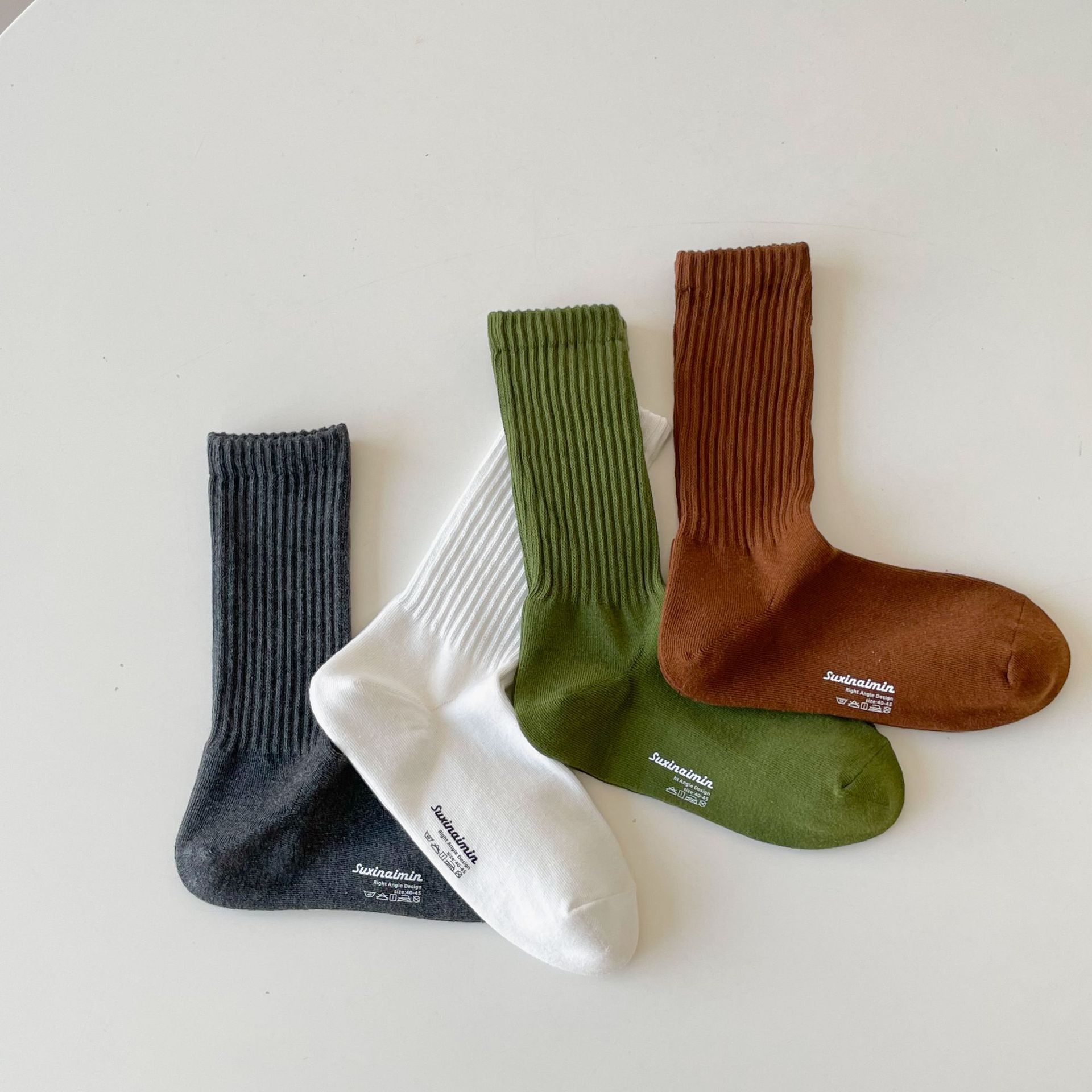
Men's Combed Cotton Ribbed Crew Socks Breathable Absorbent Solid Color Right Angle Design Mid Tube Sports Casual Socks For Men
$1.15
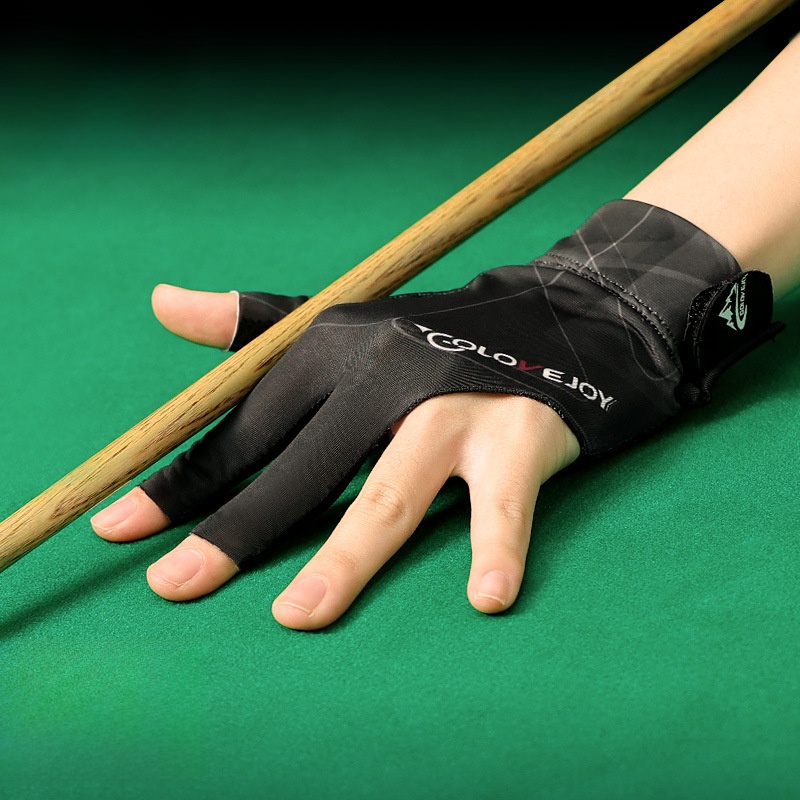
Professional Billiards Glove 3 Finger Open Snooker Pool Gloves Breathable Spandex Lycra Non-slip Left Right Hand For Men Women Sports Accessories
$2.33
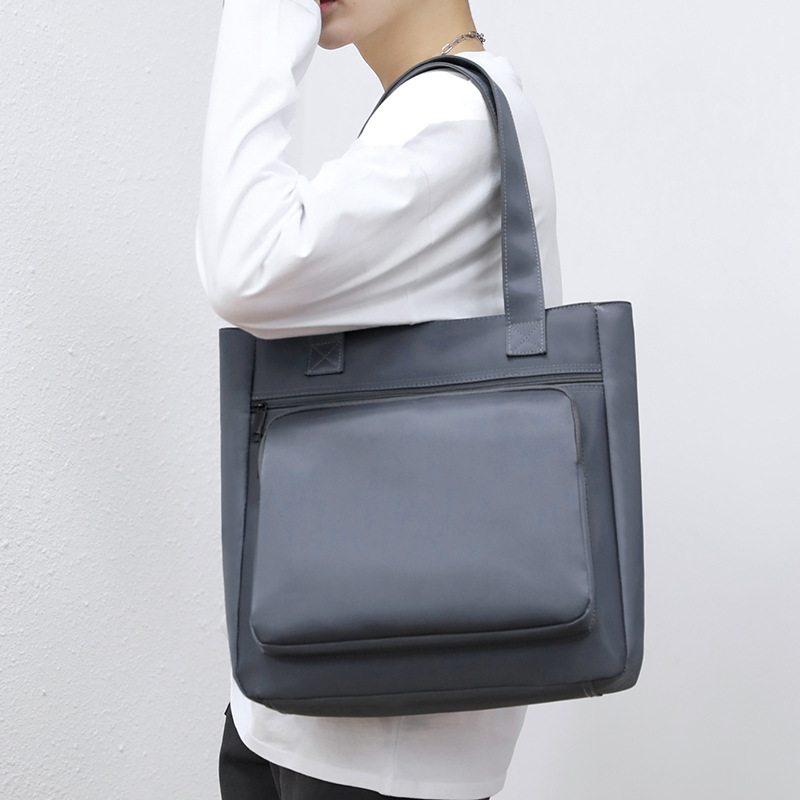
Large Capacity Men's Tote Bag Waterproof Nylon Business Shoulder Bag Casual Handbag For 14 Inch Laptop A4 Files Commuting Solid Color Briefcase
$7.49
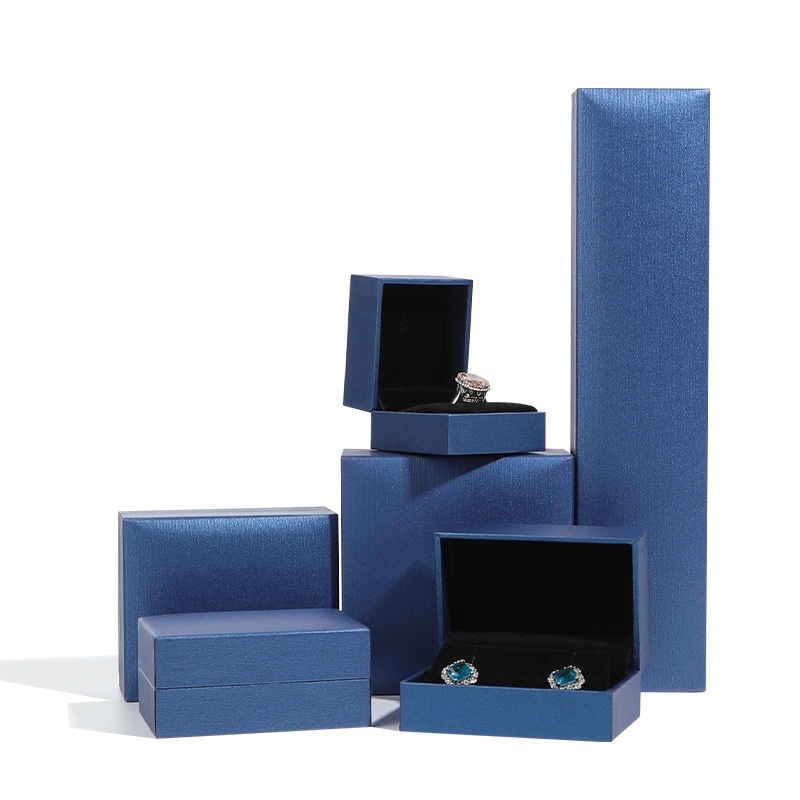
Premium Coated Paper Jewelry Box Multi-Size Right-Angle Jewelry Packaging Case For Rings Necklaces Earrings Bracelets Velvet Lining Jewelry Storage Gift Box
$0.42
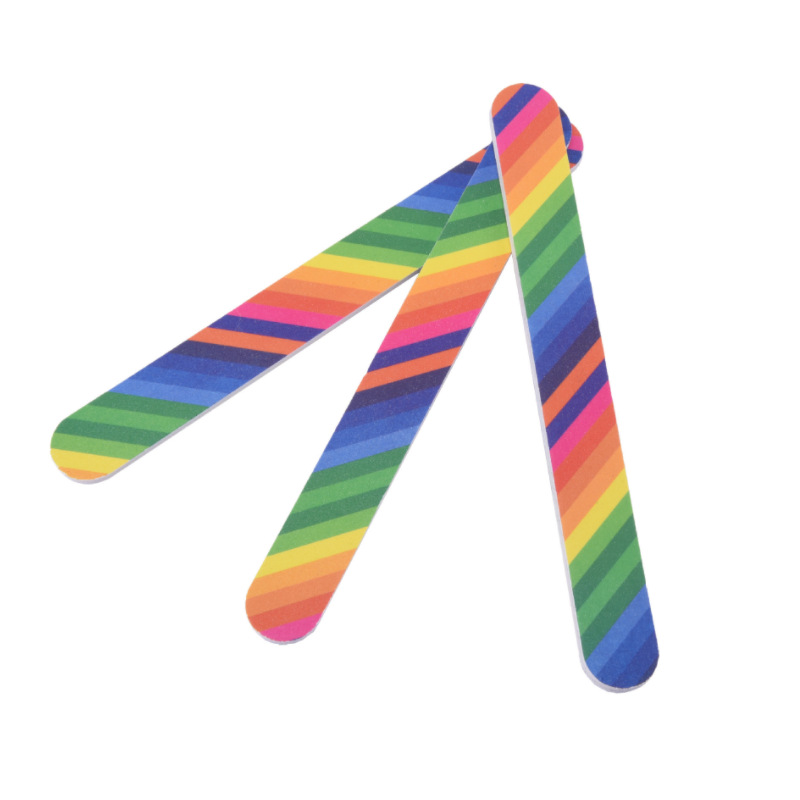
Rainbow Striped Nail File Wood Sponge Sandpaper Buffer Professional Manicure Shaping Polishing Tools For Home Salon Use Double Sided Rainbow Print Nail Files
$0.04
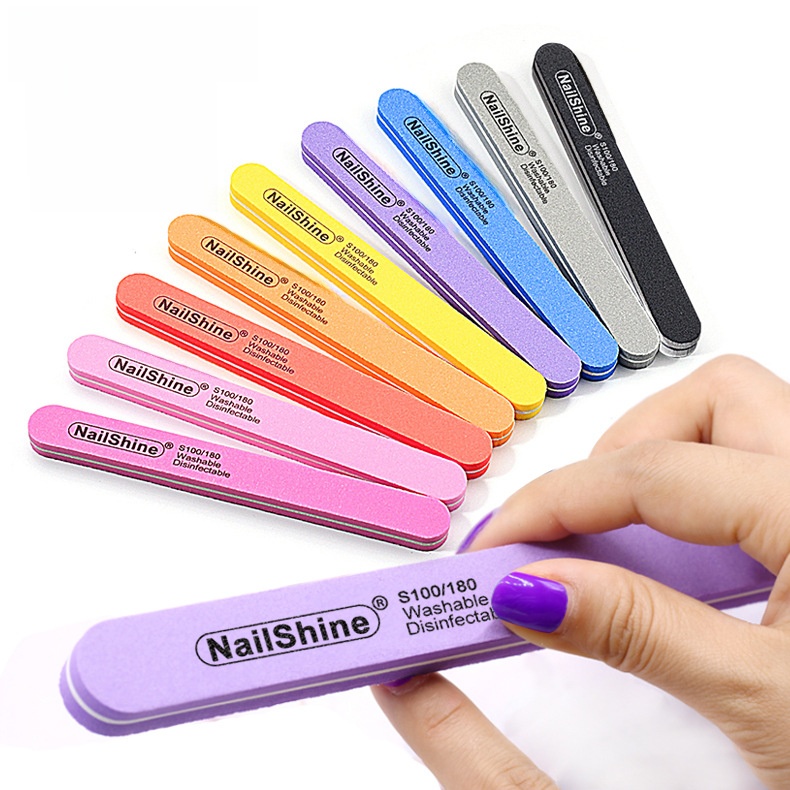
Professional Double Sided Nail Files 100 180 Grit Washable Disinfectable Sponge Nail Buffer For Natural Acrylic Nails Manicure Pedicure Tools Home Salon Use
$0.17
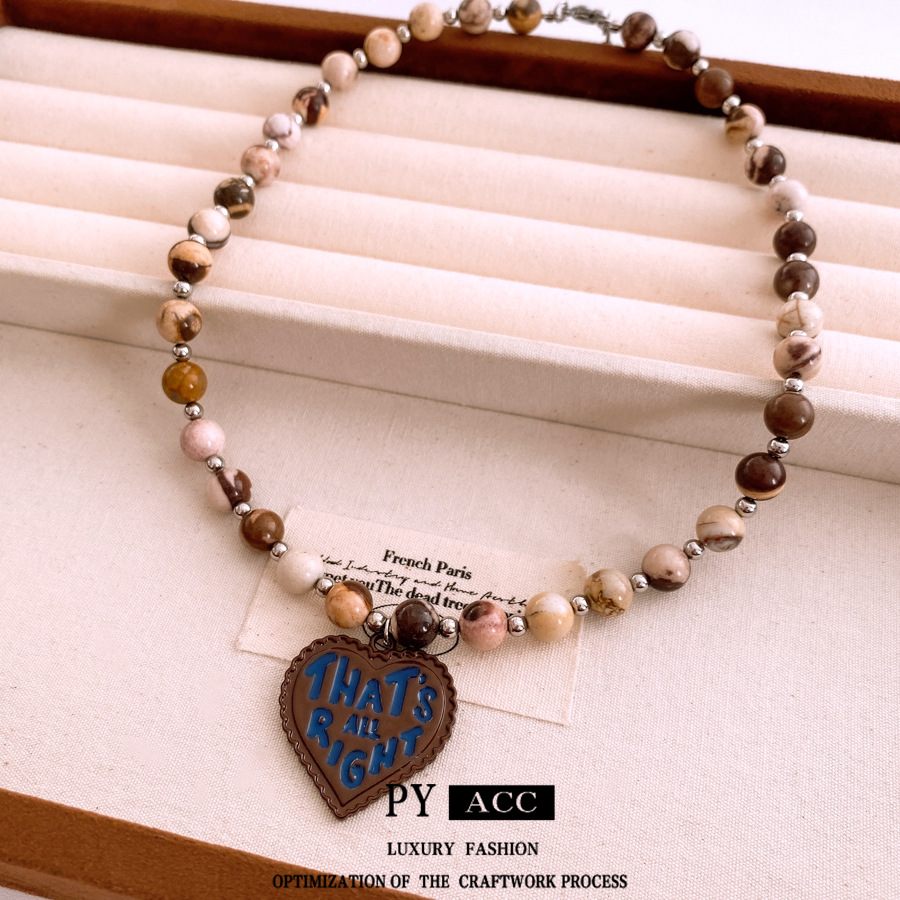
Vintage Bohemian Beaded Necklace With Heart Pendant Letter Print That's All Right Earth Tone Stone Beads Alloy Spacer Jewelry For Women Daily Travel Accessories
$5.29

Korean Style Long Tassel Chain Ear Cuff For Right Ear With Artificial Pearl Copper White Gold Plated Minimalist Elegant Non Piercing Earring For Women
$0.80

Bohemian Psychedelic Sun Flower Printing Background Cloth Tapestry
$2.66
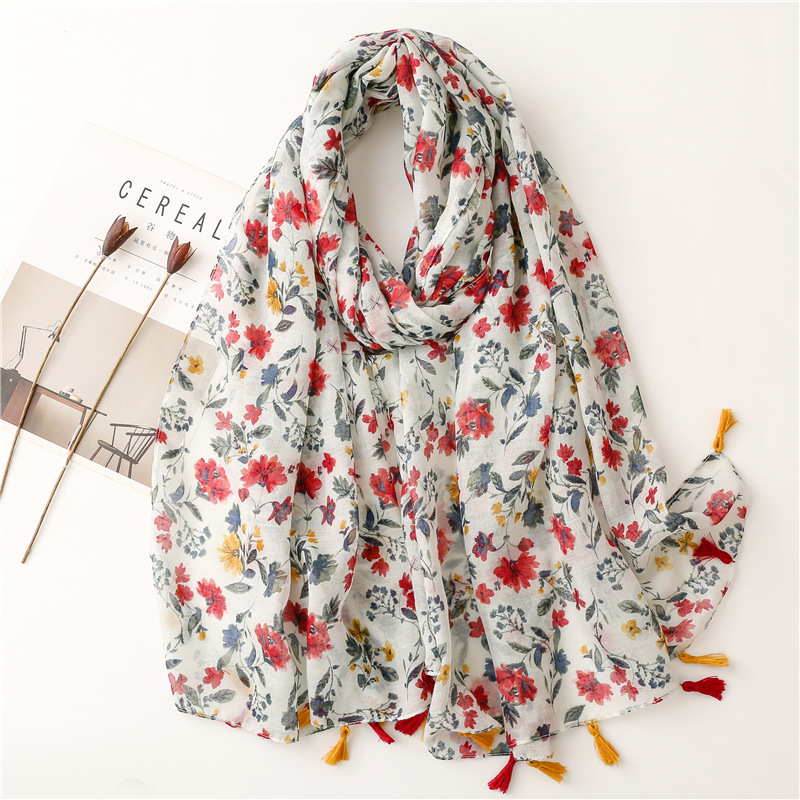
Balinese Yarn Cotton White Background Red Flower Tassel Scarf Shawl
$3.56
Bundles to Simplify Your New Inventory Process
Creating bundles of related products can reduce per-unit processing time because you photograph and list them as a set. These combinations are easy to handle in one batch, cutting the file-moving overhead from the source summary.
Inventory Labeling Kit
For stores that need to label physical samples for faster SKU matching during photography — common with the 'manually rename files by SKU' step.
- 100PCS Round Number Stickers 1-100hero
- 1-100 Round Number Stickers Coated Papercomplement
Bundle at $0.48 (same as separate) — saves the hassle of ordering twice.
Essential Fashion Drop Starter
- Funny Trollface Meme Problem Print T-Shirthero
- Washed Cotton Bucket Hat With I'm The Problem Embroideryupsell
- Men's Combed Cotton Ribbed Crew Sockscomplement
Bundle at $8.37 vs $8.46 separately — a small discount to move units faster.
Accessories Multi-pack
For boutique accessories sections where three SKUs can share a single flat-lay background, cutting down the file matching steps.
- Vintage Bohemian Beaded Necklace With Heart Pendanthero
- Korean Style Long Tassel Chain Ear Cuff For Right Earcomplement
- Balinese Yarn Cotton White Background Red Flower Tassel Scarfupsell
Bundle at $9.71 vs $9.72 separately — minimal discount but simplifies photography.