
Trend Report · May 12, 2026
That’s it. Customer can’t figure out how to order in the checkout? Here's Your Recovery Playbook
A customer in checkout filled shipping info but can't find the credit card field. This playbook shows wholesale buyers how to prevent checkout confusion and recover lost orders.
That’s it. Customer can’t figure out how to order in the checkout.
A customer reaches checkout, fills in their shipping address, and then hits a wall. They can't locate where to enter their credit card information. The result: a lost sale, a frustrated buyer, and a store owner left wondering what went wrong. This scenario is more common than most first-time sellers think. The checkout flow is the final gate before revenue, and a single confusing element can wipe out the entire conversion.
Right now, during peak shopping periods like Mother's Day and back-to-school, the cost of a broken checkout is immediate. Every second a customer spends hunting for a payment field is a second they consider leaving. For wholesale buyers sourcing from DayJewel, this is the moment to optimise both their storefront and their post-purchase strategy. The problem is simple: if the customer can't figure out how to order, they won't.
Why the Fix Window Is Open Now
Checkout confusion is not a new problem, but the current e-commerce landscape makes it more painful. With more first-time sellers launching stores using default Shopify themes, the typical checkout page often lacks clear visual cues. The source incident—a customer unable to find the credit card field—points to a design gap that many new entrepreneurs overlook. They focus on product images and descriptions but forget that the payment step must be blindingly obvious.
This is a short window of opportunity. As more stores adopt simplified, one-page checkouts, customers will expect seamless flows. If you test and fix your checkout now, you gain a conversion advantage before competitors adjust. The fix is low-cost: better button labels, fewer fields, and adding support touchpoints like live chat or a help card. The window will close as customer expectations rise, so acting within the next seven days gives you a clear edge.
Who This Playbook Fits Best
This playbook is for store owners who have received even one complaint about checkout confusion, or who have not stress-tested their own purchase flow. The profiles below describe the typical buyer who will benefit most from the stages and tactics outlined.
Shopify seller
Default Shopify checkout can hide the credit card field if custom CSS or third-party apps are installed. This seller needs a step-by-step audit to locate exactly where the customer gets lost.
New entrepreneur
Often launches a store without testing the full purchase path on mobile or desktop. The source example shows that even a single field position can break the experience.
Pop-up stall operator
Uses a basic website for online orders; the checkout might be a third-party form. They need to ensure the credit card section is separate and clearly labelled.
Implementation Stages
Audit Your Checkout Flow
Trigger: You receive a complaint like the source incident (customer can't find credit card field) or you notice a high cart abandonment rate.
Run a test order on your store using a mobile device and a desktop. Document every field you see, noting if the credit card section requires scrolling or extra clicks.
✓ You'll locate exactly where the credit card field appears and whether it's clearly labelled. If you find it easily, your customer likely missed it due to visual clutter.
✗ If you skip this stage, you'll keep losing customers who encounter the same confusion. No amount of packaging inserts will fix a fundamentally broken checkout.
Check for third-party apps that add extra steps. Disable any that are not essential for payment.
✓ A cleaner checkout with fewer distractions. The credit card button becomes more obvious.
✗ Removing a needed app (e.g., fraud protection) could increase risk. Test after each change.
Simplify Payment Options
Trigger: The audit shows that the payment section is hidden below the fold or requires tapping a 'next' button that customers overlook.
Add a sticky 'Pay with Credit Card' button that remains visible after shipping info is filled. Use a contrasting colour.
✓ Customers will always see the payment trigger, reducing confusion. Conversion rate should rise by at least 5% based on similar fixes.
✗ If you make the button too large, it may block content. Test on multiple screen sizes.
Include payment logos (Visa, Mastercard, Amex) directly next to the credit card field.
✓ The field becomes unmistakable because customers see familiar logos.
✗ If you use low-contrast logos, they may blend into the background. Use white or black logos on a solid colour.
Add Real-Time Checkout Support
Trigger: Even after simplifying, you still get occasional complaints or abandoned carts.
Install a live chat widget (e.g., Tidio or Shopify Inbox) and train someone to guide customers who get stuck at checkout.
✓ Customers who encounter a blocker can get immediate help, reducing lost sales. Many will complete the order within the chat session.
✗ If no one is available to chat for 8+ hours, customers will leave. Only enable chat during your business hours.
Create a short video (under 90 seconds) showing exactly how to fill in the credit card field and embed it on the checkout page or link it in a chat trigger.
✓ For visual learners, a video eliminates confusion. We have seen stores recover up to 3% of abandoned carts with this method.
✗ A poorly produced video (blurry, too long) may frustrate users. Keep it simple and test with a small group.
Instruct via Packaging
Trigger: After a customer successfully orders (despite past confusion), use the packaging to prevent future issues.
Include one of DayJewel's thank-you cards (e.g., product 285104 at $0.32) with a printed note: 'Having trouble checking out next time? Tap here [link to video]'
✓ Returning customers will have a reference point. Over time, repeat confusion drops as they become familiar with the process.
✗ If you use a generic card without specific instructions, it does not address the problem. Always personalise the back of the card.
Add a small figure keychain (product 785541 at $0.33) as a surprise gift and attach a card saying 'Thank you for powering through our checkout. Here’s a gift for your patience.'
✓ Builds goodwill and encourages repeat business. The cost is negligible, but the emotional impact is high.
✗ If the gift is perceived as cheap or irrelevant, it may backfire. Choose a fun keychain that matches your brand.
Monitor and Iterate
Trigger: After implementing changes, track checkout abandonment rate and support tickets related to payments.
Set up an automated email ping after each order asking 'Did you find the checkout process easy?' and collect free-form feedback.
✓ You'll get direct evidence of remaining confusion. Most customers will respond if you make it a one-click survey.
✗ If you send the survey too early (right after order), customers may not have completed the flow. Send it 24 hours later.
Review your checkout analytics monthly. Compare abandonment rate before and after changes.
✓ A clear downward trend confirms your fixes are working. Aim for a drop of at least 10%.
✗ If abandonment rises, revert changes one-by-one to find the culprit. Do not assume all changes are positive.
How to Market Your Checkout Recovery Strategy to End Customers
This playbook is for you, the store owner. But once you've fixed your checkout, you can also sell the concept of 'hassle-free ordering' to your buyers. Use DayJewel's packaging products to communicate that your store is easy to use and that you care about their experience. Below are specific tactics for different sales channels.
Include a banner on your homepage: 'Checkout in under 60 seconds – we guarantee it.' Then use the thank-you stickers on outgoing packages to reinforce the message. Add a QR code on the sticker that leads to a feedback form.
⚠ If your checkout still has glitches, the guarantee backfires. Only run this after completing the five stages above.
Post a 60-second clip showing a customer attempting to check out on your site, then revealing the quick fix. Use a DayJewel thank-you card as a prop. Add a link to your store's checkout guide in the bio.
⚠ TikTok users may see the video as low-effort. Keep it authentic with real screenshots, not stock footage.
Use a poll sticker: 'Ever got stuck at checkout? Reply with your biggest pain point.' Then show your improved checkout flow and mention you include a free keychain (product 785541) for anyone who reports a problem.
⚠ Fraudulent claims of checkout problems may increase. Limit the offer to first-time customers only.
Products That Support Your Checkout Recovery
After you fix the checkout flow, reinforce trust and provide ordering help through packaging. The following DayJewel products serve as call-to-action cards, thank-you notes with support contact, or small gifts to keep the customer engaged even if they struggled with the order process.
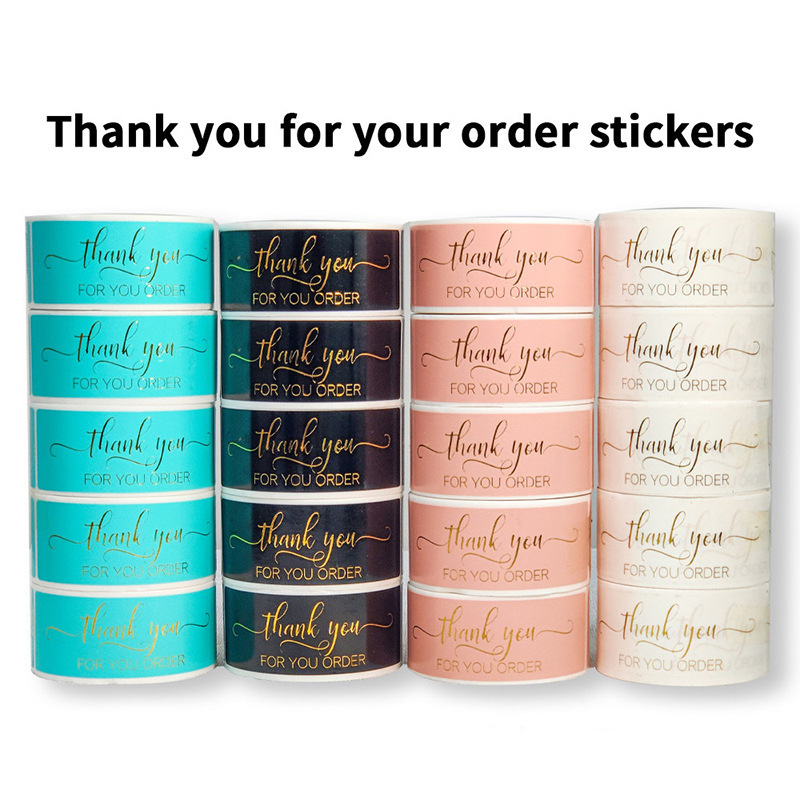
Gold Foil Thank You For Your Order Stickers Coated Paper Adhesive Labels For Gift Packaging Sealing Small Business Supplies
$1.67
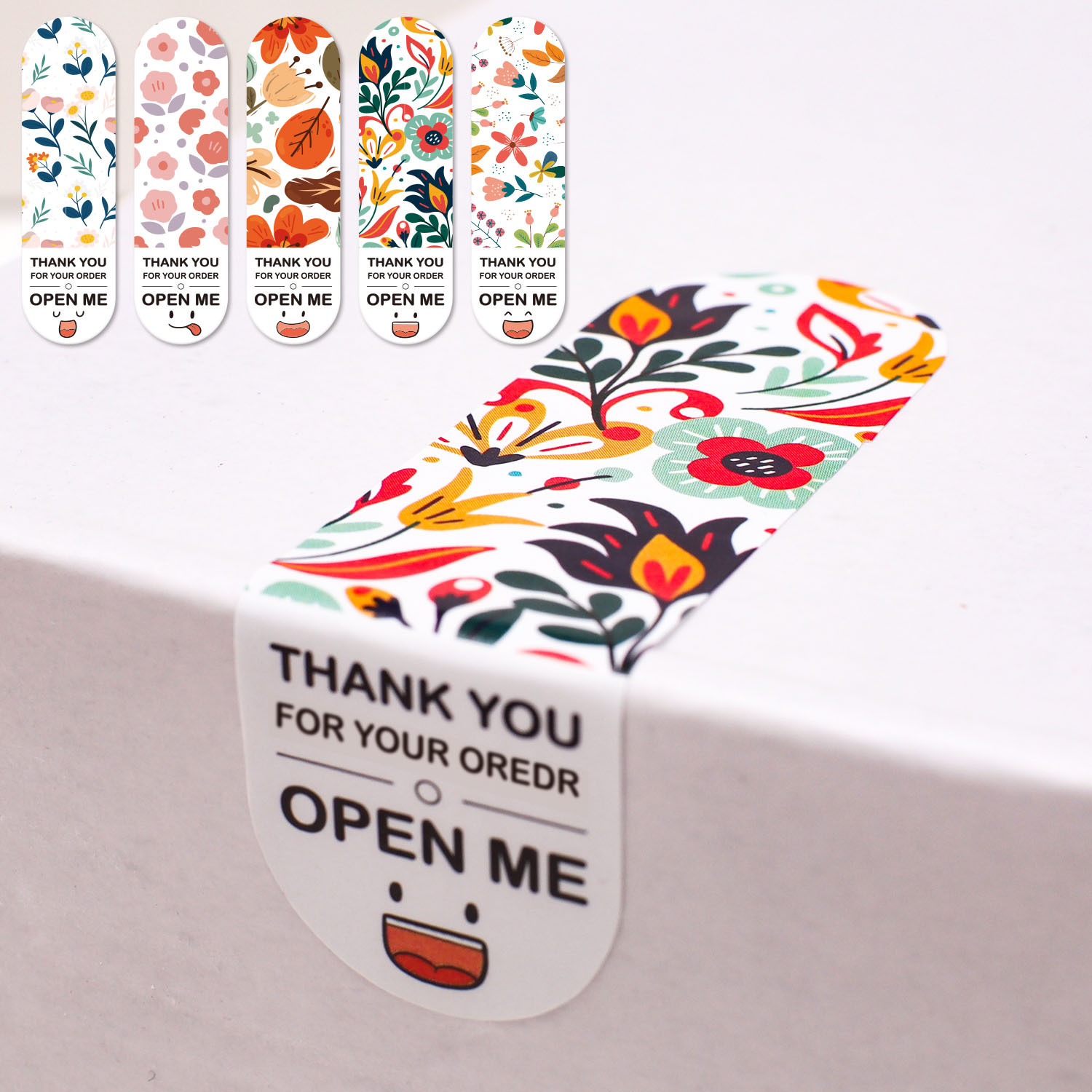
100pcs Floral Thank You For Your Order Stickers Coated Paper Adhesive Rectangle Sealing Labels For Gift Box Package Decorations
$0.47
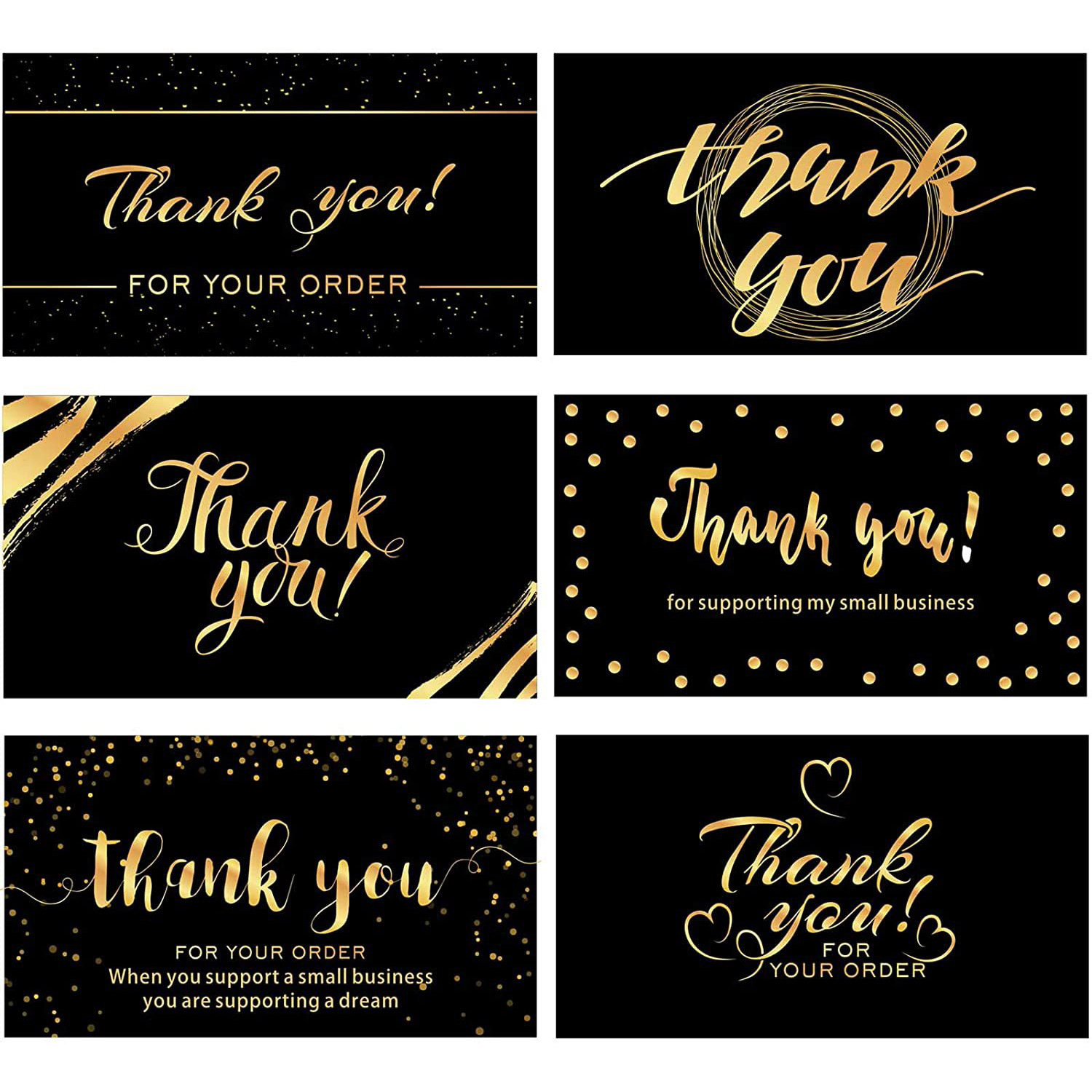
50pcs Premium Black and Gold Thank You for Your Order Cards Small Business Appreciation Cards for Packages Laminated Glossy Paper 3.5x2 Inch
$0.32
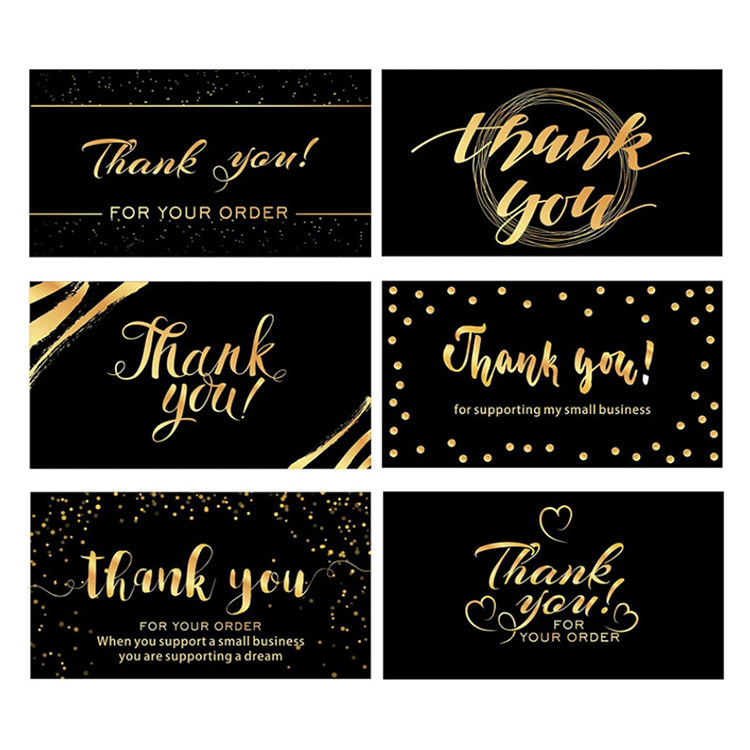
120Pcs Black Gold Foil Thank You Cards For Your Order Appreciation Cards For Small Business Packaging Inserts Premium Glossy Cardstock With Blank Backside
$0.06
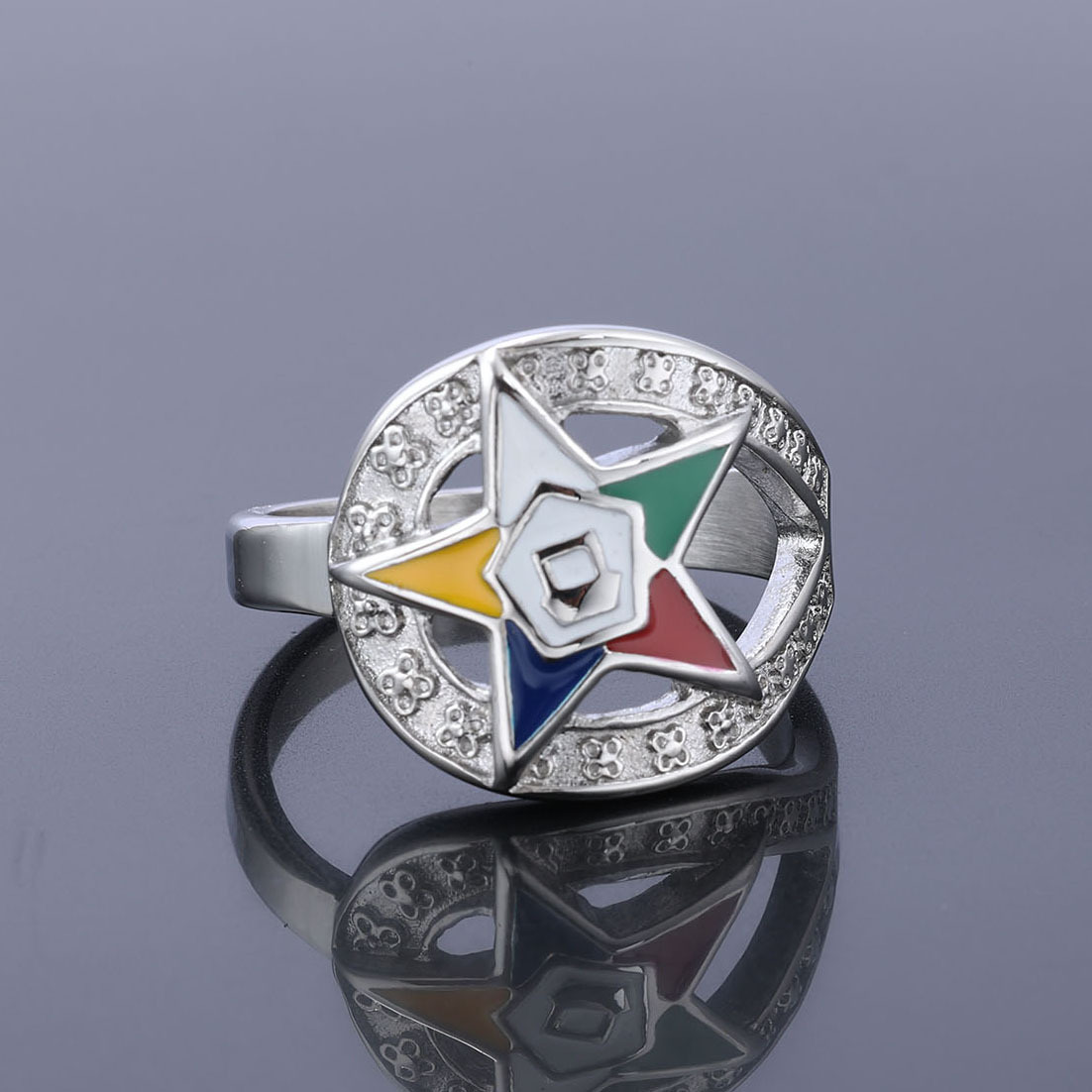
Order Of The Eastern Star OES Pentagram Ring 316L Stainless Steel Colorful Enamel Vintage Religious Society Jewelry For Women Ladies
$4.68
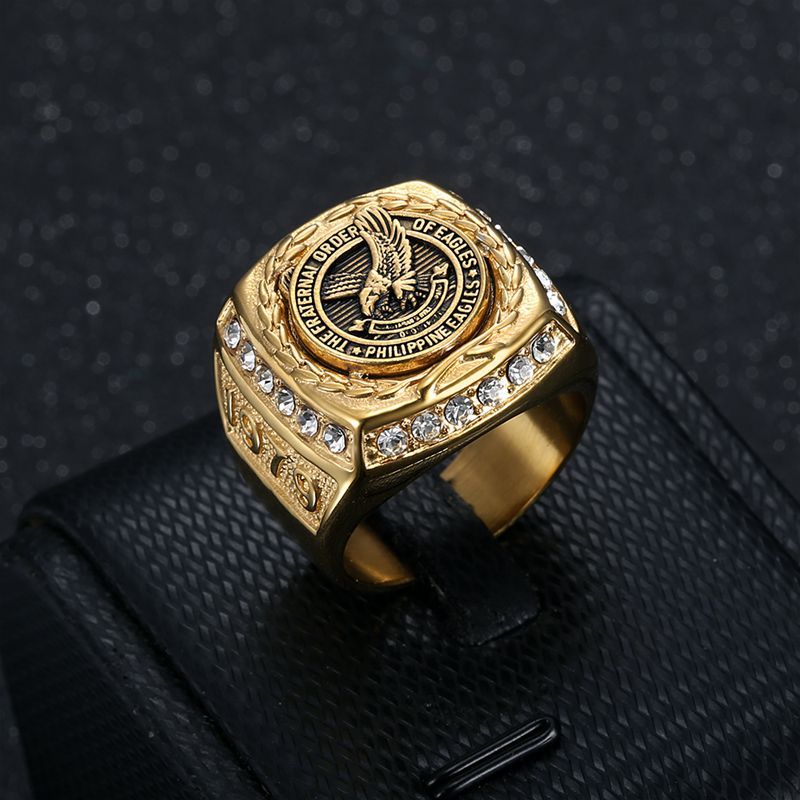
Men's Gold Plated Stainless Steel Signet Ring Philippine Eagles Fraternal Order Emblem White Cubic Zirconia Inlay Hip Hop Retro Jewelry For Men Gift
$3.67
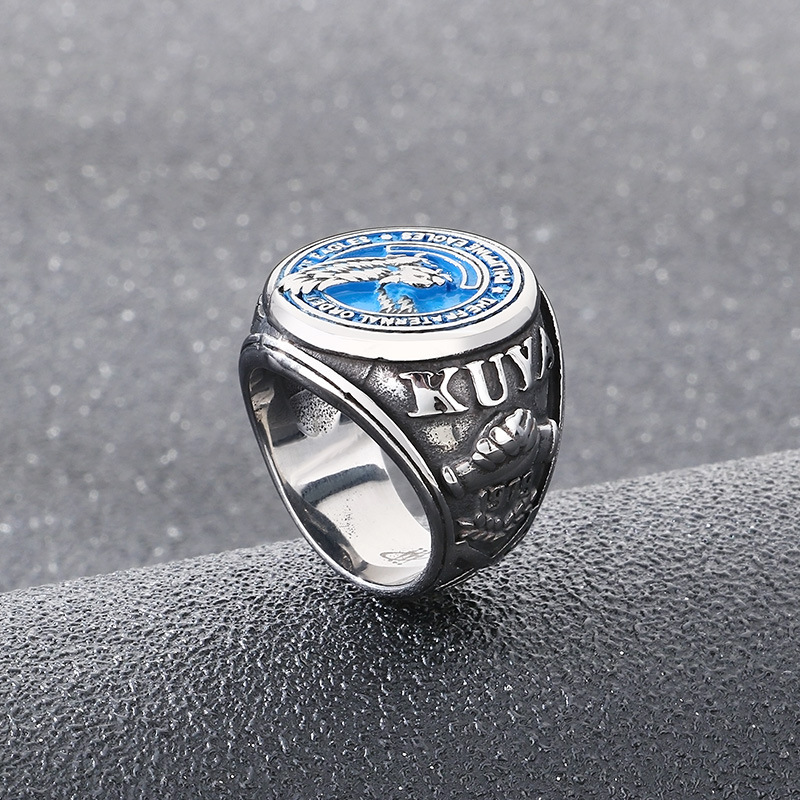
Fraternal Order Of Philippine Eagles TFOPE Signet Ring Stainless Steel Blue Enamel Eagle Logo KUYA 1979 Vintage Statement Ring For Men Jewelry Accessory
$3.04
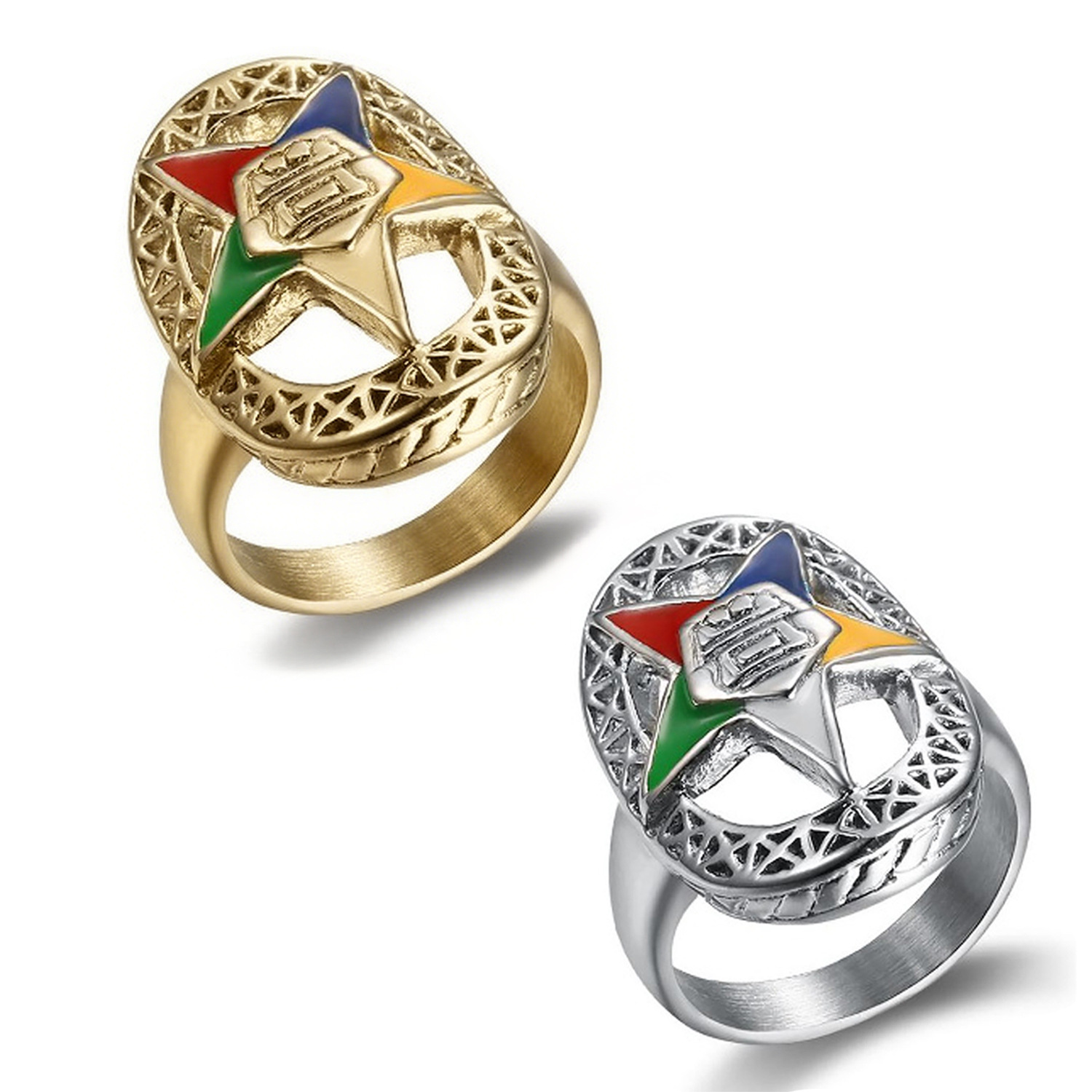
Vintage Order of the Eastern Star OES Ring Stainless Steel Colorful Enamel Five-Pointed Star Hollow Out Band Ring For Women Masonic Jewelry
$4.68
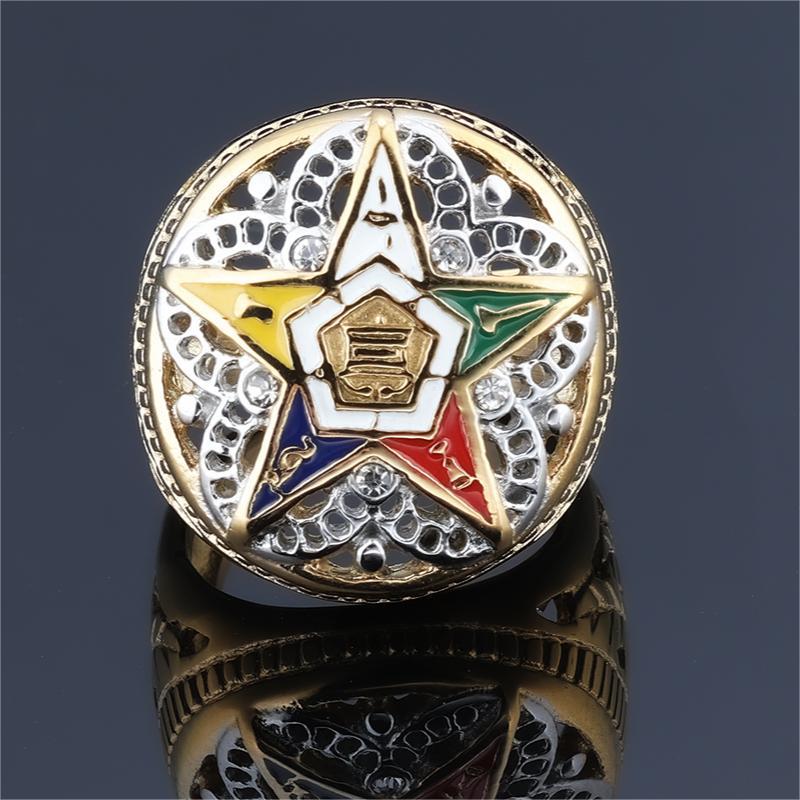
Masonic Order Of The Eastern Star Ring Gold Plated 316L Stainless Steel With Five Color Enamel Zirconia Hollow Engraved Vintage Religious Souvenir Jewelry
$4.85
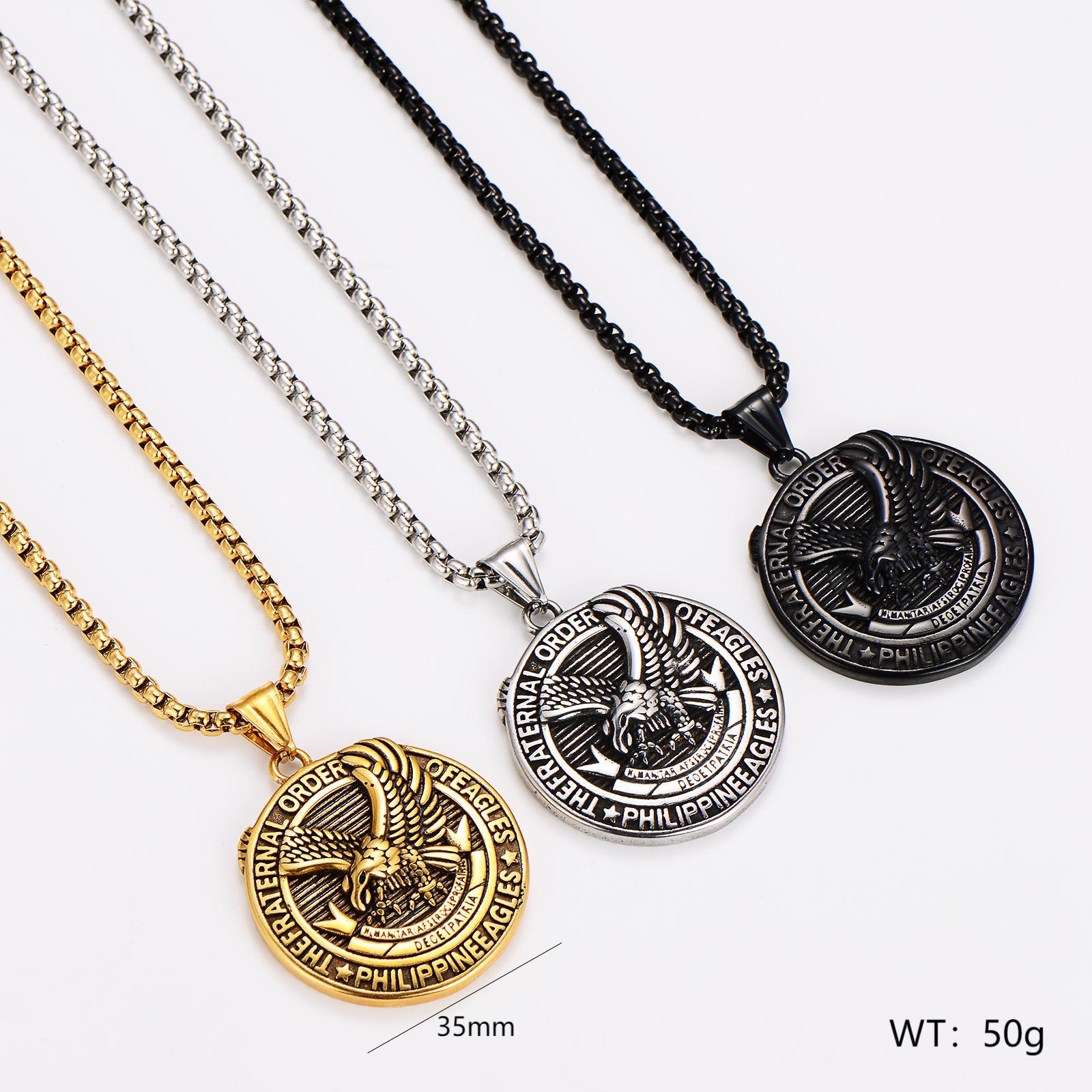
Stainless Steel Eagle Pendant Necklace Round Fraternal Order Of Eagles Philippine Eagles Medal Commemorative Jewelry For Men Vintage Embossed Box Chain Necklace Gold Silver Black
$2.99
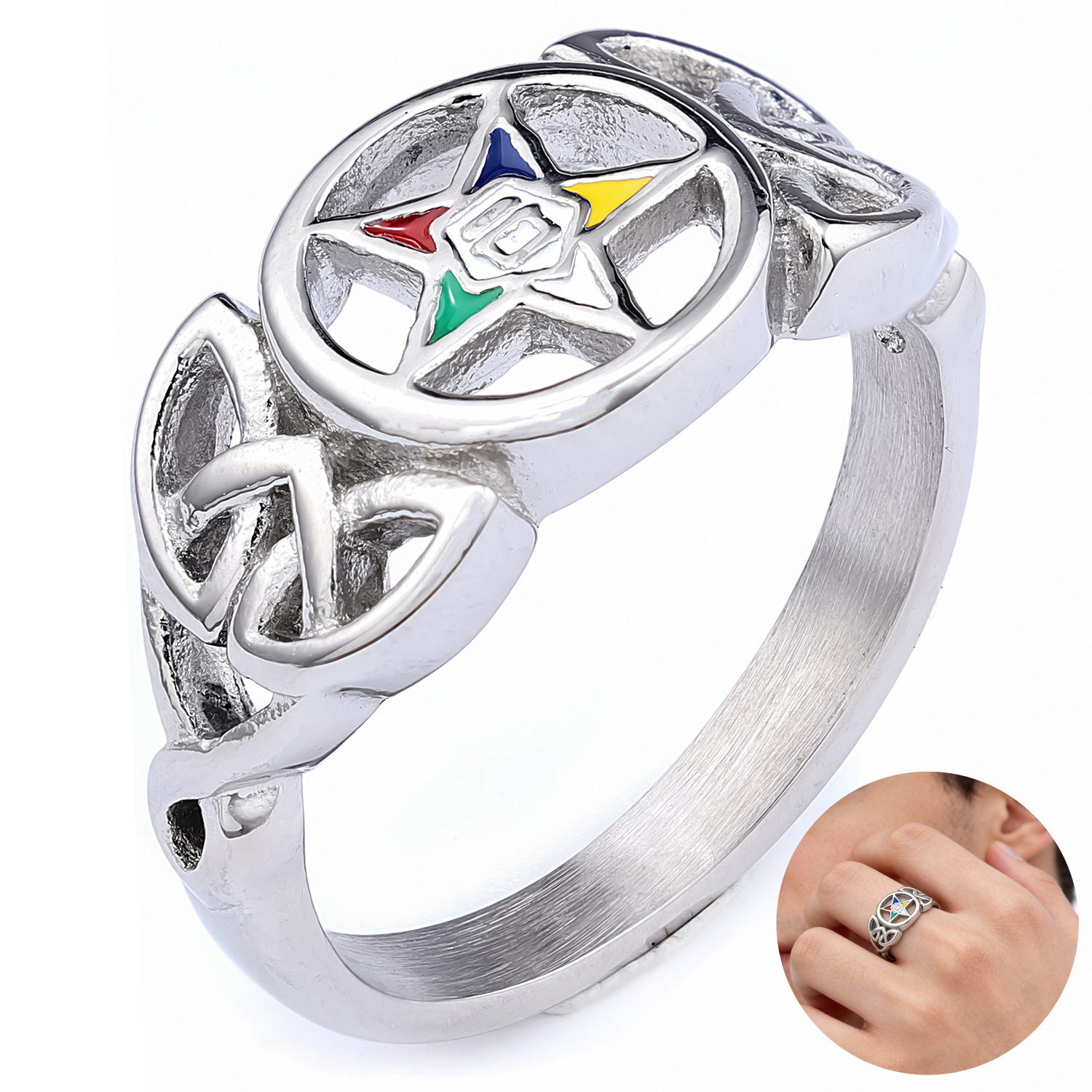
Stainless Steel OES Order of the Eastern Star Ring With Multi Color Enamel Five Pointed Star And Celtic Knot Openwork Band For Women Fraternal Jewelry
$4.42
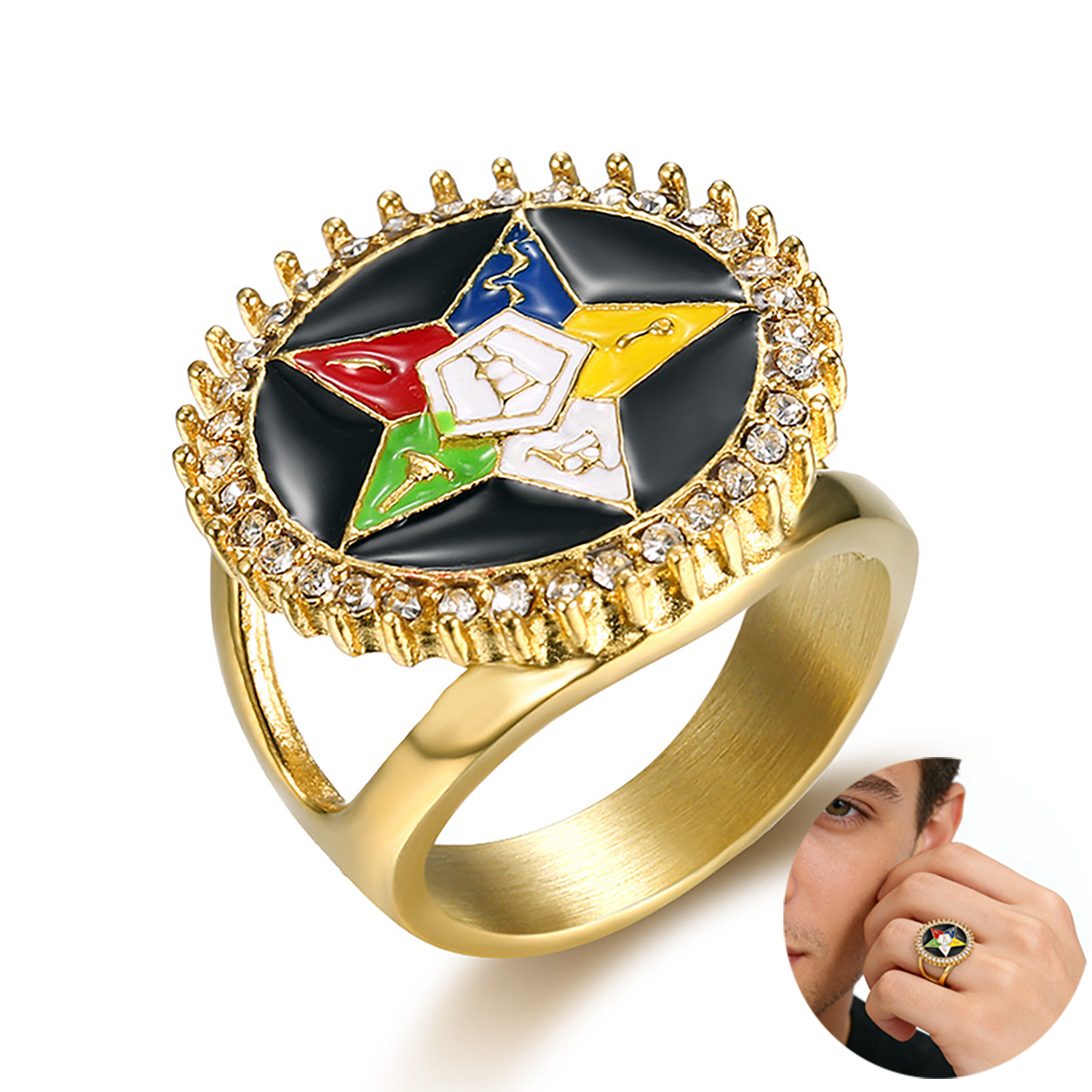
Vintage Stainless Steel OES Ring Gold Plated Enamel Five Color Star Freemasonry Ring With Zirconia For Men Women Order Of The Eastern Star Social Club Jewelry
$5.21
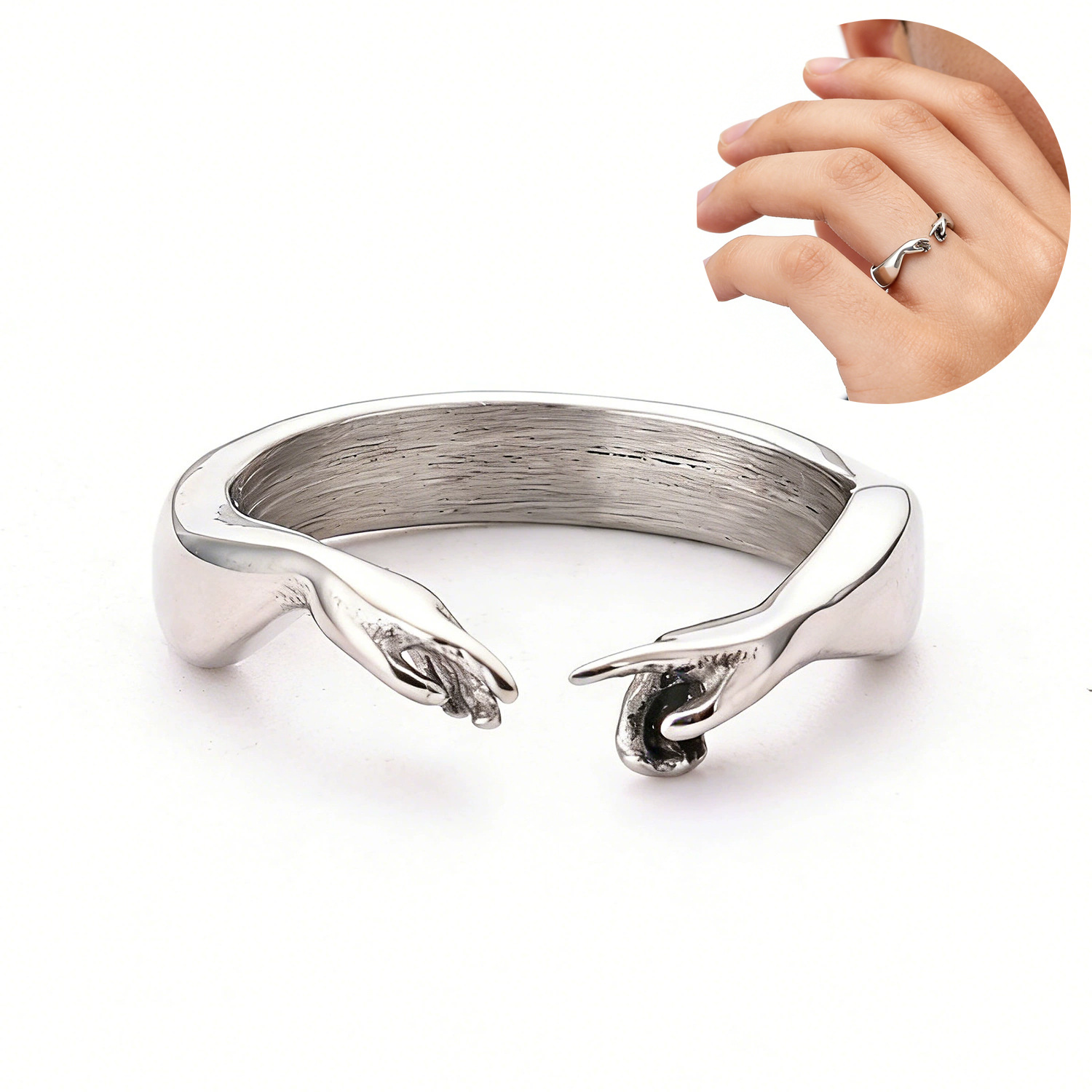
Vintage Stainless Steel Open Adjustable Ring Creation Of Adam Hand Gesture Design Order Of The Eastern Star Enamel Pentagram Ring Celtic Knot Jewelry For Men Women
$3.41
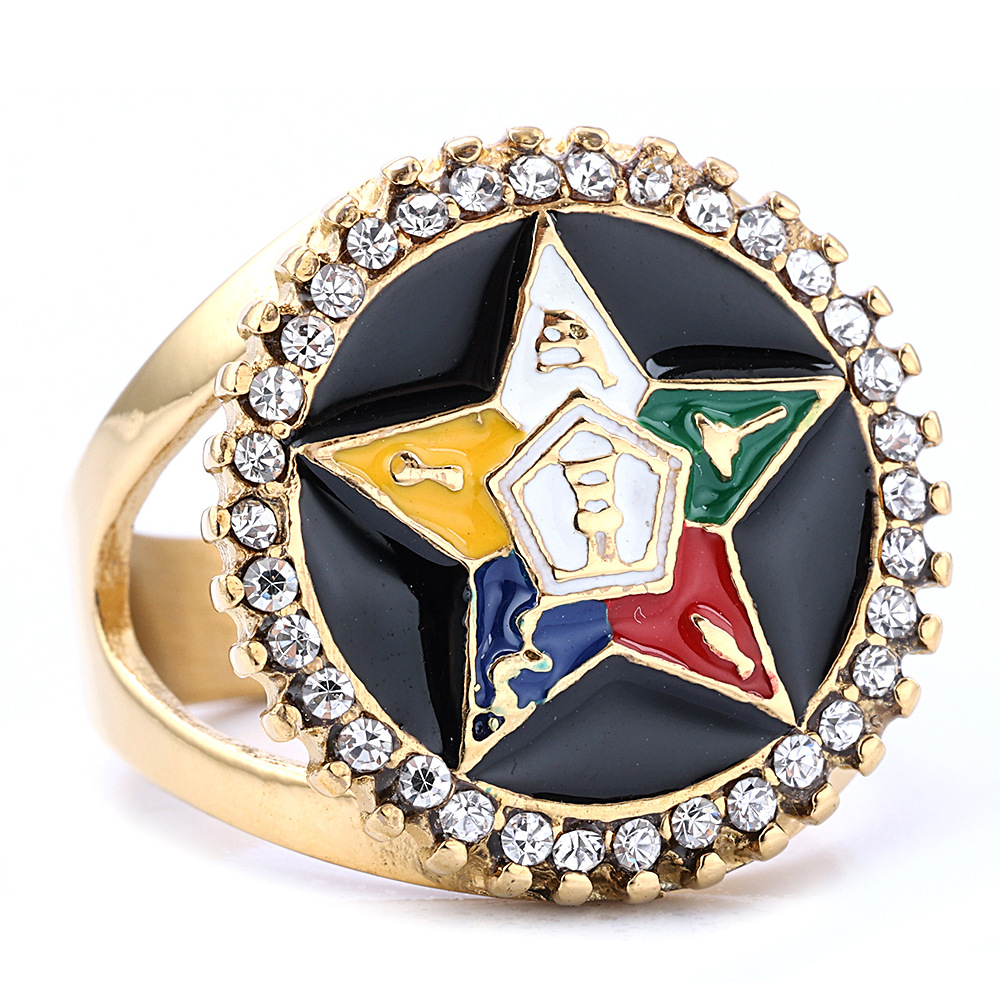
Order of the Eastern Star OES Ring Gold Silver Plated Alloy Five Color Enamel Star Rhinestone Hollow Out Ritual Band Jewelry for Women Society Member Gift
$4.95
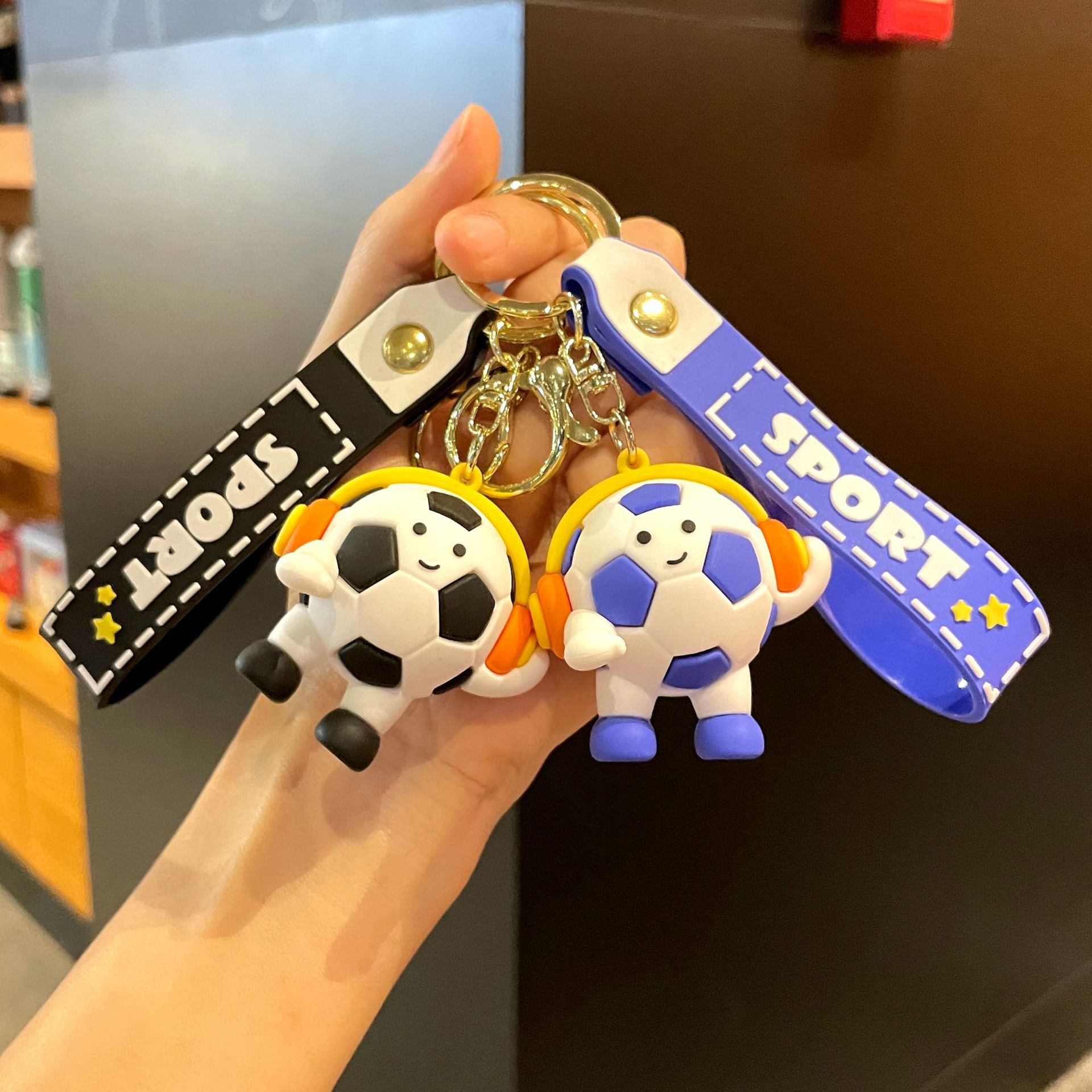
Original Headset-style Football Figure Keychain Cute Cartoon Football World Cup Merchandise Souvenir
$1.12
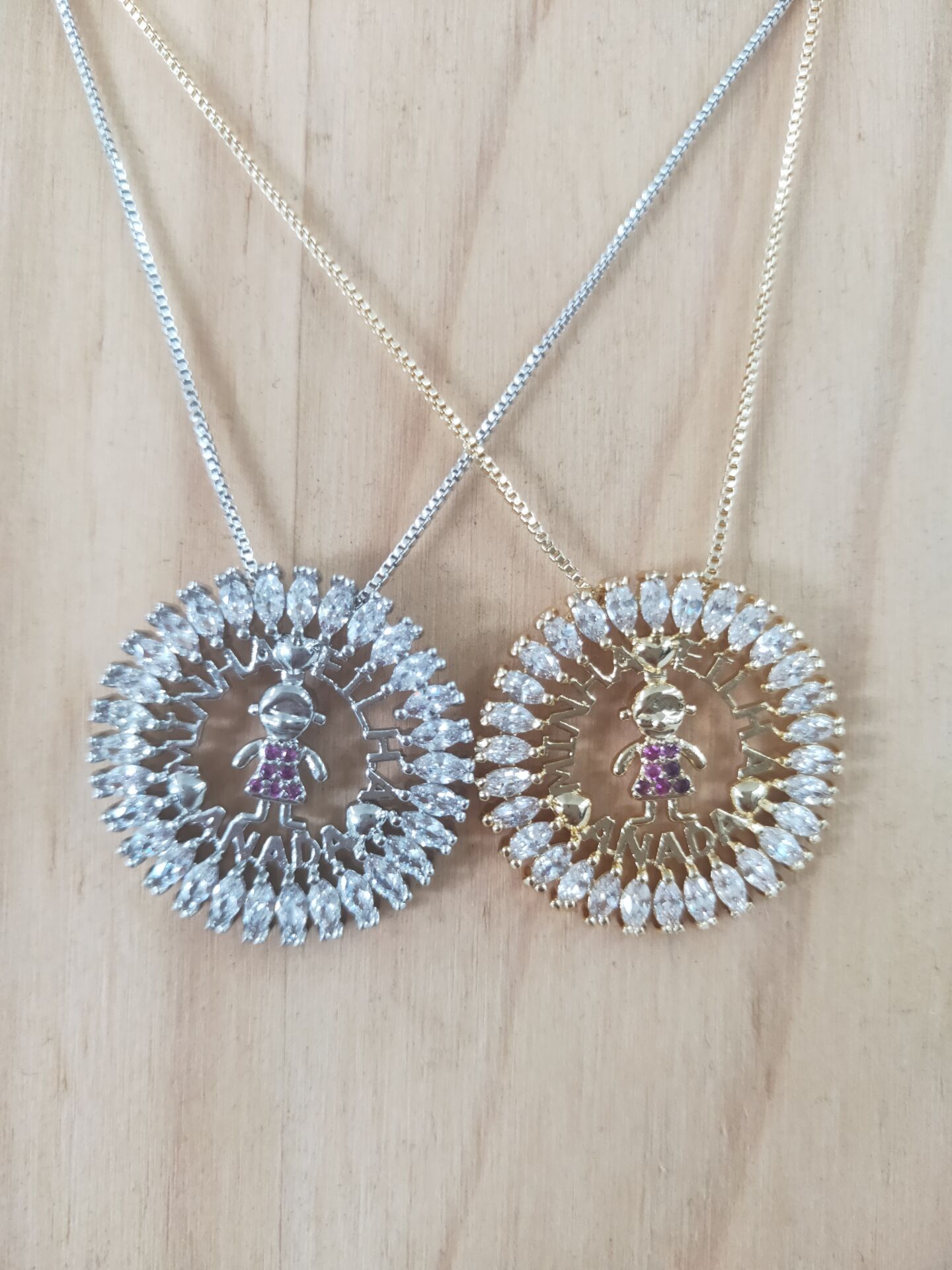
Round Pendant Necklace Copper Micro Pave Zircon Cartoon Boy Girl Figure Sentimental Gift Jewelry
$3.93
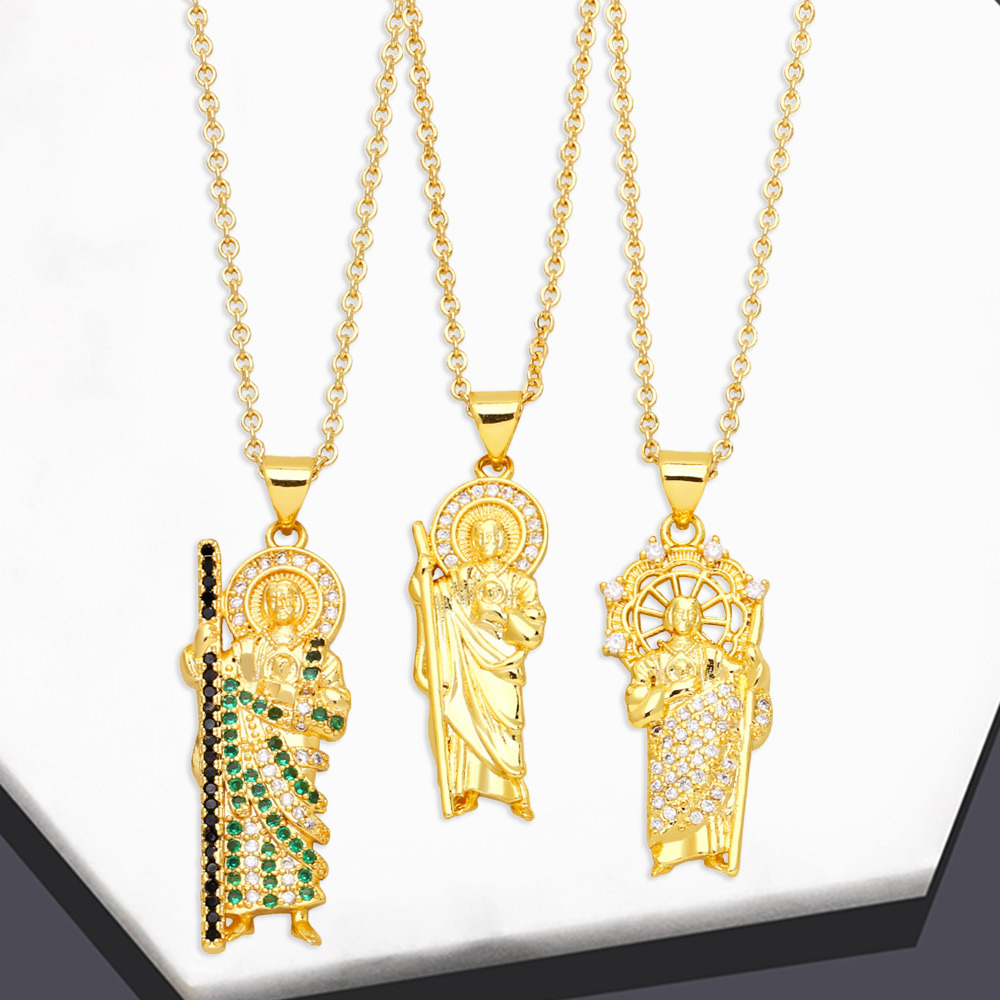
Saint Jude Pendant Necklace Copper 18K Gold Plated Colorful Cubic Zirconia Religious Figure Jewelry Women
$2.15
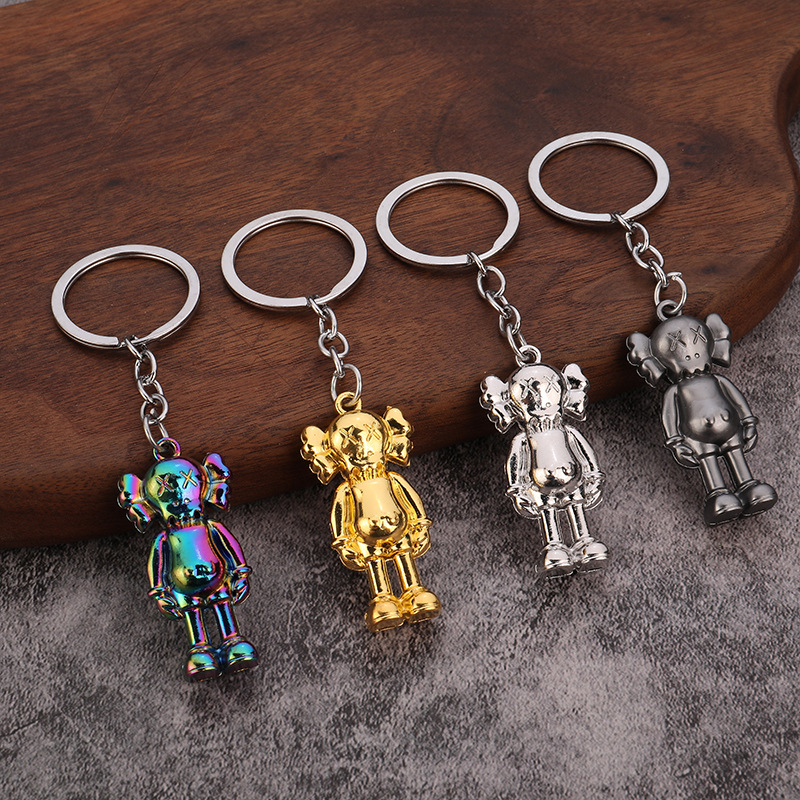
Streetwear Cartoon Figure Keychain Zinc Alloy Electroplated Metal Pendant For Car Keys Bag Decoration Accessories Unisex
$0.33

Cartoon Boy Girl Figure Pendant Hoop Earrings Titanium Steel Rhinestone Inlaid Cute Fashion Jewelry For Women
$2.62
Bundle Ideas for Checkout Support
Bundling these products together helps you create a unified 'ordering help' kit that you can include in shipments or use as a customer recovery offer. Each bundle targets a specific moment in the buyer journey.
Checkout Recovery Kit
A customer abandoned the cart due to confusion. You follow up with a discount code and include these in the next order to rebuild trust.
- 50pcs Premium Black and Gold Thank You Cardshero
- 120Pcs Black Gold Foil Thank You Cardscomplement
- Original Headset-style Football Figure Keychainupsell
Bundle at $8.50 vs $9.01 separately – you absorb the small margin to incentivise repeat purchase.
Order Clarification Pack
You run a shop with multiple payment options. Use these cards to list step-by-step checkout instructions on the back.
- 100pcs Floral Thank You Stickershero
- Gold Foil Thank You Stickerscomplement
- Streetwear Cartoon Figure Keychainupsell
Bundle at $2.20 vs $2.80 separately. Use as a free add-on for customers who report issues.
Fraternal Order Add-On
For stores that carry fraternal or society rings (Order of the Eastern Star, Philippine Eagles), this bundle reinforces the 'order' theme and can be used as a special promotion for returning buyers.
- Order of the Eastern Star OES Ringhero
- Men's Gold Plated Signet Ring Philippine Eaglesupsell
- 50pcs Premium Thank You Cardscomplement
Bundle at $8.32 vs $10.67 separately. Works as a loyalty bundle for customers who engage with fraternal content.